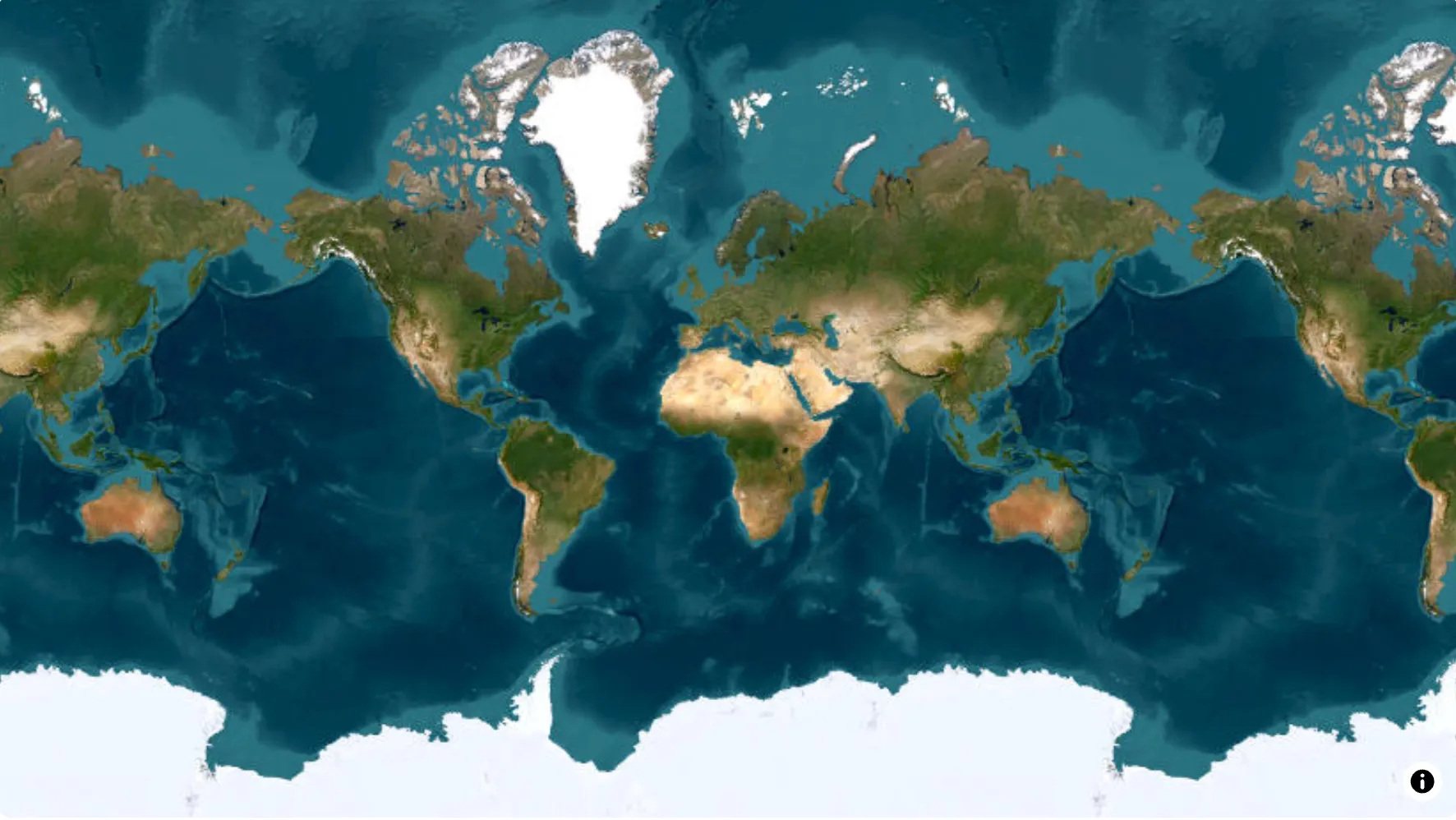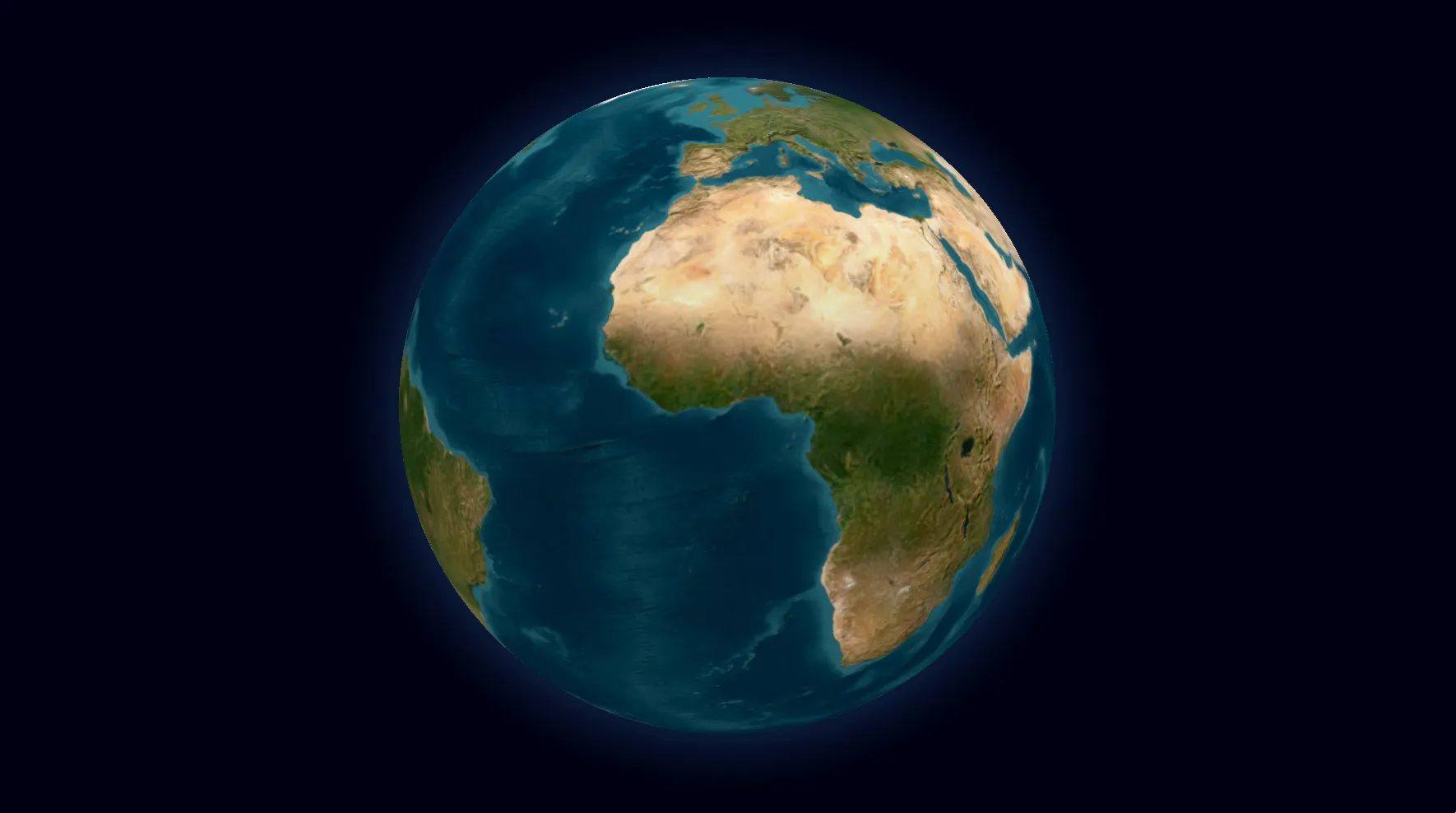
Powerful Features for Map Animations
Everything you need to create high-quality map animations in minutes
21 Animations
From simple camera movements to multi-layer scenes that run several animations at once, we've got you covered
Camera Movement (Basic)
Fly toMove camera to location and zoom
Zoom in / outChange zoom at current position
Pan toSlide camera smoothly
RotateRotate map (-1440° to +1440°)
TiltCamera tilt (0° to 85°)
Camera Movement (Advanced)
Border Animations
Land/Interior Animations
Path-Based Animations
Visual Effects & Overlays
Scenes
Run multiple animations at the same time for cinematic, professional results
Concurrent Execution
Group steps into scenes to run them simultaneously. Fly to a location while filling it with a flag and adding a label — all at once, not one after another.
Shorter Animations
Overlapping camera movement with visual effects cuts your animation time in half. A 30-second sequential animation becomes a 15-second cinematic piece.
Flexible Timing
Add delays between steps in a scene to stagger their start times. Start the camera movement, then reveal the border trace 1.5 seconds later for a natural "arrive and reveal" effect.
Give your map a look that fits the story
Choose between 10 customizable themes. Each brings map colors, labels and elements together, then stays fully editable in the studio.
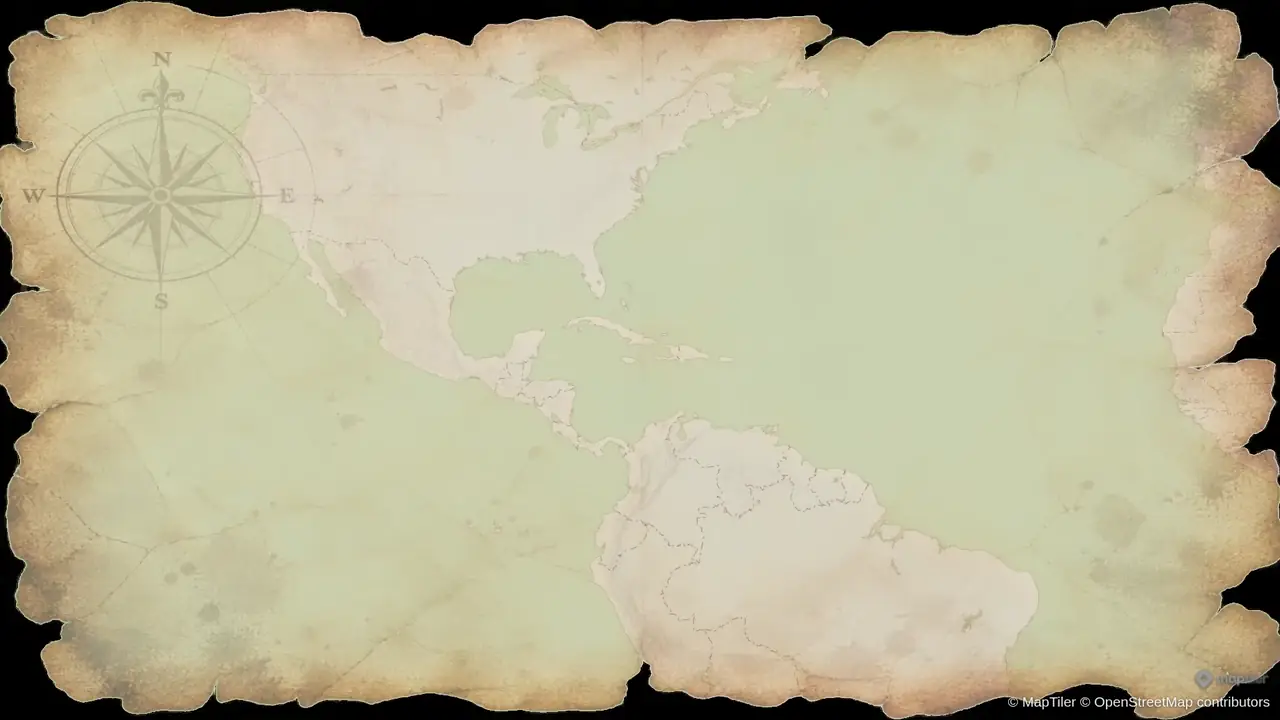
Vintage Parchment
Warm parchment, ink-like routes and an old-atlas feel for historical journeys and exploration stories.
Showing Vintage Parchment, 1 of 4
Bring the landscape into your animation
3D terrain reveals the shape of mountains and valleys. Pair it with camera flyovers, or explore cities with 3D buildings and orbit shots.
Fly over 3D terrain
Follow the landscape through mountain ridges and valleys. Add real elevation to travel videos, outdoor adventures and geography explainers.
Orbit 3D buildings
Circle a city skyline with an orbit camera and 3D buildings to give urban stories a sense of scale and place.
Aspect Ratios
Optimize your animations for any platform
16:9
Widescreen
Perfect for YouTube, presentations, and desktop viewing
9:16
Vertical
Ideal for Instagram Stories, TikTok, and mobile-first content
1:1
Square
Great for Instagram posts and social media feeds
High-Quality Export Options
Export your animations in the perfect format for your needs
Formats
- MP4 - Standard video format
- GIF - For short animations (≤6 seconds)
Resolutions
- 1080p - Full HD (included on Free)
- 1440p - 2K (Pro)
- 720p - Draft / faster export
Frame Rates
- 30 FPS - Standard smooth playback
- 60 FPS - Ultra-smooth
Quality Features
- No Animaps watermark on Starter & Pro plans
- Broadcast-quality output
- Instant preview before export
Three Creation Modes
Choose the workflow that fits your needs - from AI-powered speed to full manual control
AI Prompting
Full AI Control
Simply describe what you want in natural language. Our AI understands intent, resolves places with DB-first matching, and uses coordinate fallback for long-tail locations.
- ✓Natural language processing
- ✓DB-first location resolution + AI coordinate fallback
- ✓Smart animation sequencing
- ✓Free AI iteration (no credit cost)
Speed: 60-90 seconds from idea to preview
Editor Mode
Full Control
Take complete control over every aspect of your animation. Fine-tune camera movements, timing, and visual effects with our powerful editor.
- ✓Step-by-step control
- ✓Custom camera paths
- ✓Advanced timing controls
- ✓Visual effect customization
Speed: 5-10 minutes for custom work
Templates
Quick & Awesome
Choose from our library of pre-tested, high-quality designed templates. Perfect for quick content creation with guaranteed great results.
- ✓Pre-designed animations
- ✓One-click customization
- ✓Proven results
- ✓Instant export
Speed: 10 seconds from generation to preview
Ready to Create Amazing Map Animations?
Start creating high-quality map animations in minutes with Animaps.ai