Map Animation Tutorials & Guides
Learn how to draft with AI prompts, refine with Preview & Editor, and publish with a render-first credit model that keeps creative control in your hands.
Featured Articles
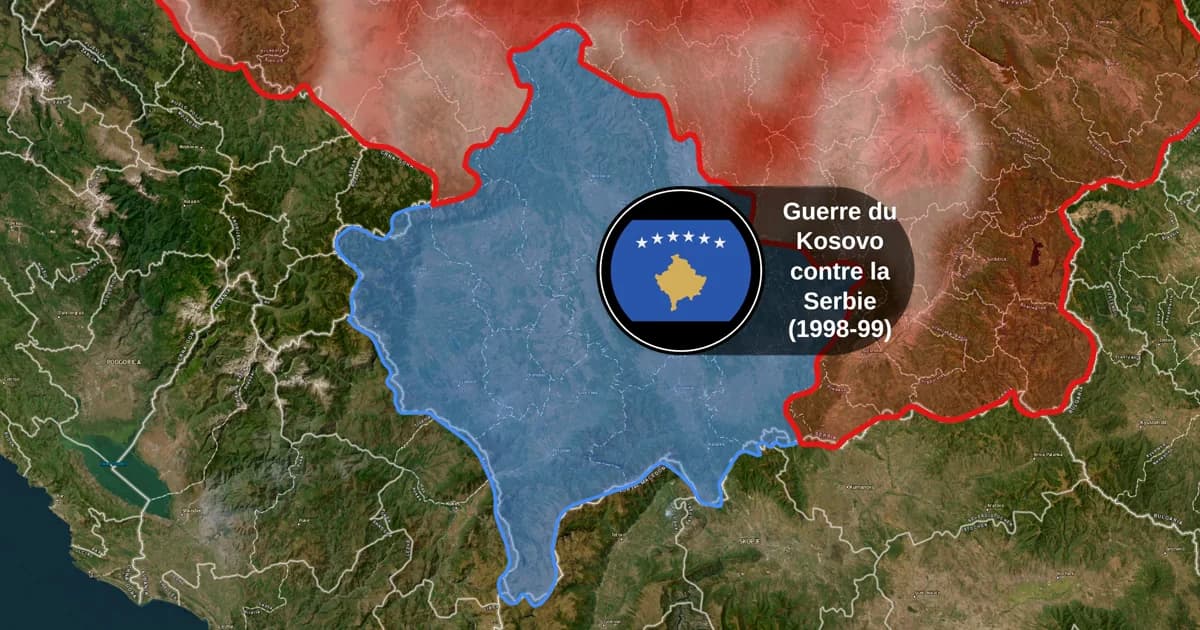
Map Animation Tools: How to Create Animated Maps in 2026
A map animation tool turns a place and a sentence into a moving map video - camera flights, country borders, flag fills, routes, labels - without After Effects, plugins or keyframes. Here is what to look for, and what Animaps does.
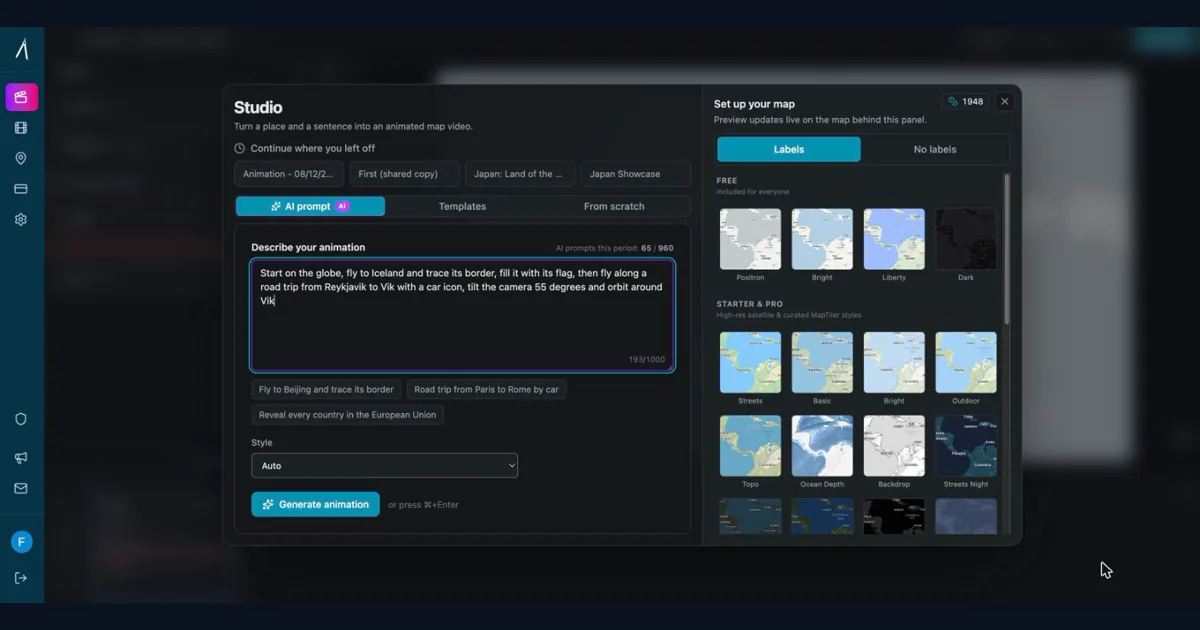
How to Create Professional Map Animations in 60 Seconds (No Experience Required)
Most map animation tools require 30-60 minutes per video. After Effects demands hours of work plus months of learning. Animaps creates professional map animations in 60 seconds using natural language commands. Just type what you want, preview instantly, and export. This guide shows you exactly how the 60-second workflow works with real examples.
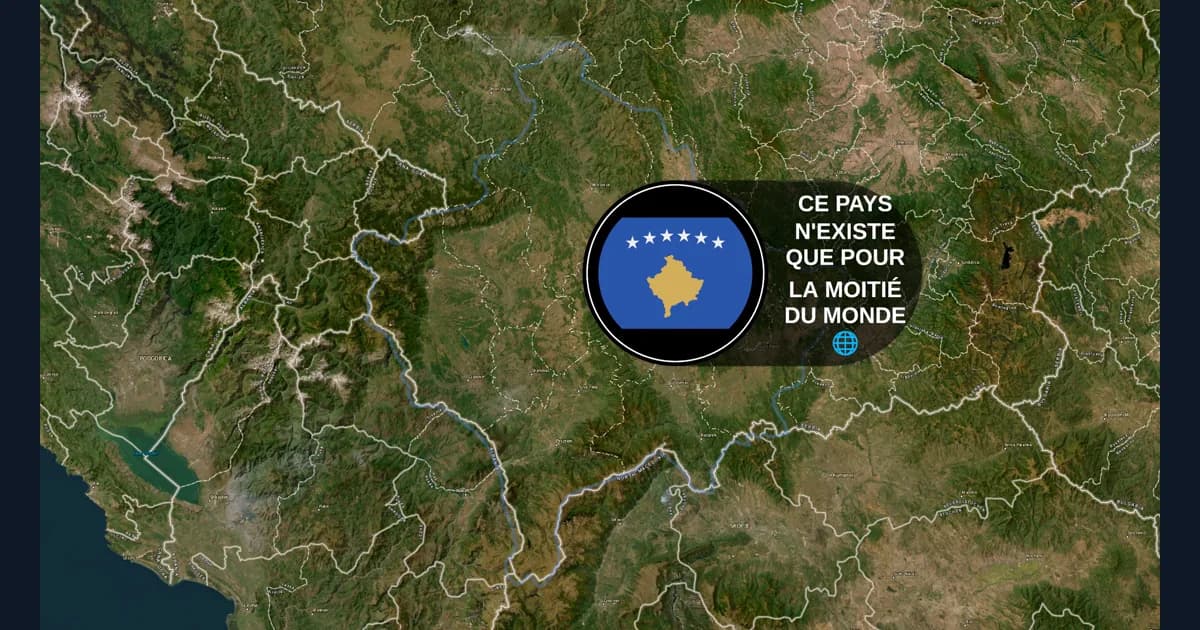
Animaps vs GEOlayers: Specialized Tool or After Effects Plugin?
You're comparing Animaps and GEOlayers for creating map animations. Both are purpose-built for geographic content, but take fundamentally different approaches. GEOlayers brings maps into After Effects, requiring AE proficiency plus 20+ hours of plugin learning. Animaps is a standalone browser platform with zero prerequisites and a 30-minute learning curve. This comparison examines workflows, requirements, costs, and use cases.
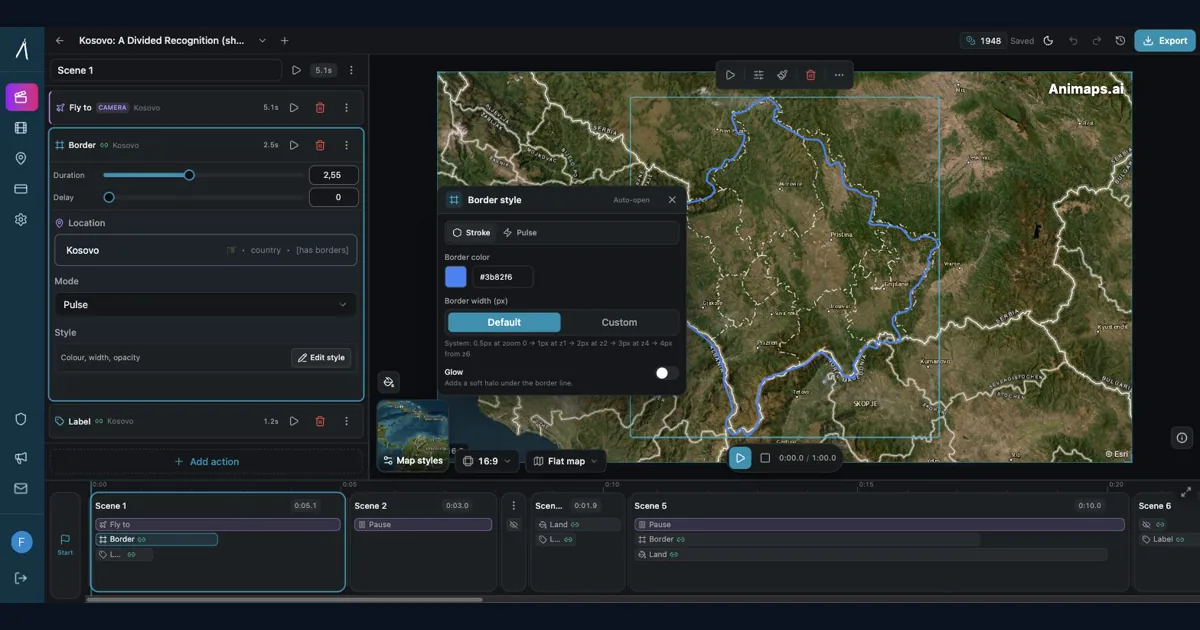
Animaps vs After Effects: Which Tool Should You Choose for Map Animations?
You're choosing between Animaps and After Effects for map animations. Both create professional results, but they're designed for completely different users. Animaps takes 60 seconds to 10 minutes per animation with zero learning curve. After Effects takes 45-90 minutes per animation after a 150-hour learning investment. This comparison examines time, costs, features, and use cases to help you decide.
10 Ways Travel Bloggers Use Animated Maps (And How You Can Too)
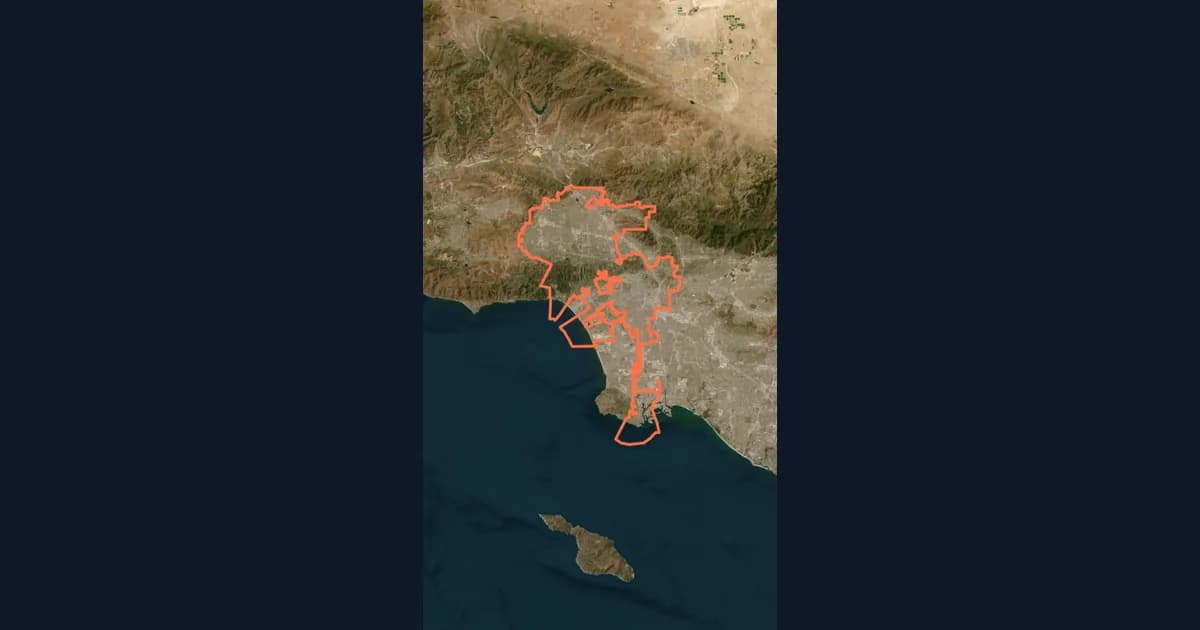
Travel bloggers face a unique challenge: how do you make someone *feel* a journey they haven't taken? Static photos show destinations. Written stories describe experiences. But animated maps? **They transport viewers into your journey**, transforming passive readers into active participants following along your path. In 2026, animated maps have evolved from nice-to-have embellishments to essential storytelling tools.
The Complete Guide to Adding Country Flags to Videos (2026 Edition)
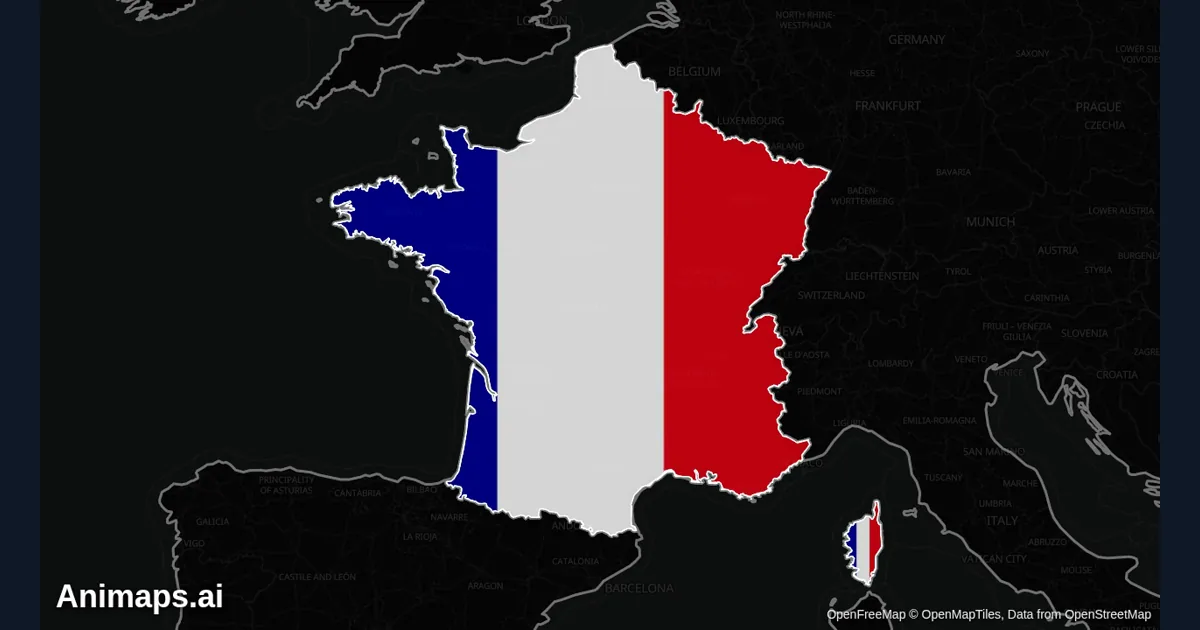
You're editing your travel video. The footage is beautiful. The story flows. But something's missing—**context**. Your viewers don't know you're in France until you tell them. They can't immediately identify which country you're exploring. A simple flag overlay transforms passive viewing into active understanding. Within milliseconds, viewers know exactly where they are in your story.
Should Content Creators Learn After Effects in 2026? (Honest Answer)
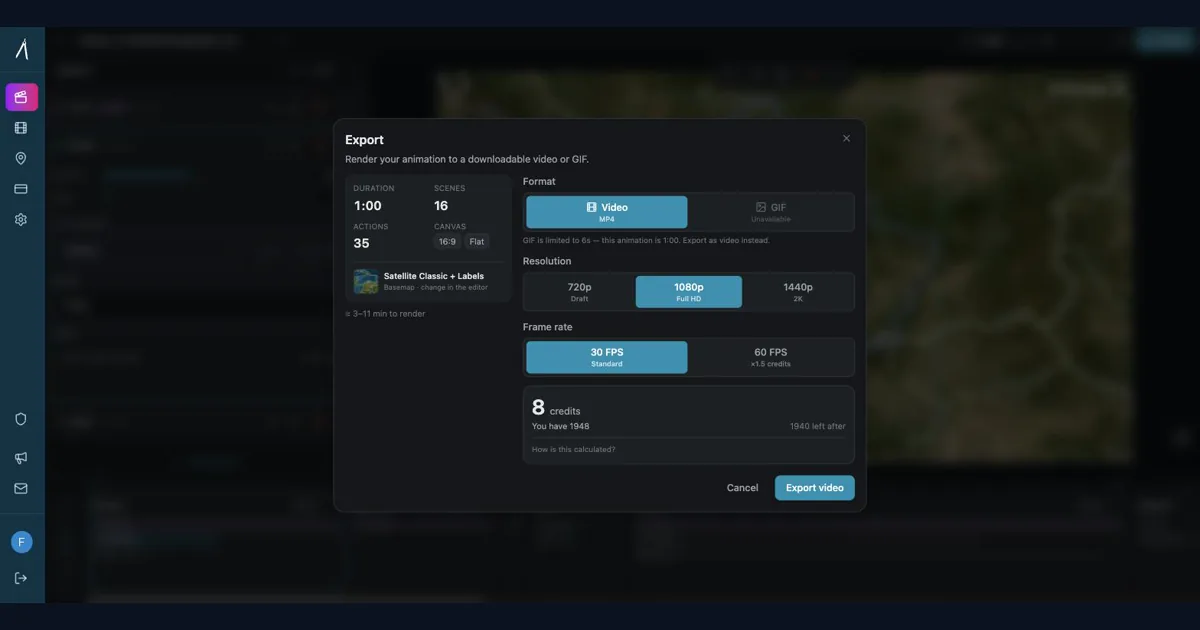
Before you commit 150 hours and $2,000+ to learning After Effects, take 5 minutes to honestly assess whether you actually need it. This decision framework helps creators choose between learning After Effects, using specialized tools, or adopting a hybrid approach—based on your real needs, not aspirational goals.
Best AI Map Animation Tools Compared (2026)
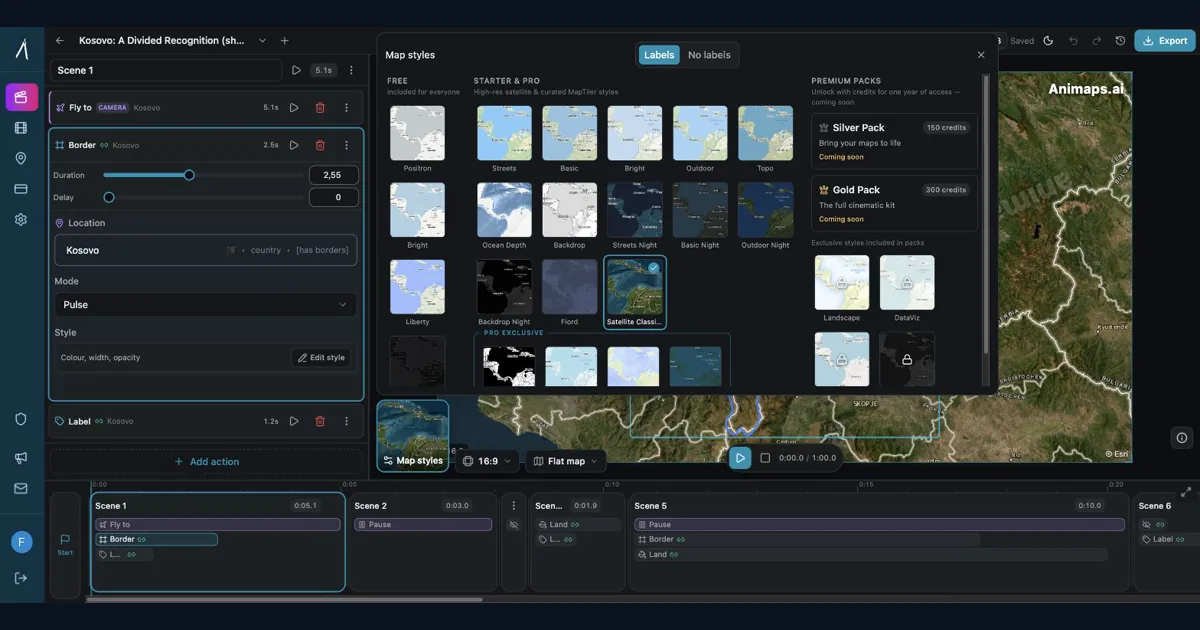
Most AI map tools work the same way: type a prompt, render, hope it's good. Animaps is the only tool with a full interactive preview and step editor — so you see and edit every frame before spending credits. This guide compares the 5 leading map animation tools to help you choose.
How Long Does It Take to Create a Simple Map Animation in After Effects?
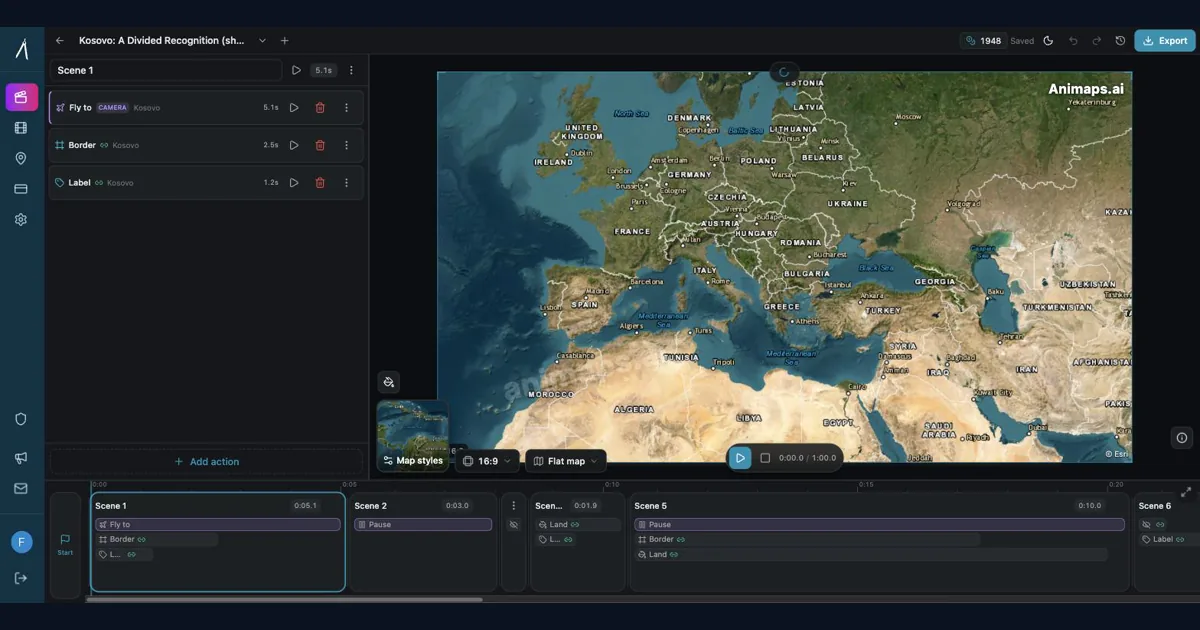
If you've ever tried to create a simple map zoom animation for your YouTube video, you know the answer isn't pretty: anywhere from 1-3 hours - just for a basic 10-second map zoom. Let's break down why this seemingly simple task becomes a time sink, and explore a better alternative that's emerged in 2026.
After Effects for Map Animations: Is the 150-Hour Learning Curve Worth It?
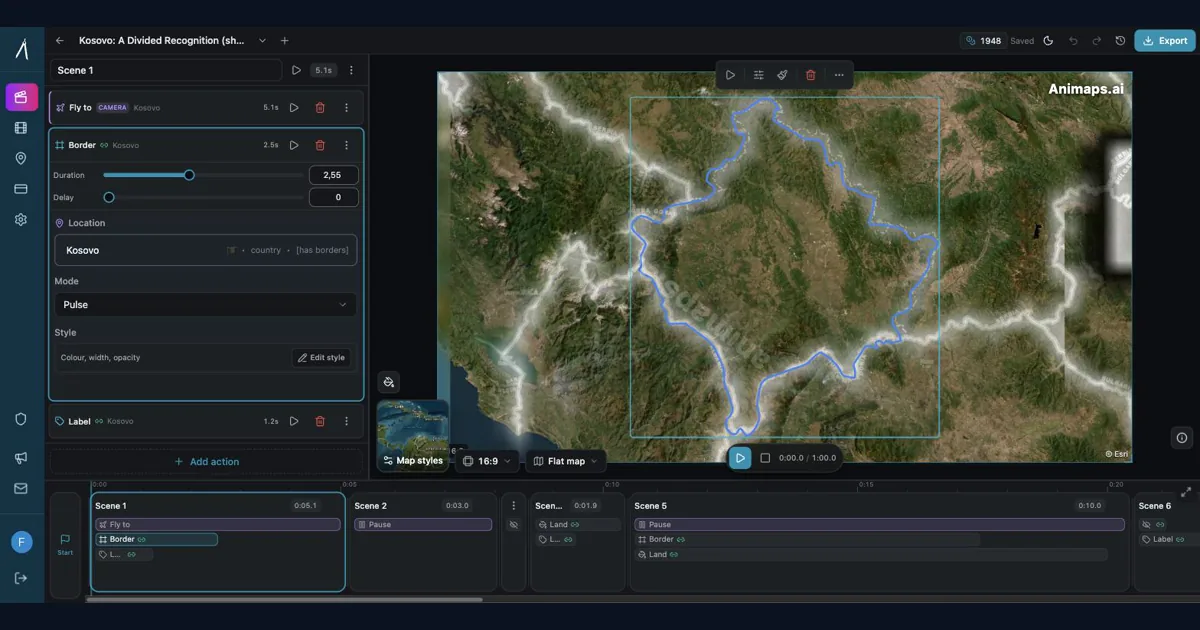
You're considering After Effects for map animations. YouTube tutorials make it look doable. But here's what they don't tell you: most creators spend 150+ hours before they can create a simple map zoom confidently. Is that investment worth it? Let's break down the real costs—time, money, and opportunity—so you can make an informed decision.
How to Create Map Animations for YouTube Videos: The Complete 2026 Guide
Map animations have become the secret weapon of successful YouTube creators. From travel vloggers showcasing epic journeys to educational channels explaining world events, animated maps transform dry geographic information into captivating visual stories that keep viewers engaged. Vox's channel grew from 50,000-150,000 daily views to 1-3 million daily views after they started incorporating more map animations into their content.
Best Practices for Educational Map Animations
Educational map animations have revolutionized how we teach geography, history, and social studies. When done right, they can transform abstract concepts into visual stories that students remember long after the lesson ends.
All Articles
Map Animation Tools: How to Create Animated Maps in 2026
A map animation tool turns a place and a sentence into a moving map video - camera flights, country borders, flag fills, routes, labels - without After Effects, plugins or keyframes. Here is what to look for, and what Animaps does.
Animaps vs EasyMotion: A Map Studio or a General Motion Graphics Tool?
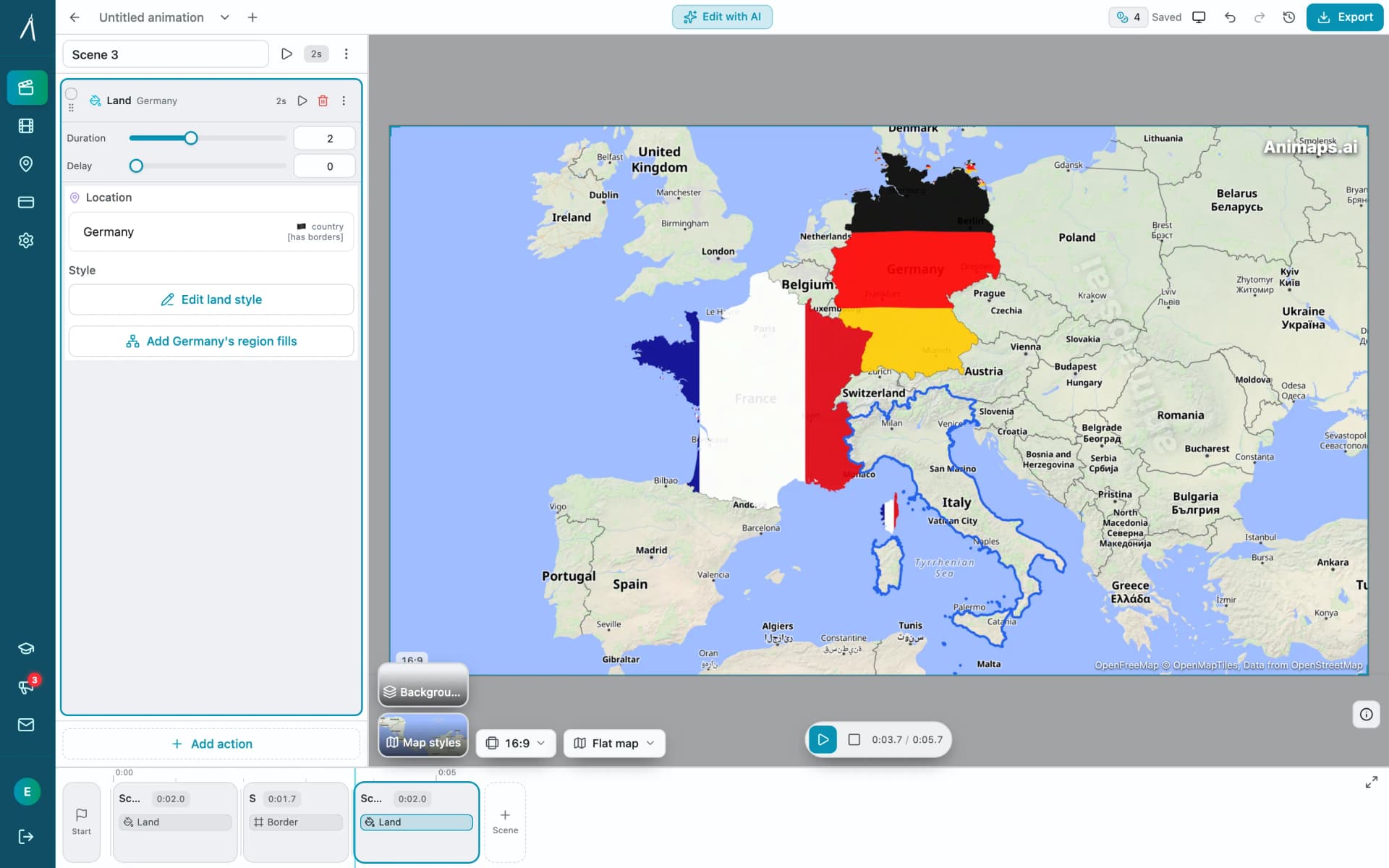
EasyMotion is an AI motion graphics generator where maps sit alongside charts, UI motion, chat scenes and VFX, with transparent MOV export and a 180 second maximum. Animaps only does maps: 21 animation types, a step editor with per-step timing, and flat map or globe. Both publish prices, EasyMotion at $10, $20 and $60 per month and Animaps at $9.90 and $19.90, but only one free tier lets you write your own prompt.
Animaps vs Mult.dev: A Trip Recap or a Map Animation Studio?
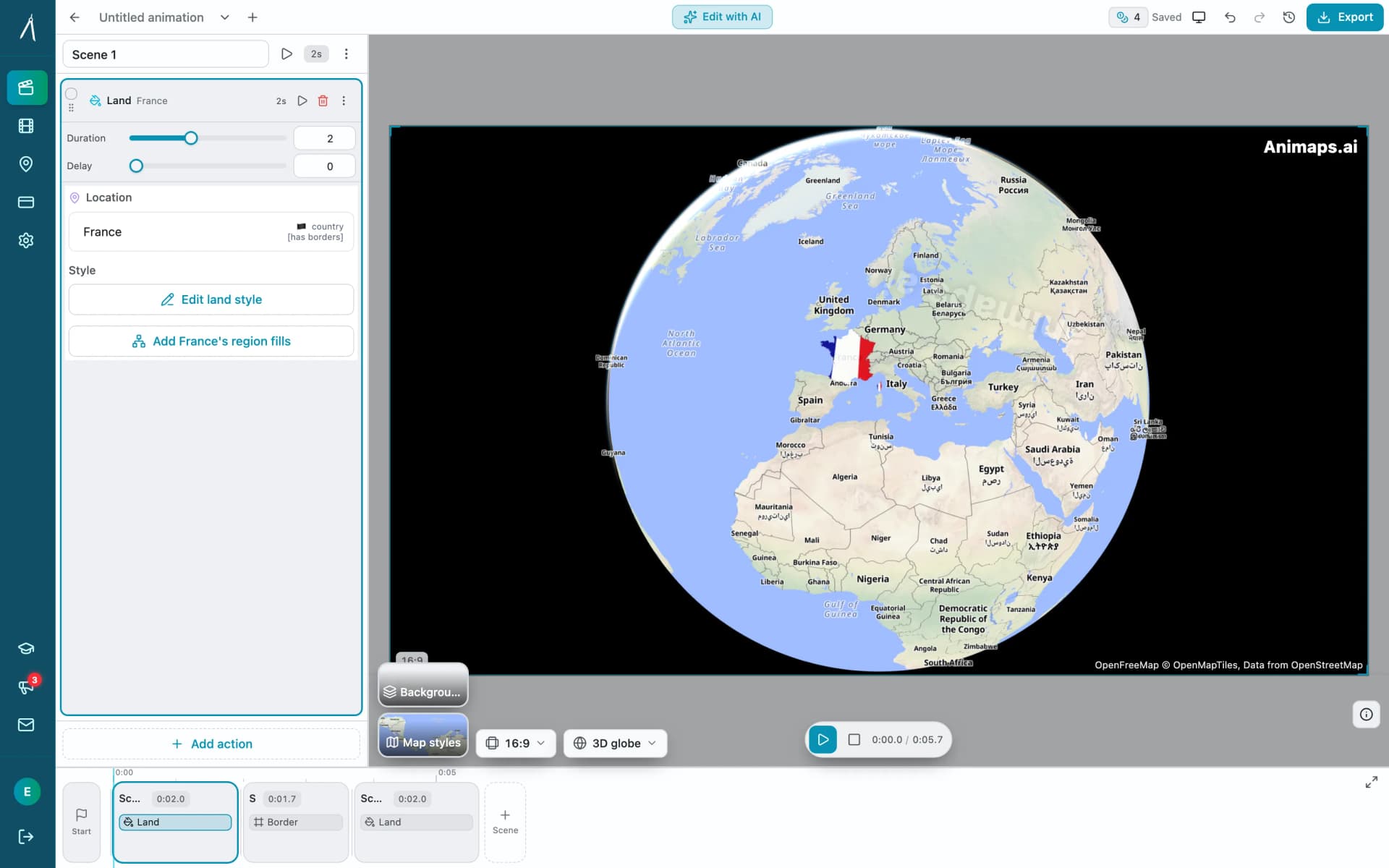
Mult.dev animates a journey: you add stops, pick the transport for each leg, drop your photos on the map, and export a travel recap, on your phone if you want, paid for once rather than by subscription. It imports GPX, KML and GeoJSON from Strava, Gaia and Komoot. Animaps animates a map: routes are one of 21 animation types alongside borders, fills, historical timelapses, labels and a globe view, with a step editor and published monthly pricing at $9.90 and $19.90.
Animaps vs MapAnimation.io: Prompt-Only or Prompt-Then-Edit?
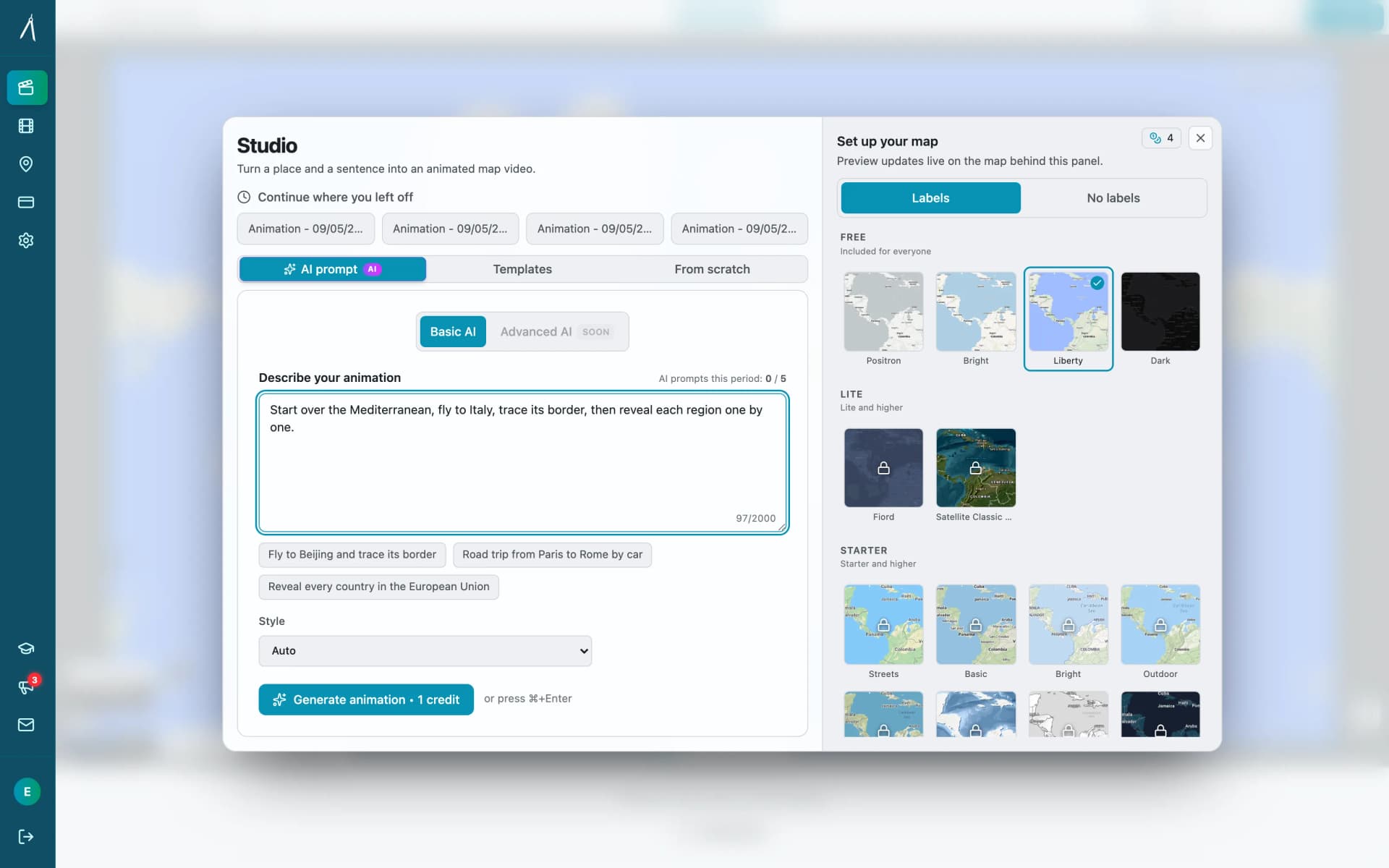
Both tools turn a written sentence into a map video and neither needs After Effects. MapAnimation.io is built end to end around the prompt: describe, generate, download, with image, video and sprite uploads and cinematic elements in the prompt box. Animaps uses the prompt as a starting point and hands you a step editor with a live preview. Animaps publishes $9.90 and $19.90 per month; MapAnimation.io's pricing page showed no plan table when we checked.
Animaps vs anim8map: Travel Route Videos or a Full Map Studio?
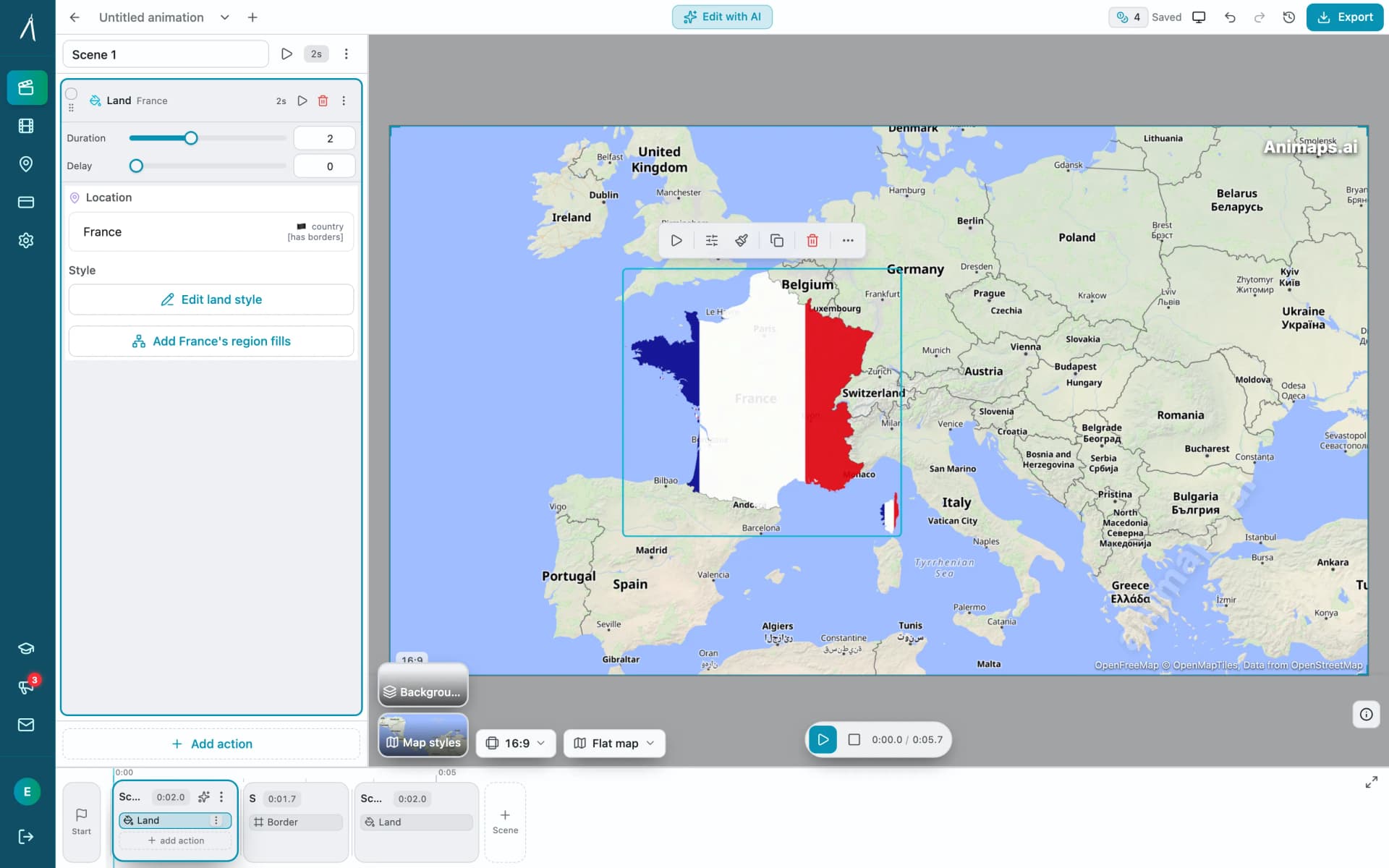
These two tools are not built for the same job. anim8map makes animated 3D travel routes with stops, travel modes and your own photos, and sells per video or as a six-month pass. Animaps is a general map animation studio covering camera work, borders, labels and highlights on a monthly subscription. For a single trip recap, paying once beats subscribing. For ongoing map content, the subscription is the cheaper shape.
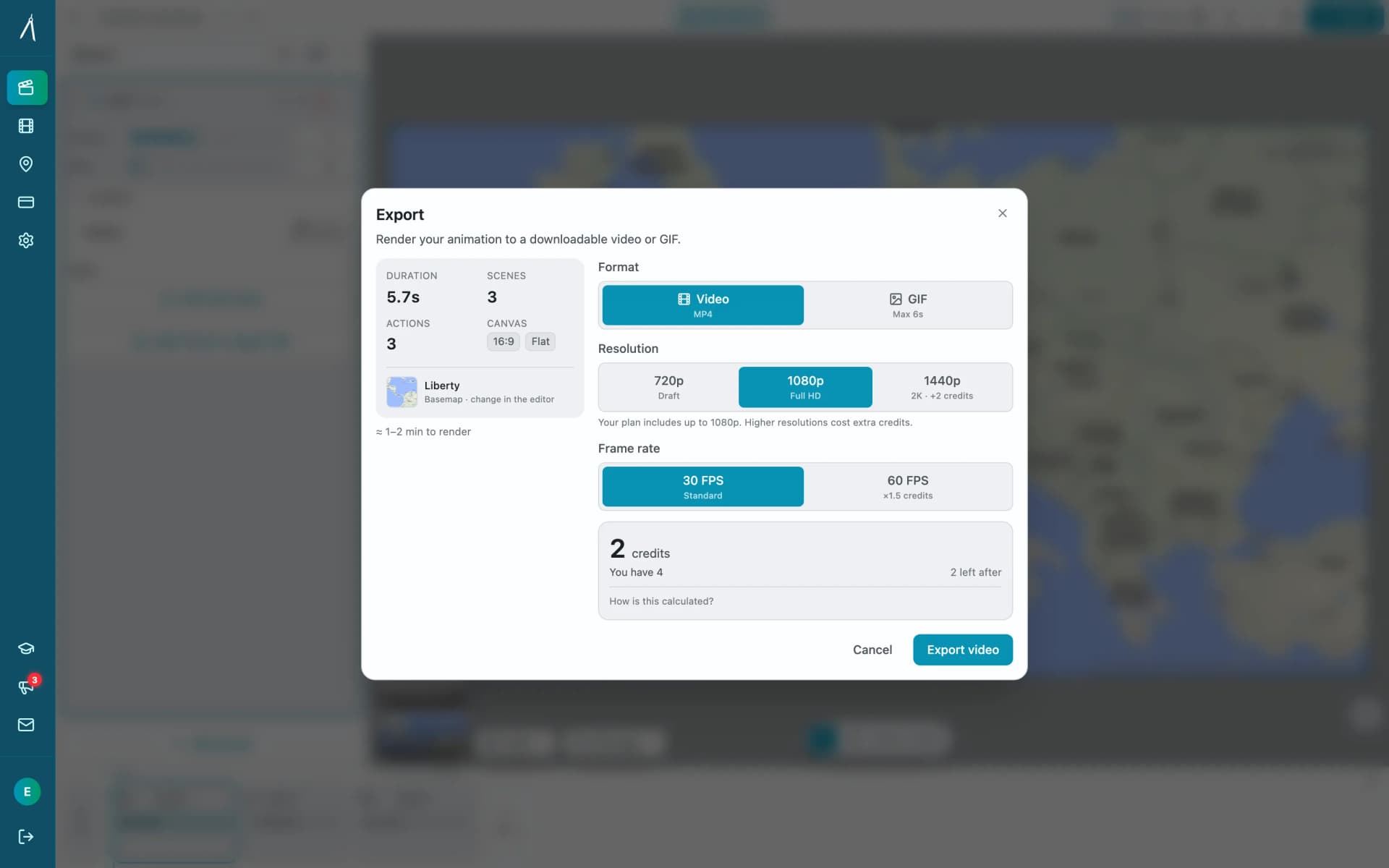
Animaps vs Mapimator: Two AI Map Tools Compared
Animaps and Mapimator both run in a browser and both advertise AI, which makes them look more alike than they are. Mapimator's AI Map Director automates camera work inside a project you build; Animaps generates a whole animation from a written description. Mapimator Pro is $12 per month and exports up to 4K, where Animaps Pro is $19.90 and caps at 1440p. Animaps covers more animation categories and has a far more usable free tier.
Animaps vs AnimateMyMap: Which Map Video Tool Fits Your Work?
Both Animaps and AnimateMyMap make map videos in a browser, and neither needs After Effects. The difference is where you start: Animaps turns a written description into an editable animation, while AnimateMyMap is built around camera modes and layers you place yourself. AnimateMyMap Pro exports 4K where Animaps caps at 1440p, and it does not publish dollar amounts for its paid tiers.
How to Create Professional Map Animations in 60 Seconds (No Experience Required)
Most map animation tools require 30-60 minutes per video. After Effects demands hours of work plus months of learning. Animaps creates professional map animations in 60 seconds using natural language commands. Just type what you want, preview instantly, and export. This guide shows you exactly how the 60-second workflow works with real examples.
Animaps vs GEOlayers: Specialized Tool or After Effects Plugin?
You're comparing Animaps and GEOlayers for creating map animations. Both are purpose-built for geographic content, but take fundamentally different approaches. GEOlayers brings maps into After Effects, requiring AE proficiency plus 20+ hours of plugin learning. Animaps is a standalone browser platform with zero prerequisites and a 30-minute learning curve. This comparison examines workflows, requirements, costs, and use cases.
Animaps vs After Effects: Which Tool Should You Choose for Map Animations?
You're choosing between Animaps and After Effects for map animations. Both create professional results, but they're designed for completely different users. Animaps takes 60 seconds to 10 minutes per animation with zero learning curve. After Effects takes 45-90 minutes per animation after a 150-hour learning investment. This comparison examines time, costs, features, and use cases to help you decide.
10 Ways Travel Bloggers Use Animated Maps (And How You Can Too)
Travel bloggers face a unique challenge: how do you make someone *feel* a journey they haven't taken? Static photos show destinations. Written stories describe experiences. But animated maps? **They transport viewers into your journey**, transforming passive readers into active participants following along your path. In 2026, animated maps have evolved from nice-to-have embellishments to essential storytelling tools.
The Complete Guide to Adding Country Flags to Videos (2026 Edition)
You're editing your travel video. The footage is beautiful. The story flows. But something's missing—**context**. Your viewers don't know you're in France until you tell them. They can't immediately identify which country you're exploring. A simple flag overlay transforms passive viewing into active understanding. Within milliseconds, viewers know exactly where they are in your story.
Should Content Creators Learn After Effects in 2026? (Honest Answer)
Before you commit 150 hours and $2,000+ to learning After Effects, take 5 minutes to honestly assess whether you actually need it. This decision framework helps creators choose between learning After Effects, using specialized tools, or adopting a hybrid approach—based on your real needs, not aspirational goals.
Best AI Map Animation Tools Compared (2026)
Most AI map tools work the same way: type a prompt, render, hope it's good. Animaps is the only tool with a full interactive preview and step editor — so you see and edit every frame before spending credits. This guide compares the 5 leading map animation tools to help you choose.
How Long Does It Take to Create a Simple Map Animation in After Effects?
If you've ever tried to create a simple map zoom animation for your YouTube video, you know the answer isn't pretty: anywhere from 1-3 hours - just for a basic 10-second map zoom. Let's break down why this seemingly simple task becomes a time sink, and explore a better alternative that's emerged in 2026.
After Effects for Map Animations: Is the 150-Hour Learning Curve Worth It?
You're considering After Effects for map animations. YouTube tutorials make it look doable. But here's what they don't tell you: most creators spend 150+ hours before they can create a simple map zoom confidently. Is that investment worth it? Let's break down the real costs—time, money, and opportunity—so you can make an informed decision.
How to Create Map Animations for YouTube Videos: The Complete 2026 Guide
Map animations have become the secret weapon of successful YouTube creators. From travel vloggers showcasing epic journeys to educational channels explaining world events, animated maps transform dry geographic information into captivating visual stories that keep viewers engaged. Vox's channel grew from 50,000-150,000 daily views to 1-3 million daily views after they started incorporating more map animations into their content.
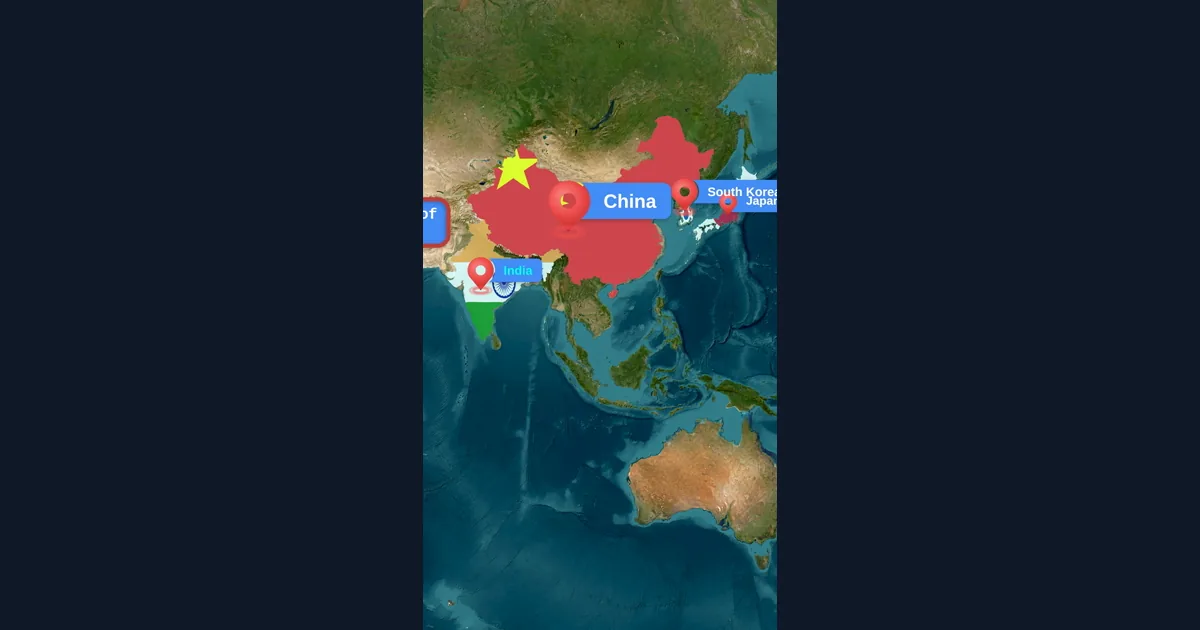
Map Animation Tips for Journalists and News Creators
In today's fast-paced news environment, visual storytelling is more important than ever. Map animations help journalists explain where events are happening, show migration patterns, track conflicts, and make global news more accessible to audiences.
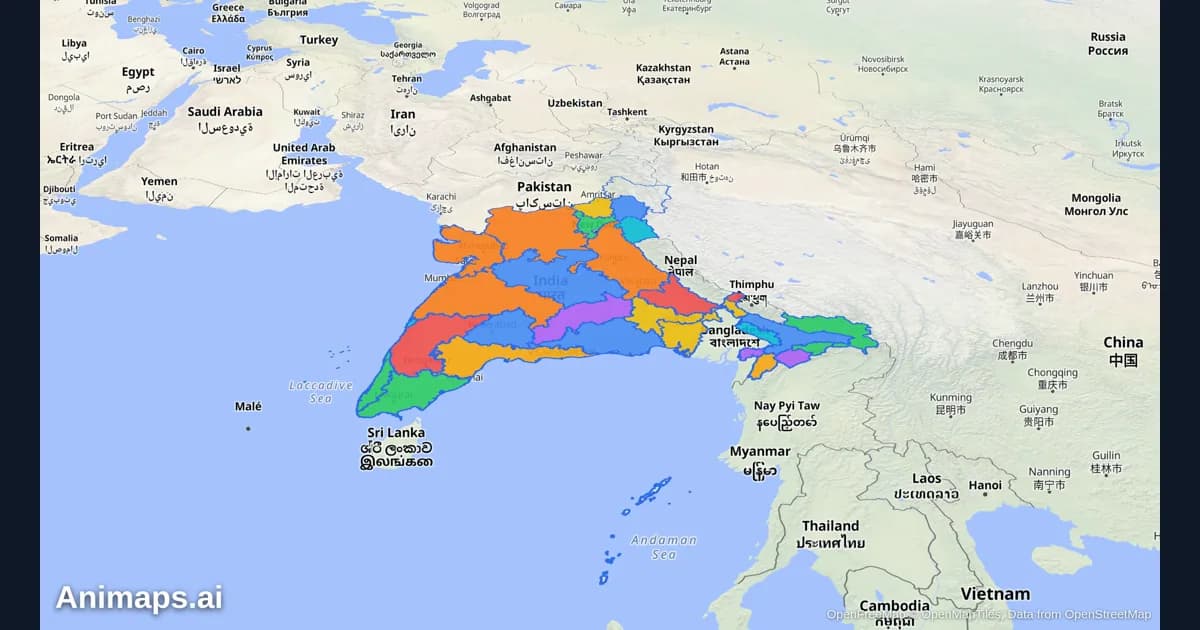
AI-Powered Map Animations vs Traditional Methods: A Complete Comparison
Creating map animations used to require expensive software, hours of manual work, and specialized skills. But AI-powered tools are changing the game. Let's compare the old way with the new way.
Best Practices for Educational Map Animations
Educational map animations have revolutionized how we teach geography, history, and social studies. When done right, they can transform abstract concepts into visual stories that students remember long after the lesson ends.
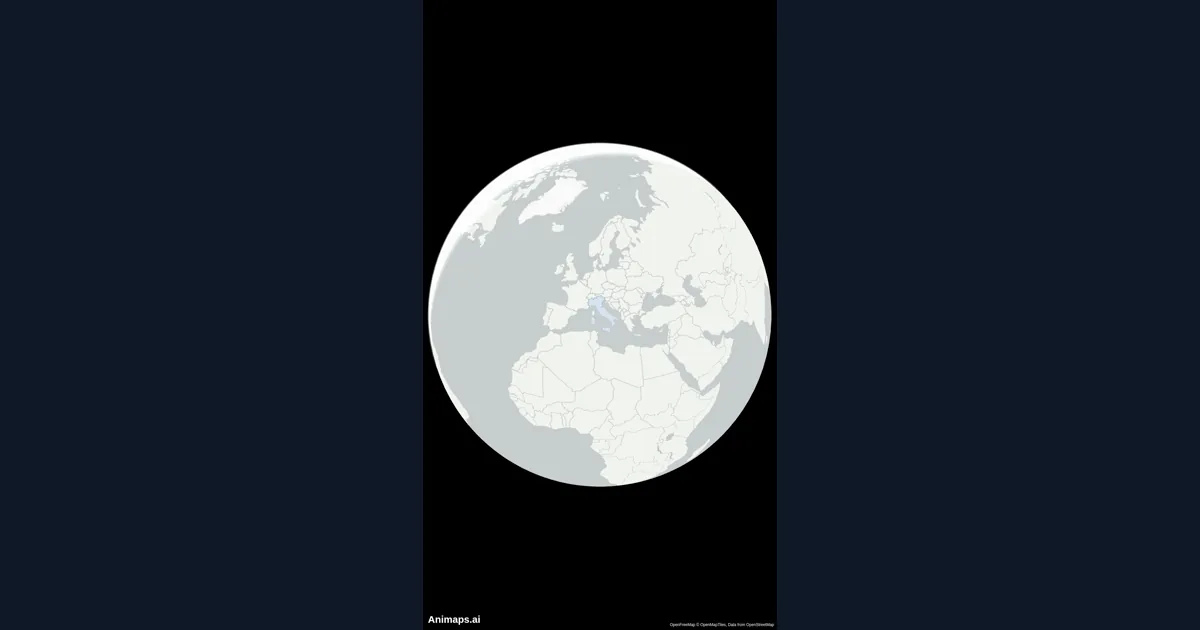
How to Create Stunning Map Animations for YouTube Videos
Map animations are one of the most engaging visual elements you can add to your YouTube videos. Whether you're explaining geography, history, travel routes, or global trends, animated maps capture your audience's attention and make complex information easy to understand.
Ready to Create Your First Animation?
Draft with AI or templates, refine each step in the editor, and spend credits only when you render.
Start Free →