Scroll to load
Fly to
Camera fly-in
Start with AI prompts, templates, or manual editing, then preview and refine every step in real time using our Studio. Export polished map animations for content, teaching, business updates, and news explainers.
5 min
creation time
vs hours in After Effects
300x
cheaper / animation
vs freelancers ($50-500)
0
learning curve
vs weeks with conventional tools
Choose between 10 customizable themes. Each brings map colors, labels and elements together, then stays fully editable in the studio.
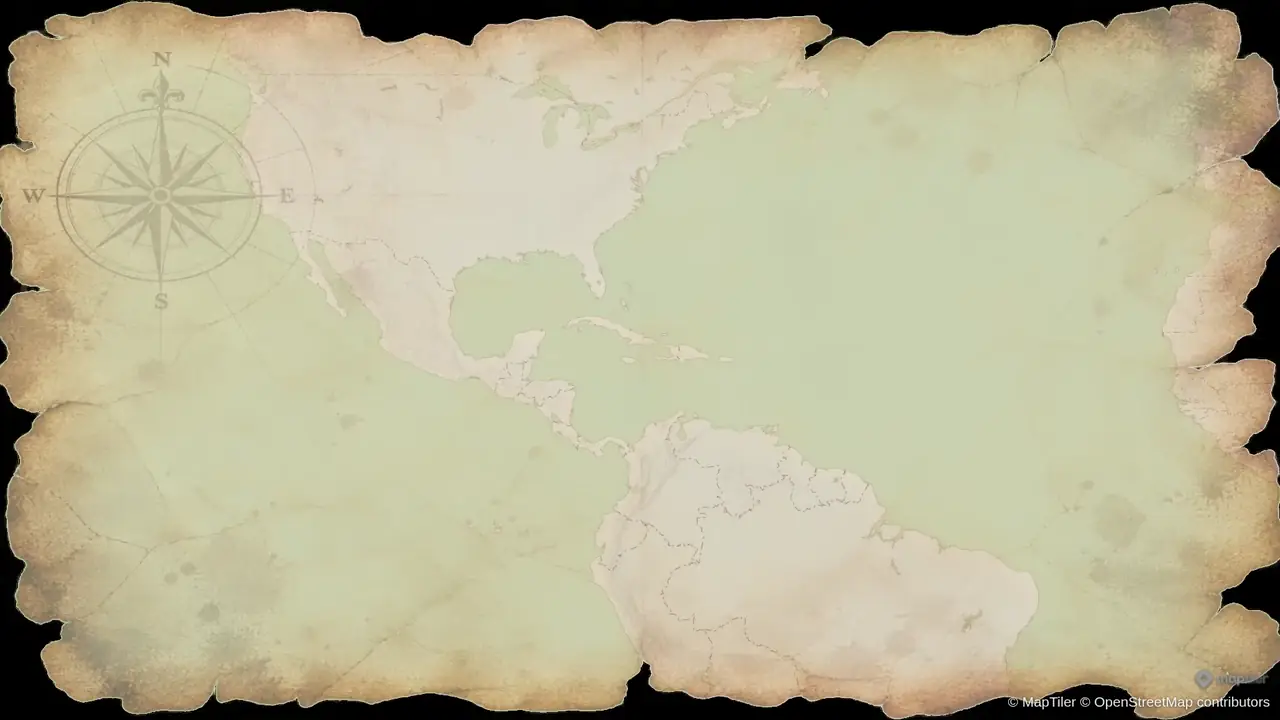
Warm parchment, ink-like routes and an old-atlas feel for historical journeys and exploration stories.
Showing Vintage Parchment, 1 of 4
3D terrain reveals the shape of mountains and valleys. Pair it with camera flyovers, or explore cities with 3D buildings and orbit shots.
Follow the landscape through mountain ridges and valleys. Add real elevation to travel videos, outdoor adventures and geography explainers.
Circle a city skyline with an orbit camera and 3D buildings to give urban stories a sense of scale and place.
Everything on your map gets the sound it should make, and the mix stays clean — nothing piles up, nothing plays over itself.
Click one to hear what it sounds like.
Create animated map videos in minutes with AI. Prompt, preview & edit, export — from historical to modern data, built for academics and content creators. Start free.
Describe zooms, routes, borders, labels, and timing in plain English.
Fine-tune zoom, opacity, border width, colors, rotations, and tilt with live preview.
Render clean MP4/GIF outputs for YouTube, Shorts, lessons, and presentations when you are fully ready.
Explore focused workflows in our map animation maker page, follow the step-by-step how to create map animations tutorial, compare tools in alternatives, or watch results in the demo gallery.
Popular guides: Action tutorials · YouTube map animations · Travel route animations · Country highlights · 3D globe animations · Education workflows · News workflows · AI prompt tips · Border animations · Geopolitics maps · Manual map editor · Maps without After Effects · All features
Or read the map animation tutorials and tool comparisons on our blog.
From camera choreography to borders, labels, and layered scenes, Animaps gives you motion primitives ready for YouTube, Shorts, explainers, and newsroom visuals.
Fly to
Camera fly-in
Zoom in / out
Zoom transitions
Pan to
Cinematic pans
Rotate
Map rotation
Tilt
Camera tilt
Orbit
Orbital moves
Arc
Curved path
Drone
Drone flyover
Border
Show, pulse or trace
Historical
Historical borders
Land
Fill, pulse or reveal land
Route
Lines, arrows & paths
Fly along
Follow rivers, routes & paths
Draw
Paths, circles & polygons
Label
Label overlays
Text
Prose on the map
Icon
Icons, 3D icons & models
Shade
Spotlight effect
Atlas
World data layers
Hide layers
Layer cleanup
Fly to
Camera fly-in
Zoom in / out
Zoom transitions
Pan to
Cinematic pans
Rotate
Map rotation
Tilt
Camera tilt
Orbit
Orbital moves
Arc
Curved path
Drone
Drone flyover
Border
Show, pulse or trace
Historical
Historical borders
Land
Fill, pulse or reveal land
Route
Lines, arrows & paths
Fly along
Follow rivers, routes & paths
Draw
Paths, circles & polygons
Label
Label overlays
Text
Prose on the map
Icon
Icons, 3D icons & models
Shade
Spotlight effect
Atlas
World data layers
Hide layers
Layer cleanup
Hide layers
Layer cleanup
Atlas
World data layers
Shade
Spotlight effect
Icon
Icons, 3D icons & models
Text
Prose on the map
Label
Label overlays
Draw
Paths, circles & polygons
Fly along
Follow rivers, routes & paths
Route
Lines, arrows & paths
Land
Fill, pulse or reveal land
Historical
Historical borders
Border
Show, pulse or trace
Drone
Drone flyover
Arc
Curved path
Orbit
Orbital moves
Tilt
Camera tilt
Rotate
Map rotation
Pan to
Cinematic pans
Zoom in / out
Zoom transitions
Fly to
Camera fly-in
Hide layers
Layer cleanup
Atlas
World data layers
Shade
Spotlight effect
Icon
Icons, 3D icons & models
Text
Prose on the map
Label
Label overlays
Draw
Paths, circles & polygons
Fly along
Follow rivers, routes & paths
Route
Lines, arrows & paths
Land
Fill, pulse or reveal land
Historical
Historical borders
Border
Show, pulse or trace
Drone
Drone flyover
Arc
Curved path
Orbit
Orbital moves
Tilt
Camera tilt
Rotate
Map rotation
Pan to
Cinematic pans
Zoom in / out
Zoom transitions
Fly to
Camera fly-in
Switch personas to see how teams draft with prompts, refine in Preview & Editor, and render only when ready.
Build destination arcs, route reveals, and city highlights in minutes. Perfect for YouTube explainers, travel vlogs, and short-form map storytelling.
Prompt example
> Start from Greece. Fly to Athens, then trace a driving route from Athens to Piraeus and a ferry route from Piraeus to Mykonos. Fly to Mykonos with 55 degrees tilt and orbit it. Take the ferry from Mykonos to Naxos, then zoom out to show the Aegean Sea.Use AI or templates to draft, then finish in Preview & Editor with full step-by-step control. Credits are charged only when you render the final video.
Preview & Editor advantage
Build and revise freely in the editor. Credits are used only when you render the final MP4/GIF.
Use the same controls as the full editor: flat map or globe, style switching, aspect ratios, and step-level refinement before export. Credits are used only on final render.
Switch between flat map and 3D globe perspectives
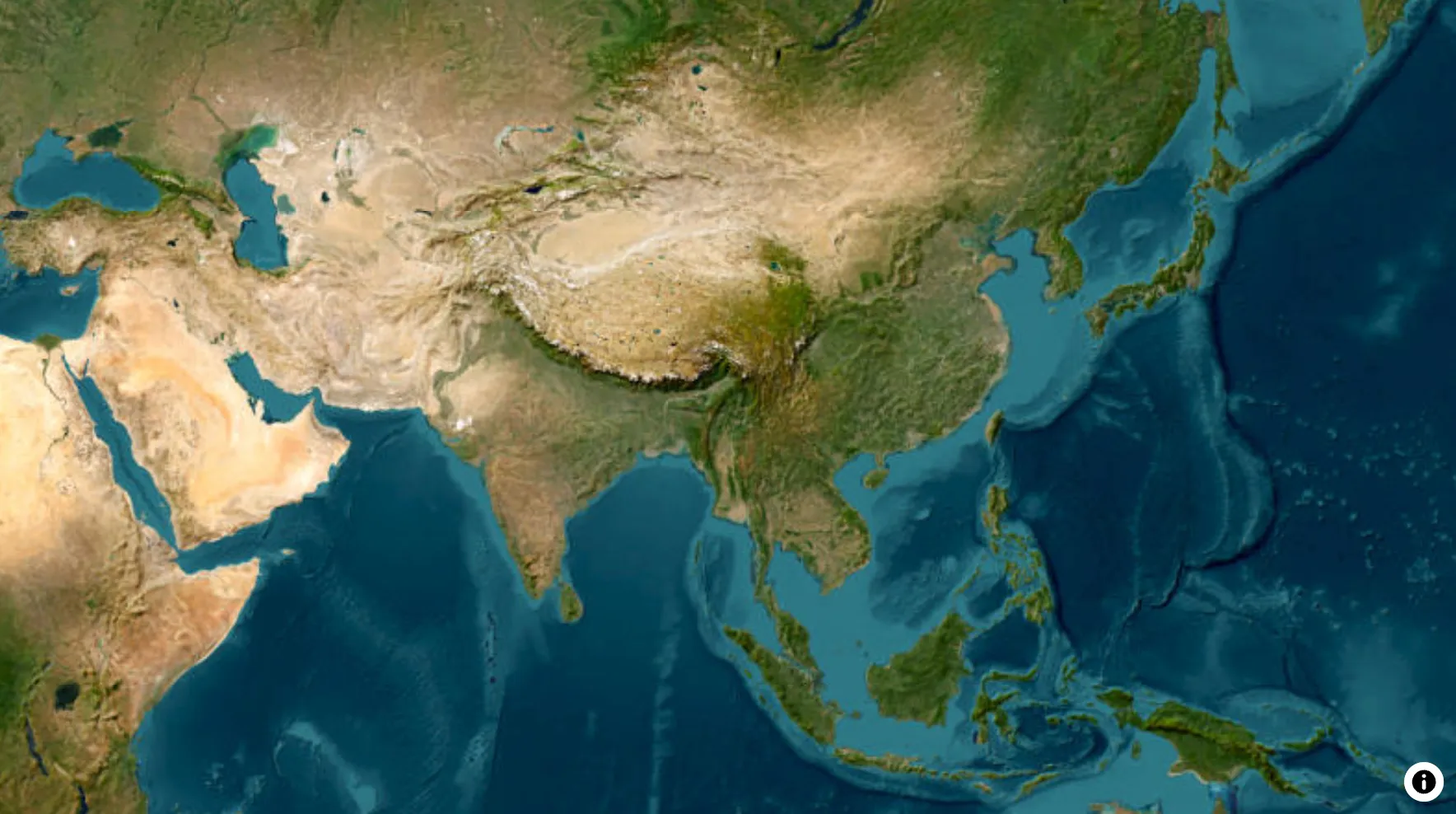
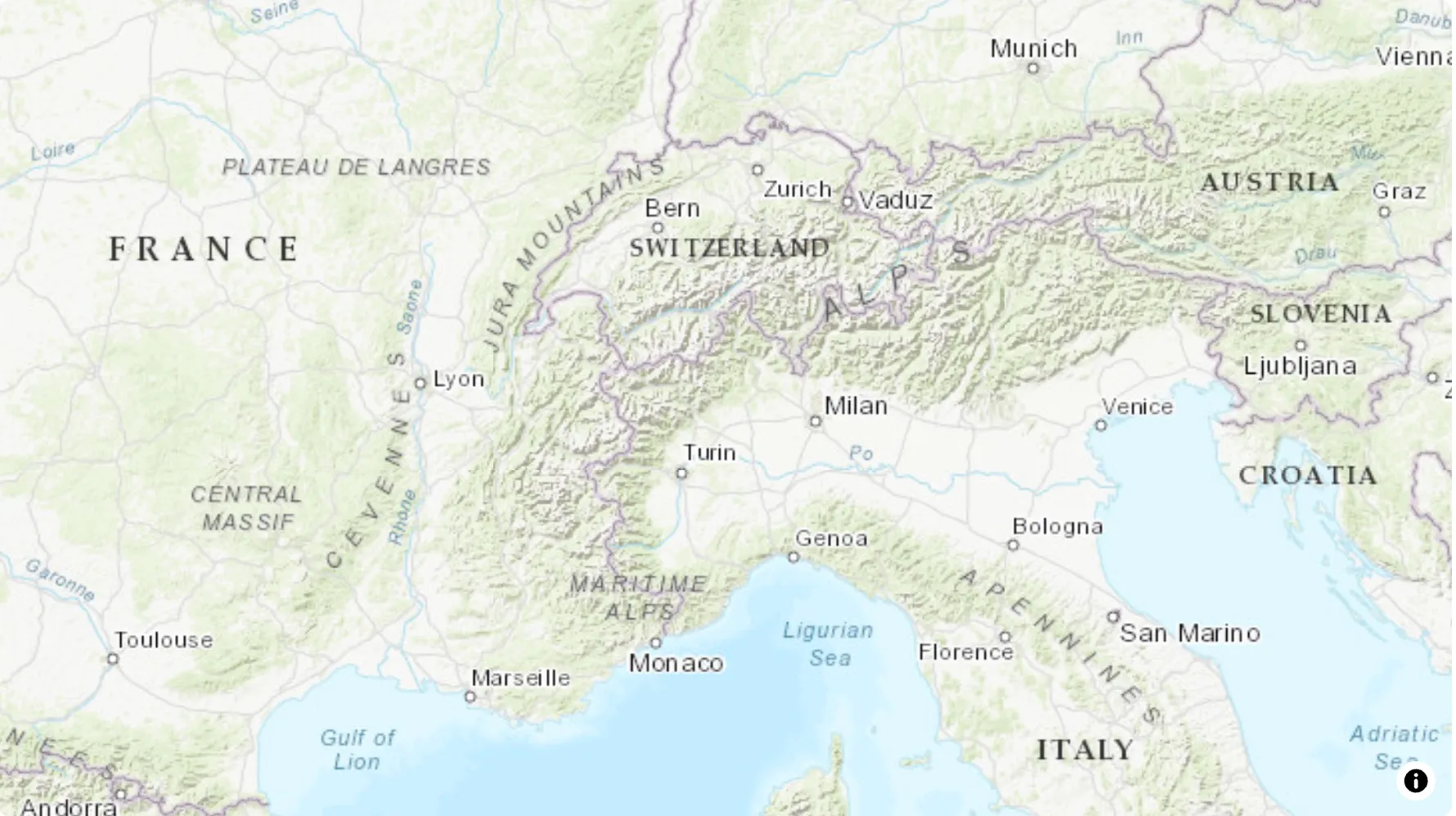
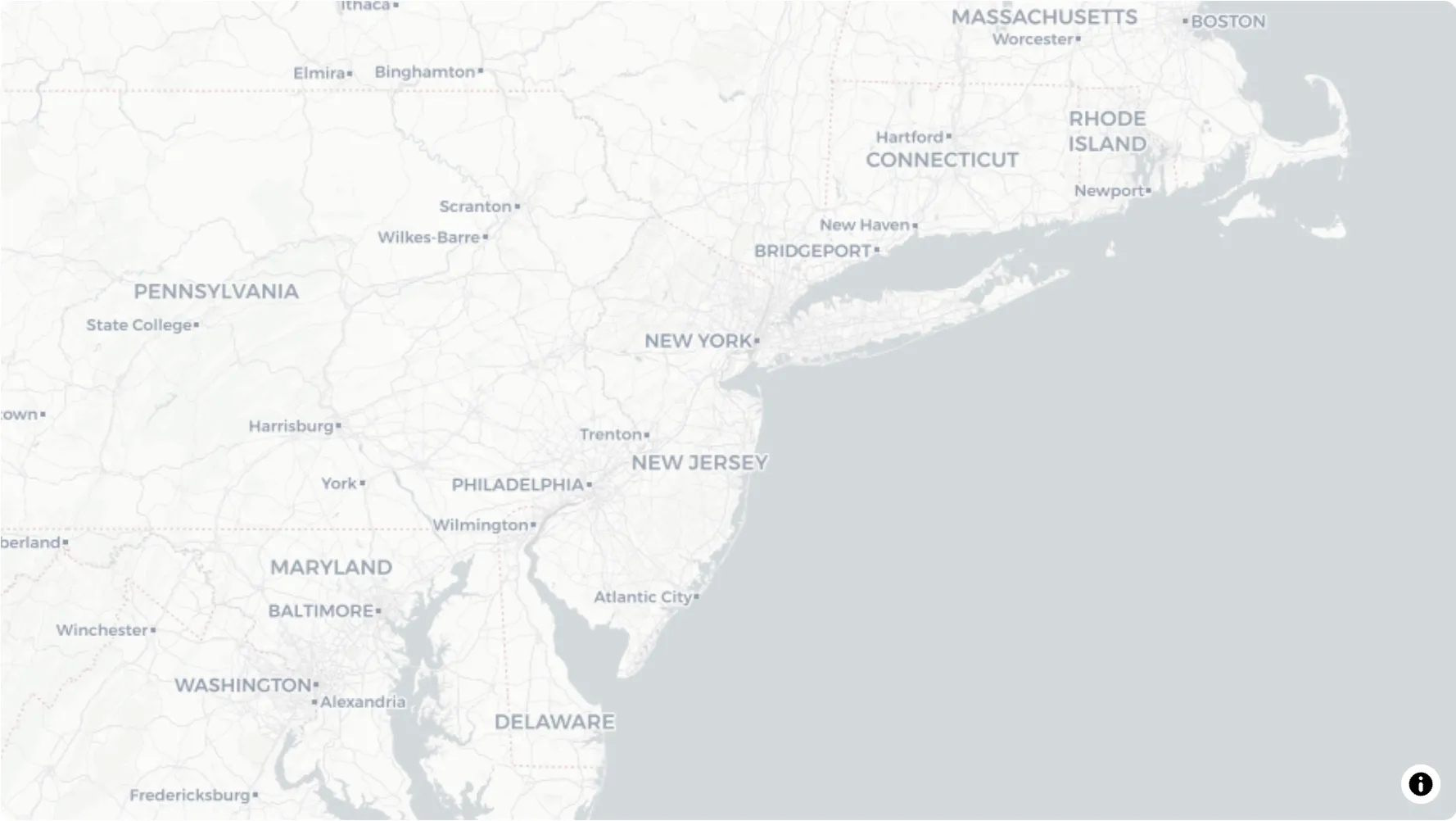
Satellite, Light, Topographic, Dark, Voyager, and more
16:9, 9:16, and 1:1 formats
MP4 or GIF at 30 or 60FPS — 720p and 1080p on every plan, 1440p on Pro
Create high-quality animations in 5 minutes instead of hours in After Effects. No need to hire expensive freelancers or learn complex software.
Pick the aspect ratio before you export and the camera frames for it — a true vertical render, not a landscape video with bars or a crop that cuts your map in half.
Historical borders growing and receding across centuries, framed full-height.
A 3D globe turning into a country reveal — the same animation, cropped to nothing.
Build explainers with rich geographic context across cities, regions, rivers, mountains, parks, and more. Keep every animation anchored in reliable map data, labels, and boundary-aware visuals.
17,919 cities and towns worldwide with population and boundary data
34,772 regions, countries and continents with official boundaries
8,488 mountains, volcanoes, glaciers, ranges, plains, deserts and plateaus
6,720 rivers, lakes, fjords, straits, seas, gulfs, bays and oceans
2,464 capes, islands, archipelagos, peninsulas and isthmuses
4,188 national parks, ecoregions and protected forests
1,549 monuments, historic sites and city landmarks
25,405 border snapshots spanning 2,000+ years — empires, kingdoms, states & counties
20,271 features across 16 groups — volcanoes, ports, railroads, timezones, tectonic boundaries, shipping corridors and more
8,628 icons (3,111 of them in 3D), plus 309 true 3D models
Plus 107 country groups — G7, EU, NATO, ASEAN and more — each selectable as a single target.
Ideal for content creators, bloggers, journalists, professors, and students. Create engaging educational videos, travel content, and news segments with high-quality map animations.
Join thousands of creators already shipping high-quality map animations in minutes, not hours.
Start free now. Upgrade whenever your workflow grows.
Locations worldwide
Average creation time
Learning curve