
Scroll to load
Fly to
Camera fly-in
Create map animations online in minutes. Animaps turns natural language into animated maps for YouTube, travel videos, education, and storytelling.
Last updated: June 11, 2026
Looking for our main AI map animation generator page? Visit the Animaps homepage. If you want a step-by-step tutorial, start with how to create map animations. For additional workflows, browse the guide hub.
Animaps converts plain-language descriptions into multi-step map animation sequences. The AI parses your prompt, resolves locations from a database of over 180,000 places, and generates a preview you can edit before rendering.
Write what you want in plain English: fly to a city, trace a route between capitals, highlight a country with its flag, orbit a landmark with a tilted camera. The AI breaks your prompt into individual animation steps and matches every place name against the location database. If a name is ambiguous, use @mentions to specify the exact location.
The step editor shows each animation action in sequence. Preview the full animation on a flat map or a 3D globe in your browser. Adjust map styles (31 options including terrain, dark, and watercolor), change colors, modify camera tilt and bearing, and reorder steps until the sequence is right.
Render on a Cesium 3D globe with GPU acceleration. The output is an MP4 video (H.264) at 30 or 60 FPS in resolutions up to 1440p. GIF export is available for clips up to 6 seconds. Drop the file into your YouTube edit, presentation, or documentary timeline.
Animaps is an animated map maker that runs entirely online — no install, no After Effects license, no plugins. The free plan includes 12 render credits per month at 1080p, and you can build and preview unlimited animations in your browser before spending any credit. If you want to animate your map without learning motion design, this is the fastest way.
12 credits per month at 1080p, no credit card required. Build and preview for free; credits are only spent on final renders.
Nothing to download. Open Animaps in any modern browser and start prompting. Renders run on cloud GPUs — your laptop stays cool.
Describe what you want in plain English. The AI picks locations, camera moves, fills, and timing — then you tweak. No keyframing required.
Want to animate your map right now? Start free or watch examples first.
Choose between 10 customizable themes. Each brings map colors, labels and elements together, then stays fully editable in the studio.
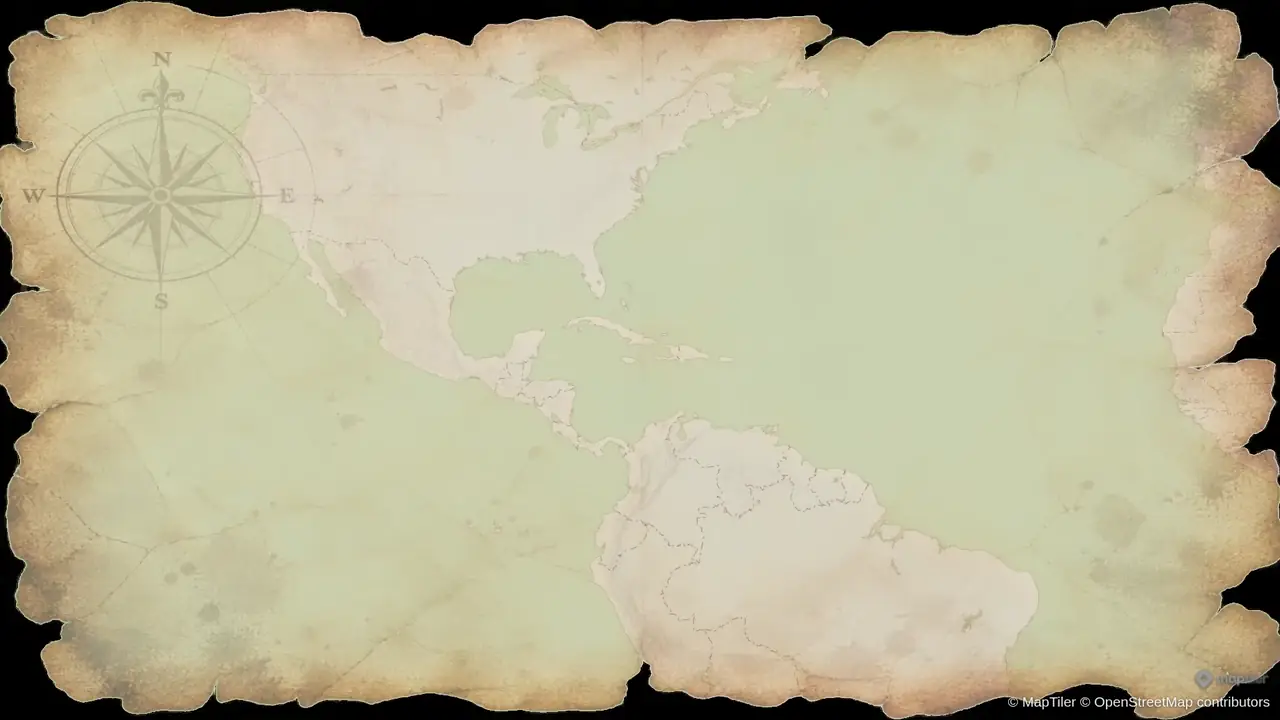
Warm parchment, ink-like routes and an old-atlas feel for historical journeys and exploration stories.
Showing Vintage Parchment, 1 of 4
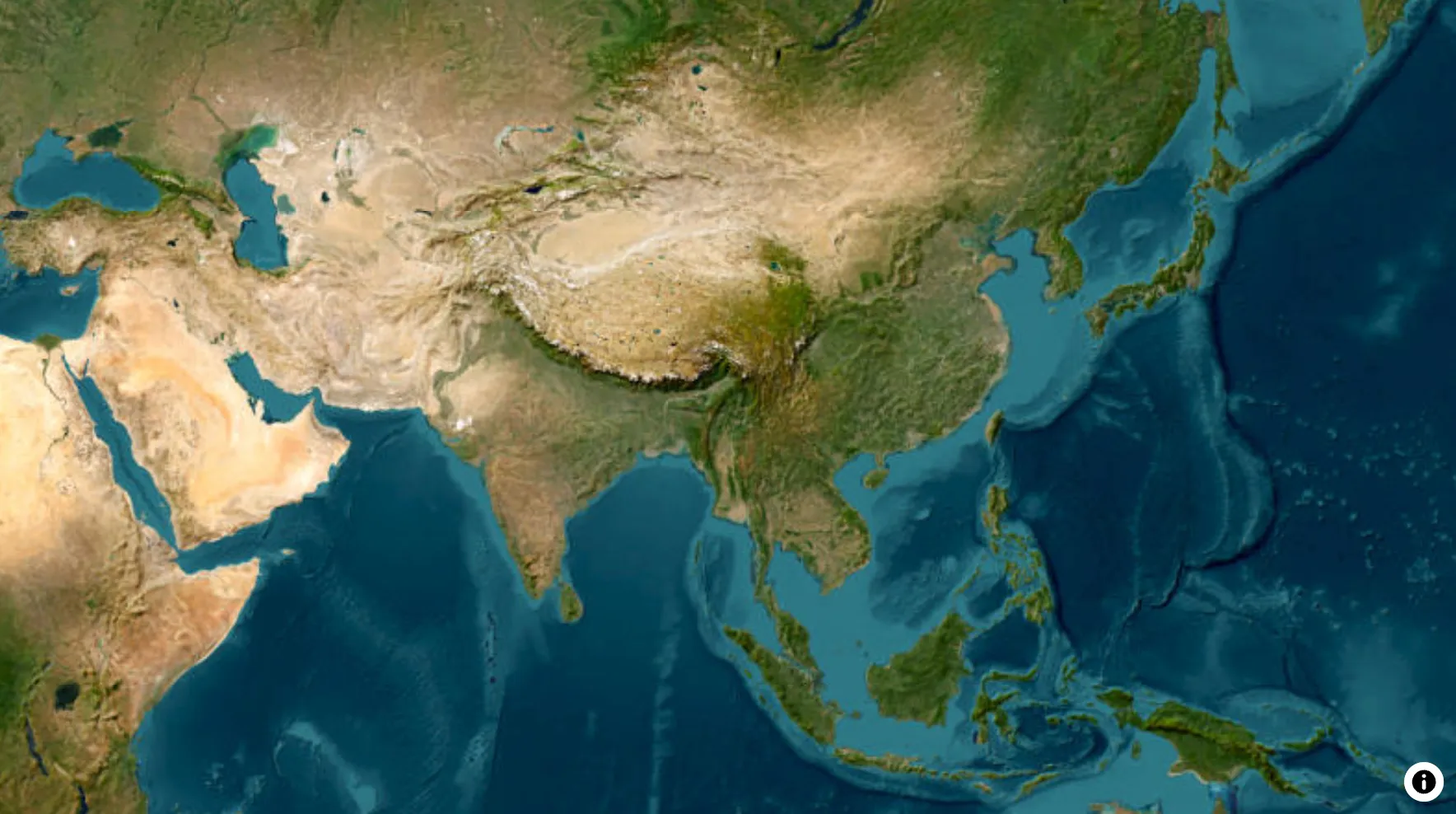
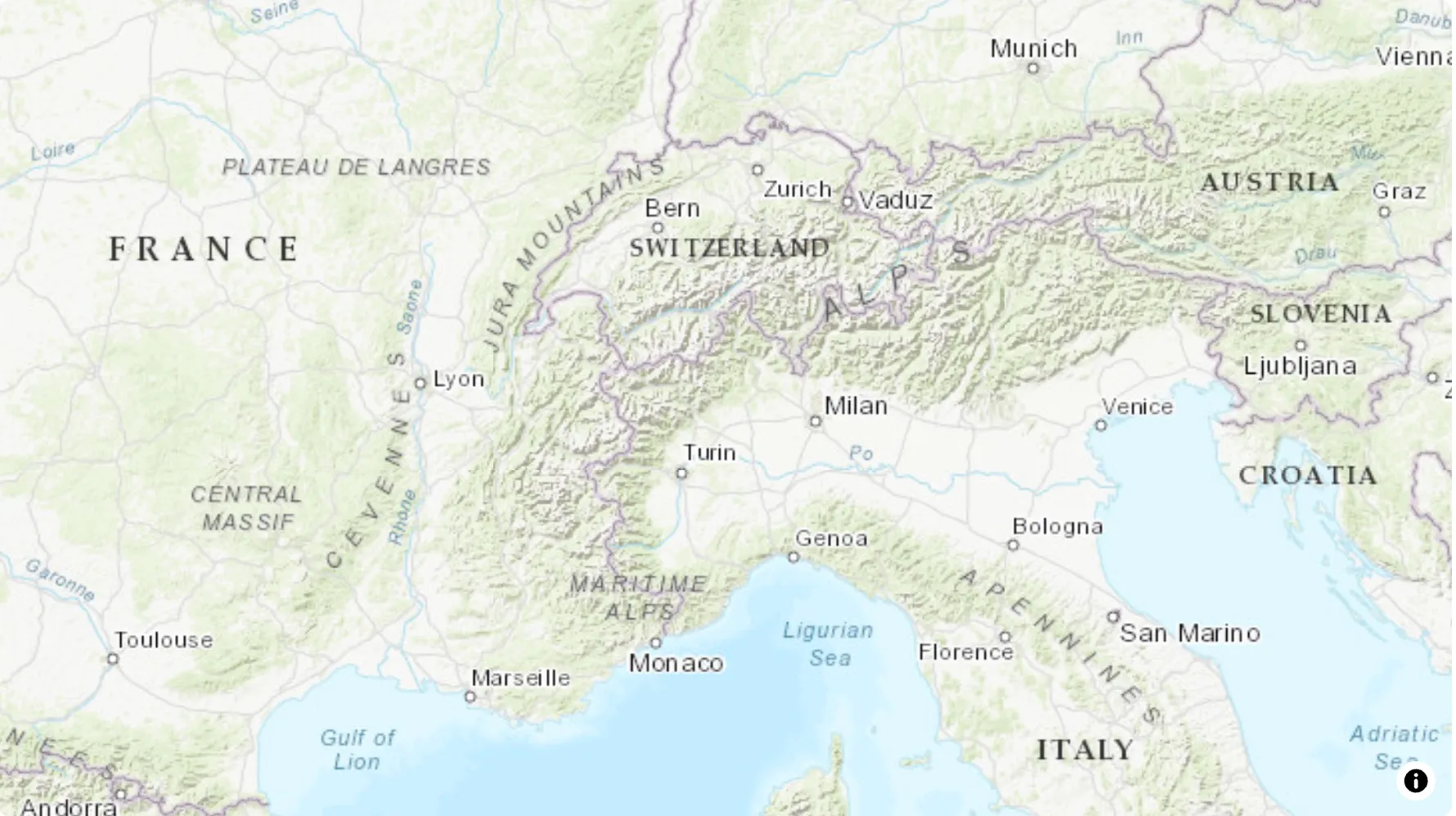
3D terrain reveals the shape of mountains and valleys. Pair it with camera flyovers, or explore cities with 3D buildings and orbit shots.
Follow the landscape through mountain ridges and valleys. Add real elevation to travel videos, outdoor adventures and geography explainers.
Circle a city skyline with an orbit camera and 3D buildings to give urban stories a sense of scale and place.
Created with Animaps using natural language prompts — no keyframing, no After Effects.
South America Country Tour — Animaps Map Animation Demo
A glide down the continent, filling all twelve South American countries with their flags one after another.
New York to Tokyo Flight — Animaps Map Animation Demo
A 3D airplane model crosses the Pacific on a rotating globe, with the camera locked to the route.
Rise of the Ottoman Empire — Animaps Map Animation Demo
Historical borders animated year by year up to the empire's peak extent in 1683, rendered as a true 9:16 vertical video.
These are real prompts you can paste into Animaps. The AI parses each one into a sequence of camera moves, fills, routes, and labels.
Animaps supports 21 animation types across camera movements, borders, land fills, paths, and visual elements. Group any combination into scenes to run them concurrently — fly to a country while filling it with its flag and tracing its border, all in one smooth motion.
Fly to locations, pan across regions, zoom in and out, orbit with a tilted camera, drone flyovers, and arc-shaped camera paths. Control bearing and tilt independently.
Trace lines between 2 and 10 locations with a moving icon (airplane, car, ship). Supports driving routes that follow real roads. The camera can follow the path automatically.
Fill any country or region with a solid color or its national flag. Pulse fills for emphasis. Supports pre-defined groups: EU, NATO, G7, ASEAN, BRICS, and more.
Animate map borders progressively (animated drawing effect), show a country's outline instantly, or add a pulsing glow. Customizable color, width, and opacity.
Place text labels and emoji or Lucide icons at any location. Labels support custom backgrounds and marker dots. Icons include flags, transport symbols, and category-specific sets.
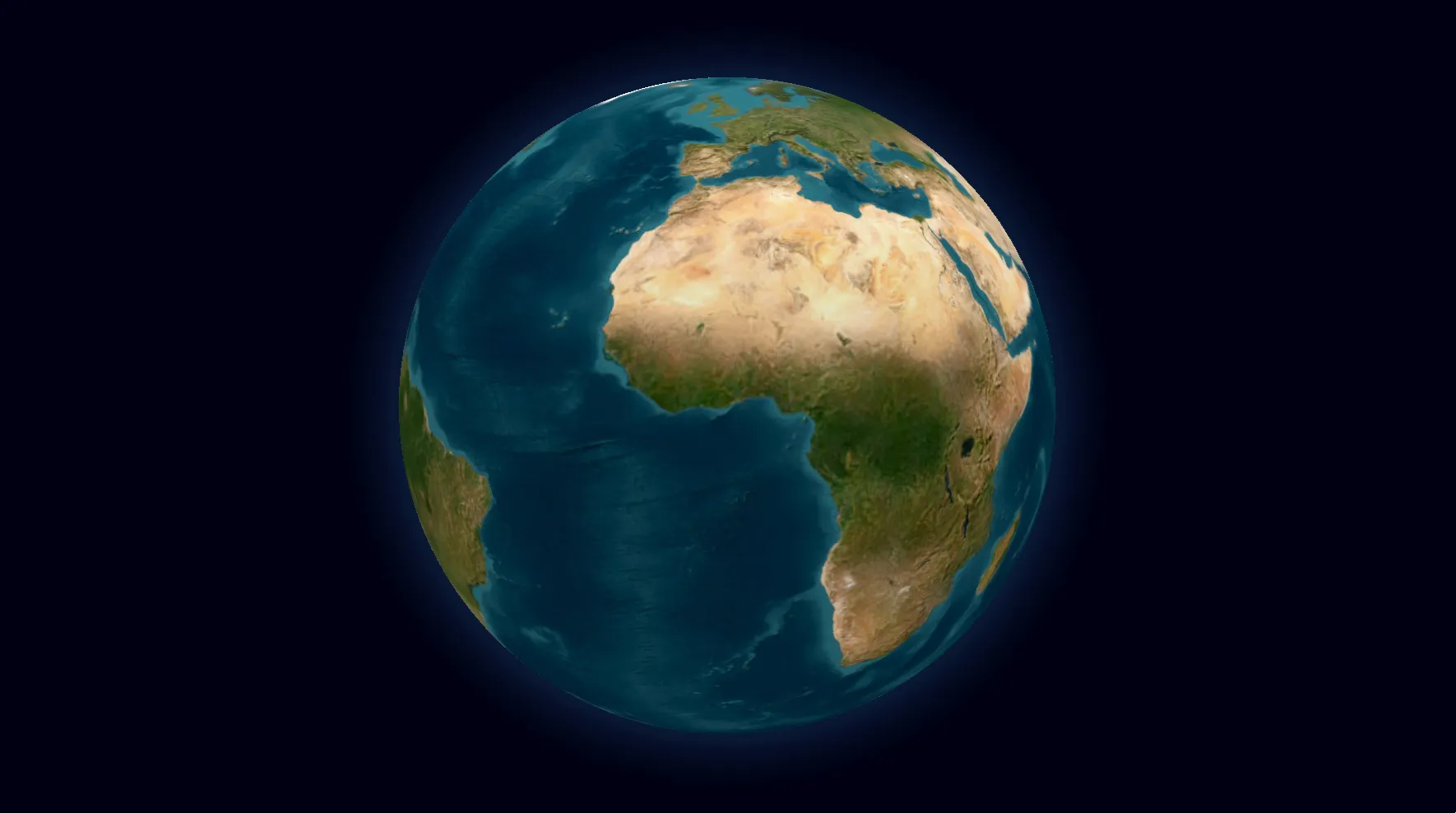
Switch any animation between a flat map and a 3D globe, in the browser and in the exported video. Camera tilts, orbits, and bearing changes look cinematic on a spherical projection. The globe is included on every plan, free ones too.
Everything on your map gets the sound it should make, and the mix stays clean — nothing piles up, nothing plays over itself.
Click one to hear what it sounds like.
12 credits/month on the free plan, no credit card required.
Mostly teams with no map animator on staff: they need a map segment for the video they are cutting this week, not a motion design pipeline.
Travel vloggers, history channels, and geopolitics explainers use Animaps to produce map segments for their videos. A typical workflow: describe the animation, render an MP4, and drop it into a Premiere or DaVinci timeline.
Channels that cover country comparisons, conflict updates, or regional overviews benefit from the flag fill and border trace animations for clear visual storytelling.
News teams need map animations on short deadlines. Animaps lets a producer create a map explainer in minutes: zoom to a region, highlight affected countries, add labels with context, export.
The shade region feature dims everything except the area of interest, keeping the viewer's attention on the story.
Geography and history teachers use Animaps to illustrate lessons. Fill countries on a continent one by one, trace historical trade routes, or show the borders of empires with labeled capitals.
The step-by-step editor makes it easy to build a sequence that matches lecture pacing.
Filmmakers producing travel documentaries or historical films use Animaps for B-roll map sequences. The 3D globe view with camera orbits and tilts creates cinematic footage that would take hours to build in After Effects.
Export at 1440p and 60 FPS for broadcast-quality output.
Podcasters producing video versions of their episodes use map animations to illustrate geographic references. Instead of a static image, a quick animated map segment keeps the video version engaging.
Show office locations, supply chain routes, or market expansion across regions. Export a short map animation clip and embed it in a slide deck or quarterly report video.
After Effects is a general-purpose motion graphics tool. Building a single map animation sequence requires sourcing map tiles, setting up compositions, and keyframing every camera move and fill manually. This takes hours per scene.
Animaps is purpose-built for maps. You describe what you want, preview immediately, and export. No plugins, no keyframes, no GEOlayers license needed.
Read the full comparison →Google Earth Studio produces high-quality flyovers but requires manual keyframing for every camera position. It does not support border tracing, country fills, icon placement, or labels.
Animaps handles all of these from a single prompt and renders on a 3D globe with Cesium. If your map animation needs more than just a flyover, Animaps covers it.
Tools like Mult.dev and Anim8map are designed specifically for travel route animations. They do that use case well.
Animaps handles travel routes but also supports country fills with flags, border tracing, orbit cameras, shade regions, 3D globe rendering, and 21 animation types total. It is not limited to travel use cases.
Read the full comparison →Several AI-powered map animation tools have launched recently. Most support basic flight routes and country highlights.
Animaps differentiates with 21 animation types, a 180,000+ location database with pre-defined country groups (EU, NATO, G7, ASEAN), a step editor for per-action control, and both flat-map and 3D-globe rendering.
Compare all alternatives →Create map animations for explainers and documentaries. Consistent style across episodes. Export-ready MP4 files that drop into any editing timeline.
Show routes, flights, drives, and city highlights with icons, labels, and smooth camera moves. Trace paths between stops with a moving vehicle icon.
Teach geography and history with country fills, border traces, and clear labels. Build sequences that match lecture pacing with the step editor.
Start with the free plan — 12 credits per month, no credit card required. Upgrade when you need higher resolution or more renders.
Browse map animation examples and see the prompts used to create each scene.
Type what you want in plain English — for example "zoom into Japan, then trace a route from Tokyo to Kyoto" — and Animaps generates the animation for you. You can then fine-tune every step in the editor and export the result as an MP4 video.
A map animation maker helps you create animated maps (zooms, routes, highlights, labels) for videos. Animaps generates animations from natural language prompts with DB-first location matching and coordinate fallback, so you can create scenes without complex keyframing.
Open Animaps, describe what you want (e.g. “Zoom to France, show the French flag. Go to Paris, trace its borders, and orbit around it.”), and customize styles. Use @mentions for exact places, then export your animated map video for editing in your timeline.
Yes—Animaps is built for YouTube creators making explainers, travel videos, history videos, and documentaries. You can export map animations and drop them into your YouTube edit.
For many creators, yes. After Effects is a general-purpose motion graphics suite that requires manual keyframing. Animaps focuses specifically on map animation workflows — animations generate from text prompts without motion design experience.
Visit our demo gallery to see map animation examples and the prompts used to create them.
Animaps exports MP4 video (H.264) at 30 or 60 FPS. GIF export is also available for clips up to 6 seconds. Supported resolutions are 1080p (included on Free), 1440p (Pro), and 720p draft.
Yes. Animaps includes 31 map styles: street and terrain maps, light and dark themes, watercolor, antique-atlas and neon looks, satellite imagery via community map sources, and more. Four styles plus the 3D globe are free on every account; paid plans unlock the premium set. You can also hide labels, borders, and other layers per step.
The location database contains over 180,000 entries including countries, cities, regions, seas, mountain ranges, deserts, rivers, landmarks, and pre-defined country groups like the EU, NATO, G7, and ASEAN. You can also provide exact coordinates for any location not in the database.
Yes. Type a place name and Animaps resolves it automatically. You can write “Fly to Tokyo” without knowing coordinates. The AI matches locations from the database, and you can use @mentions for precise disambiguation.
Yes. The free plan includes 12 credits per month, 1080p resolution (watermarked), and up to 30 seconds duration per video. No credit card required to start.
1080p on the Free plan (watermarked), 1440p on Pro. 720p remains available as a faster draft export. 1440p costs extra credits in proportion to the animation's length (roughly +80% of the duration base) on every plan.
Yes. All exported videos can be used in commercial projects including YouTube monetized channels, client work, and broadcast. Free plan exports include an Animaps watermark; paid plans do not. All exports keep the small map-data attribution in the corner (e.g. © MapTiler © OpenStreetMap contributors) — it's required by the map providers' licenses.
More answers on exports, credits, plans and watermarks are in the Help Center.
Use AI or templates to draft, then finish in Preview & Editor with full step-by-step control. Credits are charged only when you render the final video.
Preview & Editor advantage
Build and revise freely in the editor. Credits are used only when you render the final MP4/GIF.
From camera choreography to borders, labels, and layered scenes, Animaps gives you motion primitives ready for YouTube, Shorts, explainers, and newsroom visuals.
Fly to
Camera fly-in
Zoom in / out
Zoom transitions
Pan to
Cinematic pans
Rotate
Map rotation
Tilt
Camera tilt
Orbit
Orbital moves
Arc
Curved path
Drone
Drone flyover
Border
Show, pulse or trace
Historical
Historical borders
Land
Fill, pulse or reveal land
Route
Lines, arrows & paths
Fly along
Follow rivers, routes & paths
Draw
Paths, circles & polygons
Label
Label overlays
Text
Prose on the map
Icon
Icons, 3D icons & models
Shade
Spotlight effect
Atlas
World data layers
Hide layers
Layer cleanup
Fly to
Camera fly-in
Zoom in / out
Zoom transitions
Pan to
Cinematic pans
Rotate
Map rotation
Tilt
Camera tilt
Orbit
Orbital moves
Arc
Curved path
Drone
Drone flyover
Border
Show, pulse or trace
Historical
Historical borders
Land
Fill, pulse or reveal land
Route
Lines, arrows & paths
Fly along
Follow rivers, routes & paths
Draw
Paths, circles & polygons
Label
Label overlays
Text
Prose on the map
Icon
Icons, 3D icons & models
Shade
Spotlight effect
Atlas
World data layers
Hide layers
Layer cleanup
Hide layers
Layer cleanup
Atlas
World data layers
Shade
Spotlight effect
Icon
Icons, 3D icons & models
Text
Prose on the map
Label
Label overlays
Draw
Paths, circles & polygons
Fly along
Follow rivers, routes & paths
Route
Lines, arrows & paths
Land
Fill, pulse or reveal land
Historical
Historical borders
Border
Show, pulse or trace
Drone
Drone flyover
Arc
Curved path
Orbit
Orbital moves
Tilt
Camera tilt
Rotate
Map rotation
Pan to
Cinematic pans
Zoom in / out
Zoom transitions
Fly to
Camera fly-in
Hide layers
Layer cleanup
Atlas
World data layers
Shade
Spotlight effect
Icon
Icons, 3D icons & models
Text
Prose on the map
Label
Label overlays
Draw
Paths, circles & polygons
Fly along
Follow rivers, routes & paths
Route
Lines, arrows & paths
Land
Fill, pulse or reveal land
Historical
Historical borders
Border
Show, pulse or trace
Drone
Drone flyover
Arc
Curved path
Orbit
Orbital moves
Tilt
Camera tilt
Rotate
Map rotation
Pan to
Cinematic pans
Zoom in / out
Zoom transitions
Fly to
Camera fly-in
Switch personas to see how teams draft with prompts, refine in Preview & Editor, and render only when ready.
Build destination arcs, route reveals, and city highlights in minutes. Perfect for YouTube explainers, travel vlogs, and short-form map storytelling.
Prompt example
> Start from Greece. Fly to Athens, then trace a driving route from Athens to Piraeus and a ferry route from Piraeus to Mykonos. Fly to Mykonos with 55 degrees tilt and orbit it. Take the ferry from Mykonos to Naxos, then zoom out to show the Aegean Sea.