Animaps vs After Effects: Which Tool Should You Choose for Map Animations?
Direct comparison of Animaps and After Effects for map animations. Time investment, costs, features, and real-world scenarios to help you choose the right tool for your needs.
Preview & Editor advantage
Draft with AI prompts or templates, then refine every animation step in real time (zoom, opacity, border width, colors, bearing, tilt). Credits are used only when you render the final video.
Animaps Team
Content Creator
Animaps vs After Effects: Which Tool Should You Choose for Map Animations?
Last updated: December 19, 2025
TL;DR
For most content creators: Animaps offers faster workflows (1-10 minutes vs 45-75 minutes per animation), lower costs ($99-199/year vs $449+/year), and zero learning curve (0-30 minutes vs 150+ hours). After Effects makes sense if you're a professional motion designer creating diverse content beyond maps.
Quick links:
- Map animation maker hub: Create animated maps online
- Comparison hub: Map animation maker alternatives
- Examples: Map animation examples gallery
Key differences:
- Time per animation: Animaps: 1-10 min | After Effects: 45-75 min
- Learning investment: Animaps: 0-30 min | After Effects: 150+ hours
- Annual cost: Animaps: $99-199 | After Effects: $449+ (with GEOlayers)
- Best fit: Animaps for map-focused creators | After Effects for motion designers
You're choosing between Animaps and After Effects for map animations. Both create professional results, but they're designed for completely different users and workflows.
This direct comparison examines time investment, costs, features, and use cases to help you make the right choice.
Quick Comparison
| Factor | Animaps | After Effects |
|---|---|---|
| Learning Time | 0-30 minutes | 150+ hours |
| Time per Animation | 1-10 minutes | 45-75 minutes |
| Annual Cost | $99-199 | $449+ (software + plugin) |
| Best For | Map animations | All motion graphics |
| Interface | Natural language + visual editor | Complex layer-based workspace |
| Updates | Automatic | Manual plugin updates |
The Core Difference
Animaps is a specialized tool built exclusively for map animations. Three creation modes (AI, Editor, templates) with 21 animation types and 180,000+ geographic locations.
After Effects is a general motion graphics platform. Unlimited creative control for all animation types, but requires GEOlayers plugin ($149-299) plus extensive learning investment for map work.
The question: Do you need a specialized map tool or a general motion graphics platform?
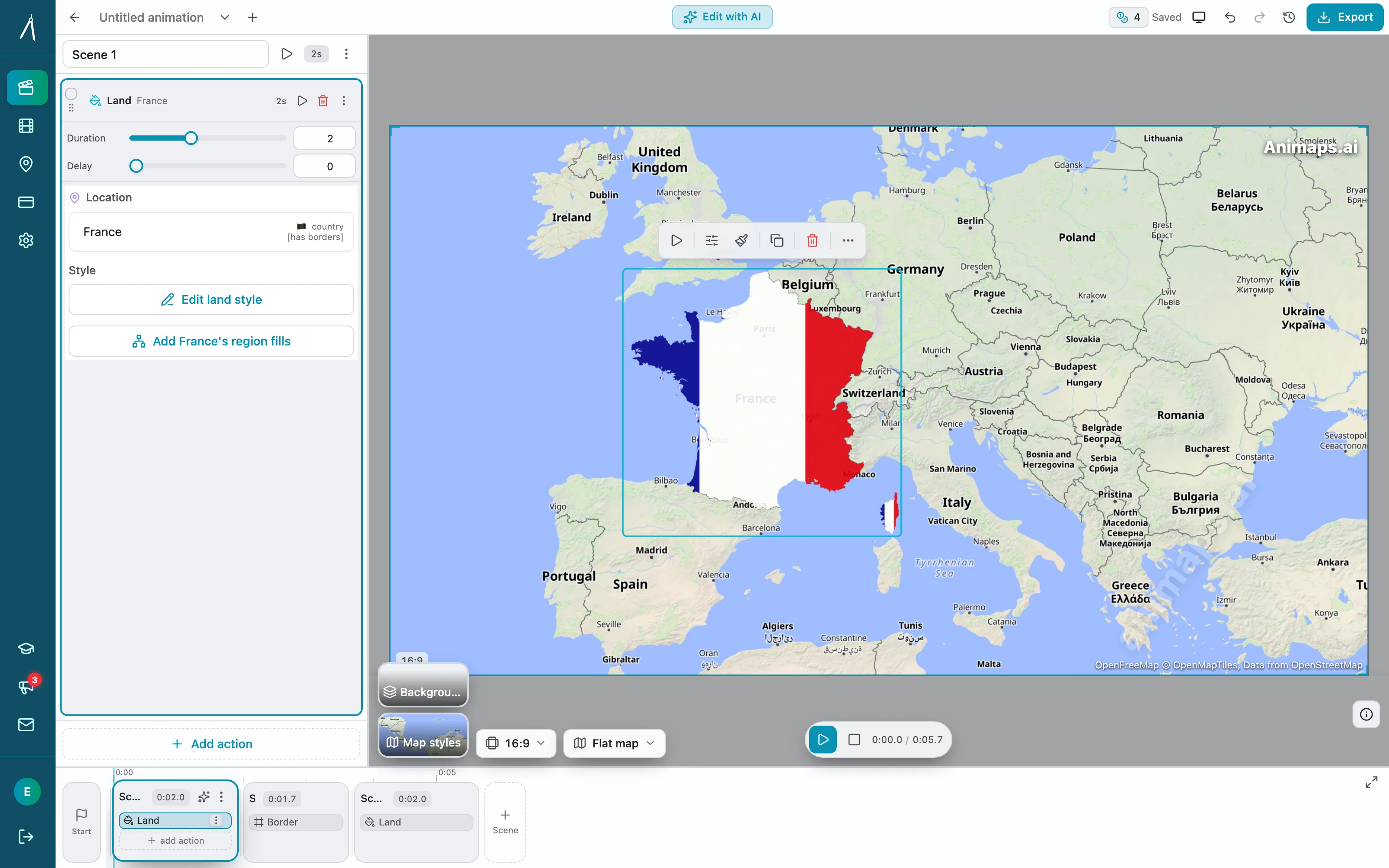
Learning Curve Comparison
Animaps: 0-30 Minutes
First animation (AI mode):
- Type: "Zoom to France, show flag, highlight Paris"
- Preview instantly
- Export
- Time: 60 seconds
Learning Editor:
- AI generates base animation
- Switch to editor to adjust timing
- Learn controls gradually as needed
- Time: 30 minutes to proficiency
Total investment: 30 minutes maximum
After Effects: 150+ Hours
Phase 1 - Interface basics (20 hours):
- Workspace navigation
- Layer management
- Keyframe fundamentals
- Timeline controls
Phase 2 - GEOlayers plugin (25 hours):
- Installation and setup
- Map tile configuration
- Coordinate systems
- Data management
Phase 3 - Map creation (40 hours):
- Camera animation
- Location highlighting
- Route creation
- Export settings
Phase 4 - Proficiency (65+ hours):
- Practice projects
- Problem-solving
- Workflow optimization
Total investment: 150+ hours before confident map creation
Time per Animation
Simple Map Zoom
Animaps:
- AI prompt: "Zoom and tilt to Japan" (60 seconds)
- Editor refinement: +2 minutes if needed
- Export final (1 minute)
- Total: 1-4 minutes
After Effects:
- Import GEOlayers map tiles (2-3 minutes)
- Set starting camera position (2-3 minutes)
- Create zoom keyframes (2-3 minutes)
- Adjust easing curves (3-5 minutes)
- Add location highlight (3-4 minutes)
- Render preview (1-2 minutes)
- Export final (1 minute)
- Total: 15-25 minutes
Complex Multi-Location Animation
Animaps:
- AI prompt: "Show Europe, zoom to France, highlight Paris, show flag, then zoom to Spain" (60 seconds)
- Manual tweaks in editor if needed (2-5 minutes)
- Export final (1 minute)
- Total: 2-7 minutes
After Effects:
- Plan sequence (3-5 minutes)
- Create each camera move (10-15 minutes)
- Add highlights and flags (8-12 minutes)
- Time all transitions (8-10 minutes)
- Fine-tune easing (5-8 minutes)
- Render and export (2 minutes)
- Total: 40-60 minutes
Time multiplier: After Effects takes 5-10x longer per animation
Cost Analysis: First Year
Animaps Pro
- Subscription: $190/year
- Learning time: 0 hours
- Equipment: None (browser-based)
- Total: $190
After Effects + GEOlayers
- Creative Cloud: $300/year
- GEOlayers plugin: $200 (one-time)
- Learning time: 150 hours × $30/hour = $4,500
- High-performance computer: $500 (if needed)
- Total: $5,500 first year
Cost difference: After Effects costs 29x more in year one
Feature Comparison
Geographic Coverage
Animaps:
- 180,000+ pre-loaded locations
- Countries, cities, landmarks, natural features
- Instant access, no setup
- Regular updates with new locations
After Effects:
- Manual coordinate entry
- Must find location data yourself
- Configure map tiles for each project
- No built-in location database
Animation Types
Animaps (21 types):
- Camera movements (zoom, pan, focus, orbit...)
- Country/city highlighting
- Flag displays (250+ countries)
- Border animations (trace, pulse, glow)
- Icon placement (1000+ icons)
- Animated paths
- Multi-select highlighting
After Effects:
- Unlimited custom animations
- Any effect imaginable
- Complete creative freedom
- Requires manual creation of each effect
Visual Elements
Animaps:
- 250+ country flags (built-in)
- 1000+ curated travel icons
- Multiple map styles (topographic, outline, satellite)
- Flat and globe views
- Pre-configured, ready to use
After Effects:
- Must source all assets externally
- Manual import and setup
- Create animations for each element
- Full customization control
Export Options
Animaps:
- Multiple aspect ratios: 16:9, 9:16, 1:1
- Formats: MP4, GIF
- Frame rates: 30fps, 60fps
After Effects:
- Any resolution or aspect ratio
- Any format supported by Media Encoder
- Custom quality settings
Sound and Music
Animaps:
- 487 sound effects and music beds built in, every one of them CC0 — nothing to license, nothing to credit
- "Add sounds automatically" scores the whole animation in one click: a route takes its vehicle, a border its pencil, a typed title its keys
- Each clip is fitted to the action it sits on, and one music bed runs under the whole animation
- Sounds play in the preview on every plan; exporting a video with sound needs the Starter plan, and importing your own audio needs Pro
After Effects:
- Source and license every clip yourself
- Place, trim and mix each one on the audio timeline by hand
- Full control over levels, fades and effects
When Animaps Makes Sense
Choose Animaps if you:
Need speed: Create 10+ map animations monthly and value fast turnaround
Focus on maps: 90%+ of your animation needs are geographic
Want simplicity: Prefer natural language over complex interfaces
Multi-platform creator: Need multiple aspect ratios (YouTube, Instagram, TikTok)
Budget-conscious: Want professional results under $250/year
Examples:
- Travel vlogger creating route animations
- Geography teacher showing country locations
- News creator explaining global events
- Social media manager needing quick map posts
- YouTuber adding map intros to videos
When After Effects Makes Sense
Choose After Effects if you:
Create diverse content: Need logos, titles, VFX, motion graphics beyond maps
Have time to invest: Can dedicate 150+ hours to learning
Need unlimited control: Require frame-by-frame customization
Professional designer: Building motion design career
Client work: Deliver After Effects project files to clients
Already use Creative Cloud: Integrate with existing Adobe workflow
Examples:
- Professional motion designer at studio
- Filmmaker creating title sequences
- Brand designer creating complete motion systems
- Agency producing custom client work
- Content creator making diverse animated content
The Hybrid Approach
Many professionals use both:
Animaps for:
- Quick map animations (60 seconds)
- Social media posts
- Standard geographic visualization
- Client previews and mockups
After Effects for:
- Complex compositing with live footage
- Custom branded motion graphics
- Advanced effects requiring VFX
- Client deliverables requiring AE files
Result: Speed for maps, power for everything else
Cost: $490/year (Animaps Pro + AE) vs. $500/year (AE + GEOlayers only)
Real Creator Scenarios
Scenario 1: Travel YouTuber (15 videos/month)
With Animaps:
- 15 map intros × 2 minutes = 30 minutes/month
- Cost: $19/month
- Total: 30 minutes + $19
With After Effects:
- 15 map intros × 30 minutes = 450 minutes/month (7.5 hours)
- Cost: $25/month (Creative Cloud)
- Total: 7.5 hours + $25
Difference: Save 7 hours monthly with Animaps
Scenario 2: Geography Educator (8 lessons/month)
With Animaps:
- 8 educational maps × 5 minutes = 40 minutes/month
- Cost: $9/month (Starter tier)
- Total: 40 minutes + $9
With After Effects:
- 8 educational maps × 40 minutes = 320 minutes/month (5.3 hours)
- Cost: $25/month
- Total: 5.3 hours + $25
Difference: Save 4.5 hours monthly with Animaps
Scenario 3: Motion Designer (diverse projects)
With Animaps + After Effects:
- Map animations: Animaps (fast)
- Logos, titles, VFX: After Effects (necessary)
- Cost: $44/month combined
- Best of both worlds
Migration Path
Starting with Animaps
Month 1-3: Create all map animations in Animaps
- Learn AI mode (instant)
- Explore Editor (30 minutes)
- Build template library (ongoing)
Benefit: Immediate productivity, professional output
If you outgrow it: You'll know exactly what you need from After Effects
Starting with After Effects
Month 1-3: Learn After Effects fundamentals (60+ hours)
- Still can't create maps efficiently
- No map-specific training yet
- Steep frustration curve
Month 4-6: Add GEOlayers, learn map creation (40+ hours)
- Finally able to create maps
- Still slower than specialized tools
Benefit: Ultimate control if you need diverse motion graphics
Decision Framework
Ask yourself these questions:
1. What percentage of my animation work is maps?
- 80%+ → Animaps
- 50-80% → Animaps + simple titles/graphics elsewhere
- 20-50% → Consider hybrid approach
- <20% → After Effects might justify investment
2. How much time can I invest in learning?
- <5 hours → Animaps only option
- 5-40 hours → Animaps, maybe learn AE basics later
- 40-150 hours → Could learn After Effects if needed for career
- 150+ hours available → After Effects viable if career goal
3. What's my budget?
- <$300/year → Animaps
- $300-600/year → Either works, depends on time value
- $600+/year → Can afford both if needed
4. What's my career goal?
- Content creator → Animaps
- Motion designer → After Effects
- Hybrid creator → Start Animaps, add AE if needed
The Bottom Line
Animaps and After Effects serve different purposes.
Animaps = Specialized tool for map animations
- Fastest workflow (60 seconds to 10 minutes)
- Zero learning curve
- Purpose-built features (flags, icons, locations)
- Best value for map-focused creators
- $99-199/year
After Effects = General motion graphics platform
- Unlimited creative control
- Steep learning curve (150+ hours)
- Requires additional plugins for maps
- Best for professional motion designers
- $500+/year (with GEOlayers)
For 90% of content creators needing map animations: Animaps provides the better ROI.
For professional motion designers creating diverse content: After Effects is a career tool, but consider Animaps for map-specific work.
The best choice depends on your specific needs, not which tool is "better" in absolute terms.
Ready to decide?
Try Animaps Free Tier:
- 12 credits/month
- All 21 animation types
- 180,000+ locations
- No credit card required
- Compare against After Effects workflow
Or try After Effects:
- 7-day free trial
- Attempt same map animation
- Track time investment
- Compare results
Most creators discover: The specialized tool (Animaps) delivers what they actually need, faster and cheaper than the general platform (After Effects).
Why Animaps Wins for Most Creators
Based on the data above, Animaps provides superior value for the majority of content creators who need map animations:
Time efficiency: Animaps creates animations in 1-10 minutes compared to 45-75 minutes in After Effects. For creators making 4 animations per month, this saves 3-5 hours monthly.
Cost effectiveness: At $99-199/year, Animaps costs significantly less than After Effects ($300/year) plus GEOlayers ($149-299). The first-year savings of $250-400 can be substantial for individual creators.
Learning curve advantage: Animaps requires 0-30 minutes to learn, while After Effects demands 150+ hours. This time investment difference means creators can start producing immediately rather than spending months learning software.
Workflow flexibility: Animaps offers three creation modes (AI, Editor, templates), allowing creators to choose speed or control as needed. After Effects provides unlimited control but requires manual work for every element.
Specialized features: With 180,000+ pre-loaded locations, 21 animation types, 1000+ icons, and 250+ flags built-in, Animaps provides map-specific features that After Effects requires manual setup to achieve.
For professional motion designers: After Effects remains essential for diverse motion graphics work. However, even AE professionals often use specialized tools like Animaps for map-specific projects to save time.
The data shows that for creators whose primary need is map animations, Animaps delivers professional results faster, cheaper, and with less complexity than the general-purpose After Effects platform.
Related Articles:
Keywords: animaps vs after effects, after effects alternative, map animation software comparison, after effects for maps, best map animation tool, animaps review, after effects vs specialized tools
Tags
Related reading
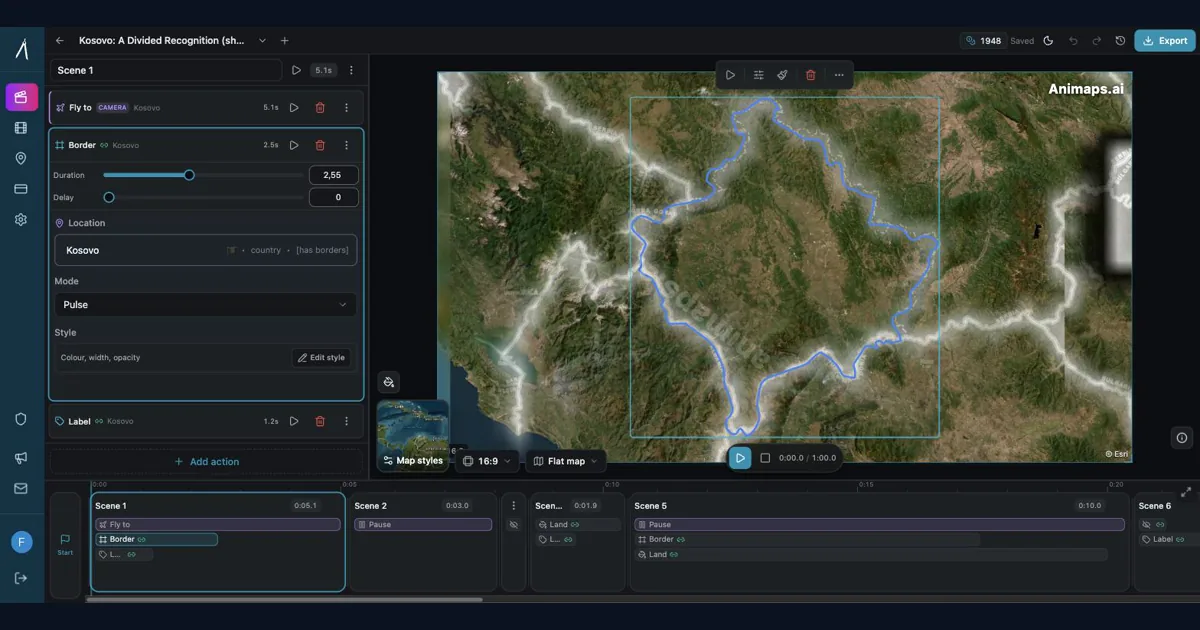
After Effects for Map Animations: Is the 150-Hour Learning Curve Worth It?
You're considering After Effects for map animations. YouTube tutorials make it look doable. But here's what they don't tell you: most creators spend 150+ hours before they can create a simple map zoom confidently. Is that investment worth it? Let's break down the real costs—time, money, and opportunity—so you can make an informed decision.
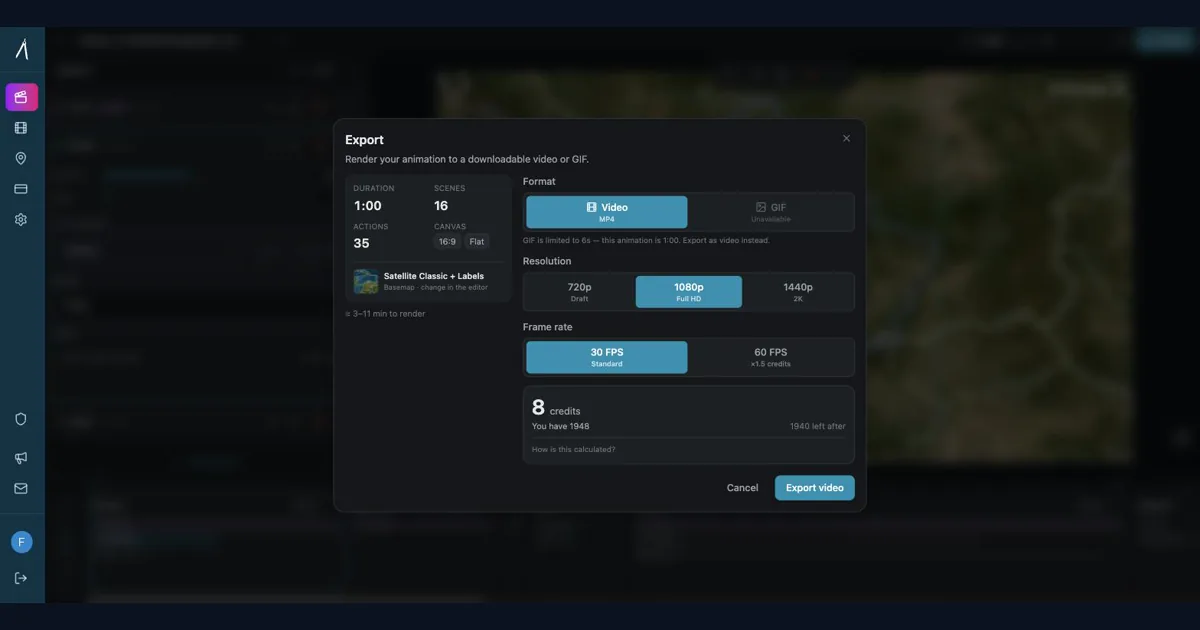
Should Content Creators Learn After Effects in 2026? (Honest Answer)
Before you commit 150 hours and $2,000+ to learning After Effects, take 5 minutes to honestly assess whether you actually need it. This decision framework helps creators choose between learning After Effects, using specialized tools, or adopting a hybrid approach—based on your real needs, not aspirational goals.
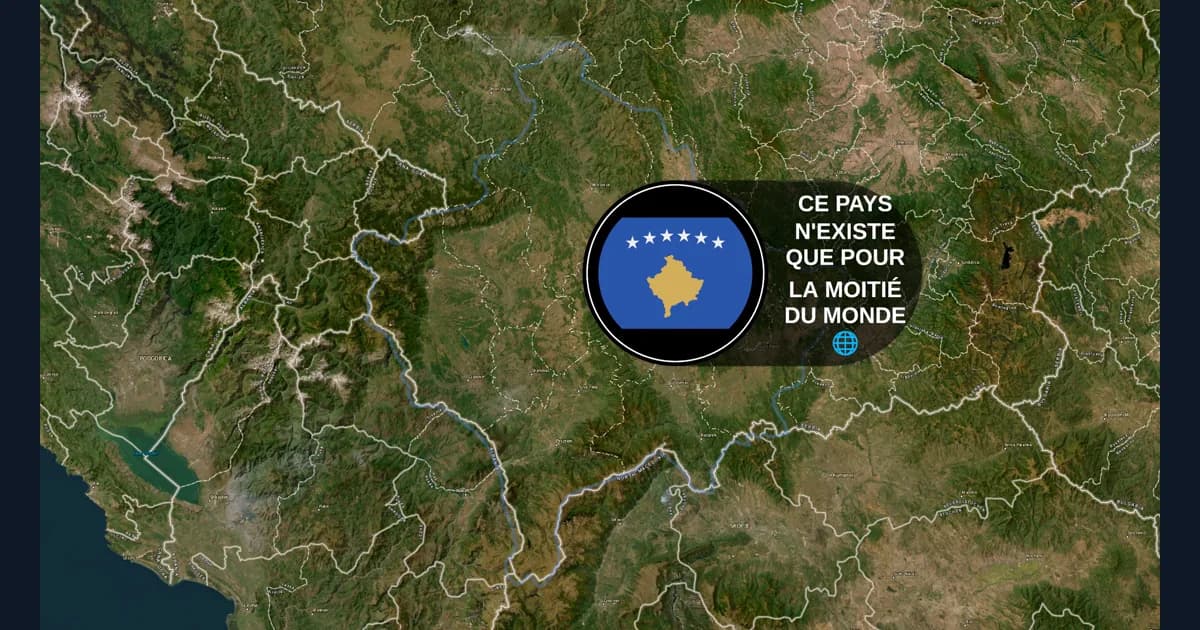
Animaps vs GEOlayers: Specialized Tool or After Effects Plugin?
You're comparing Animaps and GEOlayers for creating map animations. Both are purpose-built for geographic content, but take fundamentally different approaches. GEOlayers brings maps into After Effects, requiring AE proficiency plus 20+ hours of plugin learning. Animaps is a standalone browser platform with zero prerequisites and a 30-minute learning curve. This comparison examines workflows, requirements, costs, and use cases.
Browse every article in the Animaps blog.