Animaps vs MapDirector: Adventure Films or Map Stories?
MapDirector turns GPX tracks, photos and notes into 4K adventure films on 3D terrain, free while in beta; Animaps builds map videos from a prompt or by hand. Inputs, exports and who each suits. Verified October 2026.
Animaps Team
Content Creator
Comparison verified October 2026. MapDirector is in beta and Animaps changes its plans from time to time. Check each site before you start.
TL;DR
Short version: MapDirector turns GPS tracks of races and adventures into films. You drop one GPX file per day or leg, add your photos, videos and notes, and direct the camera over high-resolution 3D terrain with real sun and atmosphere. It exports up to 4K in any aspect ratio, plus still frames and a shareable interactive page, and it is free while its beta runs. Animaps does not import GPX files and does not place your photos along a route. It starts from a sentence or from steps you build, and makes short map videos about places, borders, routes and history. If you have tracks from a multi-day trek or a race, MapDirector is the better fit today.
Quick links:
- Map animation maker hub: Create animated maps online
- Comparison hub: Map animation maker alternatives
- 3D globe guide: 3D globe animation
Key differences:
- Where the route comes from: Animaps: places you type or set by hand | MapDirector: your GPX files
- Price today: Animaps: free plan, paid plans from $9.90 per month | MapDirector: free while in beta
- Top resolution: Animaps: 1440p (included on Pro) | MapDirector: up to 4K
- Your photos: Animaps: not at each stop | MapDirector: photos, video and notes placed by time and place
- Maps that explain: Animaps: borders, fills, labels, history timelapses | MapDirector: your trip on terrain
Quick Comparison
Swipe sideways to see the whole table.
| Factor | Animaps | MapDirector |
|---|---|---|
| Platform | Web browser | Web (in beta) |
| Price | Free, Starter $9.90/mo, Pro $19.90/mo | Free while the beta runs |
| Route source | Typed places, steps by hand, GeoJSON on Starter and Pro | GPX files, one per day or leg |
| Your media | Not at each stop | Photos, video, waypoints and notes matched to the track |
| Terrain | 3D terrain on Pro | High-resolution elevation with real sun and atmosphere |
| Camera | Fly-to, orbit, tilt, bearing, route follow | "You fly the camera" |
| Exports | MP4 or GIF, 1080p, 1440p on Pro, 30 or 60 FPS | Video up to 4K, print-grade stills, an interactive page |
| Aspect ratios | 16:9, 9:16 and 1:1 | "Any aspect ratio" |
| Borders and labels | Border trace and pulse, land fills, labels, history timelapses | Not described on its site |
| Start from text | A prompt returns editable steps | Not described on its site |
What Each Tool Is For
MapDirector says: "Turn your races and adventures into films. You fly the camera, you direct the story." You start by dropping a GPX file, one per day or per leg. Your photos, video, waypoints and notes are matched to the route "by when and where they happened, not by filename." Terrain uses high-resolution elevation data, and the sun and shadows follow the date and place of your track. From one trip you can make a flyover, a trip report, a social reel, a still image or an itinerary. Every trip stays on your own globe, as a portfolio. Its site names outdoor people, athletes, creators, race organisers, tourism boards and filmmakers. It also offers a done-for-you service for clients.
Animaps is a map animation studio. You describe a sequence in plain English, and it returns a list of steps with a live preview. You can change each step's timing, place, colour and camera, or build the whole thing by hand. Road routes follow real roads, sea routes avoid land, and a 3D vehicle model rides the route when one exists. It also traces borders, fills countries with colours or flags, adds labels and icons, and plays historical border timelapses.
A prompt you can paste into Animaps:
Fly to Nepal, tilt the camera over the Himalayas, label Kathmandu and Everest, then trace the border of Nepal in red.
Camera moves are steps too. Here an Orbit action is added, then its degrees and tilt are set.
Pricing
MapDirector says it is "Free while in beta." Its pricing page says everything is open to everyone at no cost "for as long as the beta runs." That includes unlimited trips, full-resolution terrain, video and stills export up to 4K, and the interactive page. It does not say what the price will be after the beta.
Animaps
Swipe sideways to see the whole table.
| Plan | Price | What you get |
|---|---|---|
| Free | $0 | 12 credits per month (up to 6 animations), 1080p, watermarked, 30 second maximum, 4 AI prompts per month |
| Starter | $9.90 per month, $99 a year | 120 credits per month (up to 60 animations), 1080p, no watermark, 45 second maximum, GeoJSON import |
| Pro | $19.90 per month, $199 a year | 250 credits per month (up to 125 animations), 1440p included, 60 second maximum, 3D terrain |
Each AI prompt costs 2 credits on every Animaps plan. Editing and preview by hand are free and unlimited.
Where MapDirector Is Better
Your real tracks. It is built around GPX files. Animaps has no GPX, KML or FIT import, and no Strava or Garmin link.
Your photos and notes on the map. MapDirector places them by time and place. Animaps does not place your own photos at each stop.
Long, multi-day trips. One file per day or leg, in one film.
4K and stills. Video up to 4K, print-grade frames, and an interactive page to share.
Light on terrain. Sun and shadows from the real date and place of your track.
Where Animaps Is Better
No track needed. Type the places. Animaps finds them and draws road, sea or air routes between them.
Maps that explain. Border traces, land fills with flags, labels, and border timelapses for historical states and empires. MapDirector's site does not describe these.
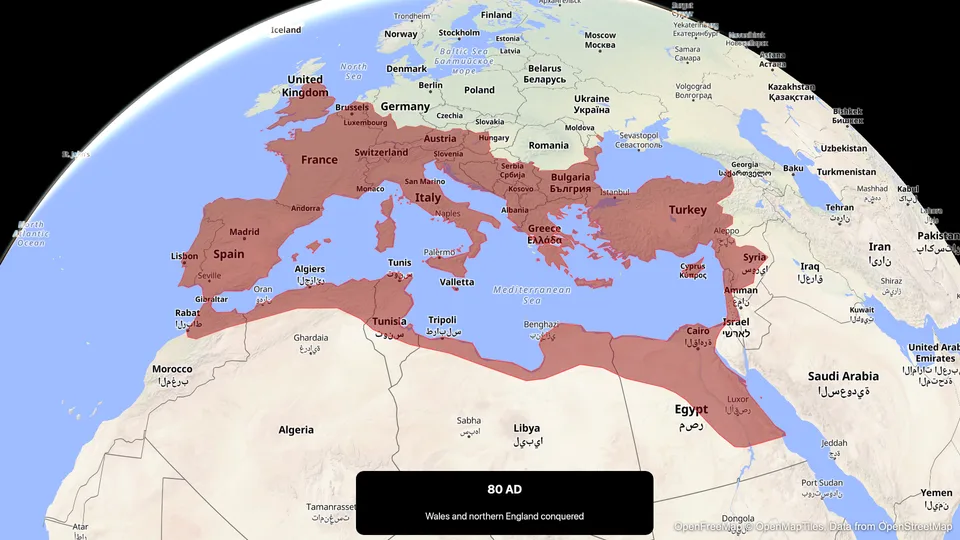
Start from a sentence. The prompt returns steps you can edit one by one.
Short videos for social. 9:16, 1:1 and 16:9 from the same project, as MP4 or GIF.
Not in beta. Animaps has published plans today.
For a flight between two cities, see flight path animation. For a 3D look in Animaps, read how to make a 3D map animation.
Who Should Choose Which
Choose MapDirector if
You have GPX tracks from a race, a trek or a bike tour. Drop them in, one per day or leg.
You want your photos and notes on the route. They are placed by time and place.
You want 4K, stills and a page to share. All free while the beta runs.
You organise a race. Its site lists race organisers and offers a done-for-you service.
Choose Animaps if
Your video is about a place, a border or a story. Not about a track you recorded.
You want to start from a sentence. And edit each step after.
You make short videos often. Shorts, Reels, YouTube explainers, lessons.
FAQ
Is MapDirector free? Yes, while its beta runs. Its pricing page does not say what it will cost after.
Does MapDirector need a GPX file? Its home page starts with "Drop your GPX here" and links to help on getting one. It does not describe drawing a route by hand.
Can Animaps import a GPX file? No. Animaps imports GeoJSON on Starter and Pro.
Which one exports 4K? MapDirector. Animaps exports up to 1440p on Pro.
The Bottom Line
MapDirector is the better pick for a film of a race or an adventure you tracked, with your photos and notes, on detailed terrain, and it is free during its beta.
Animaps is the better pick when the video explains a place or a story: borders, fills, labels, history and routes between places you name, built from a prompt and edited step by step.
Sources checked on 2026-10-28
- MapDirector home page: GPX input, photos and notes, terrain and light, outputs, audiences, beta label.
- MapDirector pricing: free while in beta, unlimited trips, 4K in any aspect ratio, stills, interactive page.
- MapDirector map services: done-for-you work for clients.
- Animaps pricing: plans, credits, resolutions, AI prompt cost.
Related Articles:
Keywords: mapdirector alternative, animaps vs mapdirector, gpx to video, race course video, adventure map film, 3d trail video
Tags
Related reading
Animaps vs Google Earth Studio: Realistic Flyovers or Explainer Maps?
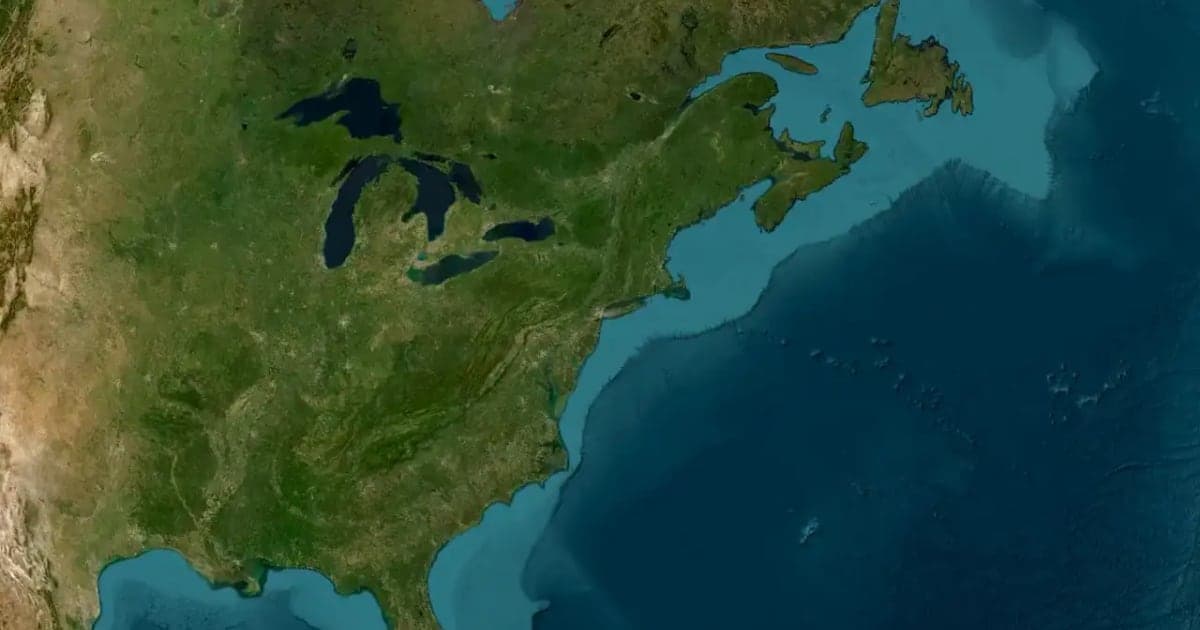
Google Earth Studio is free and has the most realistic 3D imagery among the tools we compare, but you request access, it runs only in desktop Chrome, local renders are image sequences, and Google offers no commercial licence for the imagery. Animaps has open sign-up and exports a finished MP4 with borders, fills, labels and routes already in it. Pick Earth Studio for realistic flyovers, Animaps when the map has to explain something.
How to Make a 3D Map Animation in Your Browser
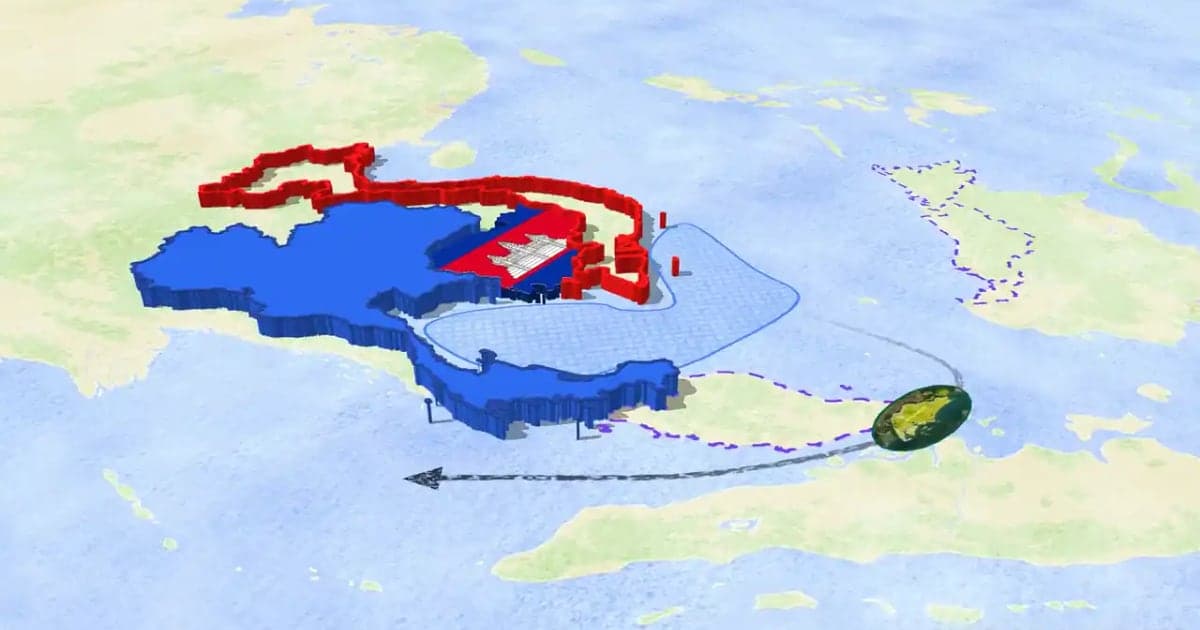
A 3D map animation gives the map depth: a turning globe, a tilted camera, raised mountains, a city skyline or a plane model on its route. Animaps does all five in a browser. The globe is on every plan, Free included; 3D terrain and 3D buildings are on Pro.
Animaps vs Mult.dev: A Trip Recap or a Map Animation Studio?
Mult.dev animates a journey: you add stops, pick the transport for each leg, drop your photos on the map, and export a travel recap, on your phone if you want, paid for once rather than by subscription. It imports GPX, KML and GeoJSON from Strava, Gaia and Komoot. Animaps animates a map: routes are one of 22 animation types alongside borders, fills, historical timelapses, labels and a globe view, with a step editor and published monthly pricing at $9.90 and $19.90.
Browse every article in the Animaps blog.
