Animaps vs Google Earth Studio: Realistic Flyovers or Explainer Maps?
Google Earth Studio animates Google Earth's satellite and 3D imagery for free; Animaps makes explainer maps with borders, fills, labels and routes. Access, exports, usage rules and who each suits. Verified October 2026.
Animaps Team
Content Creator
Comparison verified October 2026. Both products change from time to time. Check each site before you decide.
TL;DR
Short version: Google Earth Studio is a free browser tool from Google that animates Google Earth's satellite and 3D imagery with keyframes. Nothing else in this category matches its photorealistic 3D cities and terrain. But you have to request access, it runs only in desktop Chrome, local renders come out as an image sequence, and Google does not offer a licence for commercial use of the imagery. Animaps is a map animation studio: you describe the animation in plain English, edit the steps it returns, and export an MP4 with borders, fills, labels, icons and routes already in the video. Pick Earth Studio for realistic flyovers. Pick Animaps when the map has to explain something.
Quick links:
- Map animation maker hub: Create animated maps online
- Comparison hub: Map animation maker alternatives
- Examples: Map animation examples gallery
Key differences:
- Price: Animaps: free plan, paid plans from $9.90 per month | Earth Studio: free
- Access: Animaps: sign up and start | Earth Studio: request access with a Google account, granted case by case
- Imagery: Animaps: 31 map styles, flat map and globe | Earth Studio: Google Earth satellite and photorealistic 3D imagery
- Output: Animaps: MP4 or GIF | Earth Studio: image sequence (local render) or MP4 (experimental cloud render)
- Borders, labels, fills: Animaps: built in | Earth Studio: add them in post, or import KML
You are comparing two tools that both run in a browser and both make map videos, but they do different jobs. Earth Studio is a camera tool for Google Earth. Animaps is a tool for animated explainer maps.
This comparison covers what each one is for, how you get access, what you get out of it, the usage rules, and who should pick which.
Quick Comparison
Swipe sideways to see the whole table.
| Factor | Animaps | Google Earth Studio |
|---|---|---|
| Price | Free plan, Starter $9.90/mo, Pro $19.90/mo | Free |
| Access | Open sign-up | Request access with a Google account, case by case |
| Browser | Web browser | Desktop Google Chrome only, on Mac or Windows |
| How you build | Text prompt to editable steps, or build steps by hand | Keyframes on a timeline, plus quick-start templates |
| Imagery | 31 map styles including satellite, flat map and globe | Google Earth satellite imagery and 3D cities, plus Moon and Mars |
| Borders and labels | Border trace and pulse, land fills, labels, icons | Preset map styles with labels and borders, KML overlays |
| Output | MP4 or GIF, 16:9, 9:16 and 1:1 | Image sequence locally, MP4 from cloud render (experimental) |
| Top resolution | 1440p (included on Pro) | Not stated in its docs |
| After Effects | Not a plugin; export the MP4 into any editor | 3D camera export to After Effects |
| Usage rules | Watermark on Free; map-data credit on every export | Attribution on every frame; no commercial licence for the imagery |
What Each Tool Is For
Google Earth Studio describes itself as "an animation tool for Google Earth's satellite and 3D imagery." It works like motion design software. You move the globe, set a keyframe, move again, and set another. Quick-start projects give you ready camera moves such as an orbit or a fly-to. You can also animate other settings, such as the sun's position and the camera's field of view. It uses the same imagery and 3D engine as Google Earth.
Animaps is a map animation studio. You write what you want, for example "fly to Paris, trace the border of France, then show a route to Rome," and it returns a list of steps. Each step has a live preview, and you can change its timing, target, colour or camera angle. You can also build every step by hand. Its site lists 23 animation types, 180,000+ searchable locations, 10,100+ icons and 921 3D models, and historical border timelapses for 5,500+ empires, states and countries.
The short way to say it: Earth Studio makes the camera move over a realistic Earth. Animaps makes the map say something.
Access and Requirements
This is the first real difference, and it matters before you do any work.
Earth Studio is a preview with request-based access. Its home page asks you to "Sign in with your Google account to request access." Its requirements page says that "access is granted case by case" during the preview, and its FAQ says "You will receive an email whether or not you are accepted." So plan for a wait, and for the chance of a no.
It also has fixed technical requirements. Its docs say it "runs on the Google Chrome web browser" and that it is supported "on Mac and Windows." It needs WebGL and hardware acceleration in Chrome. The docs also warn that a slow internet connection makes renders take "much longer," because the imagery streams while you render.
Animaps has open sign-up. You create an account and start on the free plan. There is no approval step. It runs in a web browser and has no phone app.
Pricing Side by Side
Google Earth Studio
Its home page says: "Earth Studio is free to use." There are no paid plans. Cloud rendering has a daily limit (see the export section below), but there is no price attached to it.
Animaps
Swipe sideways to see the whole table.
| Plan | Price | What you get |
|---|---|---|
| Free | $0 | 12 credits per month (up to 6 animations), 1080p, watermarked, 30 second maximum, 4 AI prompts per month |
| Starter | $9.90 per month, $99 a year | 120 credits per month (up to 60 animations), 1080p, no watermark, 45 second maximum, GeoJSON import, sound effects and music |
| Pro | $19.90 per month, $199 a year | 250 credits per month (up to 125 animations), 1440p included, 60 second maximum, image import, 3D terrain and buildings, priority support |
Each AI prompt costs 2 credits on every Animaps plan. Editing and preview by hand are free and unlimited. Credits go to AI prompts and exports. Plan credits reset each month, and credit packs you buy separately do not expire.
On price alone, Earth Studio wins. It costs nothing. The cost of Earth Studio shows up elsewhere: in the access wait, in the video editor you need to turn image sequences into a video, and in the time you spend adding labels and borders after the render.
Export and Output
Earth Studio renders an image sequence on your computer. Its rendering docs say "the entire render process happens in your browser," and the result is saved to a folder on your computer. To get a video, the docs suggest "Adobe Media Encoder or Adobe After Effects." Chrome must stay open, with Earth Studio as the focused tab, until the render ends.
Earth Studio also has cloud rendering, marked experimental. It outputs H.264 MP4 video, with an "18,000 frames daily quota (10mins at 30fps)." Finished cloud renders stay available for 10 days. Map Styles and the Moon and Mars are not supported in cloud renders, and the docs warn that the service may be interrupted.
Earth Studio has two strong export features that Animaps does not have. Its 3D camera export sends the camera path to Adobe After Effects, so you can add labels and pins in post that stay locked to real places. Version 1.6 added 360° spherical export for VR headsets and YouTube 360 video.
Animaps exports a finished MP4 or GIF. Borders, fills, labels, icons and routes are already in the video, so there is no assembly step. It supports 16:9, 9:16 and 1:1, so the same animation works for YouTube, Shorts, TikTok, Reels and feed posts. Exports are 1080p on every plan and 1440p on Pro (other plans can pay extra credits for 1440p). GIFs are capped at 6 seconds, and each animation has a length cap of 30, 45 or 60 seconds depending on the plan.
Earth Studio's docs do not state a maximum resolution. If you need 4K, test it in Earth Studio itself. Animaps stops at 1440p.
Imagery, Borders and Labels
Earth Studio has the best imagery in this category. It uses Google Earth's satellite imagery and photorealistic 3D cities. A flyover of Manhattan or a slow orbit around a mountain looks like drone footage. Among the tools we compare, none matches it on that.
What it does not do well is explain. Version 1.3 added Map Styles, which include preset labels and borders in the render. For your own shapes, it imports KML files. Its docs list points, polygons, placemarks, ground overlays, screen overlays and network links as supported. You can animate the opacity of a whole KML file, but "Animating individual KML nodes is not supported at this time." So you cannot, for example, trace a border line by line or fill one country after another inside Earth Studio. Google's own page says labels and pins are added "in post production."
Animaps is built around those explaining moves. It can trace or pulse a border, fill a country with a colour or a flag, add labels and icons, trace road, air, sea and rail routes with moving icons, and run several of these at the same time in a scene. It also plays historical border timelapses. Its satellite style uses community imagery from a third-party source, and Pro adds 3D terrain and 3D buildings. But it does not have Google's photorealistic 3D cities. If your shot is "fly between the towers of a real city," Earth Studio does that and Animaps does not.
Usage Rules and Attribution
Read this part before you plan a client project.
Earth Studio requires attribution on screen. Its attribution page says "All uses of Google Earth Studio must provide attribution to both 'Google Earth'" and to the third-party imagery providers shown. When you render, Earth Studio adds this attribution to each frame automatically. You can move it on screen, but you cannot remove it.
Earth Studio does not offer a commercial licence. The FAQ says: "We currently do not offer a license to use Google Earth imagery for commercial applications." The same FAQ says that properly attributed content "can be used for any application," and names research, education, film and nonprofit use, with a separate permissions page for other cases. If you make paid work for clients or advertising, read Google's permissions guidelines before you start.
Animaps puts a watermark on free plan exports. Starter and Pro remove the Animaps watermark. Its pricing page also states that map-data attribution appears on all exports, including paid plans, and cannot be removed. So both tools carry a data credit on screen. Only Earth Studio's FAQ says outright that it has no commercial licence for its imagery.
Who Should Choose Which
Choose Google Earth Studio if
You want realistic Earth footage, you can wait for access, and you are fine finishing the video in an editor.
You want photorealistic flyovers. Real cities in 3D and real terrain from satellite imagery. This is what Earth Studio is for, and it is free.
You already work in After Effects. The 3D camera export lets you add labels and pins in After Effects that stay locked to the ground.
You want full manual control of the camera. Keyframes, easing, field of view, sun position, and camera targets.
You need 360° video, or the Moon and Mars. Both are built in.
Your project is non-commercial. Education, research, documentary or nonprofit work with proper attribution fits its rules best.
Choose Animaps if
You want a finished explainer map without an editing step, or you cannot wait for access.
You need borders, fills, labels and routes in the video. These are built-in animation types, not post-production work.
You want to start from a description. Write the sequence in plain English and edit the steps it returns.
You need a finished MP4 today. Open sign-up, a free plan, and a video file at the end with no image sequence to convert.
You make vertical video. 9:16 and 1:1 are built in, next to 16:9.
You need historical maps. Border timelapses for 5,500+ empires, states and countries.
Use Both
These tools also work together. A common pattern: shoot the realistic flyover of a city or a mountain range in Earth Studio, then make the border, route or label sequence in Animaps, and cut the two together in your editor. You get Google's imagery where it matters and a clear map where the story needs one.
FAQ
Is Google Earth Studio free? Yes. Its home page says "Earth Studio is free to use." You need a Google account and an approved access request.
How do I get access to Google Earth Studio? Sign in with your Google account at earth.google.com/studio and send the request form. During the preview, access is granted case by case, and Google emails you whether or not you are accepted.
Can Google Earth Studio export an MP4? Local renders save an image sequence, which you turn into a video with an editor such as Adobe Media Encoder or After Effects. The experimental cloud render outputs MP4, with a daily limit of 18,000 frames.
Can I use Google Earth Studio for commercial work? Google's FAQ says it does not currently offer a licence to use Google Earth imagery for commercial applications. Properly attributed content can be used for research, education, film and nonprofit work. Check Google's permissions guidelines for your case.
Does Google Earth Studio work in Firefox or Safari? No. Its FAQ says it "still relies on a couple of Chrome-only APIs for rendering animations," and its docs list desktop Chrome on Mac and Windows.
Can Animaps make photorealistic 3D city flyovers? No. Animaps has satellite map styles, 3D terrain and 3D buildings on Pro, but not Google's photorealistic 3D imagery. For that shot, Earth Studio is the better tool.
Can Earth Studio highlight a country or trace a border? Its Map Styles can show preset borders and labels, and you can import KML shapes and animate their opacity. It cannot animate individual KML points, so a line-by-line border trace or a country-by-country fill is easier in Animaps.
The Bottom Line
Google Earth Studio is the right tool for realistic Earth footage. It is free, its imagery is the best available, and its After Effects camera export is a real strength. Its limits are access by request, desktop Chrome only, image sequences to convert, and no commercial licence for the imagery.
Animaps is the right tool when the map has a job to do: show a border, fill a region, follow a route, label places, or play back history. It gives you a finished MP4 in landscape, vertical or square, with no approval step.
If your video needs both a realistic flyover and a clear map, use both.
Sources checked on 2026-10-17
- Google Earth Studio home page: what it is, free to use, access request, desktop Chrome, After Effects camera export.
- Google Earth Studio FAQ: access emails, commercial use, Chrome-only APIs, KML support.
- Earth Studio requirements: Chrome, Mac and Windows, WebGL, case-by-case access.
- Earth Studio rendering and cloud rendering: image sequences, MP4 cloud output, 18,000 frame daily quota.
- Earth Studio attribution: on-screen attribution rules.
- Earth Studio overlays and KMLs and updates: supported KML elements, Map Styles, 360° export.
- Animaps pricing and Animaps features: plans, credits, resolutions, AI prompt cost, animation types.
Related Articles:
Keywords: google earth studio alternative, animaps vs google earth studio, google earth studio access, is google earth studio free, google earth studio commercial use, map animation tool comparison, 3d map flyover, animated explainer map
Tags
Related reading
How to Make a 3D Map Animation in Your Browser
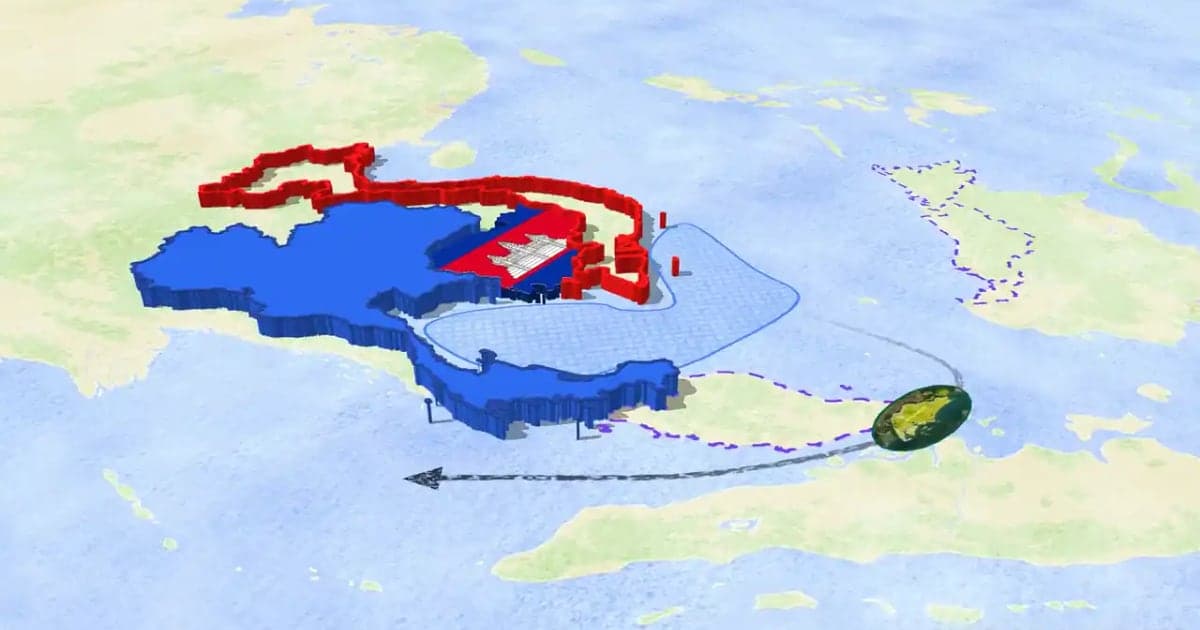
A 3D map animation gives the map depth: a turning globe, a tilted camera, raised mountains, a city skyline or a plane model on its route. Animaps does all five in a browser. The globe is on every plan, Free included; 3D terrain and 3D buildings are on Pro.
Animaps vs After Effects: Which Tool Should You Choose for Map Animations?
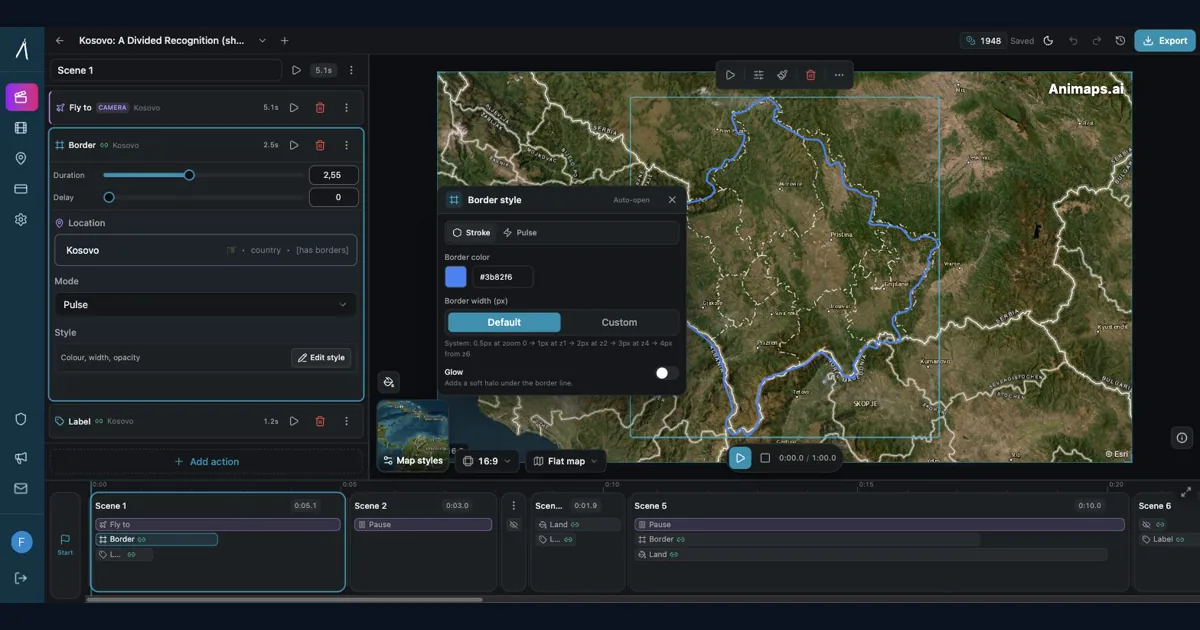
You're choosing between Animaps and After Effects for map animations. Both create professional results, but they're designed for completely different users. Animaps takes 60 seconds to 10 minutes per animation with zero learning curve. After Effects takes 45-90 minutes per animation after a 150-hour learning investment. This comparison examines time, costs, features, and use cases to help you decide.
Best AI Map Animation Tools Compared (2026)
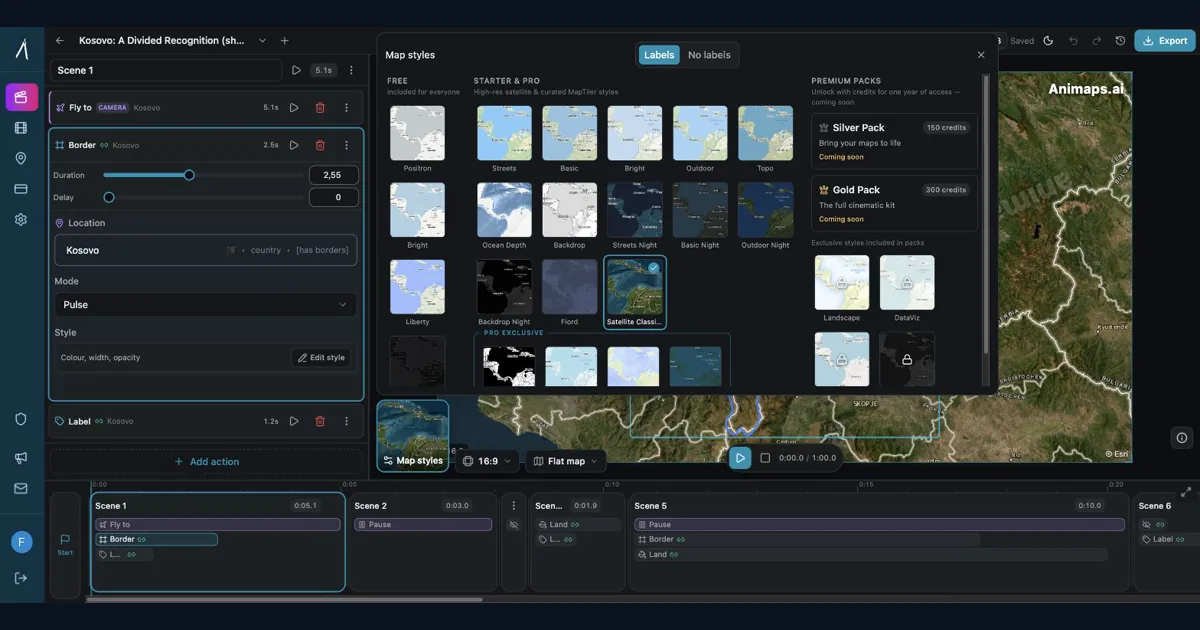
Most AI map tools work the same way: type a prompt, render, hope it's good. Animaps is the only tool with a full interactive preview and step editor — so you see and edit every frame before you spend credits on a render. This guide compares the 5 leading map animation tools to help you choose.
Browse every article in the Animaps blog.
