How to Make a 3D Map Animation in Your Browser
How to make a 3D map animation without 3D software: the globe, a tilted camera, 3D terrain, 3D buildings and 3D models, with prompts, steps and the plan each one needs.
Animaps Team
Content Creator
Plan details come from animaps.ai/pricing on the "Last updated" date above.
TL;DR
Short version: A 3D map animation is a map video where the map has depth. The camera can tilt, orbit and fly over it, and the ground, buildings or objects on it have height. In Animaps you can make one in a browser, with no 3D software. You describe the video in a sentence or build it step by step, then export an MP4. The 3D globe view is on every plan, Free included. 3D terrain and 3D buildings are Pro features.
Quick links:
- Map animation maker: Create animated maps online
- Globe guide: 3D globe animation online
- Examples: Map animation examples gallery
Five ways a map gets its third dimension in Animaps:
- The globe: the whole Earth as a sphere that turns, spins and zooms.
- A tilted camera: a flat map seen at an angle, from 0° (straight down) to 85°.
- 3D terrain: mountains and valleys raised from the ground (Pro).
- 3D buildings: city blocks with real height at city zoom (Pro).
- 3D objects: 921 3D models, such as planes and ships, plus countries raised as blocks and borders raised as walls.
What Counts as a 3D Map Animation?
People mean different things by "3D map". Some mean a spinning globe. Some mean a flyover above mountains. Some mean a plane model crossing an ocean. All of them are 3D map animations, and they suit different stories.
A good test: if the camera could only look straight down, would the video lose something? If yes, you need 3D. A route across a continent reads fine from above. A route that crosses the Alps reads much better when the mountains stand up.
The Five Kinds of 3D, With Examples
1. The 3D globe
The globe shows the whole planet, with its curve. It is the best choice for long distances, world tours and openings that start in space and come down to one place.
In Animaps, you switch the map to the globe view. Camera moves then work on the sphere. Globe Spin turns the Earth east or west, up to five turns, zooming as it goes, and lands on the place you chose.
The clip above is the New York to Tokyo flight demo: a 3D airplane model crosses the Pacific while the globe turns under it.
2. A tilted flat map
A flat map does not have to look flat. Tilt the camera and the map recedes toward the horizon, like the view from a plane window. Tilt goes from 0° to 85°.
Tilt is the simplest way to add depth. Combine it with Orbit (a circle around a point) or Drone (a slow flyover) and a plain country map starts to look like a scene.
3. 3D terrain
3D terrain raises the ground itself, so mountains and valleys have their real shape. It needs a tilted camera to read: seen from straight above, raised ground looks the same as flat ground.
Use it for hiking and road trip routes, mountain wars, river valleys, and any story where the shape of the land matters. 3D terrain is a Pro feature, in the preview and in the export.
4. 3D buildings
3D buildings give a city its skyline. Pair them with an Orbit camera to circle a district, or with Fly to for an arrival shot. They only show at city zoom, so they suit city guides and local news, not country maps. Like terrain, they are on Pro.
5. 3D objects on the map
The map can also carry things that have height:
- 3D models: Animaps has 672 of them, from planes to ships. A model can follow a route, so a plane flies the flight path and a ship sails the sea lane.
- Raised countries: a country can rise as a 3D block that casts a real shadow.
- Border walls: a border can rise as a wall, which reads well for front lines and closed borders.
That clip is the 3D countries and border walls demo, on a flat map with a tilted camera.
How to Make a 3D Map Animation in Animaps
Step 1: Pick the view
Choose the globe for world-scale stories and the flat map for regional ones. You can switch between the two, and tilt the flat map at any time.
Step 2: Describe the video, or build it by hand
Type what you want in plain English. The AI turns the sentence into a list of steps you can edit. Some prompts that use 3D:
- "On a 3D globe, fly a 3D airplane model from New York to Tokyo, keeping the camera on the plane."
- "Start on a tilted view of the Alps, then fly along the route from Geneva to Milan."
- "Spin the globe twice to the east, then zoom in on Japan and highlight it in red."
- "Raise Thailand as a 3D block, then raise the border of Vietnam as a red wall."
Prefer to work by hand? Every step can be added from the editor: camera moves, borders, routes, labels and models. The manual map editor guide lists them all, and the AI map prompts guide has more prompt patterns.
Step 3: Add depth where it helps
Add a Tilt step before a close-up. Use Orbit to hold attention on one place. On Pro, open the Terrain tab and turn on 3D terrain or 3D buildings. Terrain has an exaggeration slider if the mountains look too low.
Step 4: Preview and adjust
The preview plays in the browser and costs nothing. Watch the camera, then change speed, tilt angle or hold time until each move is easy to follow.
Step 5: Export
Export an MP4 at 720p, 1080p or 1440p, at 30 or 60 FPS, in 16:9, 9:16 or 1:1. 1440p is included on Pro and costs extra credits on the other plans.
Tips for 3D Map Animations That Stay Clear
- One big move at a time. A tilt, an orbit and a fast zoom at once make viewers lose their place.
- Hold after you arrive. Give the viewer one to three seconds on the place before the next move.
- Tilt for land, top-down for labels. Labels and borders read best from above. Tilt when the shape of the land is the point.
- Use terrain where it changes the story. Raised ground over a flat plain adds nothing a viewer will notice.
- Keep models in scale with the shot. A plane model reads well over an ocean. Over a city block it covers the thing you want to show.
Which Plan Do You Need?
Swipe sideways to see the whole table.
| What you want | Free | Starter | Pro |
|---|---|---|---|
| 3D globe view | Yes | Yes | Yes |
| 3D terrain (preview and export) | No | No | Yes |
| 3D buildings (preview and export) | No | No | Yes |
| Animaps watermark | Yes | No | No |
| Longest animation | 30s | 45s | 60s |
| 1440p export | Extra credits | Extra credits | Included |
| Price | $0 | $9.90/mo | $19.90/mo |
The Free plan gives 12 credits per month, which is up to 6 animations, and 4 AI prompts. Editing and preview by hand are free and unlimited. Credits go to AI prompts (2 credits each) and exports (from 2 credits). Full details are on the pricing page.
FAQ
Can I make a 3D map animation for free? Yes. The 3D globe view and the tilted camera work on the Free plan. Free exports carry an Animaps watermark and stop at 30 seconds. 3D terrain and 3D buildings need Pro.
Do I need Blender, After Effects or Google Earth Studio? No. Animaps runs in a browser and exports the video itself. If you are weighing those tools, see Animaps vs After Effects and Animaps vs Google Earth Studio.
What is the difference between a 3D globe and a 3D map? The globe shows the whole Earth as a sphere. A 3D map is a flat map seen at an angle, often with raised terrain or buildings. Many videos open on the globe and finish on a tilted flat map.
Can AI make the 3D animation for me? Yes. Describe the video in a sentence and the AI builds the steps, including camera tilt, globe spin and 3D models. You can then edit every step by hand.
Can a 3D model follow a route? Yes. A plane, ship or other model can travel along a route, and the camera can follow it. See the flight path animation page.
Why does 3D terrain look flat in my preview? The camera is probably looking straight down. Raised ground only shows with a tilted camera. Add a Tilt step, or start the scene tilted.
Sources checked on 2026-10-17
- Animaps pricing: plans, credits, watermark, longest animation, 3D globe on every plan, 3D terrain and 3D buildings on Pro.
- Animaps features: globe view, tilt range, Globe Spin, Orbit, Drone, 3D terrain, 3D buildings, export formats, frame rates and shapes.
- Animaps home page: number of 3D models.
Related Articles:
Keywords: 3d map animation, 3d map animation free, 3d map animation ai, 3d globe animation, 3d terrain map video, 3d map video maker
Tags
Related reading
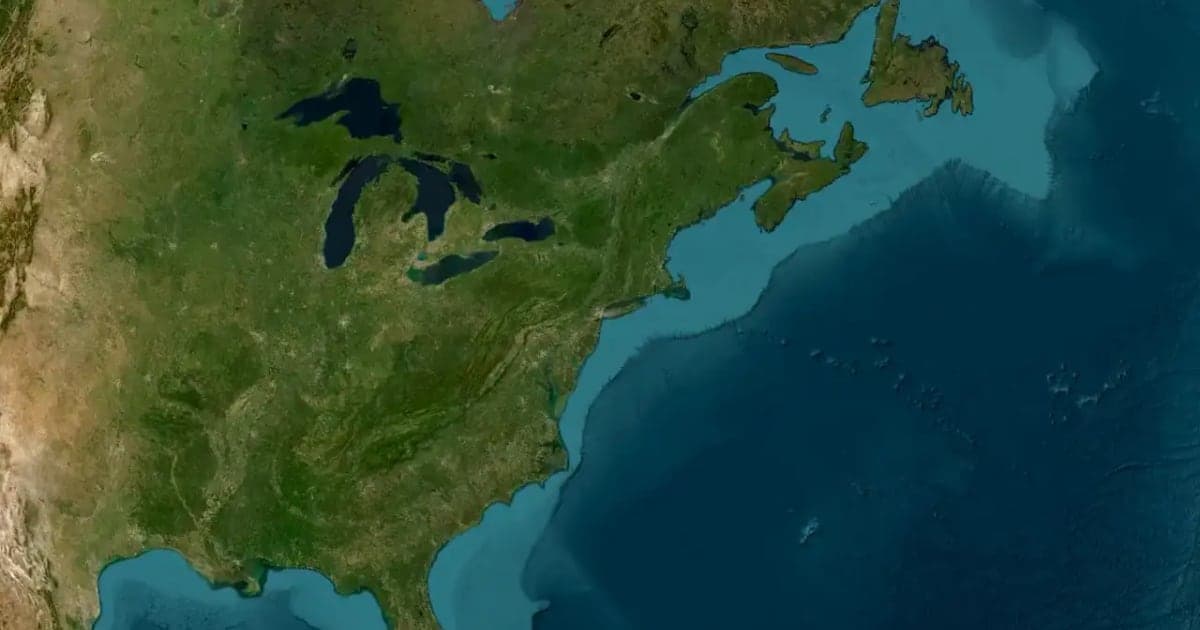
Animaps vs Google Earth Studio: Realistic Flyovers or Explainer Maps?
Google Earth Studio is free and has the most realistic 3D imagery among the tools we compare, but you request access, it runs only in desktop Chrome, local renders are image sequences, and Google offers no commercial licence for the imagery. Animaps has open sign-up and exports a finished MP4 with borders, fills, labels and routes already in it. Pick Earth Studio for realistic flyovers, Animaps when the map has to explain something.
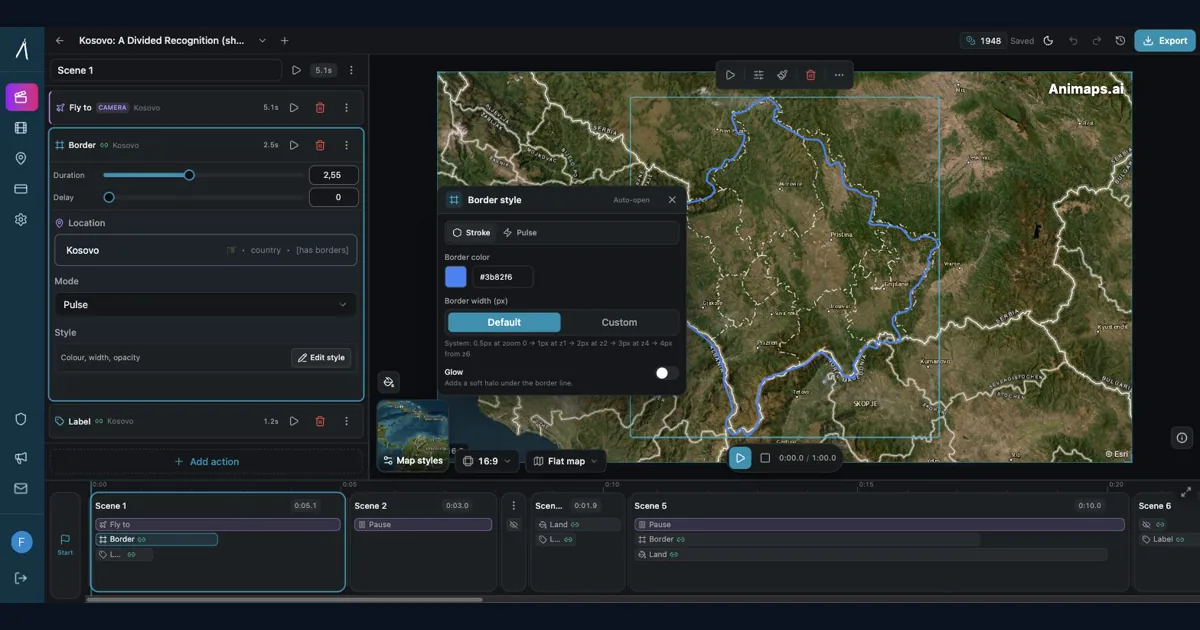
Animaps vs After Effects: Which Tool Should You Choose for Map Animations?
You're choosing between Animaps and After Effects for map animations. Both create professional results, but they're designed for completely different users. Animaps takes 60 seconds to 10 minutes per animation with zero learning curve. After Effects takes 45-90 minutes per animation after a 150-hour learning investment. This comparison examines time, costs, features, and use cases to help you decide.
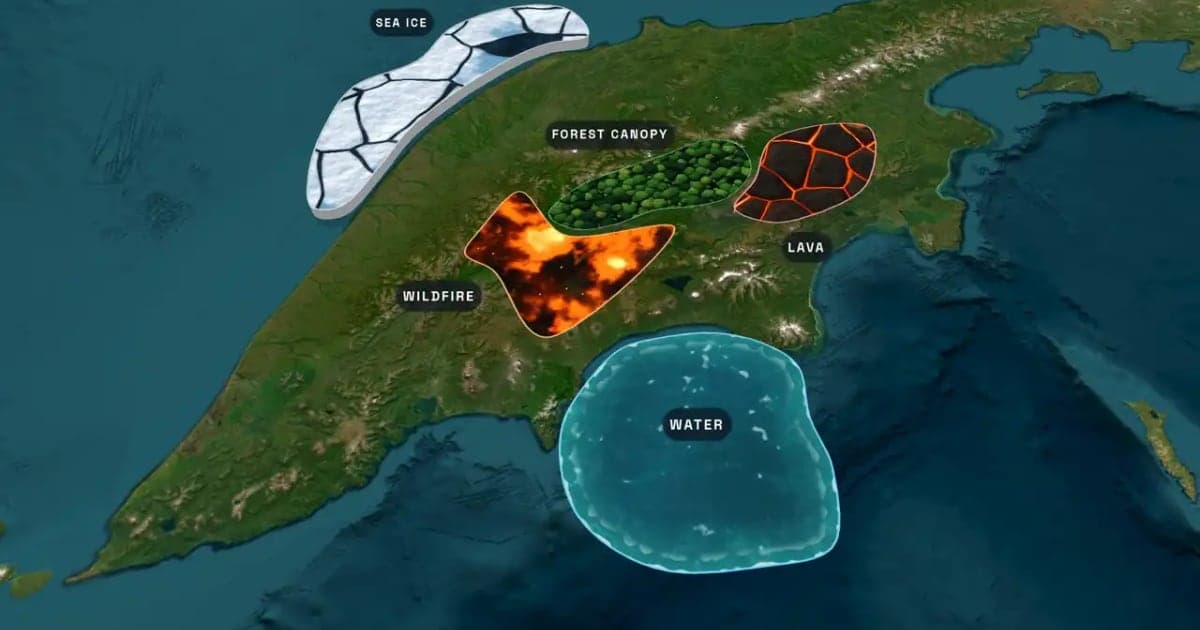
What Is an Animated Map? Types, Uses and How to Make One
An animated map is a map that changes over time in a video: the camera moves, places light up, routes draw and borders shift. Here are the six common types, who uses them, the two ways they are made, and how to make one in Animaps from a single sentence.
Browse every article in the Animaps blog.
