Animaps vs Relive: Your Activity Video or a Map Story?
Relive turns your GPS-tracked run, ride or hike into a 3D video; Animaps is a browser studio for map videos about places, borders and routes. Relive Plus price, photos, GPX and who each suits. Verified October 2026.
Animaps Team
Content Creator
Comparison verified October 2026. Both products change their plans from time to time. Check each site or store page before you buy.
TL;DR
Short version: Relive is an outdoor activity app. It records your run, ride or hike with GPS, or takes the activity from another tracker, and turns it into an animated 3D video with your stats. Relive Plus adds photos and clips, music, editing and longer activities for $6.99 a month or $38.99 a year. Animaps is a map animation studio in the browser. It does not record GPS, does not import GPX files or Strava activities, and does not place your photos along a route. It makes map videos that explain places, borders and journeys, from a sentence or by hand. If your video is your own activity, Relive is the better fit.
Quick links:
- Map animation maker hub: Create animated maps online
- Comparison hub: Map animation maker alternatives
- Travel maps in Animaps: Travel map animation
Key differences:
- Where it runs: Animaps: web browser | Relive: phone app on the App Store and Google Play, plus relive.com
- Where the route comes from: Animaps: places you type or set by hand | Relive: the GPS track of your activity
- Paid price: Animaps: from $9.90 per month | Relive Plus: $6.99 per month or $38.99 per year
- Your photos: Animaps: not at each stop | Relive Plus: up to 100 photos and clips per video
- Maps that explain: Animaps: borders, fills, labels, history timelapses | Relive: not what it is for
These two tools answer different questions. Relive answers "show the activity I just did." Animaps answers "show this place, this route or this change on a map."
Quick Comparison
Swipe sideways to see the whole table.
| Factor | Animaps | Relive |
|---|---|---|
| Platform | Web browser | iOS and Android apps, plus relive.com |
| Free tier | 12 credits per month (up to 6 animations), 1080p, watermarked | Free app with free 3D videos of your activities |
| Paid plans | Starter $9.90/mo, Pro $19.90/mo | Plus $6.99/mo or $38.99/yr, 7 days free |
| Route source | Typed places, steps by hand, GeoJSON on Starter and Pro | Its own GPS recording, or other GPS trackers |
| Photos | Not at each stop | Up to 100 photos and clips with Plus |
| Video quality | 1080p, 1440p included on Pro | "Your videos in HD" with Plus |
| Long routes | Animations up to 30, 45 or 60 seconds by plan | Activities over 12 hours with Plus |
| Borders and labels | Border trace and pulse, land fills, labels, history timelapses | Not described |
| Aspect ratios | 16:9, 9:16 and 1:1 | Not stated on the pages checked |
What Each Tool Is For
Relive describes itself as a way to "track & share your activities like nothing else." Its home page names running, cycling and hiking. You can "Track GPS with Relive app," and it "Works with other GPS trackers." The app turns each activity into "beautiful stories, including animated 3D videos," with your stats on screen. There is a social side too: you follow friends and see their trips. Its home page shows a 4.8 star rating on the App Store and Google Play and says "Join millions of outdoor people."
Animaps is a map animation studio. You describe a sequence in plain English and it returns a list of steps you can preview and edit. Routes are one part: road routes follow real roads, sea routes avoid land, and a 3D vehicle model can ride the route. The rest is about explaining a map: tracing a border, filling a country with a colour or its flag, adding labels and icons, flying the camera to a place and orbiting it, and showing how borders changed over time.
A prompt you can paste into Animaps:
Fly to the Alps, trace the border of Switzerland, then draw a road route from Zurich to Zermatt and label both towns.
Pricing Side by Side
Relive
Relive is free to use, with free 3D videos of your activities and, in its words, "No stupid ads." Its Plus page lists:
Swipe sideways to see the whole table.
| Plan | Price (its Plus page) | What Plus adds |
|---|---|---|
| Relive Plus | $6.99 per month | HD videos, up to 100 photos and clips, music, editing "as much as you like," activities over 12 hours |
| Relive Plus | $38.99 per year | The same, with the first 7 days free |
Plus also lists faster videos, 12 colour themes, videos of older activities, speed control for the 3D video, and no end credits.
Animaps
Swipe sideways to see the whole table.
| Plan | Price | What you get |
|---|---|---|
| Free | $0 | 12 credits per month (up to 6 animations), 1080p, watermarked, 30 second maximum, 4 AI prompts per month |
| Starter | $9.90 per month, $99 a year | 120 credits per month (up to 60 animations), 1080p, no watermark, 45 second maximum, GeoJSON import |
| Pro | $19.90 per month, $199 a year | 250 credits per month (up to 125 animations), 1440p included, 60 second maximum, 3D terrain |
Relive is cheaper for its job. $38.99 a year is less than two months of Animaps Pro. If all you want is a video of each run or ride, Relive gives you more for less.
Your Activity, Your Photos
This is where Relive wins clearly.
GPS recording. Relive records the activity itself, with its app, or takes it from another tracker. Animaps cannot record GPS. It also has no GPX, FIT or KML import, and no Strava or Garmin connection.
Photos and clips. Relive Plus puts up to 100 photos and clips into the video. Animaps does not place your own photos along a route.
Stats. Relive shows your activity stats in the video. Animaps does not read activity data.
Long activities. Relive Plus handles activities over 12 hours. An Animaps animation is a short, edited sequence of 30 to 60 seconds.
Maps That Explain
This is where Animaps does more.
Relive's pages do not describe border tracing, country fills, labels you place yourself, or historical maps. Animaps is built for those.
A history channel can show an empire grow year by year.
A travel creator can show a country, trace its border, and label the stops before a trip video starts. A teacher can fill each country of a region with its flag, one after another.
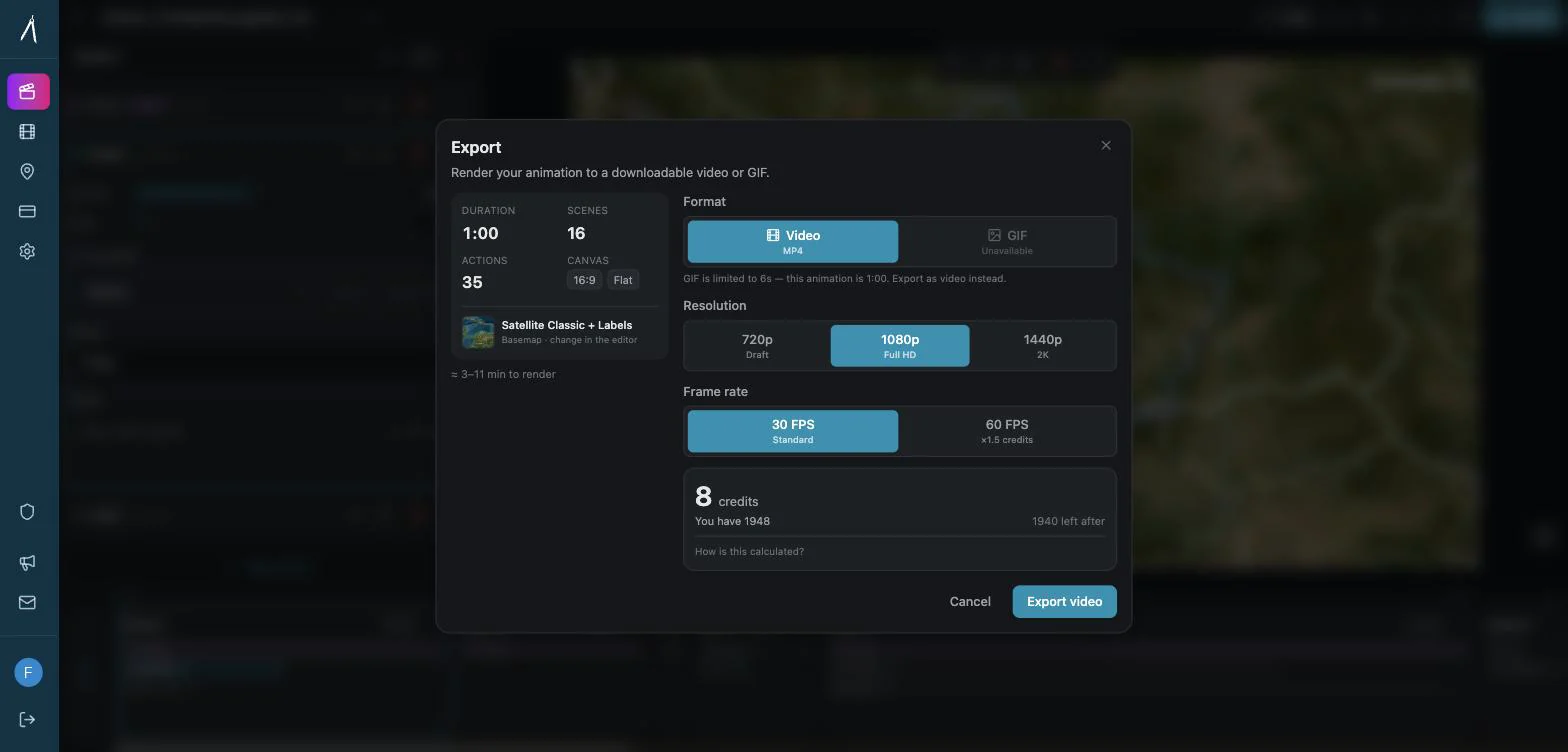
Animaps also exports in 16:9, 9:16 and 1:1 from the same project, as MP4 or GIF.
For a route by plane, see flight path animation. For a 3D look with terrain and a tilted camera, read how to make a 3D map animation.
Who Should Choose Which
Choose Relive if
You want a video of your own run, ride or hike. It records the track and builds the video for you.
You use a GPS watch or tracker. Relive works with other GPS trackers.
You want your photos and stats on screen. Plus adds up to 100 photos and clips.
You want a low yearly price. Plus is $38.99 a year.
Choose Animaps if
Your video is about a place, not your activity. A country, a region, a border, a historical change.
You plan a trip video before or after you travel. Type the stops and get road, sea or air routes.
You want to start from a sentence. Write the sequence in plain English and edit each step.
You make YouTube, Shorts or classroom content. Labels, fills, borders and camera moves in one studio.
FAQ
Is Relive free? Yes. Relive's home page says you get free 3D videos of your activities. Plus adds photos, music, HD, editing and longer activities.
How much does Relive Plus cost? $6.99 a month or $38.99 a year on its Plus page, with the first 7 days free.
Can Animaps import a Strava or Garmin activity? No. Animaps has no Strava or Garmin connection and no GPX import. It imports GeoJSON on Starter and Pro.
Can Animaps show my photos along a route? No, not at each stop. Relive Plus does this.
Is there a Relive alternative for map videos that are not about my own activity? Yes. Animaps makes map videos of any place, border or route you type, in the browser.
The Bottom Line
Relive is the better pick for a video of your own outdoor activity, with your GPS track, your stats and your photos. It is cheaper and it does that job with almost no effort.
Animaps is the better pick when the video is about a place or a story: borders, regions, labels, history and routes, built from a prompt and edited step by step.
Sources checked on 2026-10-28
- Relive home page: what the app does, GPS tracking, other trackers, ratings, free 3D videos.
- Relive Plus: Plus prices, free trial, photos and clips, music, HD, long activities, editing.
- Animaps pricing: plans, credits, resolutions, AI prompt cost.
Related Articles:
Keywords: relive alternative, animaps vs relive, relive plus price, relive video alternative, activity map video, route video maker
Tags
Related reading
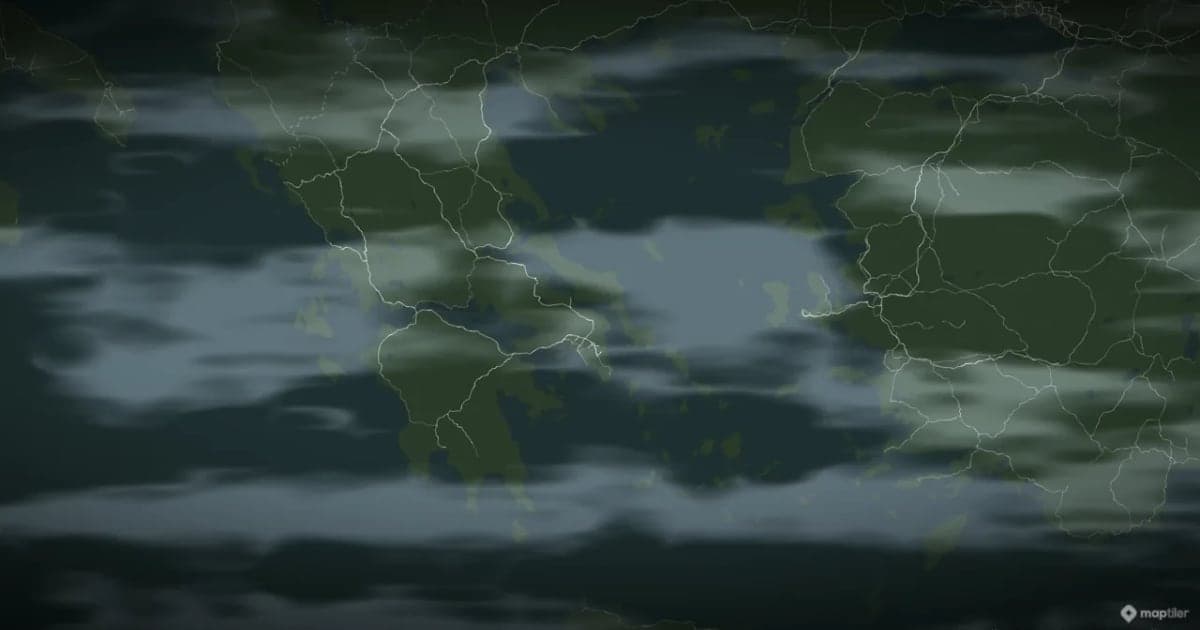
Animaps vs TravelBoast: A Travel Video App or a Map Studio?
TravelBoast turns a trip into a short 3D travel video on your phone, with GPX import, photos at each stop and 250+ vehicles. Its subscription is $5.99 a month on the US App Store and unlocks 4K. Animaps runs in a browser, has no phone app and caps at 1440p, but covers borders, fills, labels and historical maps as well as routes. Your trip points to TravelBoast; a place or a story points to Animaps.
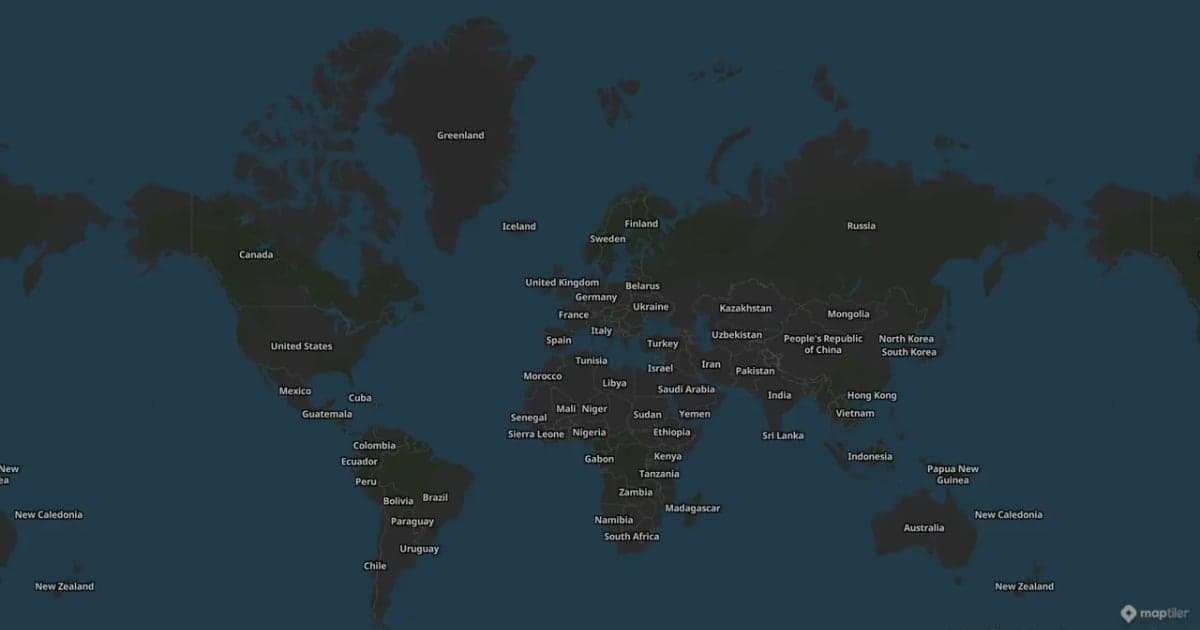
Animaps vs Mult.dev: A Trip Recap or a Map Animation Studio?
Mult.dev animates a journey: you add stops, pick the transport for each leg, drop your photos on the map, and export a travel recap, on your phone if you want, paid for once rather than by subscription. It imports GPX, KML and GeoJSON from Strava, Gaia and Komoot. Animaps animates a map: routes are one of 22 animation types alongside borders, fills, historical timelapses, labels and a globe view, with a step editor and published monthly pricing at $9.90 and $19.90.
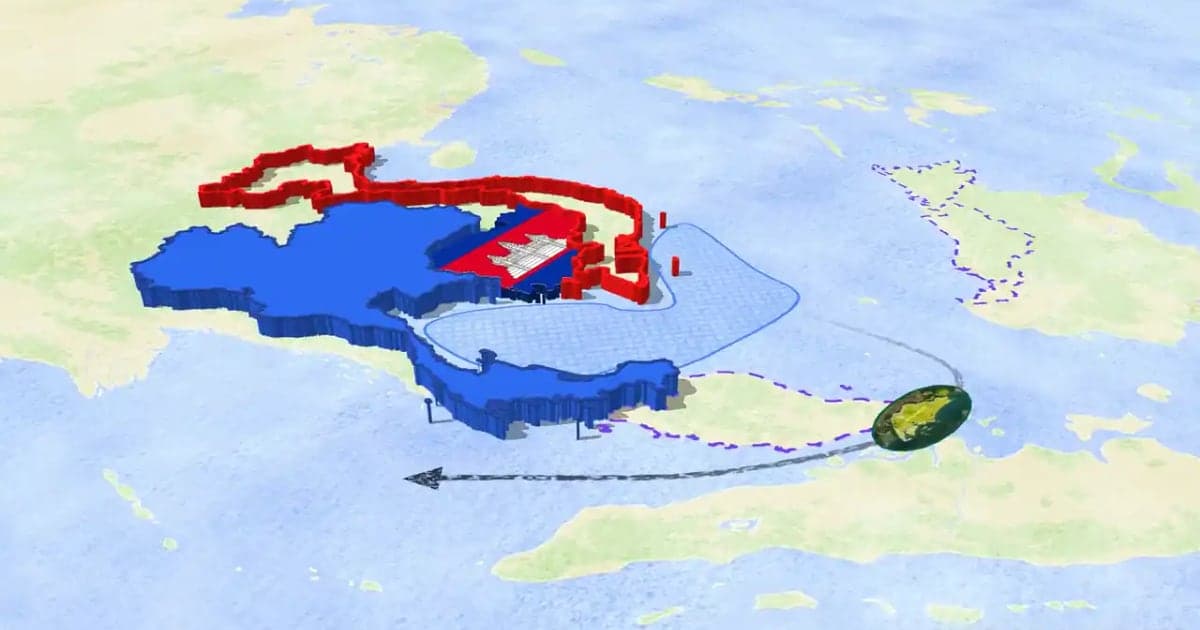
How to Make a 3D Map Animation in Your Browser
A 3D map animation gives the map depth: a turning globe, a tilted camera, raised mountains, a city skyline or a plane model on its route. Animaps does all five in a browser. The globe is on every plan, Free included; 3D terrain and 3D buildings are on Pro.
Browse every article in the Animaps blog.
