Animaps vs Travel Animator: Which Travel Map Video Maker Fits You?
Travel Animator is an iOS and Android app for 3D trip videos with GPX import and photos; Animaps is a browser map animation studio. Prices, 4K vs 1440p and who each suits. Verified October 2026.
Animaps Team
Content Creator
Comparison verified October 2026. Both products change their plans from time to time. Check each site or store page before you buy.
TL;DR
Short version: Travel Animator is a phone app for iOS and Android that turns a trip into a 3D travel map video. You import a GPX file or a Google Maps route, pick a vehicle, add photos at the stops, and save a video in HD, or in 4K with Pro. Its Pro plan is $5.99 a month on its own pricing page, cheaper than any paid Animaps plan. Animaps is a map animation studio in the browser, with no phone app and no GPX import. It is built for maps that explain: borders, fills, labels, historical maps and routes, from a text prompt or by hand. If your video is your own trip and you make it on your phone, Travel Animator is the better fit.
Quick links:
- Map animation maker hub: Create animated maps online
- Comparison hub: Map animation maker alternatives
- Travel maps in Animaps: Travel map animation
Key differences:
- Where it runs: Animaps: web browser, no phone app | Travel Animator: iOS and Android apps
- How you start: Animaps: a sentence or steps built by hand | Travel Animator: a route plotted on the map, a GPX file or a Google Maps link
- Top resolution: Animaps: 1440p (included on Pro) | Travel Animator: 4K with Pro
- Paid price: Animaps: from $9.90 per month | Travel Animator: $5.99 per month on its pricing page
- Your own track and photos: Animaps: no GPX import, no photos at each stop | Travel Animator: GPX import and photos at route points, on the free plan too
Both tools draw an animated route on a map. Travel Animator is shaped around one journey. Animaps is shaped around a map story, and a journey is one of the things it can show.
Quick Comparison
Swipe sideways to see the whole table.
| Factor | Animaps | Travel Animator |
|---|---|---|
| Platform | Web browser | iOS and Android apps |
| Free tier | 12 credits per month (up to 6 animations), 1080p, watermarked | Free forever, unlimited HD exports, with its logo |
| Paid plans | Starter $9.90/mo, Pro $19.90/mo | Pro $5.99 a month or $24.99 a year (its pricing page) |
| Top resolution | 1440p (included on Pro) | 4K with Pro |
| How you build | Text prompt to editable steps, or steps by hand | Plot a route, import GPX, or paste a Google Maps route |
| Vehicles and models | 921 3D models and 10,100+ icons | 300+ 3D models with Pro, plus 80+ landmark models |
| Route import | GeoJSON (Starter and Pro), no GPX | GPX files and Google Maps routes |
| Your photos | Not at each stop | Photos and videos added along the route |
| Borders and labels | Border trace and pulse, land fills, labels, history timelapses | Not described on its site |
| Aspect ratios | 16:9, 9:16 and 1:1 | Vertical or horizontal, sized for Reels, TikTok and Shorts |
What Each Tool Is For
Travel Animator calls itself "a travel map animation app for iOS and Android." You plot a route, choose a vehicle, and the app animates the trip on a 3D map. Its home page says you can "Upload a GPX file and your real-world track is plotted on the map instantly," and that you can paste a Google Maps route link. You can add your travel photos at route points and use a photo as an avatar. The site lists 30+ map styles and says it "includes over 300 detailed 3D models." It claims more than 1,000,000 downloads and a 4.6 average rating.
Animaps is a map animation studio. You describe what you want in plain English and it returns a list of steps. Each step has a live preview, and you can change its timing, place, colour or camera angle. You can also build every step by hand. Routes are one part of it: road routes follow real roads, sea routes avoid land, and a 3D vehicle model rides the route when one exists for that travel mode. The rest covers what a trip app does not: border tracing, land fills with colours or flags, labels, icons, and historical border timelapses.
A prompt you can paste into Animaps:
Road trip from Lisbon to Porto by car, stop in Coimbra, then highlight Portugal and label the three cities.
The simple way to say it: Travel Animator animates your trip. Animaps animates a map, and a trip is one of the things it can show.
Pricing Side by Side
Travel Animator
Its pricing page lists three options:
Swipe sideways to see the whole table.
| Plan | Price (its pricing page) | What you get |
|---|---|---|
| Free | $0, no time limit | Unlimited HD exports with its logo, GPX import, Google Maps routes, photos |
| Pro, one month | $5.99 | 300+ premium models, 30+ map styles, HD and 4K, no watermark, unlimited saved routes |
| Pro, one year | $24.99 | The same as the monthly plan |
The App Store listing (seller Lascade LLC) shows more purchase options, including a lifetime purchase, and a 4.6 rating from 1.2K ratings. Store prices change by country, so check your own store.
Animaps
Swipe sideways to see the whole table.
| Plan | Price | What you get |
|---|---|---|
| Free | $0 | 12 credits per month (up to 6 animations), 1080p, watermarked, 30 second maximum, 4 AI prompts per month |
| Starter | $9.90 per month, $99 a year | 120 credits per month (up to 60 animations), 1080p, no watermark, 45 second maximum, GeoJSON import |
| Pro | $19.90 per month, $199 a year | 250 credits per month (up to 125 animations), 1440p included, 60 second maximum, 3D terrain |
Travel Animator is cheaper. Its Pro plan is $5.99 a month against $9.90 for Animaps Starter, and its yearly plan is $24.99. Its free plan also gives unlimited HD exports, where Animaps Free gives up to 6 animations a month. If you only want trip videos, Travel Animator costs less.
Export and Resolution
Travel Animator says "Render your animated map in crisp 4K or HD." Its FAQ puts 4K on the Pro plan. The free plan exports HD with the app's logo. Its site describes videos sized for Instagram Reels, TikTok and YouTube Shorts, in vertical or horizontal shape. It does not list the frame rate or a length limit.
Animaps exports MP4 or GIF at 30 or 60 FPS, in 16:9, 9:16 or 1:1. Exports are 1080p on every plan and 1440p is included on Pro. Each animation has a length cap of 30, 45 or 60 seconds depending on the plan. GIFs are capped at 6 seconds.
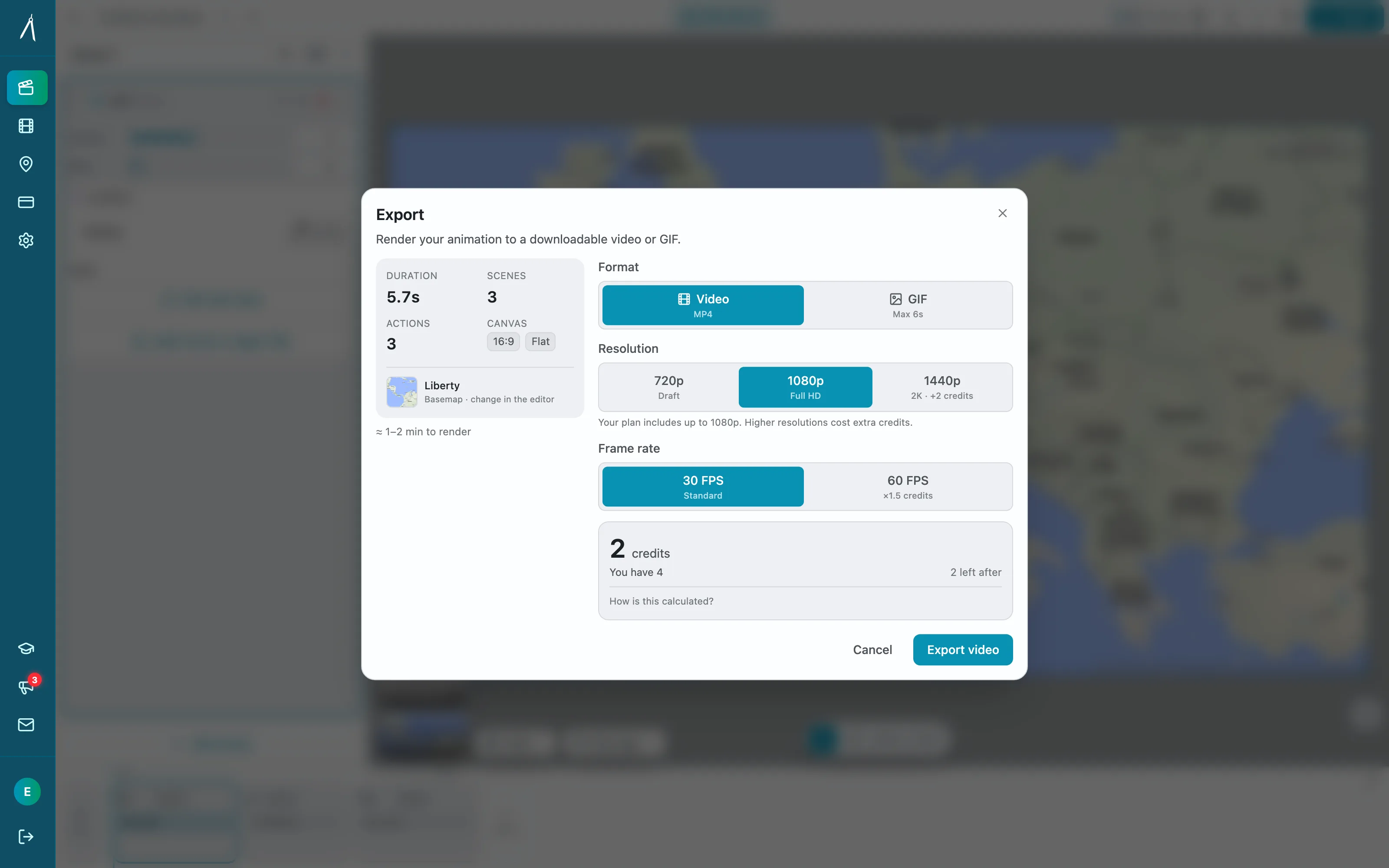
If you need 4K, Travel Animator has it and Animaps does not.
Routes, Vehicles and Photos
This is Travel Animator's home ground.
Your real track. Import a GPX file from your watch or a tracking app, or paste a Google Maps route.
Photos along the way. Travel Animator adds your photos at route points. Animaps does not place your own photos at each stop.
Vehicles. Travel Animator lists 300+ 3D models on Pro, and custom vehicle models on request. Animaps carries 921 3D models and prefers a 3D vehicle on a route when one exists for that travel mode. Each travel mode also has its own one-click route look.
If your video is a holiday recap with your photos and the GPS track from your phone, Travel Animator is the more direct tool.
Maps That Explain
This is where Animaps does more.
Travel Animator's site does not describe country highlights, border tracing, region fills or historical maps. Animaps covers those directly. You can trace or pulse a border, fill a country with a colour or its flag, add labels and icons, and play back how borders changed over time. Scenes let several things run at once, for example a fly-to while a border traces and a label appears. The camera can fly to a place, orbit it, tilt and turn.
For a plane between airports, see flight path animation. For more trip ideas, read 10 ways travel bloggers use animated maps.
Who Should Choose Which
Choose Travel Animator if
Your video is your own trip, and you make it on your phone.
You work on your phone. It is an iOS and Android app. Animaps has no phone app.
You have a GPX track or a Google Maps route. Import it and animate the path you really took.
You want your photos on the route. Add them at each stop.
You want 4K for less. 4K comes with Pro at $5.99 a month. Animaps tops out at 1440p.
You want many free exports. Its free plan has unlimited HD exports with a logo.
Choose Animaps if
Your video is about a place, a region or a story, and the route is one part of it.
You need borders, fills and labels. Highlight a country, trace a border, label cities, and run them together.
You make history or geography content. Border timelapses for historical states and empires.
You want to start from a sentence. Write the sequence in plain English and edit the steps it returns.
You edit on a computer. The studio runs in a desktop browser, with a live preview for every step.
You need several shapes from one project. 16:9, 9:16 and 1:1.
FAQ
Is Travel Animator free? Yes. Its pricing page lists a free plan with no time limit and unlimited HD exports with its logo. Pro removes the logo and adds 4K, more models and more map styles.
How much does Travel Animator Pro cost? Its pricing page lists $5.99 for one month and $24.99 for one year. The App Store shows more options, and store prices change by country.
Can I import a GPX file into Animaps? No. Animaps imports GeoJSON on Starter and Pro. Travel Animator imports GPX files and Google Maps routes.
Does Animaps have a phone app? No. Animaps runs in a web browser.
Which one exports 4K? Travel Animator, on Pro. Animaps exports 1080p on every plan and 1440p on Pro.
The Bottom Line
Travel Animator is the better pick for a trip recap made on a phone. It is cheaper, it exports 4K on Pro, and it handles GPX tracks, Google Maps routes, photos at each stop and hundreds of vehicles.
Animaps is the better pick when the map carries the story: borders, regions, labels, history and routes together, built from a prompt and edited step by step in the browser.
Sources checked on 2026-10-28
- Travel Animator home page: platforms, GPX and Google Maps import, photos, model and map style counts, 4K, download and rating claims.
- Travel Animator pricing: Free and Pro plans, prices, logo, HD and 4K.
- Travel Animator on the App Store: seller, rating, in-app purchases.
- Animaps pricing: plans, credits, resolutions, AI prompt cost.
Related Articles:
Keywords: travel animator alternative, animaps vs travel animator, travel animator review, travel map animation app, travel route video, gpx map video
Tags
Related reading
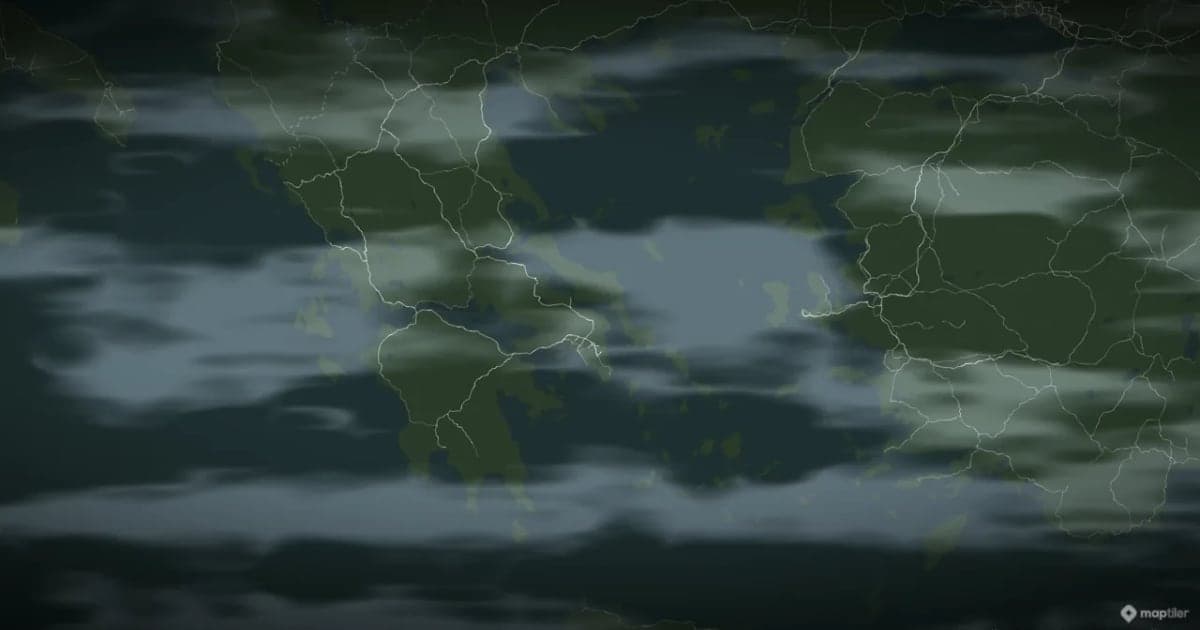
Animaps vs TravelBoast: A Travel Video App or a Map Studio?
TravelBoast turns a trip into a short 3D travel video on your phone, with GPX import, photos at each stop and 250+ vehicles. Its subscription is $5.99 a month on the US App Store and unlocks 4K. Animaps runs in a browser, has no phone app and caps at 1440p, but covers borders, fills, labels and historical maps as well as routes. Your trip points to TravelBoast; a place or a story points to Animaps.
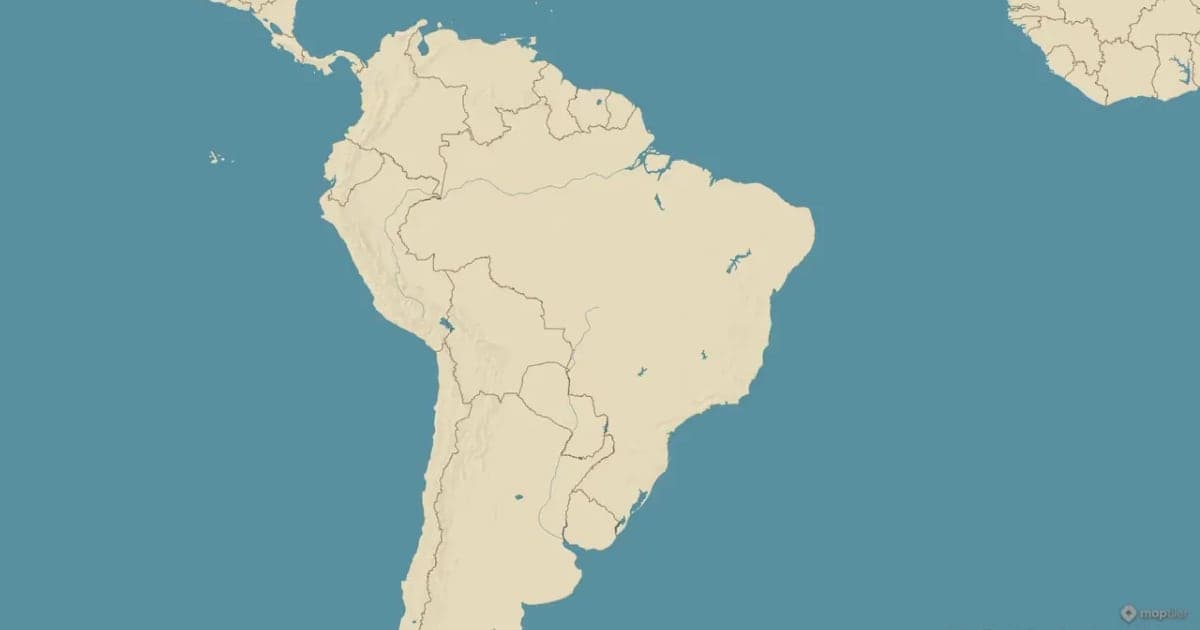
Animaps vs anim8map: Travel Route Videos or a Full Map Studio?
These two tools are not built for the same job. anim8map makes animated 3D travel routes with stops, travel modes and your own photos, and sells per video or as a six-month pass. Animaps is a general map animation studio covering camera work, borders, labels and highlights on a monthly subscription. For a single trip recap, paying once beats subscribing. For ongoing map content, the subscription is the cheaper shape.
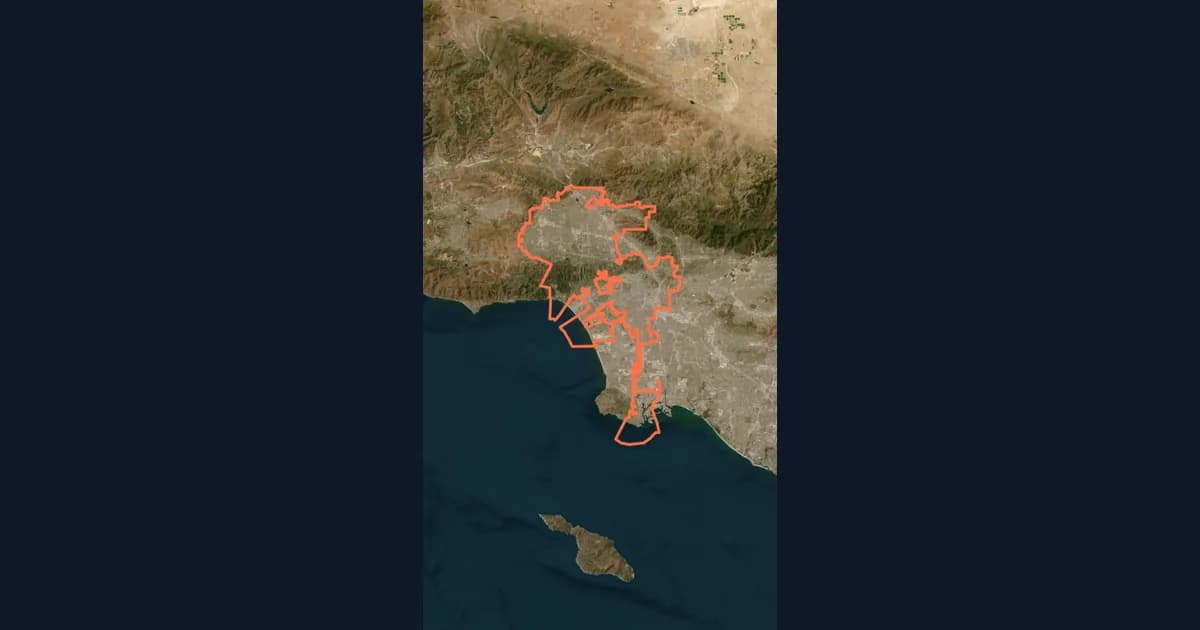
10 Ways Travel Bloggers Use Animated Maps (And How You Can Too)
Travel bloggers face a unique challenge: how do you make someone feel a journey they haven't taken? Static photos show destinations. Written stories describe experiences. But animated maps? They transport viewers into your journey, transforming passive readers into active participants following along your path. In 2026, animated maps have evolved from nice-to-have embellishments to essential storytelling tools.
Browse every article in the Animaps blog.
