How to Draw Animated Arrows and Flow Lines on a Map
Draw animated arrows and flow lines on a map for troop moves, trade and migration: when to use a Route or a Draw step, line styles that read, and prompts.
Animaps Team
Content Creator
Animated arrows and flow lines show movement on a map: an army advancing, goods traded between ports, people moving from one country to another. In Animaps you draw them in two ways: a Route between named places, or a line you draw by hand with an arrow at its tip.
TL;DR
Short version: For a flow between two real places, add a Route step, set the mode to Air and set Head to Arrow. The line curves and draws itself with an arrow at its tip. For a freehand shape, like an attack arrow that does not follow any road, add a Draw step, pick Line, click the points on the map and set Head to Arrow. Use solid lines for movement that happened, dashed lines for plans and threats. Up to four drawn elements animate together in one step.
Quick links:
- Drawing by hand: Draw action guide
- Lines between places: Route action guide
- War and conflict maps: War map animation
- A finished example: Iran conflict map demo
This guide covers:
- Route or Draw: which one to use
- How to draw an animated arrow, step by step
- How to make a flow map between many places
- Line styles and what they tell the viewer
- Prompts you can paste
Route or Draw: Which One?
Both draw a line that animates in. They answer different needs.
Use a Route when the line goes from one named place to another. You type the places, and Animaps finds them. The line can curve like a flight, follow real roads, or go around land by sea. Trade flows, migrations, flights and supply lines are Routes.
Use Draw when the line is your own shape: an arrow of attack across a front, a circle around a disputed zone, an area you outline by hand. You click the points on the map. Battle plans, zones and anything that does not start and end at a named place are Draws.
How to Draw an Animated Arrow, Step by Step
- Fly to the area first, so the places you will click are on screen.
- Add a Draw step. Under Element, pick Line.
- Click Draw on map, then click the map to place the points of the arrow, from tail to tip.
- Click Edit element style.
- In the Stroke tab, set the Colour, the Width, the Opacity and the Pattern: solid, dashed, dotted or fade.
- In the Head tab, set Head to Arrow. The arrow head now rides the tip of the line as it draws.
- Add up to three more elements in the same step if you want arrows that move together, like a pincer attack from two sides.
- Preview and adjust the duration. 1.5 to 3 seconds per arrow reads well.
The Draw action guide covers each setting.
How to Make a Flow Map Between Many Places
A flow map shows many movements at once: exports from one country to its partners, flights out of one hub, migration from one region to several.
- Fly to a view that holds every place. A world view for global trade, a continent for regional flows.
- Add a Route step from the source to the first destination. Set the mode to Air for a curved line.
- Set Head to Arrow in the Head tab.
- Open the Animation tab and raise the Curvature if you want a stronger arc. Arcs that bend look more like flows and less like borders.
- Add one Route step per destination. Order them the way you want to tell the story: the largest flow first, or the oldest.
- Use one colour per kind of flow: exports in one colour, imports in another.
- Label the destinations with a short name or a figure: "Germany, 18%".
A tip on numbers: line width is a good way to show size. A thick line for the largest flow, thin lines for the small ones. Set the width per Route step.
Line Styles and What They Tell the Viewer
Viewers read line styles without being told. Use that.
- Solid line with an arrow: a movement that happened. An advance, a shipment, a flight.
- Dashed line with an arrow: a plan, a threat, or a route not yet taken.
- Dotted line: a weak or uncertain link. A rumoured route, an estimated path.
- Fade: the line fades toward its tail, so the eye follows the tip. Good for fast movements.
- Thick line: a big flow. Thin line: a small one.
- Red: attack, danger, loss. Blue: defence, trade, water. Keep the same colour for the same side through the whole video.
Circles and Areas Next to Your Arrows
The Draw step does more than lines:
- Circle: marks an event at a place, like a battle, a strike or an earthquake. It can grow, pulse or trace its outline as it arrives.
- Polygon: an area you outline by hand, like a zone of control or a planned corridor.
A strong pattern for news and history maps: an arrow toward a place, then a circle that pulses on arrival. The Iran conflict map demo uses circles, arrows and labels together.
Prompts You Can Paste
A military advance:
Show Normandy in 1944. Draw three red arrows from the beaches toward Caen, then circle Caen in red.
A trade flow:
A migration map:
Show Europe. Draw dashed arrows from Syria to Turkey, Greece and Germany, and label each country.
A hub map:
Fly to Dubai. Draw curved flight lines with arrows from Dubai to London, Mumbai, Singapore and Johannesburg.
Tips for Clear Arrows
- Four arrows at a time, at most. More than that and nobody knows where to look.
- Draw in story order. If the attack came from the north first, draw that arrow first.
- Keep arrows short enough to fit the frame. An arrow whose tip leaves the screen loses its point.
- Pause after the last arrow. Give viewers 2 seconds to take in the whole picture.
- Point at something. An arrow should end on a named place or a marked area.
Try a hub map of your own:
FAQ
How do I make an animated arrow on a map? Add a Draw step, pick Line, click the points on the map, then set Head to Arrow in the Head tab. The line draws itself and the arrow rides its tip.
How do I make curved flow lines between cities? Use a Route step with the mode set to Air and Head set to Arrow. Raise the Curvature in the Animation tab for a stronger arc.
Can I make a dashed arrow? Yes. In the Stroke tab, set the Pattern to dashed. It works for both Draw and Route lines.
How many arrows can I draw at once? Up to four elements per Draw step. For more, add another Draw step.
Related Articles:
Keywords: animated arrow map, flow map animation, animated flow lines map, map arrow animation, military arrow map animation, trade flow map animation
Tags
Related reading
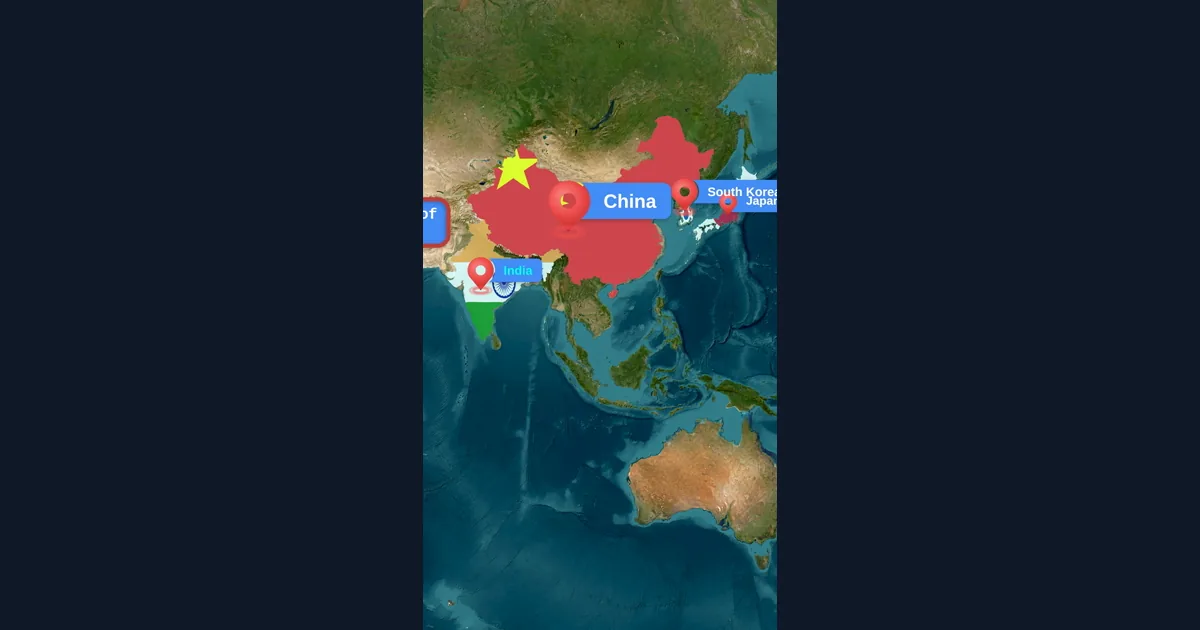
Map Animation Tips for Journalists and News Creators
In today's fast-paced news environment, visual storytelling is more important than ever. Map animations help journalists explain where events are happening, show migration patterns, track conflicts, and make global news more accessible to audiences.
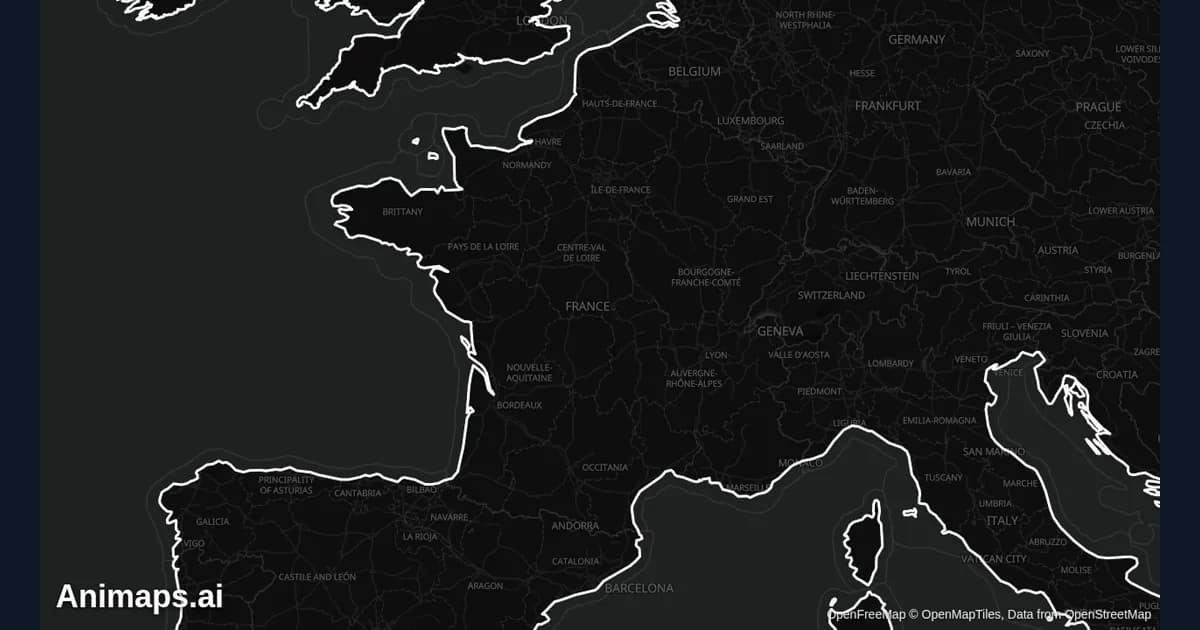
Best Practices for Educational Map Animations
Educational map animations have revolutionized how we teach geography, history, and social studies. When done right, they can transform abstract concepts into visual stories that students remember long after the lesson ends.
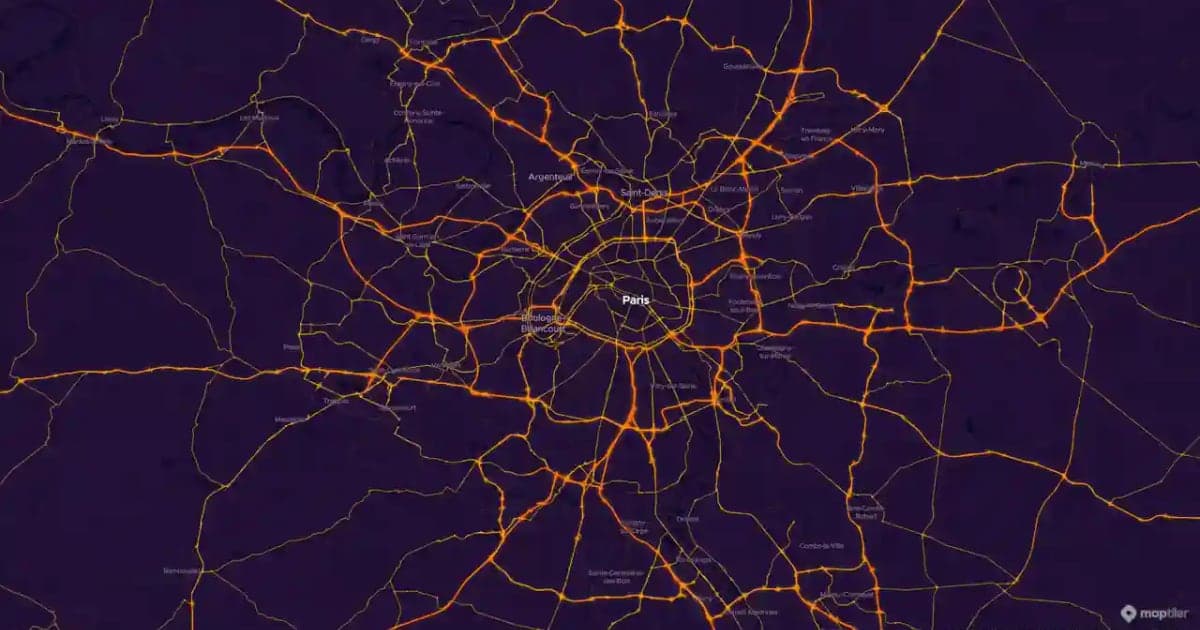
Map Motion Graphics: How to Make Them Without After Effects
Map motion graphics are the moving maps of documentaries, explainers and news: a camera that flies, a border that draws itself, a route that crawls across the map. Here is how to make them without After Effects, eight prompts you can copy, and how to drop the clips into your edit.
Browse every article in the Animaps blog.
