Curved vs Straight Route Lines, and How Long to Pause
When to use a curved, straight or real-road line on a map video, the Animaps settings that control the shape, and how long to hold a view so viewers can read it.
Animaps Team
Content Creator
Should a route line on your map be straight or curved? And how long should the map stop so viewers can read it? This guide answers both, with the settings to use in the map animation maker.
TL;DR
Short version: Use a curved line for flights and long jumps, because it looks like travel through the air and does not hide the land under it. Use the real road, rail or sea line for trips on the ground or on water. Use a straight line for short links between two close places, and for diagrams. In Animaps, air legs have a Curvature slider from 0% (straight) up, and lines you draw by hand have a Curved corners switch. For reading, hold the view about 1 second for each short label, and never less than 2 seconds at the end of a move.
Here are the two shapes one after the other: a curve for a flight, then a line that follows the land.
Quick links:
- Routes, step by step: How to make an animated travel route
- Lines drawn by hand: How to draw lines, arrows and circles
- For travel videos: Travel route animation guide
This guide covers:
- When to use a curved, straight or real-path line
- The settings that control the shape in Animaps
- How long to pause so viewers can read
- A worked example with timings
Three Kinds of Route Lines
Curved lines
A curved line bows up between two places. Viewers read it as a flight, because planes do not follow roads. It also has a practical benefit: when two lines go between nearby places, curves keep them apart, so they do not sit on top of each other.
Use it for: flights, long jumps between continents, links between many places from one centre (a "hub" map), and story links such as "she moved from here to here".
Straight lines
A straight line is the shortest drawing between two points. It looks precise and neutral.
Use it for: short links in a city, diagrams, distance lines ("12 km"), and maps for lessons where the line stands for a link, not a trip.
Real-path lines
A line that follows the real road, railway or sea lane tells the viewer: this is how it was done. It is the honest choice for road trips, train journeys and ferries.
Use it for: road trips, rail journeys, cruises and ferries, delivery routes, and any trip where the path itself is the story.
The Settings in Animaps
Route: the travel mode decides the shape
A Route has a mode for the whole route:
- Air (Direct): a curve between the stops. Open Edit route style, pick a leg, and set Curvature in the Animation tab. At 0% the leg is straight. Higher values bow it more. A quick-pick row of presets sits under the slider.
- Car: the line follows real roads.
- Sea: the line goes by sea and around land.
- Rail: the line follows a railway, or a rail line you draw on the map.
- Bike and Walk: the line follows real cycle paths, footpaths and streets.
Each leg can have its own style: colour, width, pattern (solid, dashed, dotted or fade) and curvature.
Draw: lines by hand
Draw places lines, arrows, circles and polygons where you click. A line through three points or more has corners. Turn on Curved corners to round them into one smooth curve that still passes through every point. With only two points, the Curvature slider bows the line instead (on the flat map).
How Long to Pause: Reading Time
A map moves, and viewers read. If the map moves on before they finish reading, they miss the point. Some simple rules:
- About 1 second for each short label of one to three words, on top of the time the label takes to appear.
- About 2 to 3 seconds for a sentence of six to ten words.
- At least 2 seconds at the end of every camera move, even with no text. The eye needs time to find its place.
- 3 to 4 seconds on the last view, with everything on screen.
In Animaps, add a Pause step where the camera should hold still. The Pause keeps everything on screen while the viewer reads.
Worked Example: Lisbon to Rome, by Air and Sea
A 30 second clip, with timings:
- Fly to Lisbon, label "Lisbon". 3 seconds, then Pause 1.5 seconds.
- Route in Air mode, Lisbon to Barcelona, Curvature around 40%, with a plane at the head. 4 seconds.
- Label "Barcelona", Pause 1.5 seconds.
- Route in Sea mode, Barcelona to Civitavecchia. 6 seconds. The line goes by sea.
- Route in Car mode, Civitavecchia to Rome. 3 seconds.
- Label "Rome, day 9", Pause 3 seconds.
- Last view on the whole trip. Pause 4 seconds.
Change one thing at a time when you test: first the line shapes, then the timings.
Prompts You Can Copy
Show London on a light map, draw straight lines from London to Paris, Brussels and Amsterdam with the distance on each, and pause for 3 seconds.
Show a flight hub map from Dubai to New York, London, Sydney and Tokyo, with curved lines, then pause on the whole view for 4 seconds.
Common Mistakes
- Straight flight lines on a world map. They cut across land and look like roads. Use a curve.
- Too much curve. At very high curvature, short legs loop in a way that looks odd. Keep short legs gently curved.
- A road line for a flight. Car mode for a trip that was flown confuses viewers.
- No pause after a label. The map moves on and nobody reads the name.
- Ten stops in 20 seconds. Cut stops, not pauses.
To see curved lines from one centre, open this hub map and change the cities.
FAQ
How do I make a curved route line? Use a Route in Air mode and raise the Curvature of the leg, or draw a Line by hand and turn on Curved corners.
How do I make a straight line? Set the Curvature of an air leg to 0%, or draw a Line by hand with Curved corners off.
Can a route follow real roads? Yes. Use Car mode. Bike and Walk modes follow cycle paths and footpaths.
Can a sea route avoid land? Yes. Sea mode goes around the coast, not across it.
How long should a map pause last? About 1 second per short label, 2 to 3 seconds for a sentence, and 3 to 4 seconds on the final view.
For a full travel walk-through, read 10 ways travel bloggers use animated maps.
Keywords: curved route lines map, straight vs curved map lines, flight path curve, map animation timing, map reading pause, route line style
Tags
Related reading
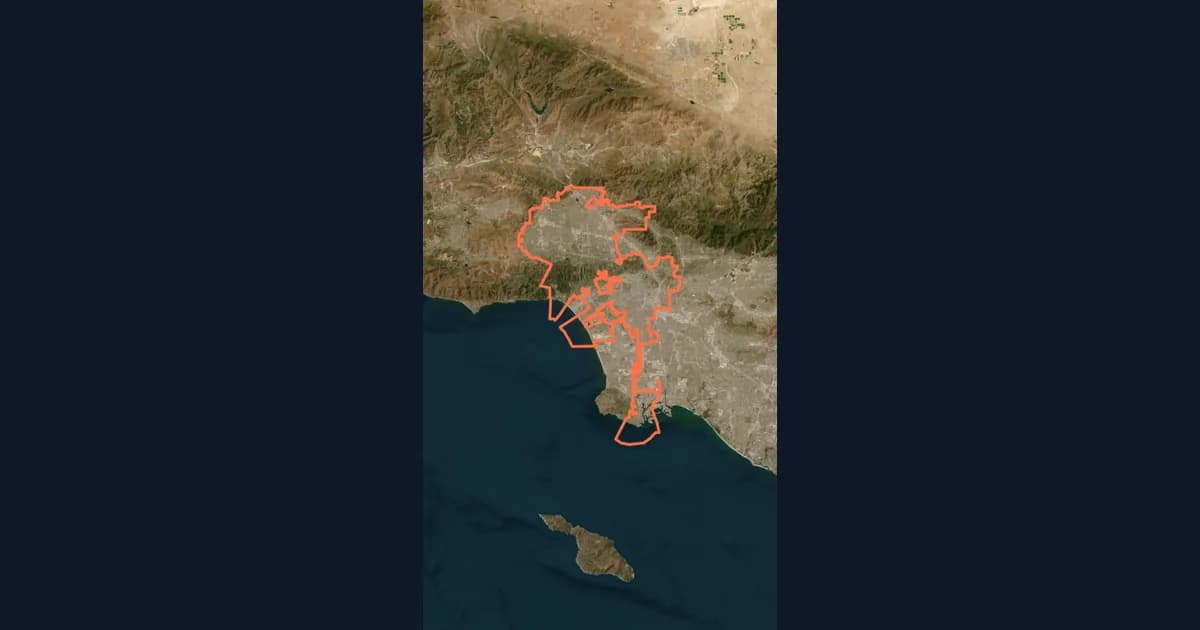
10 Ways Travel Bloggers Use Animated Maps (And How You Can Too)
Travel bloggers face a unique challenge: how do you make someone feel a journey they haven't taken? Static photos show destinations. Written stories describe experiences. But animated maps? They transport viewers into your journey, transforming passive readers into active participants following along your path. In 2026, animated maps have evolved from nice-to-have embellishments to essential storytelling tools.
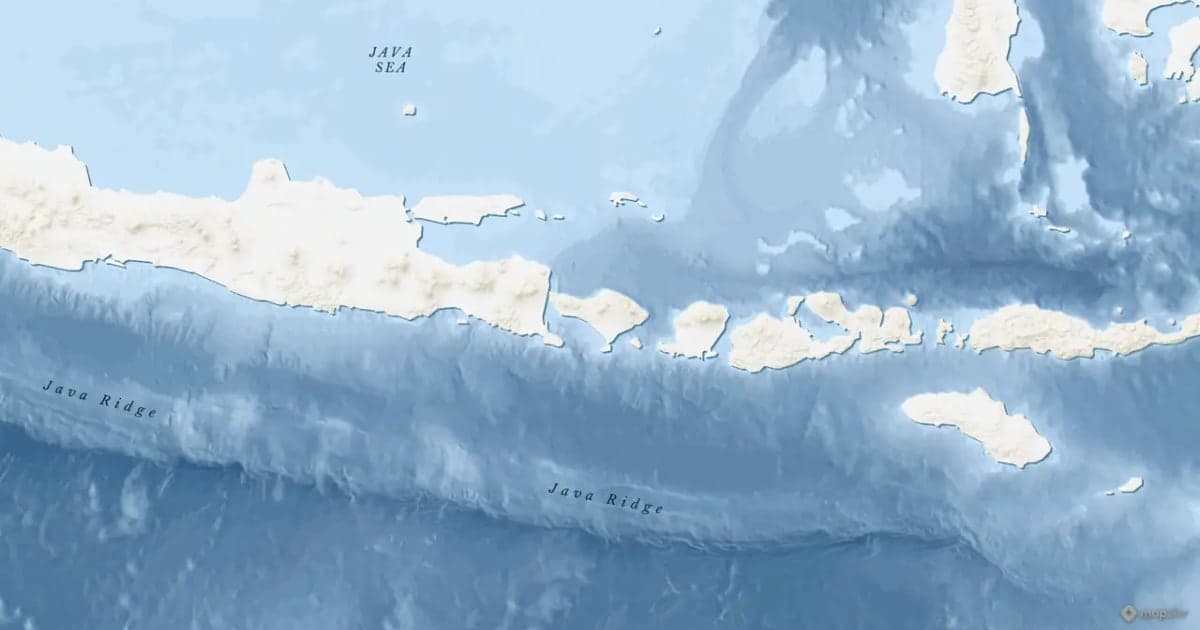
Map Zoom Animation: How to Zoom In on Any Place
A map zoom animation takes the viewer from a wide view down to one place. Here is how to make one in Animaps with Fly to, Zoom in / out, Pan to and Globe Spin, which prompts to type, and how to keep the zoom clear for viewers.
How to Create Stunning Map Animations for YouTube Videos
Map animations are one of the most engaging visual elements you can add to your YouTube videos. Whether you're explaining geography, history, travel routes, or global trends, animated maps capture your audience's attention and make complex information easy to understand.
Browse every article in the Animaps blog.
