What Is an Animated Map? Types, Uses and How to Make One
What an animated map is, the six common types (routes, highlights, border changes, war maps, data maps, globes), who uses them, and how to make one in a browser.
Animaps Team
Content Creator
Plan details come from animaps.ai/pricing on the "Last updated" date above.
TL;DR
Short version: An animated map is a map that changes over time, shown as a video or GIF. The camera moves, places light up, routes draw themselves and borders shift, so the viewer sees where things are and how they change. Creators use animated maps in YouTube videos, news reports, classes and travel films. You can make one with motion design software, or in a browser with a map animation tool like Animaps, where you describe the map in a sentence and export an MP4.
Quick links:
- Make one now: Map animation maker
- Step-by-step guide: How to create a map animation
- Examples: Map animation examples gallery
The six common types:
- Route maps: a line travels from place to place.
- Highlight maps: countries or regions light up one after another.
- Border change maps: borders move across years or centuries.
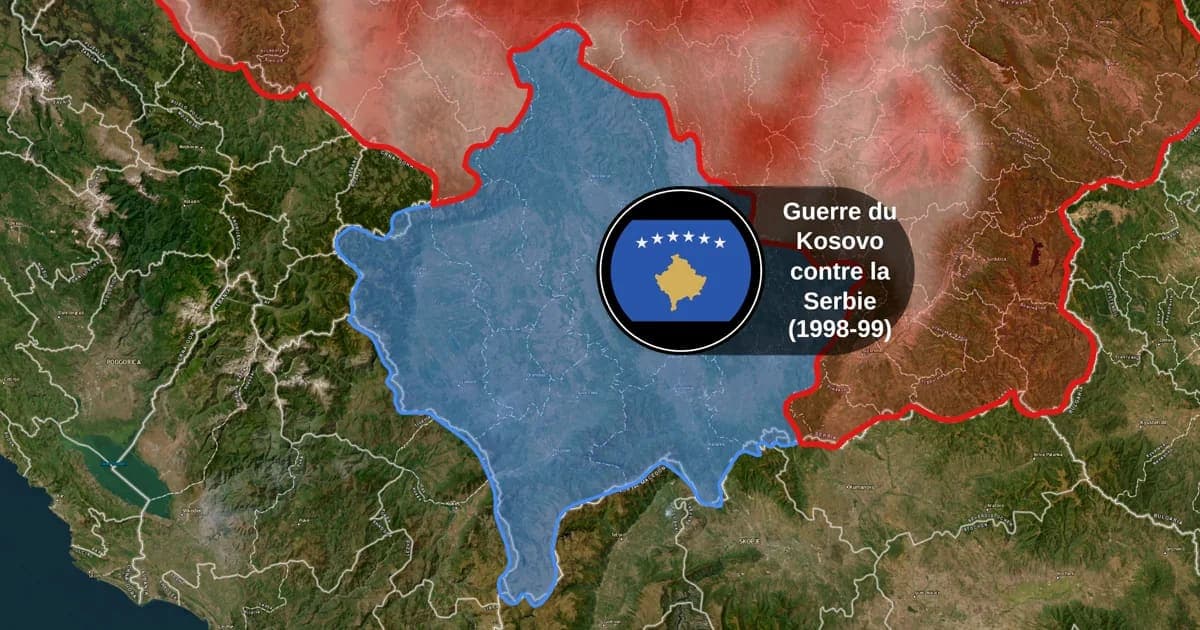
- War and conflict maps: fronts, attacks and territory change.
- Data maps: layers such as earthquakes or shipping lanes.
- Globe animations: the whole Earth turns and zooms to a place.
What Is an Animated Map?
A static map shows one moment. An animated map shows a sequence. It can show movement (a trip, a flight, an army), change (borders, territory, a spreading event) or attention (the camera flies to the place the story is about).
Most animated maps are short. A YouTube explainer might use a 10 second map between two talking shots. A news report might use 20 seconds to show where a strike happened. A history channel might build a whole video around a border timelapse.
The idea is simple. A moving map holds the eye, and it puts places in order. "First here, then here, then here" is hard to say with a still map and easy with an animated one.
The Six Types of Animated Maps
1. Route and travel maps
A line draws from one place to the next, often with an icon such as a car, plane or boat moving along it. Travel creators use them for trip recaps. Teachers use them for explorers' voyages.
More on this type: travel map animation and flight path animation.
2. Country and region highlight maps
The camera visits places and fills each one with a color or a flag. This is the classic "countries of South America" or "members of the EU" video.
The country highlight guide shows how to build one.
3. Border change maps
Borders change across time: an empire grows, a country splits, a treaty moves a line. Animaps has 5,500+ historical empires, states and counties for this kind of map, so you do not draw old borders by hand.
See the history map animation page and the Rise of the Ottoman Empire demo.
4. War and conflict maps
Arrows show attacks, colors show who holds what, and labels mark key places. News channels and history channels use this type the most.
More on this type: war map animation and the geopolitics guide.
5. Data maps
Data maps animate layers of information: earthquakes, tectonic plate boundaries, shipping corridors and more. They suit science videos and reports. The Atlas Data Layers demo stacks several of them on one world map, from time zones and tectonic plates to earthquakes and shipping lanes.
6. Globe animations
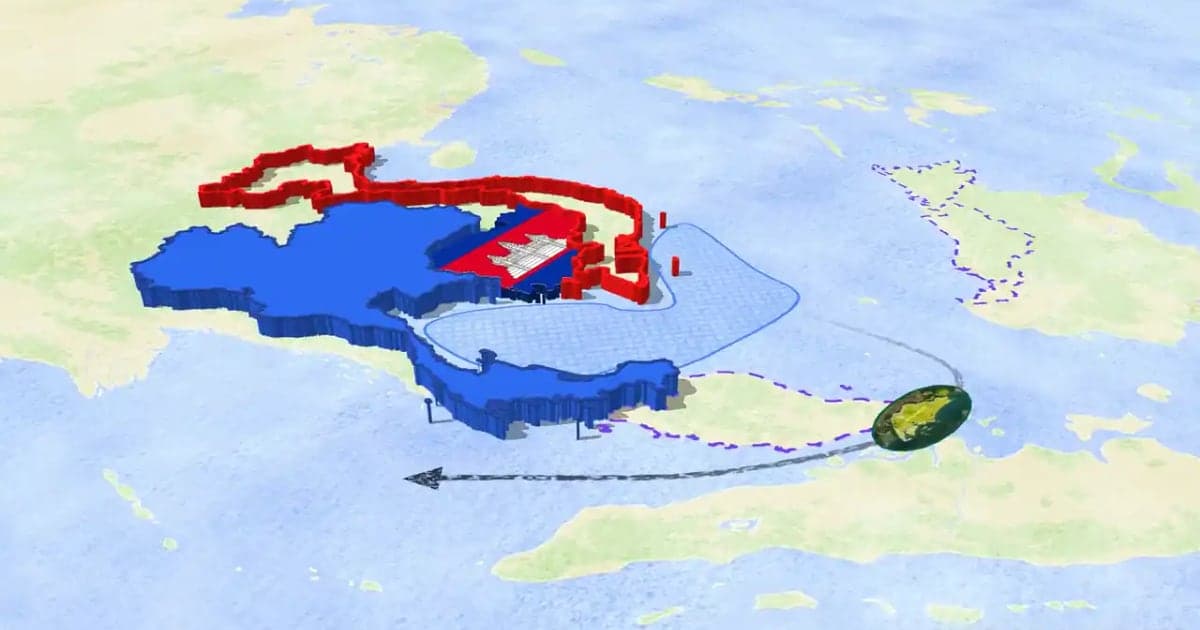
The globe shows the whole planet, turns it, and zooms down to one place. It works as an opening shot and for stories about long distances. The 3D globe guide covers it, and How to Make a 3D Map Animation covers tilt, terrain and 3D models.
Who Uses Animated Maps?
- YouTubers: history, geography and travel channels use them as the visual base of a video. See animated maps for YouTube.
- Journalists: a short map shows where a story happens before the report goes on. See news map workflows.
- Teachers: a moving map shows a war, a trade route or a migration in a way a textbook map cannot. See education map workflows.
- Travel creators: a route map opens or closes a trip video.
How Animated Maps Are Made
There are two main ways.
Motion design software. Designers build the map in a tool such as After Effects, often with a map plugin, and animate each layer with keyframes. It gives full control, and it takes time to learn. Our After Effects comparison covers the trade-offs.
A map animation tool in the browser. You pick places and actions, and the tool draws the map and moves the camera. Map data, borders and routes are already there. Map Animation Tools explains what such a tool has to do.
How to Make an Animated Map in Animaps
- Describe it. Type the map you want in plain English, for example "Fly from London to Cairo, draw the route, then highlight Egypt with its flag." The AI turns it into a list of steps.
- Watch the preview. The map plays in the browser. Previews are free.
- Change what you want. Edit any step: the camera, colors, timing, labels, or the map style. You can also build the whole map by hand, with no AI.
- Export. Download an MP4 at 720p, 1080p or 1440p, or a GIF of up to 6 seconds, in 16:9, 9:16 or 1:1.
The Free plan gives 12 credits per month (up to 6 animations), 4 AI prompts, 1080p exports with an Animaps watermark, and animations up to 30 seconds. Starter costs $9.90 per month and Pro $19.90 per month, both with no watermark. Editing and preview by hand are free and unlimited. Credits go to AI prompts (2 credits each) and exports. Full details are on the pricing page.
Tips for a Clear Animated Map
- One idea per move. Fly, then highlight, then label. Doing all three at once loses the viewer.
- Hold on the place. Give viewers a second or two to read it before moving on.
- Label what you say. If the narration names a city, the map should show its name.
- Pick the shape first. Use 9:16 for Shorts and Reels, 16:9 for YouTube, 1:1 for feeds.
- Keep it short. Most map segments work best between 5 and 30 seconds.
FAQ
What is an animated map called? People call it an animated map, a map animation, a moving map or a map video. They all mean a map that changes over time in a video.
Can I make an animated map for free? Yes. The Animaps Free plan makes up to 6 animations a month at 1080p, with a watermark. You do not need to install anything.
Can I make an animated map without After Effects? Yes. Animaps runs in a browser and exports the video itself. No plugins or keyframes are needed.
What format do animated maps come in? Usually MP4 video, sometimes GIF. Animaps exports both. Videos run at 30 or 60 FPS.
How long does it take to make one? A simple map takes a few minutes: one sentence, a preview, an export. A long video with many steps takes longer, mostly for timing and edits.
Can I use an animated map on YouTube? Yes. Export in 16:9 for a regular video or 9:16 for Shorts. Paid plans export with no Animaps watermark.
Sources checked on 2026-10-17
- Animaps pricing: plans, prices, credits, watermark, longest animation, AI prompt cost.
- Animaps features: animation types, historical borders, globe view, export formats, frame rates and shapes.
Related Articles:
Keywords: animated map, animated maps, what is an animated map, animated map video, map animation, moving map, animated world map, how to make an animated map
Tags
Related reading
Map Animation Tools: How to Create Animated Maps in 2026
A map animation tool turns a place and a sentence into a moving map video - camera flights, country borders, flag fills, routes, labels - without After Effects, plugins or keyframes. Here is what to look for, and what Animaps does.
How to Make a 3D Map Animation in Your Browser
A 3D map animation gives the map depth: a turning globe, a tilted camera, raised mountains, a city skyline or a plane model on its route. Animaps does all five in a browser. The globe is on every plan, Free included; 3D terrain and 3D buildings are on Pro.
10 Ways Travel Bloggers Use Animated Maps (And How You Can Too)
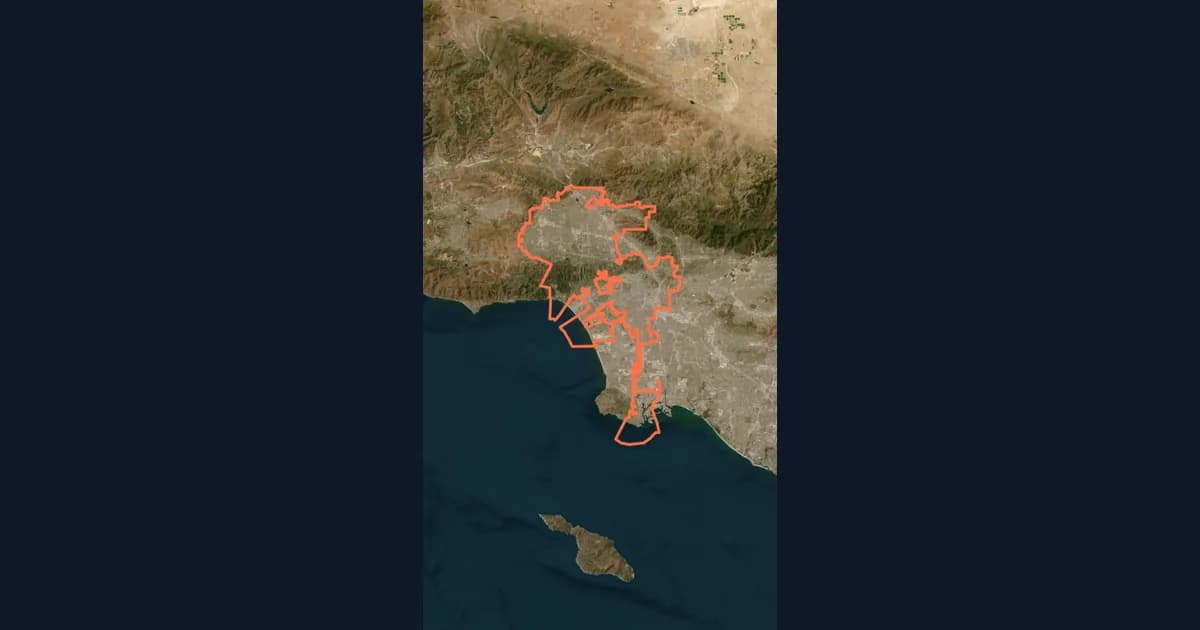
Travel bloggers face a unique challenge: how do you make someone feel a journey they haven't taken? Static photos show destinations. Written stories describe experiences. But animated maps? They transport viewers into your journey, transforming passive readers into active participants following along your path. In 2026, animated maps have evolved from nice-to-have embellishments to essential storytelling tools.
Browse every article in the Animaps blog.
