How to Make an Animated Map Pin Drop
Drop an animated pin onto any place on a map: fly to it, add a Drop Pin label or an icon with a Drop entrance, then add a pulse. Short steps and prompts.
Animaps Team
Content Creator
A map pin animation drops a marker onto a place, often with a small bounce and a pulse, so the viewer's eye goes straight to it. In Animaps you make one in three steps: fly to the place, add a pin with a Drop entrance, then name it.
TL;DR
Short version: Add a Fly to step on your place. Then add a Label step, pick the Drop Pin shape and set its marker entrance to Drop (or Bounce, Pop or Ping). The pin falls onto the place and the name appears with it. Want an icon or a 3D model instead of a pin? Use the Icon / Model step and set its entrance to Drop. Add a pulsing circle under it if the place needs extra attention.
Quick links:
- Icons and 3D models: Icon and 3D model guide
- Pins with names: Label guide
- Getting there first: Fly to guide
Two Ways to Drop a Pin
Animaps has two steps that can drop a marker. Pick by what you need on screen.
- A Label step shows a pin and a name together. Use it when the place needs naming: a city, a venue, a meeting point.
- An Icon / Model step shows a symbol with no text: a pin icon, a flag, a plane, a 3D landmark. Use it when the picture says enough, or when you will name the place with a separate label.
Drop a Pin With a Name (Label Step)
- Add a Fly to step on the place. The pin will land where the camera points, so frame the place first.
- Add a Label step and type the name, for example "Lisbon".
- Open the label shapes and pick Drop Pin. It is a classic map pin with the name centred on the place.
- In the Animation tab, set the marker entrance to Drop. The pin falls from above and lands on the place. Bounce adds a small spring at the landing, Pop scales it in, and Ping sends a ring out as it appears.
- Pick a text entrance for the name. A short one keeps the pin and the name in step.
- Add a Pause of about 2 seconds, so the name can be read.
Other shapes offer the same entrances: a flag pin, a marker banner and more. The Label guide shows them.
Drop an Icon or a 3D Model (Icon / Model Step)
- Fly to the place first. The icon lands at the centre of the view.
- Add an Icon / Model step. The library opens with it.
- Pick a 2D icon (a pin, a flag, a star) or switch to the 3D icons tab for a model.
- Set its entrance to Drop. Bounce, Ping, Pulse and Pop are there too.
- Drag it on the map if it needs to sit a little off centre.
- For a flat icon, click Edit icon style to set the Icon Size and a Drop shadow. A shadow makes the pin look like it stands above the map.
The Icon and 3D model guide covers every setting, with a demo clip.
Add a Pulse So the Place Stands Out
A pin tells the viewer where. A pulse tells them "look here". Three ways to add one:
- A Draw step with a Circle around the place, set to pulse. A ring breathes out from the pin.
- A Ping entrance on the pin itself, which sends one ring out as it lands.
- A Land step that pulses the whole country or region, for a wider "here".
The Portsmouth to Caen demo ends this way: a pin on the arrival, a label and a red pulse.
Prompts You Can Paste
Show Japan, fly to Kyoto, drop a red pin with a bounce, then pulse a circle around it.
Fly to Paris, then to Berlin, then to Warsaw. Drop a pin on each city with its name.
Tips
- One pin at a time. Drop them one after another, not all at once, so the eye can follow.
- Keep names short. One or two words on a pin.
- Use the same pin style for every place of the same kind. Change style only when the meaning changes.
- In a vertical 9:16 video, show at most three pins with names at once.
Drop your first pin now:
FAQ
How do I make a map pin drop animation? Fly to the place, add a Label step with the Drop Pin shape, and set the marker entrance to Drop.
Can the pin bounce when it lands? Yes. Set the marker entrance to Bounce on a Label, or the entrance to Bounce on an Icon / Model step.
Can I drop a 3D model instead of a pin? Yes. Use the Icon / Model step, switch to the 3D icons tab, and set the entrance to Drop.
Related Articles:
Keywords: map pin animation, animated map pin drop, map marker animation, drop pin animation map, animated location pin, map pin bounce animation
Tags
Related reading
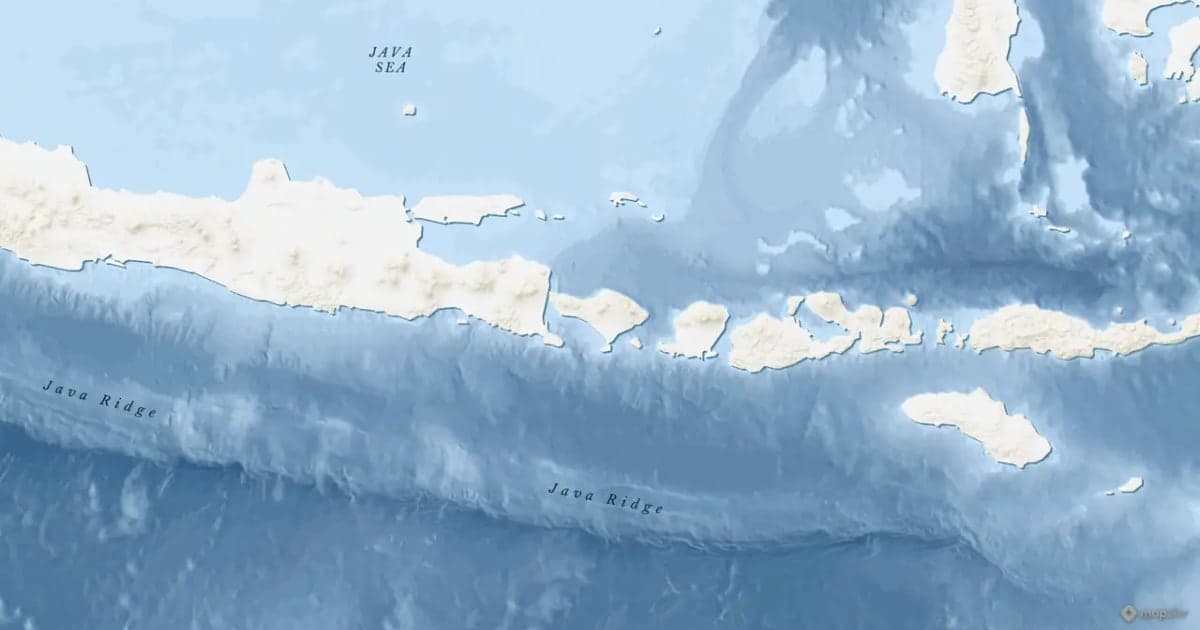
Map Zoom Animation: How to Zoom In on Any Place
A map zoom animation takes the viewer from a wide view down to one place. Here is how to make one in Animaps with Fly to, Zoom in / out, Pan to and Globe Spin, which prompts to type, and how to keep the zoom clear for viewers.
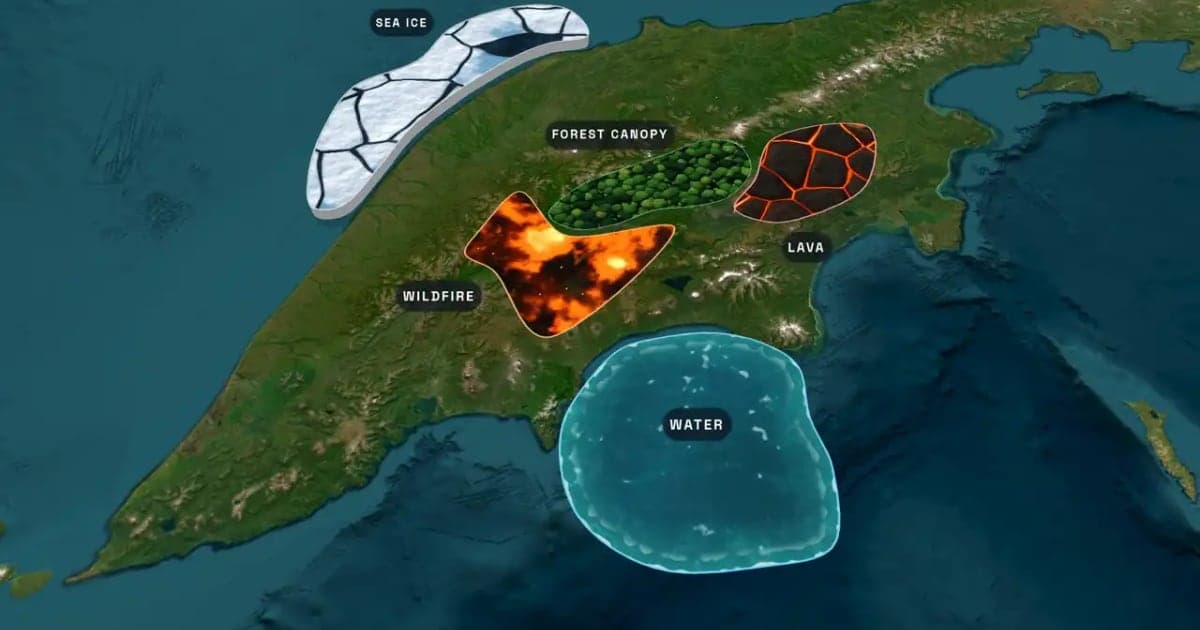
What Is an Animated Map? Types, Uses and How to Make One
An animated map is a map that changes over time in a video: the camera moves, places light up, routes draw and borders shift. Here are the six common types, who uses them, the two ways they are made, and how to make one in Animaps from a single sentence.
Map Video Maker: How to Make a Map Video Online
A map video maker turns a map into a video file you can post or edit. Here is how to make one in Animaps from a single sentence, which shape and size to pick for YouTube, Shorts or a feed, how long it should run, and what each export costs.
Browse every article in the Animaps blog.
