Map Video Maker: How to Make a Map Video Online
How to make a map video in your browser: the right shape, size and frame rate for each platform, how long it should be, and what it costs.
Animaps Team
Content Creator
Plan details come from animaps.ai/pricing on the "Last updated" date above.
Your map, moving, as a video file you can post today. Make your first one free, right now, in your browser.
TL;DR
Short version: A map video maker turns a map into a video file you can post or edit: the camera moves, places light up, routes draw, and you download an MP4. In Animaps you describe the map in a sentence, watch the preview in your browser, change what you want, and export in 16:9, 9:16 or 1:1. The Free plan is free forever, needs no credit card, and gives you 12 credits every month. Editing and preview are always free and unlimited.
Quick links:
- Start free now: Create your free account, no credit card
- See what it does: Map animation maker
- First time? How to create a map animation
- See examples: Map animation examples
This guide covers:
- What a map video maker does
- How to make a map video, step by step
- The right shape, size and frame rate for each platform
- How long a map video should be, and what it costs
- How to fit the map into the rest of your video
What a Map Video Maker Does
A map video maker has three jobs. It holds the map data (countries, borders, cities, routes). It moves the camera and animates what is on the map. And it exports the result as a video file.
That last job is the one that matters most when the map is part of a bigger video. A YouTube explainer, a news segment or a travel recap needs a clean file that drops into the edit. You should not have to screen record a browser tab.
Animaps covers all three in the browser. It has 23 animations, from camera moves (fly to, orbit, drone, globe spin) to routes, borders, country fills, labels and data layers. It exports MP4 video and short GIFs.
How to Make a Map Video in Animaps
- Write what the map should show. Type it in plain English, for example: "Start on the globe, fly to Paris, draw a train route to Berlin, then label Berlin." The AI turns the sentence into a list of steps.
- Watch the preview. The map plays in your browser, as often as you like. Previews are free and unlimited.
- Edit the steps. Change the camera, the timing, the colors, the labels or the map style. Editing by hand costs nothing. You can also skip the AI and build every step by hand in the editor.
- Pick the shape. 16:9 for a regular video, 9:16 for Shorts, Reels and TikTok, 1:1 for feeds.
- Export. Download an MP4 at 720p, 1080p or 1440p, or a GIF of up to 6 seconds.
The fastest way to learn it is to try it. Start free and type your first sentence. If you want a longer walkthrough of each step first, the map animation guide goes into detail.
Shape, Size and Frame Rate
Swipe sideways to see the whole table.
| Where it goes | Shape | Resolution |
|---|---|---|
| YouTube video, presentation | 16:9 (widescreen) | 1080p, or 1440p on Pro |
| YouTube Shorts, Reels, TikTok | 9:16 (vertical) | 1080p |
| Instagram or LinkedIn feed | 1:1 (square) | 1080p |
| Quick test or draft | Any | 720p |
Frame rate: 30 FPS is standard playback. 60 FPS is smoother, which helps on fast camera moves, and it costs more credits per export.
GIF or MP4? Use a GIF for a short loop of up to 6 seconds, such as a slide or a chat message. Use MP4 for everything else.
Pick the shape before you start. A 16:9 map cut down to 9:16 later in your editor can cut off the place you wanted to show.
How Long Should a Map Video Be?
Most map segments work best between 5 and 30 seconds. A map between two talking shots needs about 10 seconds. A trip recap or a region tour can use 30 seconds or more.
The longest animation depends on the plan:
- Free: up to 30 seconds
- Starter: up to 45 seconds
- Pro: up to 60 seconds
For a longer story, make several map videos and join them in your editor. Each one stays short and easy to change.
What a Map Video Costs
Making and editing an animation by hand, previewing it and replaying it are free and unlimited. Credits go to two things only:
- AI prompts: 2 credits per prompt, the same to create a whole animation from a sentence or, on Starter and Pro, to change it. If the AI delivers nothing, the credits come back automatically.
- Exports: from 2 credits. An export at 30 FPS costs 2 credits for up to 20 seconds, 4 credits for up to 40 seconds and 6 credits for up to 60 seconds. Long step lists, 60 FPS and higher resolution add a few credits.
The Free plan is free forever, with no credit card: 12 credits every month. That is, for example, 4 AI-made animations plus a short export, or 6 short videos made by hand. Every month, again. Free exports go up to 30 seconds at 1080p, with a small watermark.
Swipe sideways to see the whole table.
| Plan | Price | Credits per month | Watermark |
|---|---|---|---|
| Free | $0 | 12 (up to 6 animations) | Yes |
| Starter | $9.90 per month | 120 (up to 60 animations) | No |
| Pro | $19.90 per month | 250 (up to 125 animations) | No |
1080p is included on every plan. 1440p is included on Pro and costs extra credits on the other plans. Starter and Pro also add sound and music to exports. Full details are on the pricing page.
Fit the Map Into the Rest of Your Video
- Write the narration first. Then time each map step to the sentence that names the place.
- Hold on each place. Give viewers one or two seconds to read a label before the camera moves on.
- Match the look. Pick a map style that fits your video. Animaps has light, dark, satellite, night and themed styles such as Vintage Parchment and War Room.
- Use the same shape as your edit. A 9:16 map in a 9:16 Short needs no cropping.
- Keep one source of truth. Save the animation, so you can change a step and export again when the script changes.
Map Video Ideas
- Travel recaps: a route from city to city with a plane, car or boat icon. See travel map animation and flight path animation.
- Country tours: each country lights up with its flag, one after another. See the country animation guide.
- History videos: borders change across centuries, with 5,500+ historical empires, states and counties to pick from. See history map animation.
- News and conflict maps: arrows, front lines and highlighted regions. See war map animation.
- YouTube intros: a spinning globe that zooms to your topic. See animated maps for YouTube.
FAQ
What is the best free map video maker? Try Animaps and judge for yourself. It costs nothing: the Free plan is free forever, with no credit card, 12 credits every month and up to 6 exports a month at 1080p with a small watermark. Editing and preview are always free.
Can AI make a map video? Yes. In Animaps you describe the map in a sentence and the AI builds the steps. You then check the preview and edit any step before you export.
Can I make a map video without After Effects? Yes. Animaps runs in a browser and exports the video itself. There are no plugins or keyframes. Our After Effects comparison covers the trade-offs.
Which format does Animaps export? MP4 video at 720p, 1080p or 1440p, at 30 or 60 FPS, and GIF for clips of up to 6 seconds.
Can I make a vertical map video for Shorts or TikTok? Yes. Pick the 9:16 (vertical) shape before you export. Pick it before you start, so you see the vertical frame in the preview.
Can I remove the watermark? Starter and Pro exports have no Animaps watermark.
Sources checked on 2026-10-17
- Animaps pricing: plans, prices, credits, export cost by length, longest animation, resolutions, watermark, sound and music, AI prompt cost.
- Animaps features: the 23 animations, historical borders, map themes, export formats, resolutions, frame rates and shapes.
Related Articles:
Make Your First Map Video Now
You have read enough. Open Animaps, type one sentence about your map, and watch it play. It is free, it runs in your browser, and you do not need a credit card. Edit as much as you want: that never costs a credit.
Keywords: map video maker, map video generator, map animation video maker, AI map video generator, map video, create map video, free map video maker
Tags
Related reading
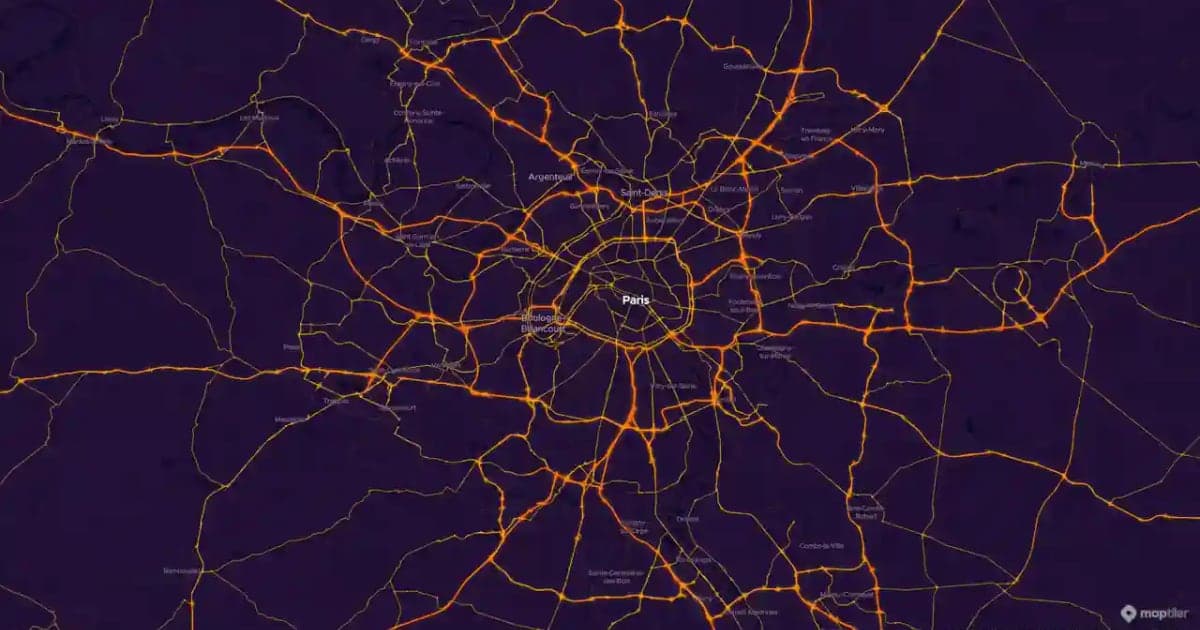
Map Motion Graphics: How to Make Them Without After Effects
Map motion graphics are the moving maps of documentaries, explainers and news: a camera that flies, a border that draws itself, a route that crawls across the map. Here is how to make them without After Effects, eight prompts you can copy, and how to drop the clips into your edit.
Animaps Free Plan Explained: What You Can Make for $0
How far does a free plan go? Here is exactly what the Animaps Free plan includes, what is free and unlimited, what uses credits, what 12 credits make each month, and how to make your first map animation for a video today.
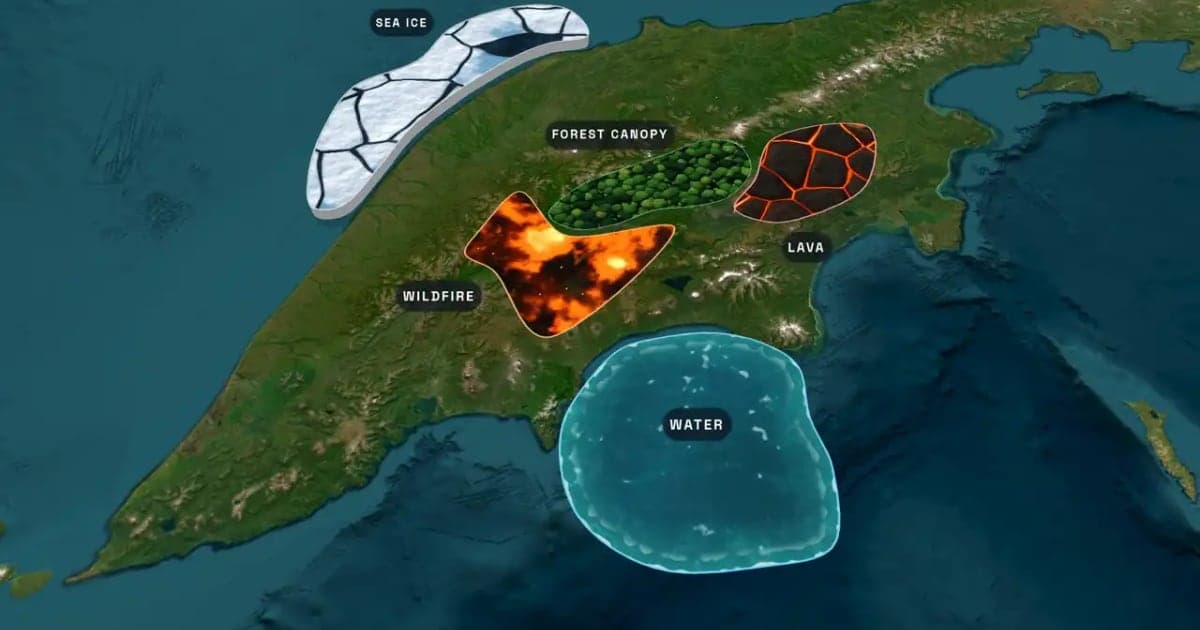
What Is an Animated Map? Types, Uses and How to Make One
An animated map is a map that changes over time in a video: the camera moves, places light up, routes draw and borders shift. Here are the six common types, who uses them, the two ways they are made, and how to make one in Animaps from a single sentence.
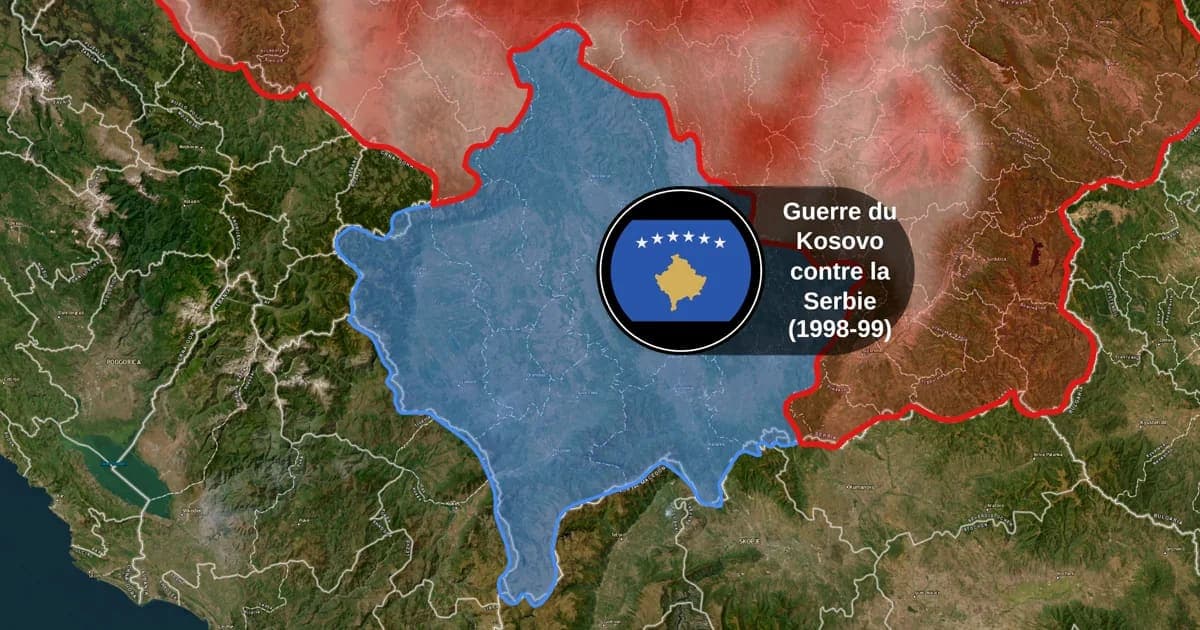
Map Animation Tools: How to Create Animated Maps in 2026
A map animation tool turns a place and a sentence into a moving map video - camera flights, country borders, flag fills, routes, labels - without After Effects, plugins or keyframes. Here is what to look for, and what Animaps does.
How to Create Map Animations for YouTube Videos: The Complete 2026 Guide
Map animations have become the secret weapon of successful YouTube creators. From travel vloggers showcasing epic journeys to educational channels explaining world events, animated maps transform dry geographic information into captivating visual stories that keep viewers engaged. Vox's channel grew from 50,000-150,000 daily views to 1-3 million daily views after they started incorporating more map animations into their content.
Browse every article in the Animaps blog.
