Wedding and Honeymoon Map Video: Tell Your Story on a Map
Make a how-we-met map for the reception, a save the date for travelling guests, or a honeymoon recap: routes, planes, a heart at the venue and the date.
Animaps Team
Content Creator
A wedding or honeymoon map video tells a couple's story as a journey: where they met, where they married, where they went next. You can make one in your browser with the travel map animation tools, and play it at the reception or post it after the trip.
TL;DR
Short version: A wedding map video is a short route map with a few warm touches. A line travels from one place to the next, a plane or a car rides it, and each stop gets a name and a date. Use it for a "how we met" story at the reception, a "save the date" for guests who travel, or a honeymoon recap. In Animaps you can type the whole story in one sentence, or build it step by step, then export an MP4 in 16:9 for a screen at the venue or 9:16 for Instagram.
Quick links:
- First time? How to create a map animation
- Draw the trip: How to make an animated travel route
- More travel ideas: 10 ways travel bloggers use animated maps
This guide covers:
- Four wedding map videos you can make
- How to build one, step by step
- Prompts you can copy
- Tips for a video guests will enjoy
Four Wedding Map Videos You Can Make
1. "How we met" for the reception
Two lines start in two hometowns and meet in the city where the couple met. Then one line goes on together to the wedding venue. It takes 30 to 45 seconds and works well before the speeches.
2. Save the date for travelling guests
A short clip from the guests' city to the venue: the airport, the drive, the place. It tells guests where to go in one look. Put the date in big text at the end.
3. Destination wedding guide
For a wedding abroad, show the venue, the hotel, the airport and the beach, with lines between them and a short label on each.
4. Honeymoon recap
After the trip, a route from home to each stop and back, with a plane on the flights and a boat on the ferries. Post it in 9:16 on Instagram or send it to family.
How to Build It in Animaps
- Choose the map style. Satellite feels real and warm for beaches and islands. A vintage style feels romantic and old fashioned.
- Choose globe or flat. Use the globe if the trip crosses an ocean. Use the flat map for one country.
- Add the first place. Add a Fly to with the first city, for example "Lyon". Add a Label with a short line, such as "Where Anna grew up".
- Draw the route. Add a Route from the first place to the next. Pick the mode: Air for flights, Car for road trips, Rail for trains, Sea for ferries and cruises, Walk or Bike for a day out on foot or by bike.
- Pick a route look. Each travel mode has one-click looks. A Flight look puts a plane on the line. Animaps uses a 3D model at the head of the line when one exists for the mode.
- Add an arrival moment. In the route's effects, pick Bounce, Pulse or Both, so each stop feels like an arrival.
- Add a heart. Put an Icon at the wedding venue. The heart is in the icon library.
- Write the date. Add a Text step at the end: "Married, June 14, 2026, Tuscany".
- Hold the last view. Add a Pause of 3 to 4 seconds, so guests can read the names.
- Export. 16:9 for a screen or projector. 9:16 for Instagram Stories and Reels.
Prompts You Can Copy
Type one sentence. The AI builds the steps, and you change any of them.
Show a flight from London to Bali with a plane, then a ferry to the Gili Islands, then a flight to Tokyo, with a label at each stop, on a satellite globe.
Fly from Chicago to Cancun with a plane, then drive to Tulum, add a heart at Tulum and the text "See you there, May 2027".
Show Santorini on a satellite map, label the hotel, the beach and the airport, draw a short drive between each, and pause for 3 seconds.
Ideas for Your Story
- Two hometowns, one city: label both places, then draw a line from each to the city where you met.
- Long distance couples: show the many flights between two cities, then the final move.
- Family roots: start from the grandparents' countries, then the couple's city.
- Honeymoon by train: use Rail mode through Europe or Japan.
- Island hopping: use Sea mode, so the ferry line goes around the land, not across it.
For a honeymoon recap, start from this prompt and change the places.
Tips for a Video Guests Will Enjoy
- Keep it short. 30 to 60 seconds is enough for a room full of people.
- Few words per label. "Paris, 2018" reads faster than a full sentence.
- Check the screen. A venue projector is often dim. A light map style with dark text reads better than a dark map.
FAQ
Can I make a wedding map video without design skills? Yes. Type the story in one sentence, or follow the steps above. No video software is needed to make the map.
Can I add our photos to the map? Not inside Animaps. Export the map as an MP4 and put your photos before or after it in a video editor.
Can I add music? Not inside Animaps. Add music in your video editor.
What size should I export for the reception screen? 16:9 at 1080p fits most projectors and TVs.
Can I show a plane flying between the cities? Yes. Use a Route in Air mode. A plane, often a 3D model, rides the line.
For flight lines in more detail, read the flight path animation page.
Keywords: wedding map video, honeymoon map video, wedding travel map animation, how we met map video, save the date map video, destination wedding map
Tags
Related reading
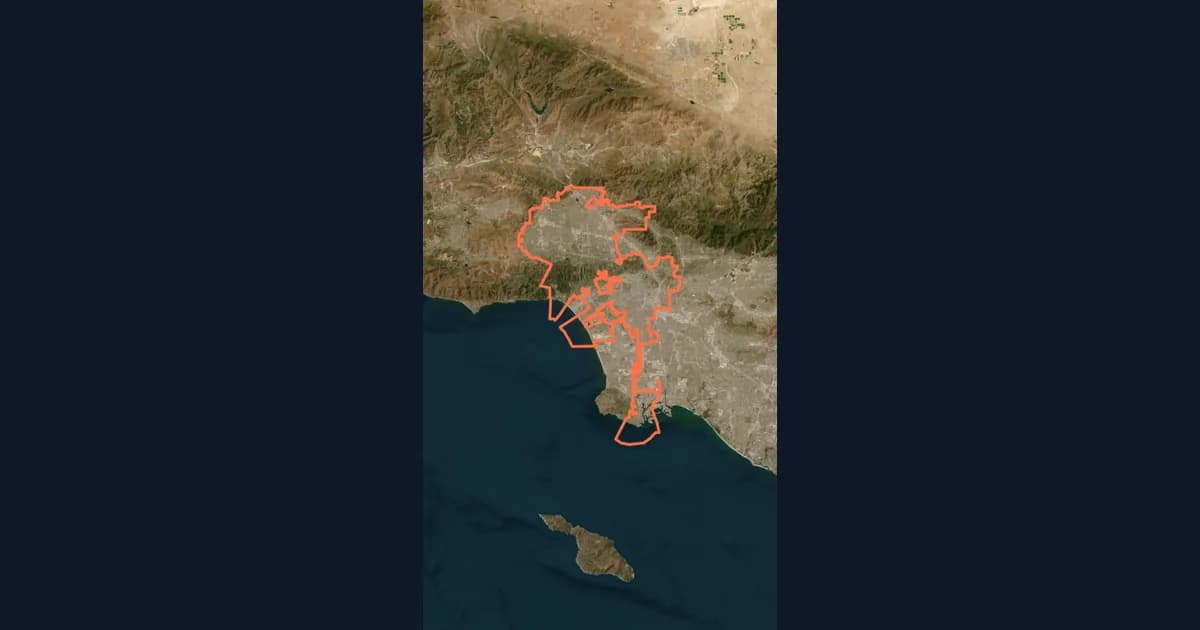
10 Ways Travel Bloggers Use Animated Maps (And How You Can Too)
Travel bloggers face a unique challenge: how do you make someone feel a journey they haven't taken? Static photos show destinations. Written stories describe experiences. But animated maps? They transport viewers into your journey, transforming passive readers into active participants following along your path. In 2026, animated maps have evolved from nice-to-have embellishments to essential storytelling tools.
Map Video Maker: How to Make a Map Video Online
A map video maker turns a map into a video file you can post or edit. Here is how to make one in Animaps from a single sentence, which shape and size to pick for YouTube, Shorts or a feed, how long it should run, and what each export costs.
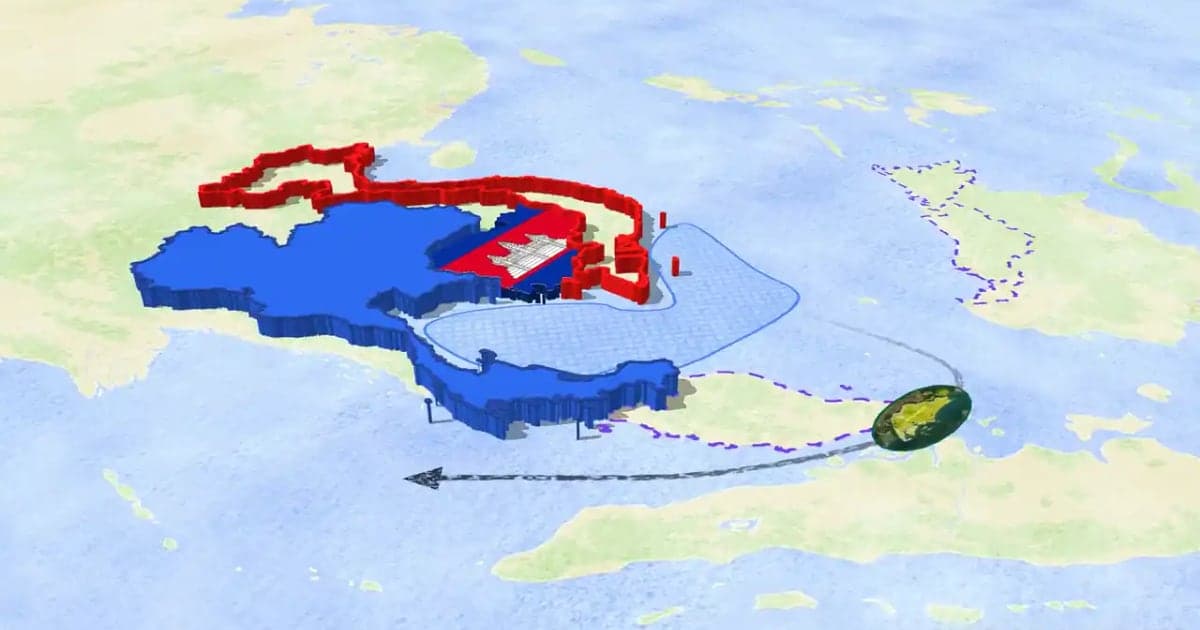
How to Make a 3D Map Animation in Your Browser
A 3D map animation gives the map depth: a turning globe, a tilted camera, raised mountains, a city skyline or a plane model on its route. Animaps does all five in a browser. The globe is on every plan, Free included; 3D terrain and 3D buildings are on Pro.
Browse every article in the Animaps blog.
