How an AI Map Animation Generator Works, From Prompt to Video
What happens between your sentence and the map video: how the AI turns a prompt into steps you can edit, six prompts to copy, what it can animate and what it costs.
Animaps Team
Content Creator
Plan details come from animaps.ai/pricing on the "Last updated" date above.
Type one sentence. Watch a map fly, light up and draw itself. Then change anything you like by hand, for free. This guide explains what happens between your prompt and the video. To try it as you read, open the AI map animation generator, or start by hand in the free map animation maker.
TL;DR
Short version: An AI map animation generator turns a written description into an animated map. In Animaps, you type a sentence such as "Fly from Paris to Tokyo and highlight Japan." The AI builds the animation as a list of steps: camera moves, country fills, borders, routes and labels. It plays in your browser, on a flat map or a 3D globe. You change any step by hand for free, then export an MP4. Each AI prompt costs 2 credits, and the Free plan gives you 12 credits every month, with no credit card.
Quick links:
- Start free now: Create your free account, no credit card
- Prompts to copy: AI map prompts guide
- See what it does: Map animation maker
- See examples: Map animation examples
This guide covers:
- What an AI map animation generator does, and how it differs from an AI map image tool
- How to generate a map animation from text, step by step
- Six prompts you can copy today
- What the AI can animate
- What it costs
- How to get a good result on the first try
- Where the AI stops, and what to do then
What an AI Map Animation Generator Does
You describe the map you want in plain words. The generator gives you back moving pictures: the camera flies, borders draw, countries fill with color, a route crawls from city to city.
Many "AI map generator" tools make a single picture. A picture cannot move, and an image model often invents a coastline or misspells a city. An AI map animation generator works differently. In Animaps, the AI does not paint the map. It reads your sentence, picks the places and the actions, and writes them as steps. The map engine then draws each step from real map data and a database of 180,000+ places. So Italy has the shape of Italy, and Kyiv is where Kyiv is.
The second big difference: the result is not a closed video file. It is a list of steps you can open and change. If the camera flies too fast, you slow that one step. You do not throw the whole thing away and ask again.
How to Generate a Map Animation From Text
- Sign up free. Create your account. No credit card.
- Describe your animation. Type one or two sentences. Name the places and say what should happen, in order. For example: "Start on the globe, fly to Rome, highlight Italy, then draw a route to Athens."
- Let the AI build it. The prompt costs 2 credits. The AI turns it into a list of steps. If it delivers nothing, the 2 credits come back to you automatically.
- Watch the preview. The animation plays in your browser. Replay it as often as you want. That is free.
- Fix what you do not like. Click a step and change it: the place, the color, the timing, the camera angle. Hand edits are always free. On Starter and Pro, you can also ask the AI for a change, for 2 credits.
- Export. Pick 16:9 for YouTube, 9:16 for Shorts, Reels and TikTok, or 1:1 for a feed. Download an MP4, or a GIF of up to 6 seconds. On the Free plan, a video can run up to 30 seconds at 1080p, with a small watermark.
Then drop the file into your video editor like any other clip.
Six Prompts You Can Copy
Each of these gives you a full first draft. Paste one in, watch it, then make it yours.
- A trip: "Start on the globe, fly to Rome, highlight Italy, then draw a route to Athens."
- A flight: "Draw a flight path from London to New York with a plane on the line, then zoom in on New York."
- A country intro: "Fly to Japan, trace its border in red, then add a label on Tokyo."
- A comparison: "Highlight Brazil, Argentina and Chile one after another, each filled with its flag."
- A river: "Fly to Cairo, then follow the Nile north to the sea, with labels on the big cities."
- History: "Show the borders of the Roman Empire changing over the years."
Want more? The AI map prompts guide has patterns for camera moves, borders, labels and timing.
What the AI Can Animate
The AI works with the animation types of the editor, which has 23 of them. The main groups:
- Camera: fly to a place, pan, zoom, rotate, tilt, orbit, arc and drone-style shots.
- Borders: show, trace or pulse a border, and border timelapses that change over the years.
- Land: fill a country or region with a color or a flag, make it pulse, or reveal it.
- Routes: draw a path by air, road, sea or rail, or fly the camera along a path or a river.
- On the map: labels, free text, icons, and shapes such as circles, polygons and arcs.
It works on a flat map and on a 3D globe. For history, Animaps carries border timelapses for 5,580 entities, from empires and kingdoms to US states and counties. See them in action on the history map animation page.
What It Costs
Swipe sideways to see the whole table.
| What | Cost |
|---|---|
| AI prompt to create an animation | 2 credits |
| AI prompt to change an animation | 2 credits, on Starter and Pro |
| The AI delivers nothing | Your 2 credits come back automatically |
| Editing by hand, preview, replay | Free and unlimited |
| Export | From 2 credits (up to 20 seconds at 30 FPS) |
| Free plan | 12 credits every month, no credit card |
The Free plan allows up to 4 AI prompts and 6 exports a month. Exports run up to 30 seconds, at 1080p, with a small watermark. So one free month can be 4 AI prompts plus 2 short exports, or 6 short videos you built by hand.
Paid plans start at $9.90 per month for Starter and $19.90 per month for Pro. On both, AI prompts are limited only by your credits, and exports have no watermark. Full details are on the pricing page.
A good habit: let the AI write the first draft, then make every small change by hand. Hand edits are free, so your credits go to the big jumps and to the export.
How to Get a Good Result on the First Try
- Name real places. "Fly to Lyon" works better than "fly to a city in France".
- Give context to names that repeat. "Paris, Texas" or "Georgia, the country" stops the AI from guessing.
- Say things in order. One action after another, the way you want them on screen.
- Say the look. Colors, "with a plane on the line", "with its flag". Small words change the draft.
- Keep it short. Two clear sentences beat one long paragraph. You can always add a step after.
Where the AI Stops
An AI generator is fast, but it is not magic. Here is where it ends, and what to do:
- It builds from the studio's animation types. It cannot draw a custom illustration or a cartoon character. Add those in your video editor.
- It does not always guess your taste. The first draft may be a little too fast or too wide. Fix that step by hand, for free.
- It tops out at 1440p. Animaps exports up to 1440p on Pro, not 4K.
You can also skip the AI completely. Build every step yourself in the manual editor. That never costs a credit until you export.
FAQ
Is there a free AI map animation generator? Yes. Animaps has a Free plan that is free forever, with no credit card. You get 12 credits every month. An AI prompt costs 2 credits, up to 4 a month on Free, and exports start at 2 credits.
What is the difference between an AI map generator and an AI map animation generator? An AI map generator usually makes one still image. An AI map animation generator makes a moving map: camera moves, borders, routes and labels over time. In Animaps, the result is also a list of steps you can edit.
Do I need After Effects or GIS skills? No. You type a sentence and the AI builds the animation. Everything runs in your browser.
What if the AI gets it wrong? Change the step by hand, which is free, or, on Starter and Pro, ask the AI for a change, for 2 credits. If the AI delivers nothing at all, your credits come back.
Can I make a map video for Shorts or TikTok? Yes. Export in 9:16 for Shorts, Reels and TikTok, 16:9 for YouTube, or 1:1 for a feed.
Can I use the videos commercially? Yes. Animaps says exported videos can be used in commercial projects, including monetized YouTube channels and client work. Free exports carry a small watermark.
Sources checked on 2026-10-18
- Animaps pricing: Free plan, credits per month, AI prompt cost, prompt and export limits on Free, export cost, paid plan prices.
- Animaps features: animation types, flat map and globe views, export formats and shapes.
- Animaps map animation maker: commercial use of exported videos.
Related Articles:
Generate Your First Map Animation Now
You do not need After Effects, a designer or a budget. You need one sentence about a map. Open Animaps, type it, and watch the map move in seconds. Change any step by hand as often as you like, that part is always free. Then export your first video with the 12 credits you get every month.
Keywords: ai map animation generator, map animation generator, ai map generator, animated map generator, free map animation generator, text to map animation, ai map video generator
Tags
Related reading
Animaps Free Plan Explained: What You Can Make for $0
How far does a free plan go? Here is exactly what the Animaps Free plan includes, what is free and unlimited, what uses credits, what 12 credits make each month, and how to make your first map animation for a video today.
Map Video Maker: How to Make a Map Video Online
A map video maker turns a map into a video file you can post or edit. Here is how to make one in Animaps from a single sentence, which shape and size to pick for YouTube, Shorts or a feed, how long it should run, and what each export costs.
What Is an Animated Map? Types, Uses and How to Make One
An animated map is a map that changes over time in a video: the camera moves, places light up, routes draw and borders shift. Here are the six common types, who uses them, the two ways they are made, and how to make one in Animaps from a single sentence.
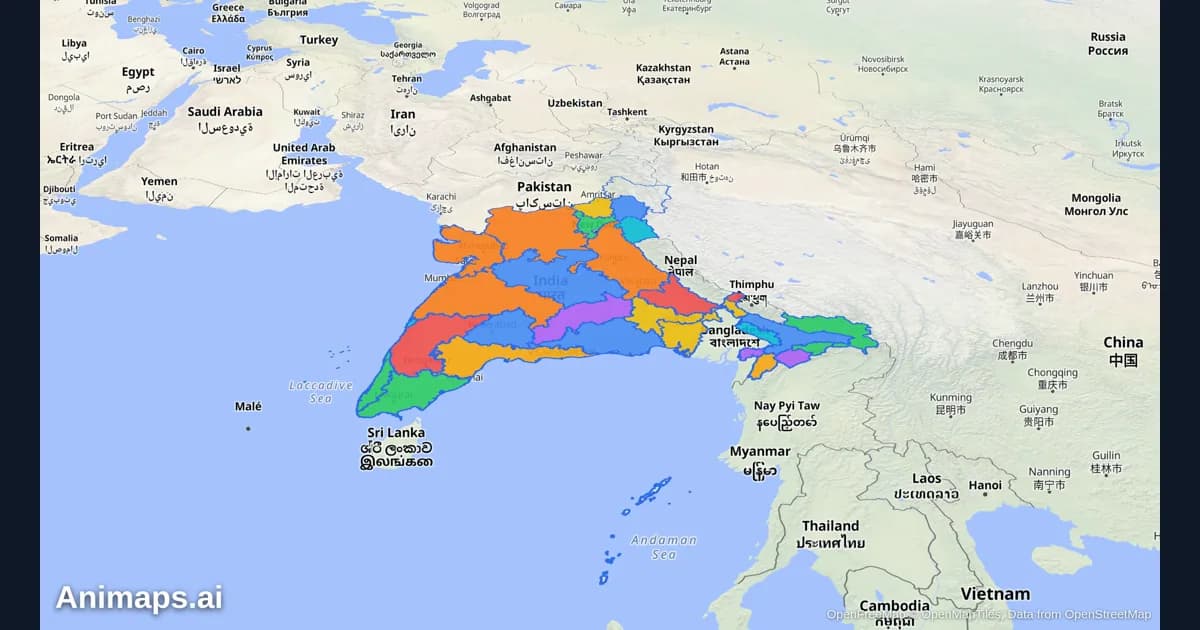
AI-Powered Map Animations vs Traditional Methods: A Complete Comparison
Creating map animations used to require expensive software, hours of manual work, and specialized skills. But AI-powered tools are changing the game. Let's compare the old way with the new way.
Browse every article in the Animaps blog.
