Animaps Free Plan Explained: What You Can Make for $0
How the Animaps Free plan works: 12 credits a month, no credit card, what is free and unlimited, what uses credits, and how far 12 credits go.
Animaps Team
Content Creator
Plan details come from animaps.ai/pricing on the "Last updated" date above.
How far does a free plan go before you have to pay? This guide answers with plain numbers. Want to start right away? Open the free map animation maker: no credit card, no trial clock, 12 credits every month.
TL;DR
Short version: Animaps is a map animation maker that runs online, in your browser, and its Free plan costs $0 forever. You sign up without a credit card and get 12 credits every month. Building an animation by hand, editing it, previewing it and replaying it never costs a credit, so that part is unlimited. Credits pay for two things: AI prompts (2 credits each) and exports (from 2 credits). Free exports are MP4 or GIF, up to 30 seconds, at 1080p, with a small watermark.
Quick links:
- Start free now: Create your free account, no credit card
- See what it does: Map animation maker
- First time? How to create a map animation
- See examples: Map animation examples
This guide covers:
- What the Free plan gives you, in plain numbers
- What is free and unlimited, and what uses credits
- What 12 credits make in a month
- How to make a free map animation for a video, step by step
- When a paid plan is worth it
What You Get on the Free Plan
Swipe sideways to see the whole table.
| What | Free plan |
|---|---|
| Price | $0, free forever, no credit card |
| Credits | 12 every month |
| Build, edit, preview, replay | Free and unlimited, no credits |
| AI prompts | Up to 4 a month, 2 credits each |
| Exports | Up to 6 a month, from 2 credits each |
| Longest video | 30 seconds |
| Resolution | 1080p |
| Formats | MP4 video, GIF up to 6 seconds |
| Shapes | 16:9, 9:16 and 1:1 |
| Watermark | Small Animaps watermark |
| Views | Flat map and 3D globe |
Nothing on that list expires after a week. The plan does not turn into a paid plan by itself. Every month you get 12 new credits.
What Is Free, and What Uses Credits
Free and unlimited, always:
- Building an animation step by step in the editor
- Changing any step: the camera, the timing, the colors, the labels, the map style
- Watching the preview in your browser, and replaying it as often as you like
You can spend a whole afternoon on one map and it costs nothing. Try a camera move, watch it, change it, watch it again. That loop is free.
What uses credits:
- An AI prompt costs 2 credits. It is the same price to create a whole animation from one sentence or, on Starter and Pro, to change an animation you already have. The credits are reserved when you send the prompt. If the AI delivers nothing, they come back to you automatically.
- An export costs from 2 credits. At 30 FPS, a video of up to 20 seconds costs 2 credits, up to 40 seconds costs 4 credits, and up to 60 seconds costs 6 credits. Long step lists, 60 FPS and a higher resolution add a few credits. The export window shows the price before you click.
What 12 Free Credits Make
Here are two ways to spend one month of the Free plan:
- With the AI: 4 AI prompts (8 credits) plus 2 short exports (4 credits).
- By hand: 6 short videos you built yourself in the editor, 2 credits each.
You can mix the two as you like. Next month you get 12 credits again.
A good habit on the Free plan: let the AI write the first draft, then do every small change by hand. Hand edits are free, so your credits go to the big jumps and to the export.
How to Make a Free Map Animation for a Video
- Sign up free. Create your account. No credit card.
- Describe the map, or build it yourself. Type a sentence such as "Start on the globe, fly to Rome, highlight Italy, then draw a route to Athens." The AI turns it into a list of steps for 2 credits. Or skip the AI and add each step by hand in the manual editor, for free.
- Watch the preview. The map plays in your browser. Replay it as often as you want.
- Fix what you do not like. Click a step and change it. A label, a color, a camera angle. Still free.
- Pick the shape. 16:9 for YouTube, 9:16 for Shorts, Reels and TikTok, 1:1 for a feed.
- Export. Download an MP4 at 1080p, or a GIF of up to 6 seconds. Keep it under 20 seconds and it costs 2 credits.
Then drop the file into your video editor like any other clip. For more detail on each step, read the map animation guide.
What You Can Animate for Free
The Free plan gives you every animation type. Some ideas to try first:
- Fly to a place. The camera moves from the globe down to a city.
- Highlight countries. Fill a country with a color or its flag. See the country animation guide.
- Trace a border. Draw the outline of a country or region. See map border animation.
- Draw a route. A line from city to city, with a plane, car or boat on it. See travel map animation.
- Spin the globe. A classic intro for a YouTube video. See 3D globe animation.
- Show borders over time. Empires and states that grow and shrink across the years. See history map animation.
Not sure what to type? The AI map prompts guide has sentences you can copy.
When a Paid Plan Is Worth It
Stay on Free as long as it does the job. Move up when you hit one of these:
- You want no watermark. Starter and Pro exports have no Animaps watermark.
- You need more credits. Paid plans give many more credits each month, so you can prompt the AI and export more often.
- You need longer videos. Free stops at 30 seconds, Starter goes to 45 seconds and Pro to 60 seconds.
- You want 1440p. Pro includes it.
Starter is $9.90 per month and Pro is $19.90 per month. Full details are on the pricing page.
FAQ
Is there a free map animation maker online? Yes. Animaps runs in your browser and its Free plan is free forever. You sign up without a credit card and get 12 credits every month. Building, editing and previewing an animation are free and unlimited.
Do I need a credit card to start? No. You create your account and start right away.
Is the AI free? The AI uses credits on every plan: 2 credits per prompt. The Free plan includes up to 4 AI prompts a month to create animations, paid from its 12 credits. Changing an animation with AI starts on Starter. If the AI delivers nothing, the credits come back.
Can I make a map animation for free without the AI? Yes. Build every step by hand in the editor. That never costs a credit. You only spend credits when you export, from 2 credits per video.
Does the free version have a watermark? Yes, a small Animaps watermark. Starter and Pro remove it.
How long can a free map animation be? Up to 30 seconds per video, at 1080p. A GIF can be up to 6 seconds.
Can I use a free map animation on YouTube? Yes. Export an MP4 in 16:9 for a regular video, or 9:16 for Shorts, and upload it like any clip.
Do I need to install anything? No. Animaps runs in your browser. There is no app to install and no plugin.
Sources checked on 2026-10-17
- Animaps pricing: Free plan, credits per month, AI prompt cost, export cost by length, longest video, resolution, watermark, paid plan prices.
- Animaps features: animations, flat map and globe views, export formats and shapes.
Related Articles:
Start Your Free Map Animation Now
You do not need a budget, a credit card or After Effects. You need one idea for a map. Open Animaps, build it or describe it, and watch it move. Edit it as much as you like, that part is always free. Then export your first video with the 12 credits you get every month.
Keywords: free map animation maker, map animation free, free map animation, map animation online free, free animated map maker, map animator free, how to make an animated map for a video free
Tags
Related reading
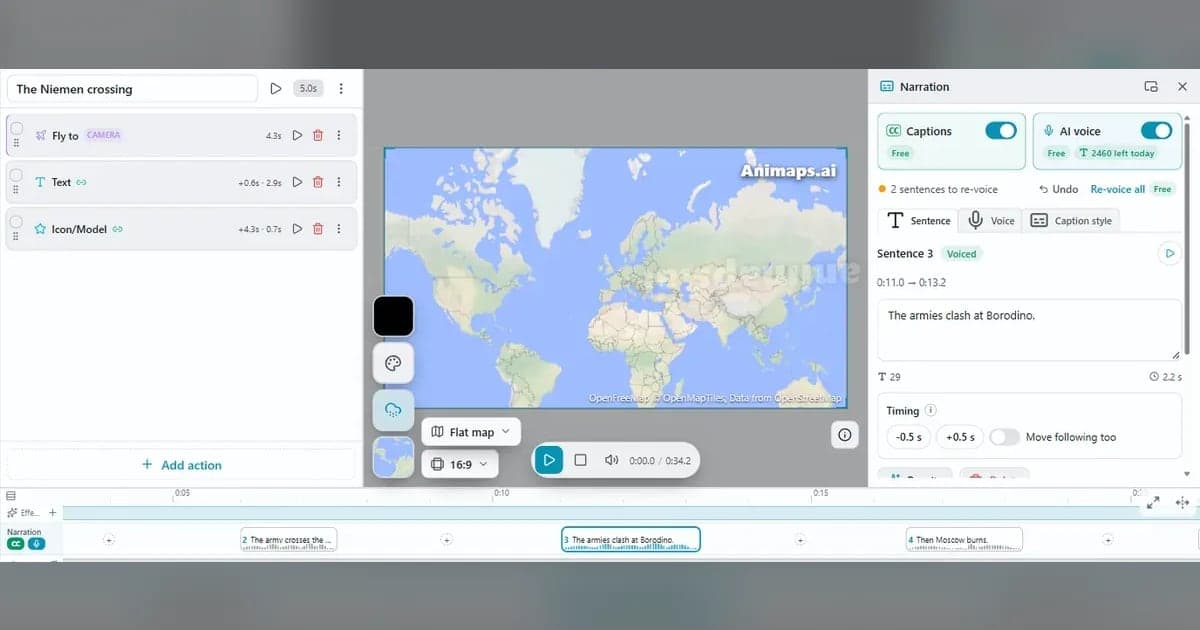
What's Coming to Animaps: AI Narration, Battles and More
Six big things are on the way to Animaps. Soon: AI narration with captions and an AI voice, a timeline without scenes, and Conquest for animated battles. Later: more hand-drawn styles, new map effects and a Premium plan. Plus seven features you can use today, free.
Map Video Maker: How to Make a Map Video Online
A map video maker turns a map into a video file you can post or edit. Here is how to make one in Animaps from a single sentence, which shape and size to pick for YouTube, Shorts or a feed, how long it should run, and what each export costs.
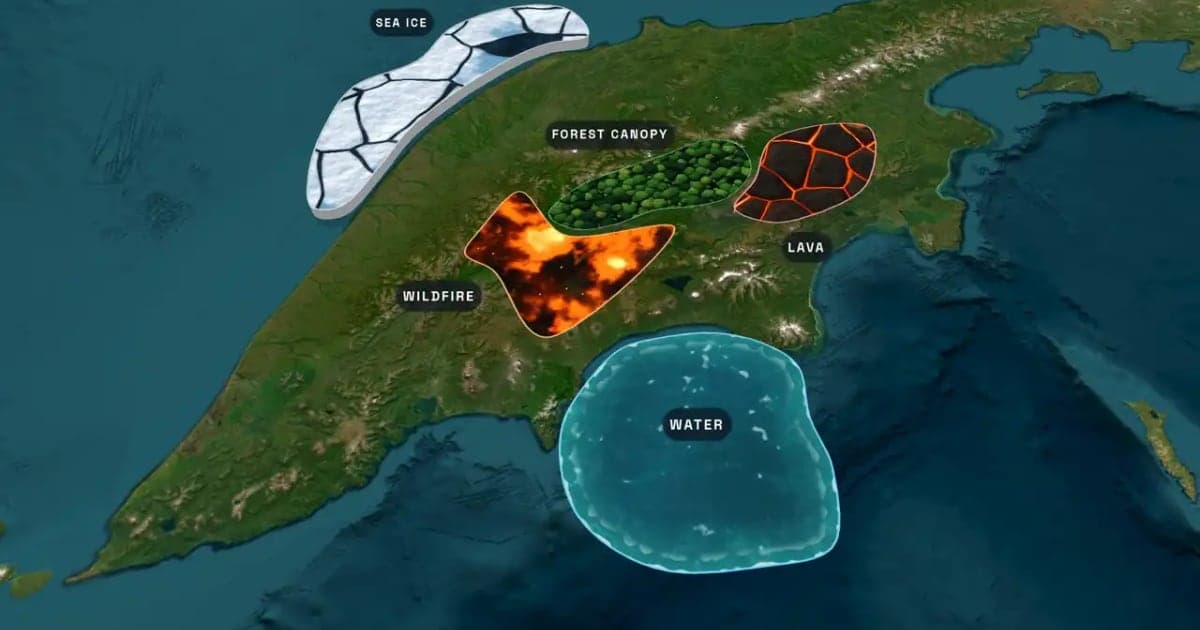
What Is an Animated Map? Types, Uses and How to Make One
An animated map is a map that changes over time in a video: the camera moves, places light up, routes draw and borders shift. Here are the six common types, who uses them, the two ways they are made, and how to make one in Animaps from a single sentence.
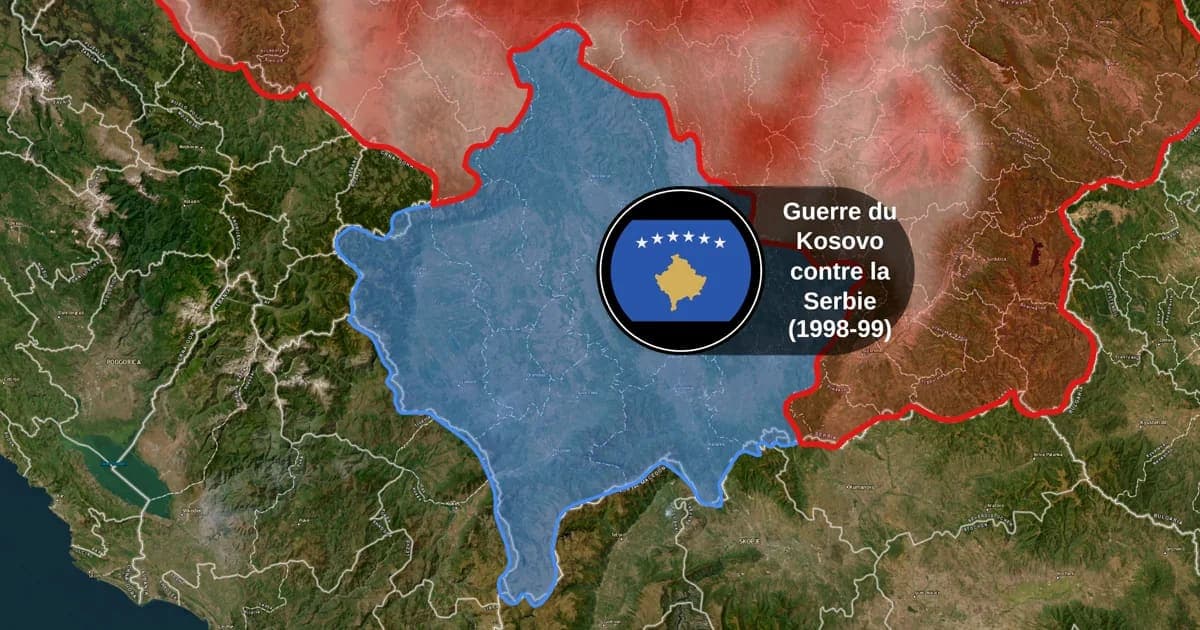
Map Animation Tools: How to Create Animated Maps in 2026
A map animation tool turns a place and a sentence into a moving map video - camera flights, country borders, flag fills, routes, labels - without After Effects, plugins or keyframes. Here is what to look for, and what Animaps does.
Browse every article in the Animaps blog.
