Disease Spread Map: Animate an Outbreak Timeline
Map how an outbreak spread over time with dates, arrows and drawn fills, no data import needed. Worked example: the Black Death, 1346 to 1353.
Animaps Team
Content Creator
A disease spread map shows how an outbreak moved from place to place over time. This guide builds one for a historical example, the Black Death of 1346 to 1353, with dates, arrows and fills drawn in the map animation maker. No data import is needed.
TL;DR
Short version: A spread map has three parts: a starting point, the paths the disease took, and the areas it reached, each with a date. In Animaps you mark the start with a pulsing circle, draw the paths with lines and arrows, fill the areas with Land or a drawn polygon, and write the year on screen with Text. Land fills can arrive with a reveal, such as Radial or Sweep, which reads as spreading. Animaps does not import case data, so this works best for history lessons and explainers built from a published source, not for live case counts.
Quick links:
- Fill an area: How to fill a country on an animated map
- Draw arrows and areas: How to draw lines, arrows and circles
- For teachers: Best practices for educational map animations
This guide covers:
- What a spread map should show
- A worked example: the Black Death, 1346 to 1353
- How to build it in Animaps, step by step
- Prompts you can copy
- Tips for a neutral, careful video
What a Spread Map Should Show
Viewers want to know:
- Where it started.
- How it travelled: by sea, by road, with armies or traders.
- When it reached each place.
- How far it went in the end.
Time is the main idea. So every scene needs a date on screen, and the dates must move forward in order.
Worked Example: The Black Death, 1346 to 1353
The Black Death was a plague pandemic that reached Europe in the 1340s. Historians estimate it killed between a third and a half of Europe's population. The usual outline of its spread, found in most history references:
- 1346: the plague is among the armies besieging Caffa, a trading port in Crimea (today Feodosia).
- 1347: ships carry it across the Black Sea and the Mediterranean. It reaches Constantinople, then Messina in Sicily in October, then Marseille.
- 1348: it spreads through Italy, France, Spain and southern England.
- 1349: it reaches northern England, Scandinavia and much of central Europe.
- 1350 to 1353: it moves on to the east and north, into Russia.
How to Build It in Animaps
- Pick the map. A vintage style suits history. A dark style with one strong colour suits a modern explainer. Use the flat map, centred on Europe and the Mediterranean.
- Mark the start. Fly to Crimea. Add a Draw step with a Circle at Caffa, set it to Pulse, and add a Label "Caffa, 1346".
- Draw the sea paths. Add Draw steps with Lines from Caffa to Constantinople, then to Messina, then to Marseille. In the Head tab, set Head to Arrow. A dashed pattern can mean "by ship".
- Show the year. Add a Text step in a corner: "1347". Change it at each scene.
- Fill the areas reached. For each year, show the areas the plague reached. Draw a Polygon around them by hand, because the borders of the 1340s are not the borders of today. Use Land only when a modern country or region is a fair match, and say so on screen.
- Make the spread visible. In the fill's Animation tab, pick a reveal front: Radial spreads out from a point, Sweep moves across like a wave.
- Darken the rest. If one region is the focus, Shade darkens everything outside it.
- Hold on the full extent. End on the whole map with all areas filled and the text "1346 to 1353". Pause 4 seconds.
- Export. 16:9 for class and YouTube.
Prompts You Can Copy
The AI builds the camera, labels, arrows and text. Draw the outbreak areas yourself, from your source.
Fly to Sicily, pulse a circle at Messina labelled "October 1347", then add the text "From here the plague spread into Italy".
Show northern Europe on a dark map, add the text "1349", and draw red arrows from southern England to Norway and to the Baltic.
Other Outbreaks You Can Map the Same Way
- The 1854 Broad Street cholera outbreak in London: a close city map, one pump, and the cases John Snow mapped around it.
- The Plague of Justinian, from 541: spread along Mediterranean trade routes.
- The 1918 influenza pandemic: waves moving with ships and troops at the end of World War I.
For each, use one published source and put its name on screen or in the description.
Tips for a Neutral, Careful Video
- Stay with the facts. Show places, dates and paths. Avoid scary music, skulls or blood red everywhere.
- Use one strong colour for the disease and soft colours for the rest of the map.
- Say what is uncertain. Write "about" or "c." before dates that sources disagree on.
- Do not blame a people. Diseases travel with trade and war. Show the routes, not a culprit.
- Label modern names. Write "Caffa (today Feodosia)" so viewers can find it on a modern map.
FAQ
Can I import outbreak data into Animaps? No. Animaps does not import data tables, GeoJSON or case counts. You draw the areas and paths by hand.
Can I show the spread year by year? Yes. Use one scene per year, with a Text step for the year and a fill or polygon for the new areas.
Can I show old borders? For many periods, the Historical step draws past borders from 25,400+ historical border snapshots. For outbreak areas, a drawn polygon is usually more accurate. See history map animation.
What map style suits a history topic? A vintage style looks like an old map. A dark style makes the outbreak colour stand out.
How long should a spread map be? 30 to 60 seconds for a class or an explainer. Give each year 5 to 8 seconds.
Keywords: disease spread map, pandemic spread map animation, Black Death spread map, plague map animation, outbreak timeline map, epidemic map video
Tags
Related reading
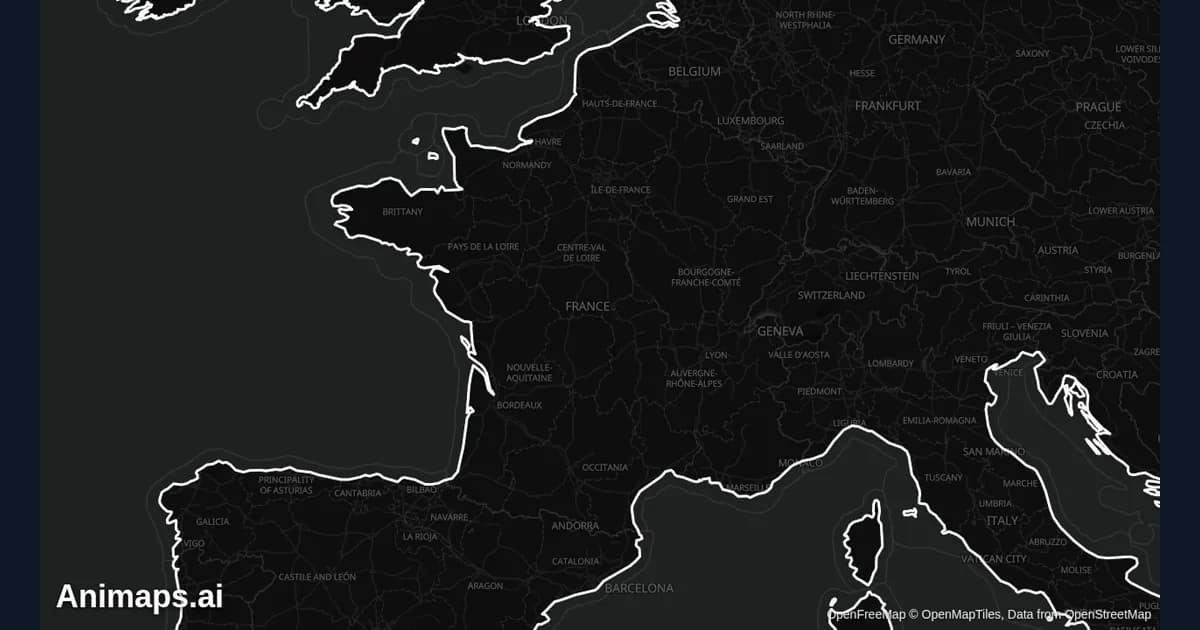
Best Practices for Educational Map Animations
Educational map animations have revolutionized how we teach geography, history, and social studies. When done right, they can transform abstract concepts into visual stories that students remember long after the lesson ends.
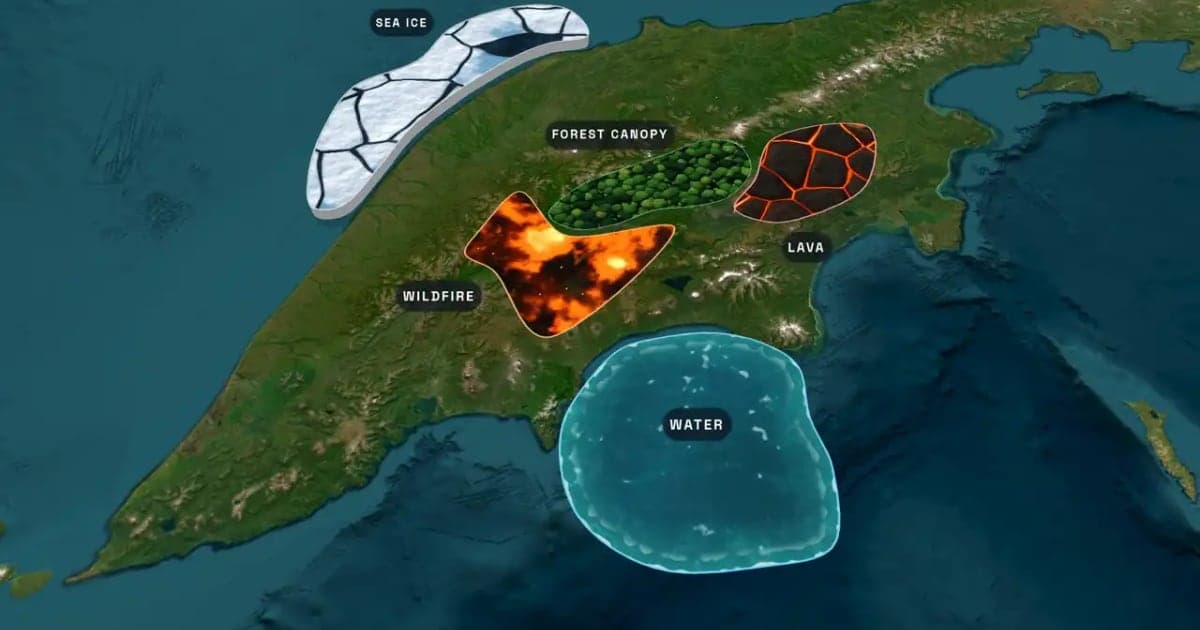
What Is an Animated Map? Types, Uses and How to Make One
An animated map is a map that changes over time in a video: the camera moves, places light up, routes draw and borders shift. Here are the six common types, who uses them, the two ways they are made, and how to make one in Animaps from a single sentence.
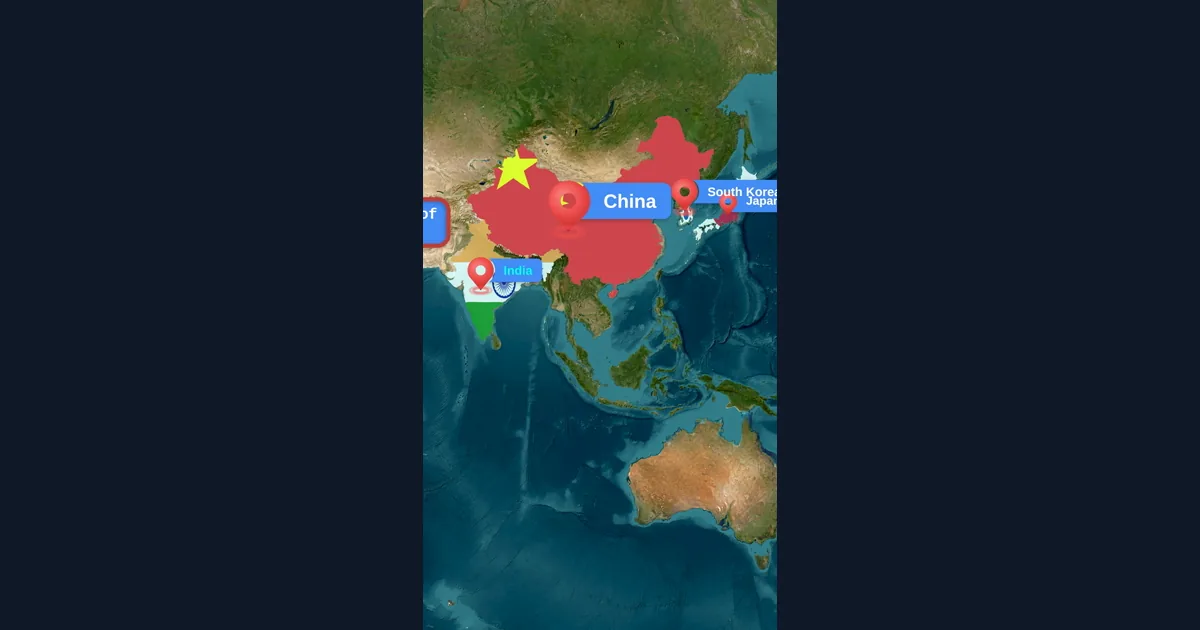
Map Animation Tips for Journalists and News Creators
In today's fast-paced news environment, visual storytelling is more important than ever. Map animations help journalists explain where events are happening, show migration patterns, track conflicts, and make global news more accessible to audiences.
Browse every article in the Animaps blog.
