Hurricane Path Map: How to Animate a Storm Track
Draw a hurricane or typhoon track by hand from a public source, add dates and the landfall, and export an MP4 for news, lessons or YouTube. Worked example: Katrina 2005.
Animaps Team
Content Creator
A hurricane path map shows where a storm went, day by day, and where it hit land. You can draw one by hand in the map animation maker, with dates and labels, and export it as an MP4 for a news report, a lesson or a video.
TL;DR
Short version: A storm path video has three parts: the track (a line that draws over the sea), the dates along it, and the landfall (a pulse where the storm reaches the coast). Animaps does not import storm track files. You draw the track yourself, point by point, from a public source such as the US National Hurricane Center. For a past storm that takes about ten minutes. Use a dashed line for a forecast, a solid line for the observed track, and a circle for the area at risk.
Quick links:
- Draw the track: How to draw lines, arrows and circles on a map
- Add the dates: How to put text on a map
- For newsrooms: News map workflow guide
This guide covers:
- What a storm path map should show
- How to draw the track, step by step
- A worked example: Hurricane Katrina, 2005
- Prompts you can copy
- Tips for clear, careful weather maps
What a Storm Path Map Should Show
Viewers want to know four things:
- Where the storm started.
- Which way it moved, and how fast.
- Where it reached land, and when.
- Who was in the way.
A line that draws itself answers the first two. A pulse and a label answer the third. A filled region or a circle answers the fourth.
Where the Track Comes From
Good sources:
- The US National Hurricane Center (NHC) publishes tropical cyclone reports with the track of each past Atlantic and eastern Pacific storm.
- National weather services publish tracks for other regions, such as the Japan Meteorological Agency for the western Pacific.
Write down five to ten points: the date and the place (or the latitude and longitude). You do not need every six-hour point. The line looks smooth with fewer points.
How to Draw a Storm Path in Animaps
- Pick the map. A dark or satellite style makes the sea read well. Use the flat map for one coast, or the globe for an ocean-wide track.
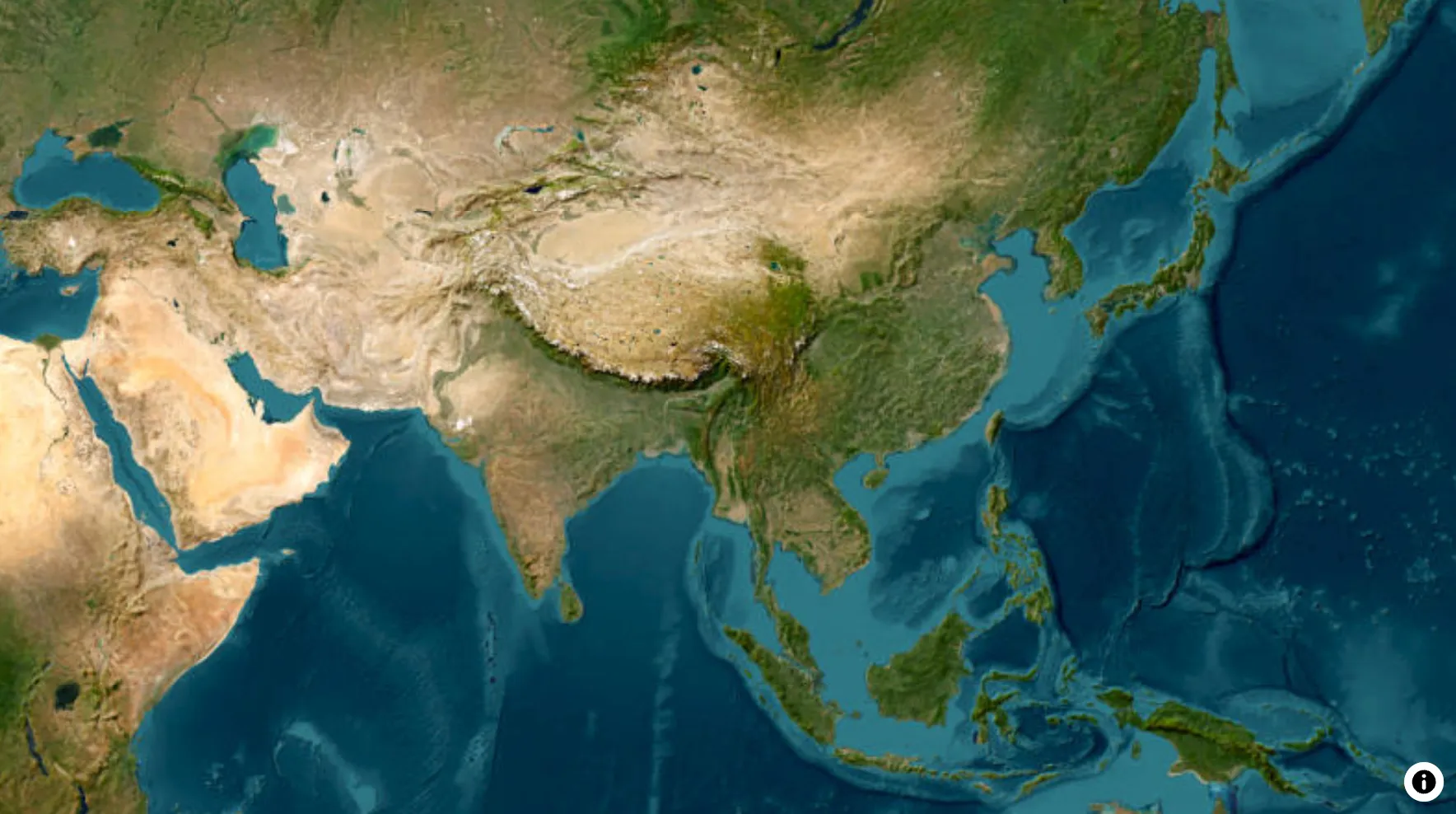
- Frame the area. Add a Fly to over the sea where the storm formed. Leave Zoom on Auto, or zoom out to show the whole basin.
- Draw the track. Add a Draw step and pick Line. Click Draw on map, then click each point of the track in order.
- Round the corners. Turn on Curved corners. The line then bends smoothly through every point you placed, like a real track.
- Style the line. In the Stroke tab, pick a strong colour, such as red or orange, and a width that reads on a phone. Use the dotted or dashed pattern for a forecast. Use solid for the observed path.
- Point the way. In the Head tab, set Head to Arrow, so the viewer sees the direction.
- Add the dates. Add a Text or a Label at three or four points: "Aug 25", "Aug 27", "Aug 29".
- Mark the landfall. Add a Draw step with a Circle where the storm hit land, and set it to Pulse. Add a Label with the place and the date.
- Show who was hit. Use Land to fill the states or regions in the storm's way, in a light colour.
- Hold, then export. Pause for 3 seconds on the landfall, then export.
Worked Example: Hurricane Katrina, 2005
Katrina is one of the best documented storms. Its track is in the NHC tropical cyclone report. Here is a short version you can use for practice:
- August 23: forms over the southeastern Bahamas.
- August 25: first landfall in south Florida, as a Category 1 hurricane.
- August 26 to 28: crosses the Gulf of Mexico and grows much stronger.
- August 29: landfall in southeast Louisiana, then again near the Louisiana and Mississippi border.
Build it in four scenes:
- Fly to the Bahamas and Florida. Draw the first part of the track to south Florida. Pulse a circle at the first landfall.
- Pan into the Gulf of Mexico. Draw the second part of the track, west then north.
- Fly to southeast Louisiana. Pulse a circle at the main landfall. Label "Aug 29, 2005".
- Fill Louisiana and Mississippi in a soft colour. Hold for 3 seconds.
Prompts You Can Copy
The AI can build the frame, the labels and the fills. Place the track points yourself, so they match your source.
Start on the western Pacific, fly to the Philippines, draw a red arrow from the east toward Luzon, and add the text "Typhoon track, Nov 6 to 8".
Show Florida on a satellite map, draw a dashed orange line from the south toward Tampa labelled "Forecast", and pause for 3 seconds.
Tips for Clear, Careful Storm Maps
- Name your source. Write "Track: National Hurricane Center" on screen, or in the video description.
- Mark forecasts as forecasts. A dashed line and the word "Forecast" stop viewers from reading a guess as a fact.
- Do not show more than you know. A drawn circle is not a wind field. Call it "area at risk", not "storm size", unless your source gives the size.
- Use calm colours for the land. Save the strongest colour for the track.
- For live storms, follow official advice. A map video is not a warning. Point viewers to their local weather service.
Want to practise the landfall scene first? Try this prompt, then add your own track by hand.
FAQ
Can I import a hurricane track file? No. Animaps does not import track files, GPX, KML or GeoJSON. You draw the track by hand from a public source.
Can I draw a curved storm path? Yes. Draw a Line through your points and turn on Curved corners. The line bends smoothly through each point.
Can I show a storm on the globe? Yes. The globe suits tracks that cross a whole ocean. For one coast, the flat map is easier to read.
Can I show the cone of a forecast? You can draw a Polygon in the shape of the cone, copied from your source, with a light fill. Animaps does not make the cone for you.
What size should I export for a news segment? 16:9 for TV and YouTube. 9:16 for vertical social video.
For more on news maps, read map animation tips for journalists.
Keywords: hurricane path map, hurricane track animation, storm path map video, typhoon track map, animated hurricane map
Tags
Related reading
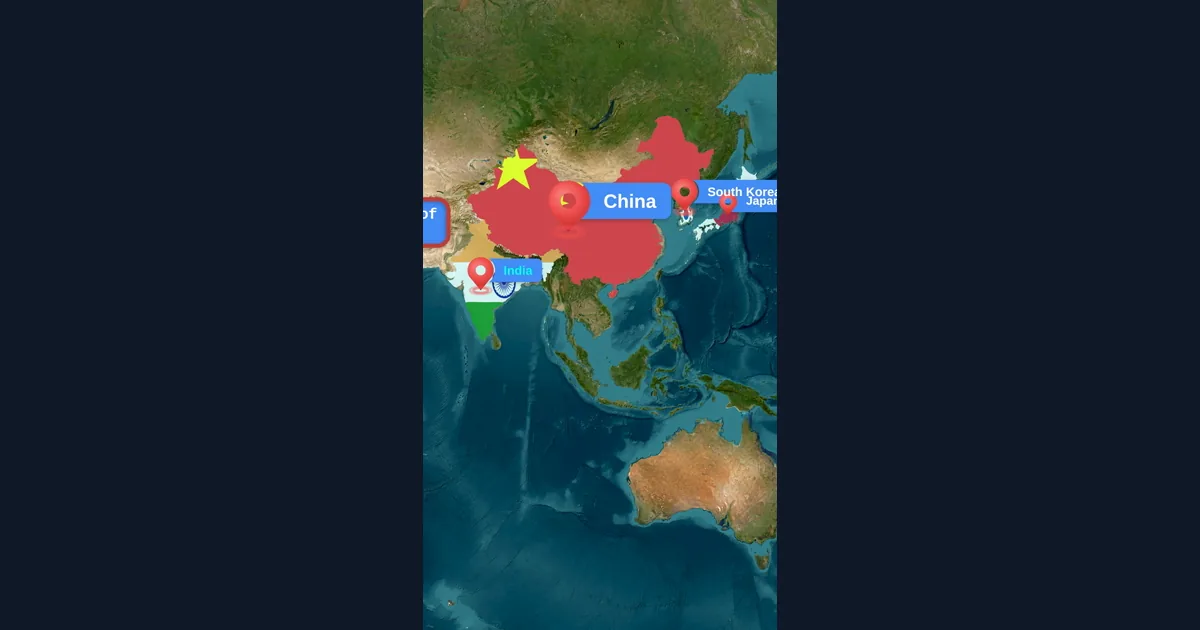
Map Animation Tips for Journalists and News Creators
In today's fast-paced news environment, visual storytelling is more important than ever. Map animations help journalists explain where events are happening, show migration patterns, track conflicts, and make global news more accessible to audiences.
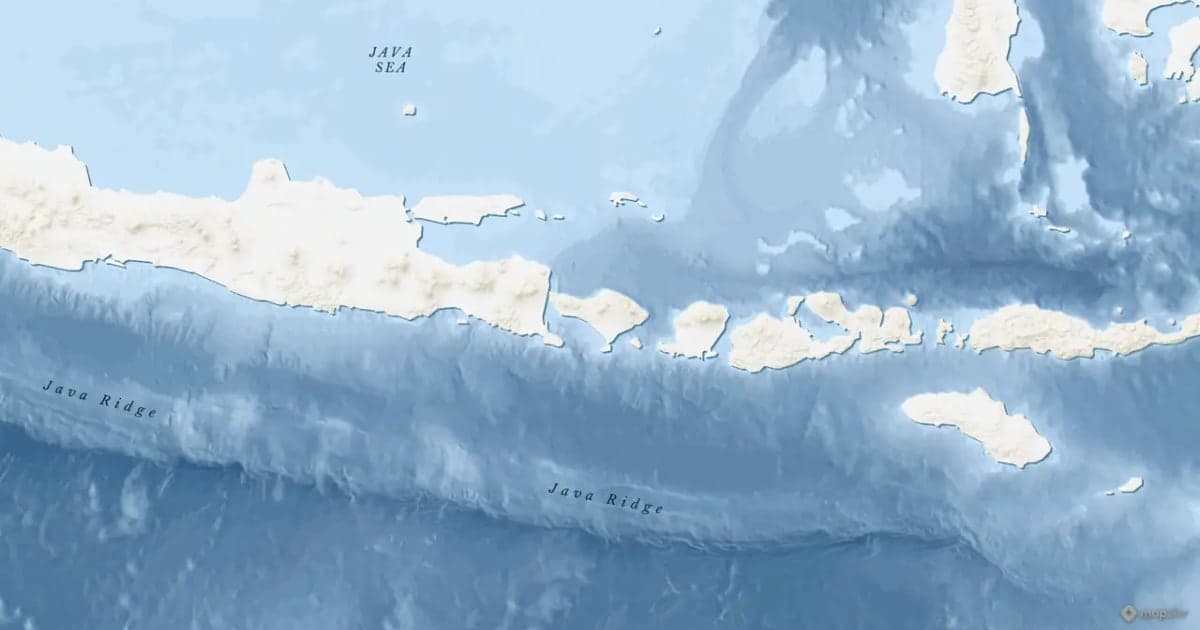
Map Zoom Animation: How to Zoom In on Any Place
A map zoom animation takes the viewer from a wide view down to one place. Here is how to make one in Animaps with Fly to, Zoom in / out, Pan to and Globe Spin, which prompts to type, and how to keep the zoom clear for viewers.
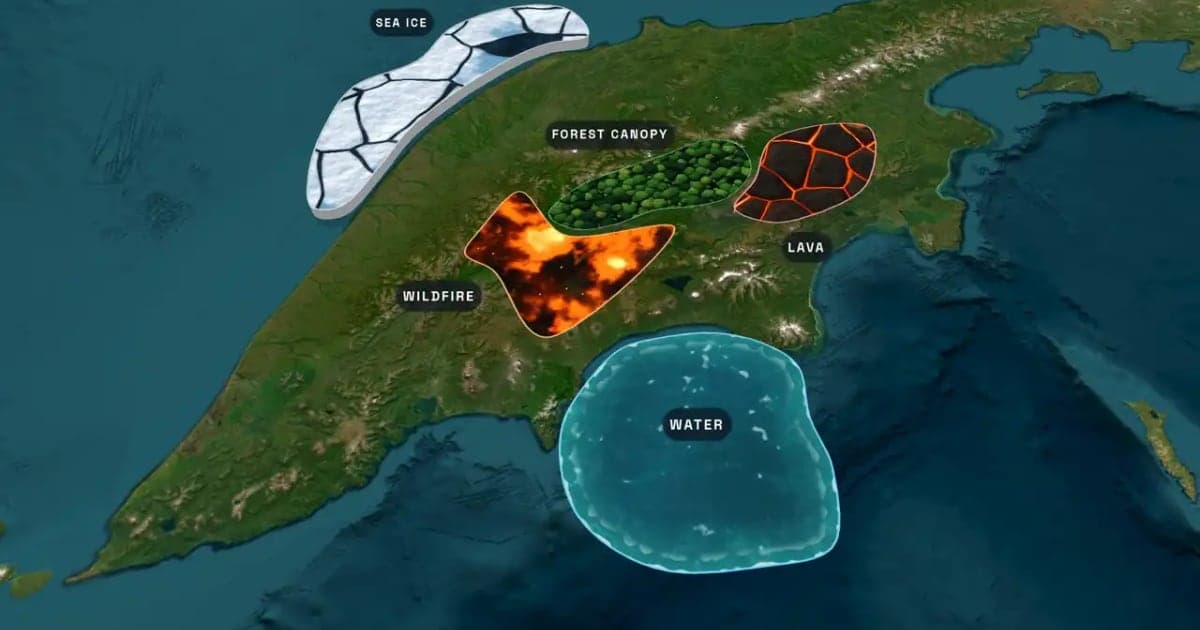
What Is an Animated Map? Types, Uses and How to Make One
An animated map is a map that changes over time in a video: the camera moves, places light up, routes draw and borders shift. Here are the six common types, who uses them, the two ways they are made, and how to make one in Animaps from a single sentence.
Browse every article in the Animaps blog.
