Map Animation Commercial Use and Attribution FAQ
Can you use an exported map animation in a monetised video, an ad or a client project? What the Animaps terms say about ownership, map data credits and the watermark.
Animaps Team
Content Creator
Plan details come from animaps.ai/pricing on the "Last updated" date above.
Can you use an Animaps video in a monetised YouTube video, an ad or a client project? Yes, if you export it through the official render. This page explains what the terms say about commercial use, map data credits and the watermark, in plain words.
TL;DR
Short version: You own the animations you make. You can use exported videos for commercial and public work, such as monetised YouTube videos, ads, client projects and TV. Three rules apply. First, only exported videos count: screen recordings of the preview are not allowed. Second, the map data credit (for example "© OpenStreetMap contributors") stays on the video; do not crop it, blur it or cover it. Third, Free exports carry a small Animaps watermark, and paid plans remove it. The watermark and the map credit are two different things.
Quick links:
- The full text: Terms of Service
- Plans and watermark: Pricing
- Export sizes and formats: Export formats guide
Who Owns the Video?
You do. The terms say: "You retain ownership of any animations, videos, or other content you create using the Service." Animaps gets a limited licence to store and show your content, so the service can work.
The map data and the software stay with their owners. You own your animation, not the map of the world under it. That is why the map credit stays on screen.
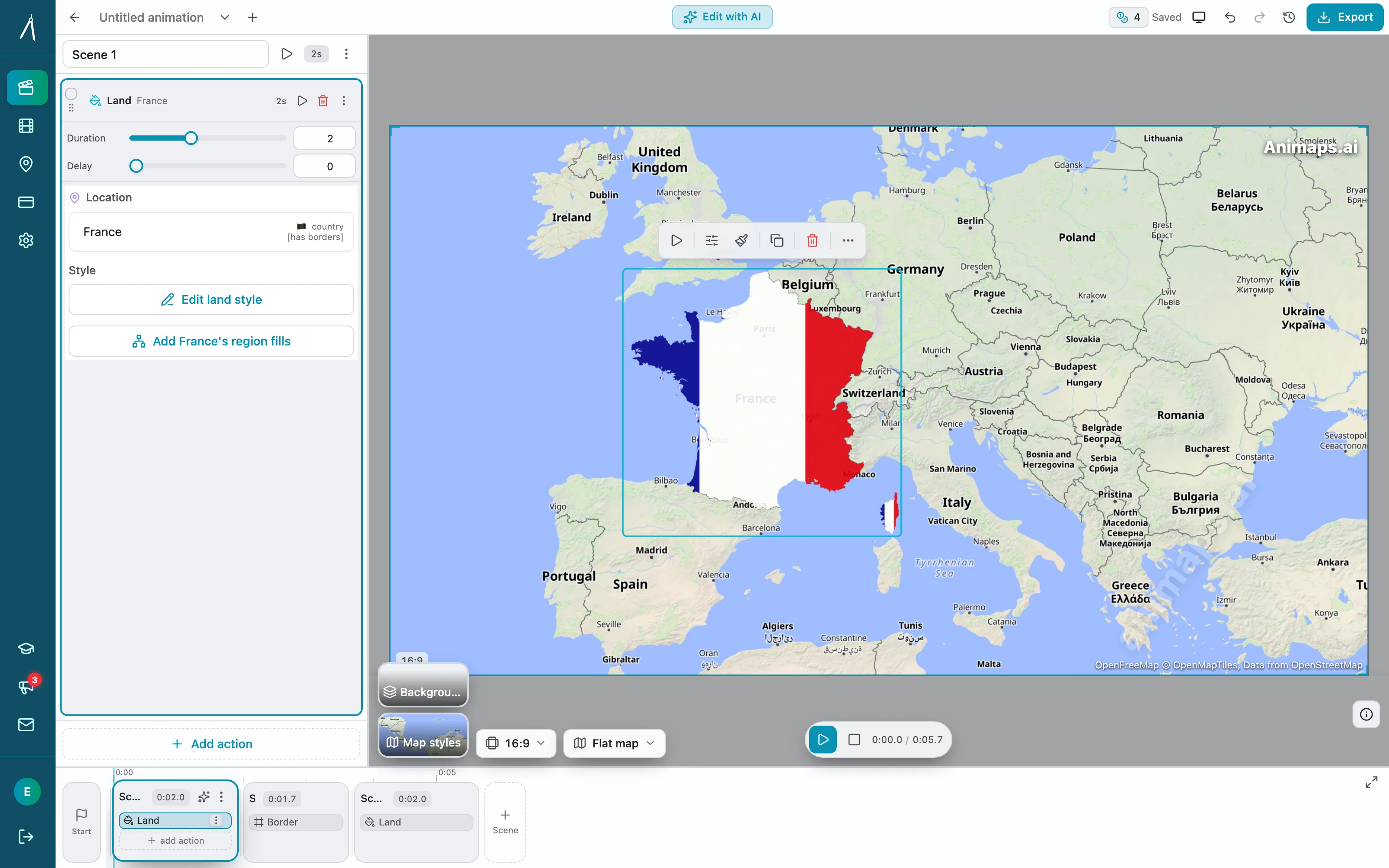
Can I Use It Commercially?
Yes, through the official export. The terms say: "Only animations rendered through the official render feature may be used for commercial or public purposes."
Commercial use includes:
- Monetised YouTube videos and Shorts
- Paid ads on social media
- Videos for clients, agencies and brands
- TV and online news segments
- Paid courses and school material
What Is Not Allowed
The terms list a few things you must not do.
The Map Data Credit
Every map is built from data made by other people. Animaps uses, among others, OpenStreetMap, GeoNames, geoBoundaries, the European Commission JRC Global Human Settlement Layer, Natural Earth, OpenHistoricalMap for historical borders, and Esri and CARTO base maps. The terms list them in the "Map Tiles & Data" section.
Some of these licences require a credit wherever the map is shown in public. The OpenStreetMap credit, "© OpenStreetMap contributors", is the best known.
Animaps handles this in two ways:
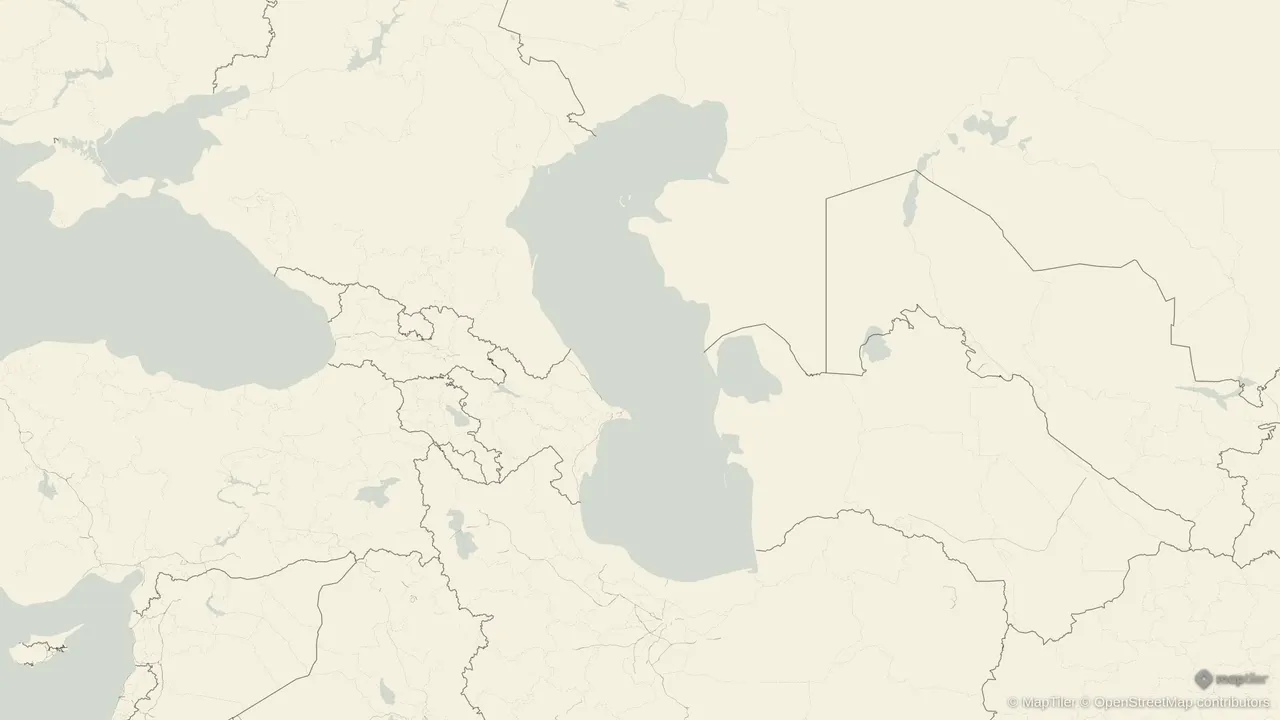
- On screen. The export draws the credit of the map style you used in a small line on every frame. For example, "© MapTiler © OpenStreetMap contributors" on MapTiler styles, or the Esri credit on satellite styles.
- In the file. Every exported MP4 carries the full list of data sources in its metadata, with a link to the terms page. That list goes wherever the file goes.
What you must do: leave the on-screen credit visible. The terms say you agree "not to remove, obscure, or modify required map attributions in the Service or in any exported outputs."
In practice:
- Do not crop the video so the credit falls outside the frame.
- Do not place a logo, a lower third or captions on top of it.
- If you must crop, write the credit in your video description instead, for example "Map data © OpenStreetMap contributors". Check the provider's own rules first.
The Animaps Watermark
The watermark is the Animaps logo. It is not a legal credit, it is part of the Free plan.
- Free exports have a small Animaps watermark.
- Starter and Pro exports have no Animaps watermark.
- The map data credit stays on every export, on every plan, because the data providers require it.
Your Own Uploads
If you upload your own material, such as an image or an icon, you must have the rights to it. The terms also say you stay responsible for its licence and its credits. If you upload a photo from a stock site, follow that site's licence.
Common Questions From Creators
Can I monetise a YouTube video that uses an Animaps map? Yes, if the map was exported through the official render and the map credit is visible.
Do I need to credit Animaps? The terms do not ask you to credit Animaps in your video. The map data credit must stay on screen. Many creators also add "Map: Animaps" in the description, which helps viewers find the tool.
Can I sell a video I made for a client? Yes. You own the animation. Your client can publish it, with the map credit visible.
Can I put the map in a paid course? Yes. A course is a commercial use, and exported videos can be used for commercial purposes.
Can I screen record the preview to save credits? No. The terms forbid recording the preview. Exporting is the only way to get a video you can publish.
Does the map credit show on a GIF? The on-screen credit is drawn on the frames, so it shows in a GIF too. The full source list in the file's metadata is written into MP4 files.
Where is the full list of data sources? In the Terms of Service, under "Map Tiles & Data".
For a full walk through the tool, read how to create map animations for YouTube.
Keywords: map animation commercial use, map attribution video, OpenStreetMap attribution video, can I use map animation on YouTube, map video copyright, map animation watermark
Tags
Related reading
How to Create Map Animations for YouTube Videos: The Complete 2026 Guide
Map animations have become the secret weapon of successful YouTube creators. From travel vloggers showcasing epic journeys to educational channels explaining world events, animated maps transform dry geographic information into captivating visual stories that keep viewers engaged. Vox's channel grew from 50,000-150,000 daily views to 1-3 million daily views after they started incorporating more map animations into their content.
Map Video Maker: How to Make a Map Video Online
A map video maker turns a map into a video file you can post or edit. Here is how to make one in Animaps from a single sentence, which shape and size to pick for YouTube, Shorts or a feed, how long it should run, and what each export costs.
Map Animation Tools: How to Create Animated Maps in 2026
A map animation tool turns a place and a sentence into a moving map video - camera flights, country borders, flag fills, routes, labels - without After Effects, plugins or keyframes. Here is what to look for, and what Animaps does.
Browse every article in the Animaps blog.
