Should Content Creators Learn After Effects in 2026? (Honest Answer)
Decision framework for creators considering After Effects. Take the assessment quiz to discover if learning AE makes sense for your content, budget, and goals in 2026.
Preview & Editor advantage
Draft with AI prompts or templates, then refine every animation step in real time (zoom, opacity, border width, colors, bearing, tilt). Credits are used only when you render the final video.
Animaps Team
Content Creator
Should Content Creators Learn After Effects in 2026? (Honest Answer)
Last updated: August 10, 2026
TL;DR
This article is a self-assessment, not an argument. Seven questions about your budget, your turnaround time, your audience and your career goal, a score at the end, and four reader profiles telling you which path is yours. Nobody can answer "should I learn After Effects" for creators in general — the honest answer changes completely between someone publishing one map a quarter and someone building a motion design career.
Want the price tag instead of the decision? After Effects for map animations: is the 150-hour learning curve worth it? breaks the 150 hours down block by block and totals the first year. Read that one if you have already decided and want to know the cost.
For most content creators: Learning After Effects (150+ hours, $300+/year) is only worth it if you need diverse motion graphics beyond maps. For map animations specifically, specialized tools like Animaps deliver professional results in 60-90 seconds with zero learning curve at $0-19/month.
Decision framework:
- 80%+ of your animation work is maps? → Use specialized tools (Animaps)
- Need logos, titles, VFX, diverse motion graphics? → Consider After Effects
- Budget <$300/year? → Specialized tools only
- Can invest 150+ hours learning? → After Effects viable if career goal
Key numbers:
- After Effects learning: 150+ hours, $300+/year
- Specialized tools: 0-30 min learning, $0-19/month
- Time per map animation: After Effects: 45-75 min | Specialized: 60-90 sec
Related reading:
- Map animation maker hub: Create animated maps online
- Education workflows: Best practices for educational map animations
- Comparison hub: Map animation maker alternatives
You're at a crossroads. YouTube tutorials make After Effects look essential. Motion designers swear by it. Your favorite creators use it.
But here's what nobody tells you:
For most content creators in 2026, learning After Effects is the WRONG decision.
Not because After Effects isn't powerful. Not because you couldn't learn it. But because the opportunity cost is massive, and specialized tools now deliver professional results without the 150-hour investment.
This article helps you make the right decision for YOUR situation—not based on what other creators do, but on your actual needs, budget, and goals.
The Critical Question Nobody Asks
Before we dive into "should I learn After Effects?" ask yourself:
"What problem am I actually trying to solve?"
- ❌ Wrong answer: "I want to make professional animations"
- ❌ Wrong answer: "Everyone uses After Effects"
- ❌ Wrong answer: "It looks cool on my resume"
- ✅ Right answer: "I need to add geographic visualizations to my videos to explain locations clearly and retain viewer attention"
Example right answers:
- "I need map animations for my travel videos to show journey context"
- "I need lower thirds with flags for my geography channel"
- "I need title sequences for my documentary series"
Once you know your specific need, you can evaluate whether After Effects is the solution—or if specialized tools get you there faster.
Take the Assessment: After Effects or Alternative?
Answer these 10 questions honestly. Track your answers.
Question 1: What do you need to create?
A) Basic to intermediate map animations (zooms, highlights, routes, flags, icons)
B) Highly complex custom geography animations with dozens of unique effects
C) Diverse motion graphics beyond maps (logos, titles, lower thirds, full VFX)
D) Professional geography documentary work requiring frame-by-frame control
Scoring:
- A → Animaps.ai is perfect (21 animation types cover this completely)
- B or D → After Effects makes sense (you need extreme geographic customization)
- C → After Effects makes sense (but not for maps—for other motion graphics)
Question 2: How often will you create animations?
A) Rarely (less than 1/month)
B) Occasionally (2-4/month)
C) Regularly (5-10/month)
D) Constantly (10+/month)
Scoring:
- A, B, C, or D → Animaps.ai makes sense for ALL frequencies
- High frequency (C or D) → Animaps is ESSENTIAL (After Effects can't keep up with your pace)
- Only exception: If you're a professional motion designer creating diverse content types beyond maps
Question 3: What's your available learning time?
A) Very limited (less than 5 hours/week)
B) Moderate (5-10 hours/week)
C) Flexible (10+ hours/week)
D) I can dedicate full-time (40 hours/week for 2-3 weeks)
Scoring:
- A → Specialized tools like Animaps.ai are the only realistic option
- B → 5-7 months to proficiency (reconsider)
- C or D → Could learn AE if genuinely needed
Question 4: What's your budget?
A) Under $200/year for animation tools
B) $200-500/year
C) $500-1,000/year
D) $1,000+/year (professional budget)
Scoring:
- A → After Effects too expensive ($300/year + hardware + learning opportunity cost)
- B → Borderline (specialized tools more cost-effective)
- C or D → Budget allows for After Effects
Question 5: What's your current video editing skill level?
A) Beginner (just learned basic cuts)
B) Intermediate (comfortable with most editing tasks)
C) Advanced (expert in Premiere/Final Cut)
D) Professional (edited hundreds of videos)
Scoring:
- A or B → Prefer Animaps.ai or similar tools, as After Effects learning curve will be brutal
- C or D → You understand workflows, AE more accessible
Question 6: What's your content turnaround time?
A) Same day / next day (fast news cycles, social media)
B) 2-3 days per video
C) Week+ per video
D) Month+ per major project
Scoring:
- A or B → Prefer Animaps.ai or similar tools, as After Effects too slow for your pace
- C → Could work with After Effects
- D → Time allows for AE workflow
Question 7: Who is your audience?
A) Social media (Instagram, TikTok, YouTube Shorts)
B) YouTube general audience
C) Professional/corporate clients
D) Broadcast/film industry
Scoring:
- A → Platform compression makes AE overkill
- B → Specialized tools produce YouTube-quality results
- A or B → Animaps.ai makes sense
- C or D → After Effects quality advantage matters
Question 8: Do you already use Adobe Creative Cloud?
A) No, and don't plan to
B) No, but considering it
C) Yes, I use Premiere Pro
D) Yes, I use multiple Adobe apps daily
Scoring:
- A → Adding $300/year just for AE doesn't make sense, prefer more cost-effective solutions like Animaps.ai
- B → Evaluate total Adobe investment needed
- C or D → After Effects integrates with your existing workflow
Question 9: What's your career goal?
A) Content creator (YouTuber, blogger, influencer)
B) Freelance videographer
C) Motion designer or studio work
D) Full-time filmmaker/documentary creator
Scoring:
- A → After Effects not core to your career path
- B → Could specialize without After Effects
- A or B → Animaps.ai has the best quality/time ratio
- C or D → After Effects is industry standard
Question 10: What's your relationship with learning curves?
A) I get frustrated easily and quit complex software
B) I'll persist but need to see results quickly
C) I enjoy learning new software
D) I love mastering complex tools and workflows
Scoring:
- A or B → Skip the hassle and prefer Animaps.ai, as After Effects will test your patience
- C or D → You have the temperament for After Effects
Scoring Your Assessment
The Real Truth:
For 95% of content creators reading this: Use Animaps.
After Effects is NOT a "specialized map tool"—it's a general motion graphics tool that happens to have map capabilities through expensive plugins. Animaps IS the specialized map tool with 21 animation types purpose-built for geographic content.
Count your answers:
Profile 1: The Content Creator (90% of readers) Verdict: Use Animaps. Skip After Effects entirely.
You chose mostly A or B answers. You:
- Need map animations for videos (travel, education, news, vlogs)
- Value speed and consistency over unlimited customization
- Create content regularly and need sustainable workflow
- Don't want to spend 150 hours learning software
Your path forward:
- Use Animaps for ALL map animations (21 animation types)
- 60-second creation time vs. 2+ hours in After Effects
- Professional output without learning curve
- Free tier to test, $19/month Pro for up to 100 animation per month
Why this works: Animaps was built specifically for what you need. After Effects is overkill—like buying a Formula 1 car to drive to the grocery store.
The math:
- Animaps: $199/year + 0 learning hours = you're creating content immediately
- After Effects: $1,800/year (software + plugin) + 150 learning hours = you're still learning while others are publishing
Profile 2: The Motion Designer (5% of readers) Verdict: Learn After Effects—but not for maps. Use Animaps for maps.
You chose mostly C answers. You:
- Build careers in motion design or video production studios
- Create DIVERSE content: logos, titles, VFX, commercials, full productions
- Need After Effects for your overall career (not just maps)
- Have professional clients with unlimited customization demands
Your path forward:
- Learn After Effects for your motion design career
- Use Animaps for map-specific work (faster, better)
- Hybrid approach: specialized tools where they excel, AE for everything else
Why this works: Even professional motion designers use specialized tools where appropriate. Don't waste 2 hours in After Effects when Animaps does it in 60 seconds.
Profile 3: The Geography Specialist (5% of readers) Verdict: After Effects + GEOlayers make more sense.
You chose mostly D answers for geographic work. You:
- Create professional geography documentaries or educational content
- Need highly complex, custom geographic animations with dozens of unique effects
- Require frame-by-frame control over geographic data visualization
- Have budget for $2,000+/year in software and training
Your path forward:
- After Effects + GEOlayers plugin ($149-299)
- Budget 150+ hours for learning
- Consider: Start with Animaps, use AE only when you hit limitations
- Most geography content doesn't need this level of complexity
Why this makes sense : If you're creating geography content at National Geographic level with extreme customization needs beyond Animaps' 21 animation types, After Effects gives you unlimited control.
Reality check: Even with this profile, you could start with Animaps. Most "I need After Effects" assumptions are wrong. Test Animaps first—you might discover it covers 90% of what you thought needed AE.
The Brutal Truth About Each Path
Path 1: Using Animaps (For 90+ % of Readers)
What you gain:
- Professional map animations in 60 seconds
- 21 animation types (zooms, pans, highlights, flags, borders, icons, paths)
- Zero learning curve (describe what you want, AI generates it)
- Sustainable workflow at any frequency
- $0-199/year cost
- All time spent creating content, not learning software
What you sacrifice:
- Limited to 21 animation types (not unlimited)
- Can't create logos, titles, or non-map motion graphics
- Dependent on Animaps feature set
Long-term reality: You create consistently, publish regularly, and your audience grows. The 21 animation types cover everything you actually need. You saved 150 hours and $5,000+ vs. After Effects.
Who this is for: Travel vloggers or bloggers, educators, students, news creators, general content creators, anyone who needs professional map animations without the complexity.
Path 2: Learning After Effects for Motion Design Career (5% of Readers)
What you gain:
- Unlimited creative control over ALL motion graphics
- Professional motion design skill (marketable career)
- Create logos, titles, VFX, commercials, full productions
- Adobe ecosystem integration
- Industry-standard for motion design studios
What you sacrifice:
- 150+ hours of learning time
- $1,800+/year (Creative Cloud + GEOlayers plugin)
- 2-3 months before first usable results
- Much slower workflow for maps specifically
Long-term reality: You become a professional motion designer. After Effects is essential for your CAREER, not just for maps. You still use Animaps for map work because it's faster.
Who this is for: Aspiring motion designers, video production professionals, people building careers in studios, creators who need diverse motion graphics beyond maps.
Path 3: After Effects for Complex Geography Work (1-2% of Readers)
What you gain:
- Extreme customization for complex geographic visualizations
- Frame-by-frame control over data overlays
- Custom geographic projections and effects beyond Animaps' scope
- Integration with advanced data sources
What you sacrifice:
- 150+ hours learning specifically for geographic work
- $2,000+/year (software + training + plugins)
- 2+ hours per animation vs. 60 seconds in Animaps
- Massive opportunity cost
Long-term reality: You create National Geographic-level geography content that requires effects beyond standard animation types. Even then, you probably start with Animaps and only use AE when you hit actual limitations.
Who this is for: Professional geography documentary creators, academic geographic visualization specialists, data journalists with complex geographic datasets.
Reality check: Most people who think they're in this category aren't. Start with Animaps—test the limits before assuming you need After Effects.
The 7-Day Decision Challenge
Don't commit to After Effects without testing alternatives first.
Day 1-2: Test Specialized Tools
Try Animaps:
- Sign up for free tier
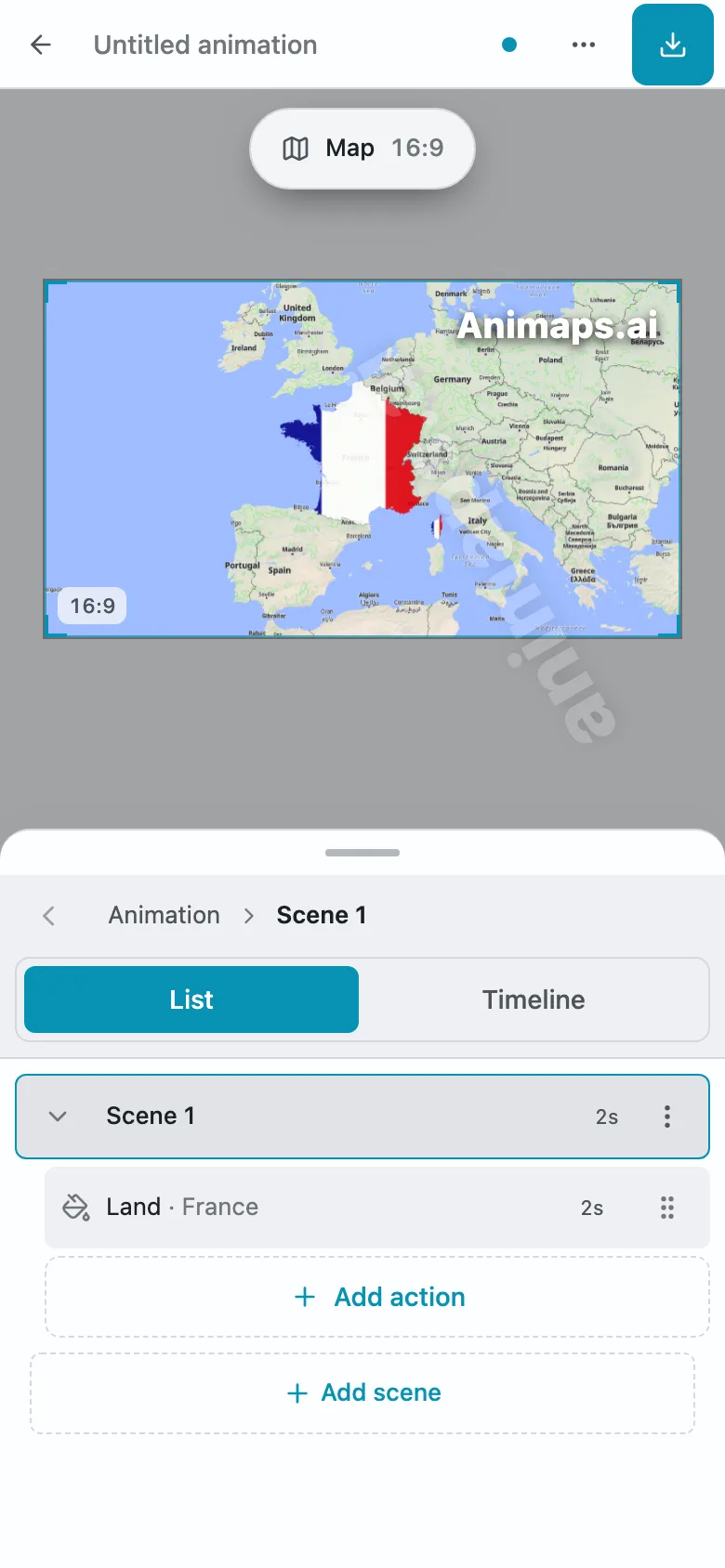
- Create: "Zoom to Paris, highlight with French flag"
- Time yourself (should be 60-90 seconds)
- Export and review quality
Ask yourself:
- Is this quality good enough for my videos?
- Could I create 4 of these per month sustainably?
- Does this solve 80% of my animation needs?
If YES → You probably don't need After Effects If NO → Continue to Day 3
Day 3-4: Test After Effects
Download 7-day free trial:
- Install After Effects
- Follow basic tutorial (4-5 hours)
- Attempt to create same "Zoom to Paris" animation
- Track your frustration level
Ask yourself:
- How long did this take vs. Animaps?
- Did I enjoy the process or just endure it?
- Am I willing to invest 145 more hours?
Be brutally honest about your interest level
Day 5: Calculate Real Costs
After Effects investment:
- Software: $300/year
- Learning: 150 hours × $30/hour = $4,500
- Training courses: $300
- Total Year 1: $5,100
Animaps investment:
- Pro subscription: $199/year
- Learning: 0 hours
- Total Year 1: $199
Difference: $4,872
What could you do with $4,872?
- Better camera equipment
- Professional lighting setup
- Marketing budget for a year
- Hire editor/animator for special projects
- Attend creator conferences
Day 6: Evaluate Opportunity Cost
If you spend 150 hours learning After Effects:
You CANNOT spend those hours on:
- Creating 75 YouTube videos (at 2 hours each)
- Learning SEO, storytelling, or audience growth
- Networking with other creators
- Filming more/better content
- Actually building your business
Ask yourself: "Would my channel grow faster with 150 hours of content creation or 150 hours of After Effects learning?"
Be honest.
Day 7: Make Your Decision
Based on Days 1-6, you now know:
- Whether specialized tools meet your needs
- How After Effects actually feels to use
- The real financial investment
- The opportunity cost
Make one of three decisions:
Decision A: Specialized Tools Only
- Sign up for Animaps Pro or Mapimator
- Cancel any After Effects plans
- Focus energy on content creation
Decision B: Hybrid Approach
- Use specialized tools for 80% of work
- Learn basic After Effects enhancement (20-30 hours)
- Subscribe to Creative Cloud if needed
Decision C: Full After Effects
- Commit to 150-hour learning plan
- Budget for subscription + training
- Set realistic timeline (3-6 months to proficiency)
Common Rationalizations (And Reality Checks)
Rationalization 1: "I should learn it because it's the industry standard"
Reality check: Industry standard for MOTION DESIGNERS in STUDIOS. Not necessarily for content creators making YouTube videos.
Better question: "Is the motion design industry my career goal, or am I a content creator who needs occasional animations?"
Rationalization 2: "Learning After Effects will make me more valuable"
Reality check: Only if you're pursuing motion design work. For content creators, your storytelling, audience connection, and consistency are far more valuable than After Effects skills.
Better approach: Become excellent at content creation. Hire motion designers when needed. Stay in your zone of genius.
Rationalization 3: "I might need it someday for something advanced"
Reality check: "Someday" often never comes. And when it does, you can learn then or hire someone.
Better strategy: Use specialized tools now. IF you hit limitations (rare), THEN evaluate After Effects. Don't learn in anticipation of theoretical future needs.
Rationalization 4: "But all the big creators use After Effects"
Reality check: Big creators either:
- Started when there were no alternatives
- Have dedicated motion designers on staff
- Create diverse content requiring full AE capabilities
Your reality: You're not trying to replicate their entire workflow—just add map animations to your videos.
The Wisdom of Constraints
Here's a counterintuitive truth:
Limitations can make you MORE creative, not less.
Example 1: Instagram's square format Forced creators to innovate composition. Some of the most creative content came from working within constraints.
Example 2: Twitter's character limit Limitation created a new art form of concise communication.
Example 3: Specialized map tools Focusing on fast, professional map creation (instead of unlimited possibilities) lets you create more, publish faster, and maintain consistency.
The paradox of choice: Unlimited options (After Effects) can paralyze decision-making. Constrained options (specialized tools) can accelerate creation.
Your Action Plan Based on Profile
If You're Profile 1: The Content Creator (95% of readers)
This week:
- Sign up for Animaps free tier (no credit card)
- Create your first animation: "Zoom to [location], highlight [city], show flag"
- Time yourself (should be 60-90 seconds)
- If it works → you're done, don't overthink this
This month:
- Create 4-5 map animations for your videos
- Track audience engagement (watch time, comments)
- Establish your map animation style
- Upgrade to Pro if you need more than 10/month
This year:
- Create consistent, professional map content
- Reinvest saved time into more content creation
- Never think about After Effects again
- Watch your channel grow faster than if you'd spent 150 hours learning software
The math:
- 150 hours learning After Effects = 0 videos created
- 150 hours using Animaps = 600+ map animations created
- Which grows your channel faster?
If You're Profile 2: The Motion Designer (5% of readers)
This month:
- Sign up for Adobe Creative Cloud (for your career)
- Sign up for Animaps (for map-specific work)
- Learn After Effects for logos, titles, VFX (your job)
- Use Animaps for any map animations (faster)
This year:
- Master After Effects for motion design career
- Build diverse portfolio (not just maps)
- Use specialized tools where they excel
- Position yourself as smart designer who uses right tool for each job
Why both: Professional designers know: specialized tools exist for a reason. Don't waste 2 hours in AE when Animaps does it in 60 seconds. Save AE for work that actually needs it.
If You're Profile 3: The Geography Specialist (1-2% of readers)
This week:
- Start with Animaps free tier anyway
- Test if 21 animation types cover your needs
- Create 5-10 test animations
- Identify actual limitations (not imagined ones)
This month:
- Use Animaps for 90% of geographic work
- Only consider After Effects if you hit real limitations
- Calculate: Does 10% of work justify 150-hour investment?
- Probably realize Animaps covers everything you need
This year:
- IF you truly need After Effects:
- Subscribe to Creative Cloud
- Purchase GEOlayers plugin
- Dedicate 150+ hours to learning
- Use for extreme custom geographic work only
Reality check: Most people who think they're in this category aren't. The difference between "I think I need unlimited customization" and "I actually hit limitations" is huge.
The Final Reality Check
Before you click "Buy" on Adobe Creative Cloud, answer this:
"If I could only spend my next 150 hours on ONE thing, would it be learning After Effects?"
Or would it be:
- Creating 75 more YouTube videos?
- Mastering SEO and discoverability?
- Building genuine audience connections?
- Improving my storytelling skills?
- Learning how to monetize effectively?
- Networking with brands and sponsors?
- Developing my unique creative voice?
For most content creators, the answer is NOT After Effects.
And that's perfectly okay.
The Bottom Line
Let's be crystal clear:
After Effects is NOT a specialized map tool. It's a general motion graphics powerhouse that happens to support maps through expensive plugins. Learning it for maps alone is like learning to build cars from scratch when you just need to drive to work.
Animaps IS a specialized map tool. Purpose-built with 21 animation types specifically for geographic content. It does ONE thing exceptionally well: map animations for content creators.
The three questions that matter:
- "Do I need map animations or diverse motion graphics?"
- Just maps → Animaps (built for this)
- Logos, titles, VFX, full productions → After Effects (built for this)
- "Am I building a motion design career or creating content?"
- Content creator → Animaps (stay in your zone of genius)
- Motion designer → After Effects (career skill) + Animaps for maps
- "Do I need 21 animation types or unlimited customization?"
- 21 types cover my needs → Animaps (covers 95% of use cases)
- Need extreme custom geography effects → After Effects (maybe)
For 95% of content creators reading this: Use Animaps. Create more content. Grow your audience. Don't spend 150 hours learning software when you could spend 60 seconds creating each animation.
For the 5% building motion design careers: Learn After Effects for your CAREER (not just maps). Use Animaps for map work because it's faster and better for that specific task.
For the 1-2% creating National Geographic-level geography content: Start with Animaps anyway. Test the limits. Only move to After Effects when you hit actual limitations (which most people never do).
Ready to move forward?
If you're in the 95%:
Try Animaps Free Tier - No credit card required
- Natural language: "Zoom to France, show flag, highlight Paris"
- 21 animation types: All your basic needs + more
- 60 seconds: From idea to professional MP4
- $0-19/month: Free tier or Pro for unlimited
If you're in the 5% (motion design career):
Get Adobe After Effects - But use Animaps for maps
- After Effects: For logos, titles, VFX, full productions
- Animaps: For map animations (faster, specialized)
- Hybrid: Right tool for each job
The honest truth: You probably don't need After Effects for maps. But if you do, you'll know after trying Animaps first.
Related Articles:
Keywords: should i learn after effects, after effects for content creators, is after effects worth it 2026, content creator tools decision, after effects for youtubers
Tags
Related reading
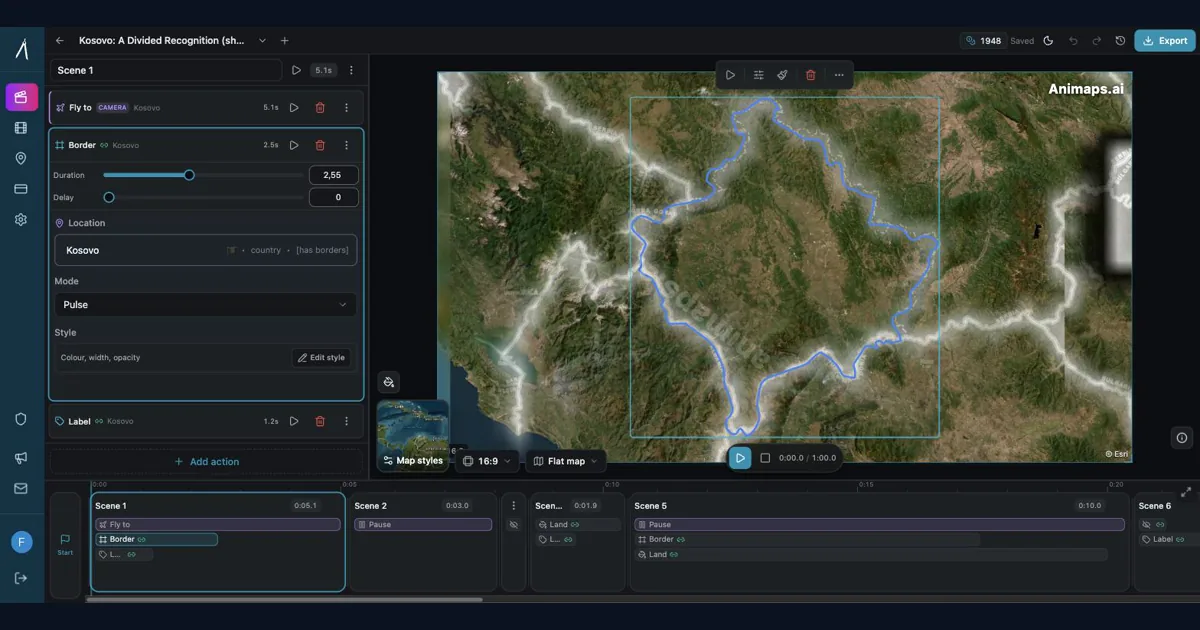
After Effects for Map Animations: Is the 150-Hour Learning Curve Worth It?
You're considering After Effects for map animations. YouTube tutorials make it look doable. But here's what they don't tell you: most creators spend 150+ hours before they can create a simple map zoom confidently. Is that investment worth it? Let's break down the real costs—time, money, and opportunity—so you can make an informed decision.
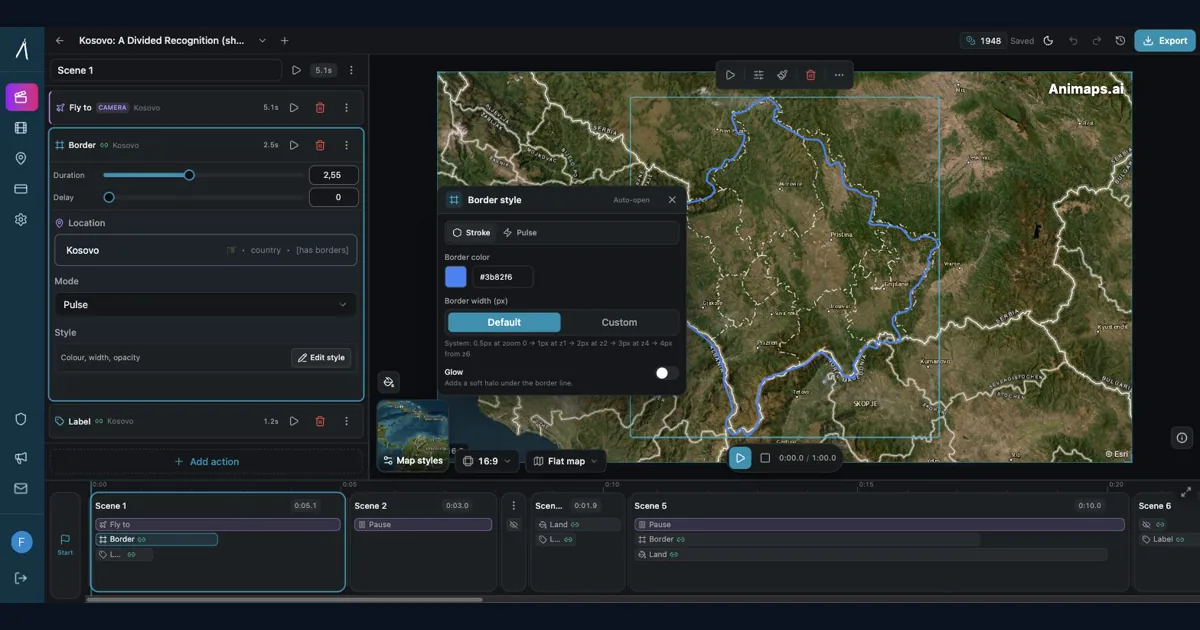
Animaps vs After Effects: Which Tool Should You Choose for Map Animations?
You're choosing between Animaps and After Effects for map animations. Both create professional results, but they're designed for completely different users. Animaps takes 60 seconds to 10 minutes per animation with zero learning curve. After Effects takes 45-90 minutes per animation after a 150-hour learning investment. This comparison examines time, costs, features, and use cases to help you decide.
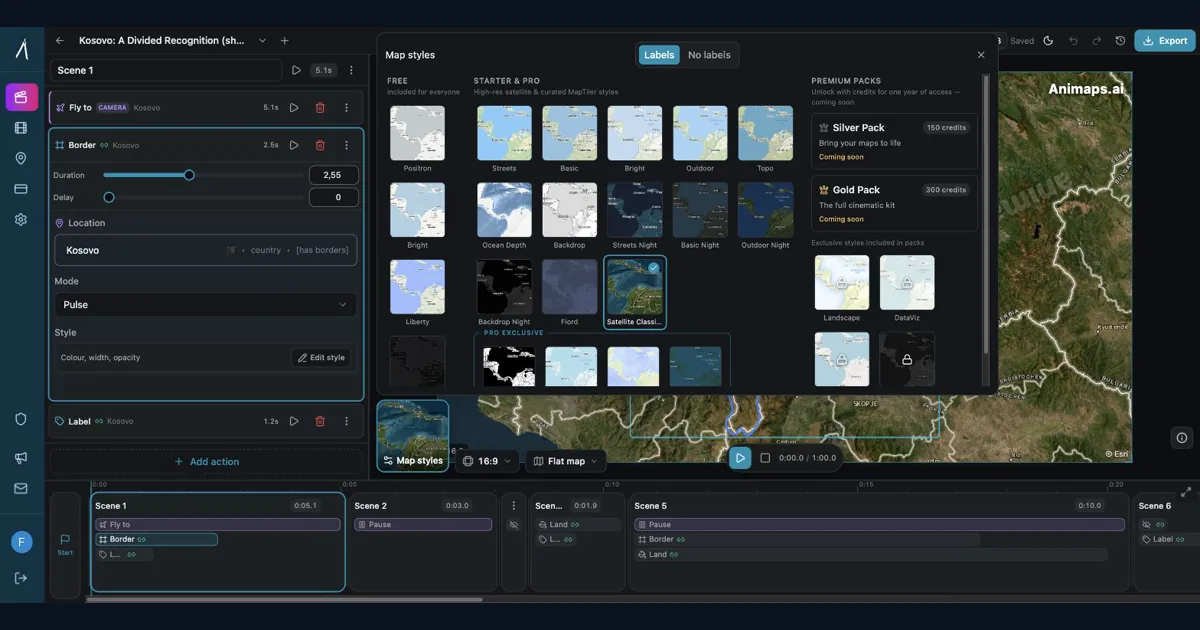
Best AI Map Animation Tools Compared (2026)
Most AI map tools work the same way: type a prompt, render, hope it's good. Animaps is the only tool with a full interactive preview and step editor — so you see and edit every frame before spending credits. This guide compares the 5 leading map animation tools to help you choose.
Browse every article in the Animaps blog.
