Spanish Empire Expansion Map: Animate 1492 to 1899
Animate the Spanish Empire from 1492 to 1899: border timelapse, Columbus's first voyage, the Manila galleon route and the losses of the 1800s.
Animaps Team
Content Creator
The Spanish Empire grew from two Iberian crowns into an empire on four continents in less than a century, then lost almost all of it in the 1800s. This guide shows how to animate that story in the map animation maker, with real historical borders, sea routes and labels.
TL;DR
Short version: The historical border data in Animaps holds the Spanish Empire from 1492 to 1899, with more than a hundred dated border changes, from Columbus's first claims in the Bahamas to the sale of Pacific islands to Germany in 1899. You play it with the Border timelapse, framed on the Atlantic and the Americas. Then you add sea routes for Columbus's first voyage and the Manila galleons, labels for the key dates, and a second timelapse for the losses of the 1800s. Separate outlines exist for the Viceroyalty of Peru, New Spain (listed as the Kingdom of Mexico), the Spanish Philippines, Spanish Florida and the medieval Crowns of Castile and Aragon.
Quick links:
- History map animation: what the history tools can show
- Animate historical borders over time: the timelapse step by step
- Animated route between places: sea routes and ship icons
- Rise of the Ottoman Empire demo: a finished empire timelapse
Key Dates to Put on Screen
- 1479: the Crowns of Castile and Aragon are joined under Isabella and Ferdinand.
- 12 October 1492: Columbus lands in the Bahamas, on an island he names San Salvador.
- 13 August 1521: Tenochtitlan falls to Hernán Cortés and his Indigenous allies. Mexico City is later built on its ruins.
- 1532 to 1533: Francisco Pizarro captures the Inca ruler Atahualpa at Cajamarca, then takes Cusco.
- 1565: the first Spanish settlement in the Philippines, at Cebu. Manila follows in 1571. The same year, 1565, a ship finds the eastward route back across the Pacific, and the Manila galleons begin. They sail between Acapulco and Manila until 1815.
- 1762: Spain receives Louisiana from France. Its territory in the Americas is near its largest in the late 1700s.
- 1810 to 1826: the Spanish American wars of independence. Mexico, Peru and most of the mainland are independent by 1826.
- 1898: Spain loses Cuba, Puerto Rico, Guam and the Philippines after the Spanish-American War. In 1899 it sells its remaining Pacific islands to Germany.
These dates match the border changes in the data, so the year on screen and your labels tell the same story.
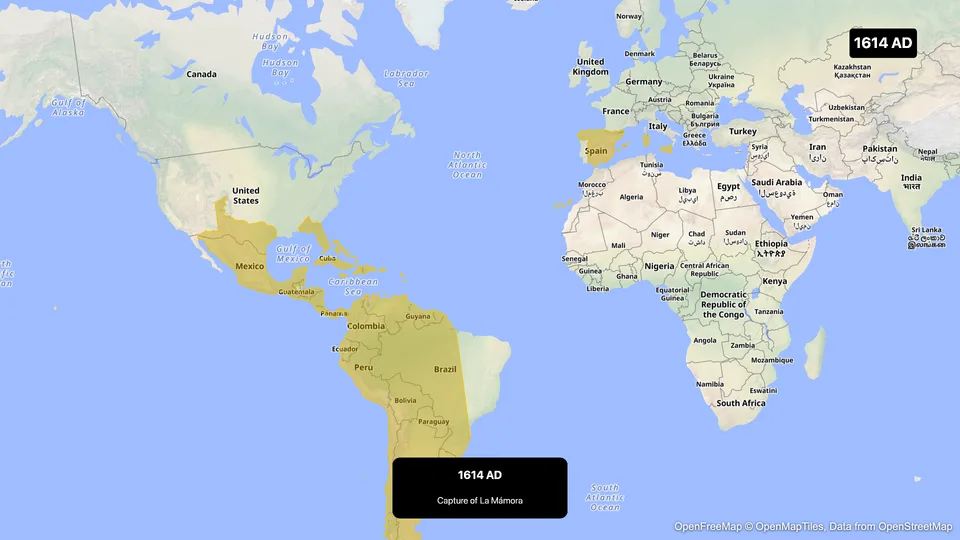
What the Border Data Holds
We checked the data before writing this guide.
- Spanish Empire: snapshots from 1492 to 1899, dense from the 1490s to the 1820s. Each one comes with an event name, for example "Columbus claims Hispaniola" (1492), "Oaxaca, fall of last Aztec remnants" (1521) or "Mexican independence" (1821).
- Crown of Castile (1230 to 1479) and Crown of Aragon (1164 to 1479): good for a prologue.
- Viceroyalty of Peru (1542 to 1821) and the Kingdom of Mexico, the data's name for New Spain (1519 onward): good for a close-up of one region.
- Spanish Philippines, Spanish Florida and the Spanish protectorate in Morocco: smaller outlines for side stories.
For the Inca Empire at its height, fill modern regions or draw the outline yourself, and say so in a label.
Plan the Video
About 50 seconds, in five parts:
Swipe sideways to see the whole table.
| Part | What is on screen | Length |
|---|---|---|
| 1. Prologue, 1479 | Fill the Crowns of Castile and Aragon in two colors | 5 s |
| 2. 1492 | Trace Columbus's first voyage from Palos to the Canary Islands to San Salvador | 8 s |
| 3. 1492 to 1790 | The Spanish Empire grows. Border timelapse on the Americas | 18 s |
| 4. The Pacific | A sea route from Acapulco to Manila, the galleon route | 8 s |
| 5. 1810 to 1899 | The empire shrinks. A second timelapse with the same style | 11 s |
Each plan has a maximum video length. If your story runs longer, split it in two: the rise, then the fall. The pricing page lists the length of each plan.
Step by Step
- Open the studio. Pick the flat map, or the globe if you want the Pacific in one shot. The Antique style, a Pro style, gives an old atlas look.
- Fly to Spain. Add two Land steps with the source set to Historical: the Crown of Castile and the Crown of Aragon, each at its last snapshot. Add a Label: "Castile and Aragon, 1479".
- Add a Route for the first voyage. Palos de la Frontera is a small town, so place its point by coordinates (about 37.23 N, 6.90 W), then add La Gomera in the Canary Islands, then San Salvador Island in the Bahamas. Set Route mode to Maritime so the line stays at sea, and put a ship icon at the head.
- Add a Label at the landing: "12 October 1492".
- Fly to a wide view of the Atlantic and the Americas. Add a Border timelapse. In the New historical window, search "Spanish Empire". In the Timeline section, set the Period from 1492 to 1790.
- Click Edit timelapse style. A gold or red fill with a darker line reads well on most styles.
- Add a Route from Acapulco to Manila in Maritime mode. Label it "Manila galleons, 1565 to 1815".
- Add a second Border timelapse for the Spanish Empire with the Period from 1790 to 1899, the same style, and a label: "Independence, 1810 to 1826".
- End on a pulse on the last territories, or a label with the date of the Treaty of Paris, 10 December 1898.
The route guide covers waypoints and the ship icon at the head of the line.
Prompts You Can Start From
Type a prompt for a first draft, then check each step against your source.
Trace a ship route from Acapulco to Manila across the Pacific and label it "Manila galleons, 1565 to 1815".
Fly to Cusco, pin it, and add the label "Cusco, taken in 1533".
Tips for an Accurate Map
- Name the people who were there. A label on Tenochtitlan and Cusco tells viewers the land was not empty. Mexico City and Cusco are both in the place search; write the old name on the label.
- Credit Indigenous allies. Cortés won with tens of thousands of Tlaxcalan and other Indigenous allies. One label can say so.
- Use the names of the time: New Spain, the Viceroyalty of Peru, the Captaincy General of the Philippines.
- Keep the same color for the empire in both timelapses, so the rise and the fall read as one story.
Ideas for Related Videos
- The conquest of Mexico, 1519 to 1521: a Route from Veracruz to Mexico City, with labels for each stop.
- The Viceroyalty of Peru: a timelapse of its own sixteen snapshots, from 1542 to 1820.
- The Portuguese route to India: a Maritime route from Lisbon around the Cape of Good Hope to India, for a comparison with Spain's westward route.
For classroom use, read best practices for educational map animations. For another empire in the same period, see the Scramble for Africa on an animated map.
FAQ
Can I animate the Spanish Empire's borders over time? Yes. The Border timelapse plays the Spanish Empire from 1492 to 1899, with the year on screen. You set the period in the Timeline section.
Can I show the Aztec or Inca Empire? As a fill, yes, from their few snapshots. There are not enough snapshots to animate their growth, and the only Inca snapshot is from 1438, long before its peak.
Can I show Spanish and Portuguese claims together? One timelapse plays one entity. Play them one after the other, or fill each at one year with Historical fills.
Can the route follow the real path of a ship? A Maritime route finds a path at sea between your stops. For a historical track, add waypoints along the course from your source, up to nine legs per route.
Tags
Related reading
Best Practices for Educational Map Animations
Educational map animations have revolutionized how we teach geography, history, and social studies. When done right, they can transform abstract concepts into visual stories that students remember long after the lesson ends.
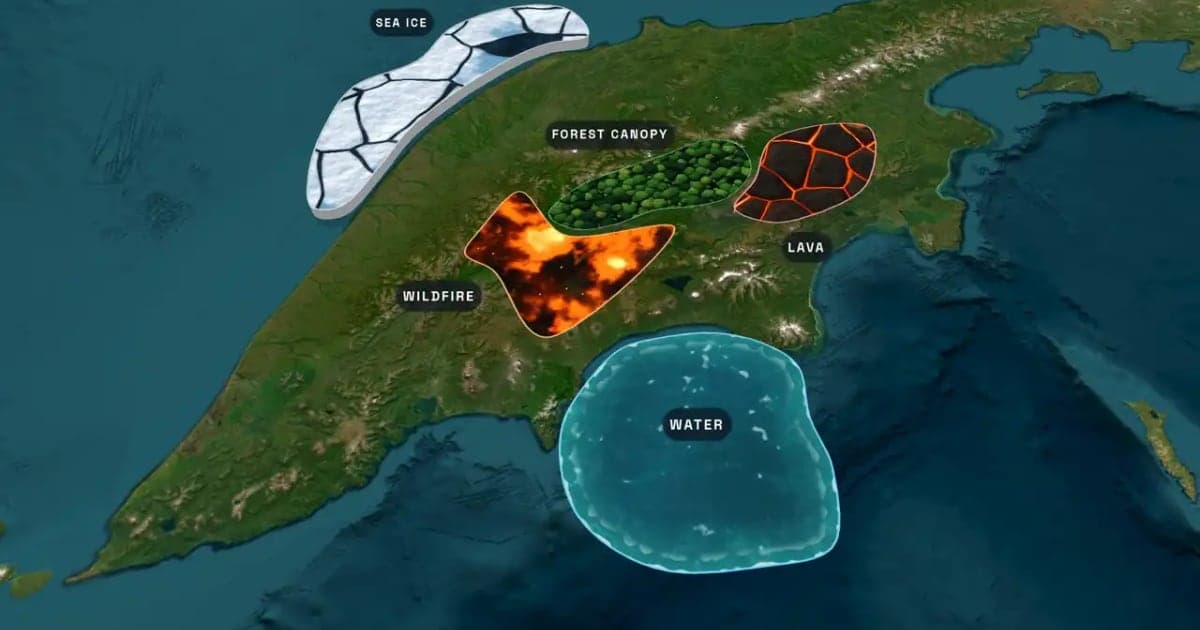
What Is an Animated Map? Types, Uses and How to Make One
An animated map is a map that changes over time in a video: the camera moves, places light up, routes draw and borders shift. Here are the six common types, who uses them, the two ways they are made, and how to make one in Animaps from a single sentence.
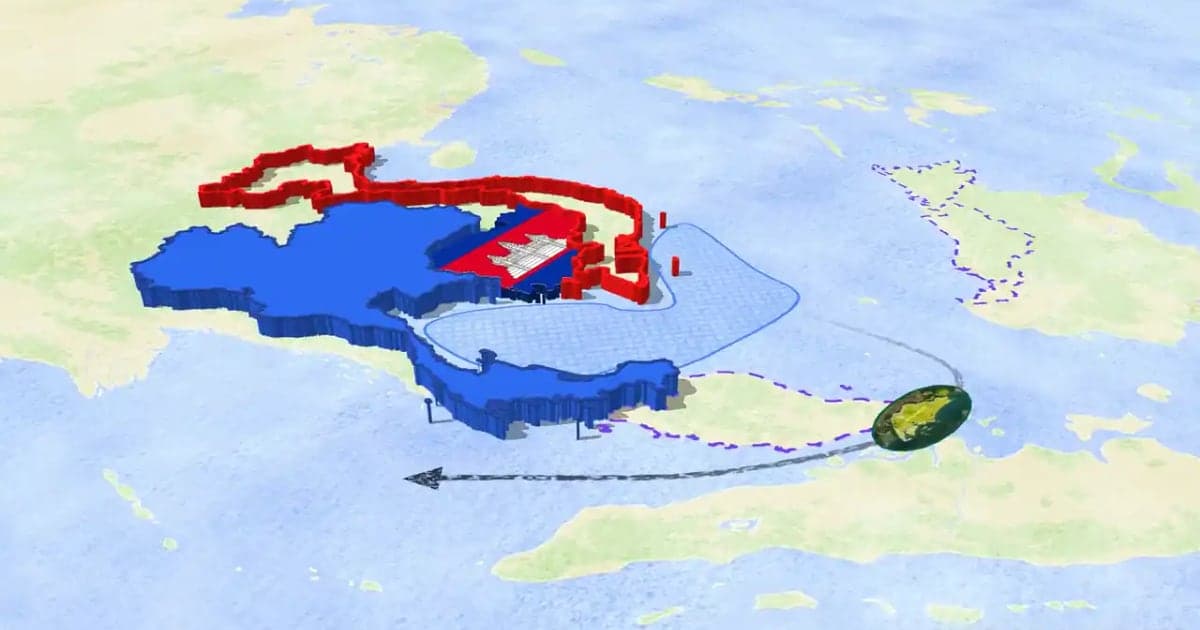
How to Make a 3D Map Animation in Your Browser
A 3D map animation gives the map depth: a turning globe, a tilted camera, raised mountains, a city skyline or a plane model on its route. Animaps does all five in a browser. The globe is on every plan, Free included; 3D terrain and 3D buildings are on Pro.
Browse every article in the Animaps blog.
