How to Make an Alternate History War Map Animation
Make an alternate history war map animation: start from real historical borders, recolor territory, draw new borders and attack arrows, date each change.
Animaps Team
Content Creator
Alternate history channels ask "what if?" and answer with a map: an empire that never fell, a war that went the other way, borders that never existed. You can build those maps in a browser with the map animation maker, starting from real historical borders and changing them with fills, drawn shapes and arrows.
TL;DR
Short version: An alternate history war map animation starts from a real moment in history, then shows a different outcome: fronts that move another way, territory that changes hands, new borders. In Animaps you start from 25,400+ historical border snapshots, recolor territories with the Land step, draw invented borders and attack arrows with the Draw step, move armies with the Route step, and put dates and names on screen with Label and Text. A war-themed map look (War Room, War Assault, War Briefing) sets the mood in one click. Export an MP4 in 16:9 for YouTube or 9:16 for Shorts.
Quick links:
- Real borders of the past: History map animation
- Fronts and arrows: War map animation
- Borders over time: Border timelapse tutorial
- Drawn shapes and arrows: Draw tutorial
What an Alternate History Map Video Shows
Alternate history is a popular genre on YouTube. A typical episode picks a turning point ("What if the Byzantine Empire survived?", "What if Napoleon won at Waterloo?") and then shows, year by year, how the map could have looked. The map is the main character. Viewers watch territory change color, fronts advance, and new countries appear.
The same tools work for fiction: a war in a novel set in real places, a tabletop campaign, or a strategy game scenario you want to explain.
The Tools, and What Each One Does
Real borders as a starting point
The Historical step shows the borders of past empires, kingdoms and states, and can play a border timelapse from one year to another.
Use it for the "real" part of the episode: the map as it was at the turning point. The border timelapse tutorial shows how.
Recolor who holds what
The Land step fills a country, a region or a historical territory with a color. In alternate history, color is ownership. Give each side one color, and fill the regions it takes, one after another. Today's regions and provinces are also available, which helps when the new border follows a real province line.
Draw borders that never existed
The Draw step places free polygons, circles, lines and arrows by hand. Draw the outline of a state that never existed, or a border that runs where no real one does. Fill the polygon with a side's color, and it animates in like any other shape.
Attack arrows and army moves
Two ways to show movement:
- The Draw step for an attack arrow you place by hand.
- The Route step for an army marching between named places, leg by leg, with a dashed or solid line and an icon or a 3D model at its head.
Fronts, dates and names
The Border step traces or pulses an outline, which works for a front line or a new frontier. Labels mark cities and battles. The Text step writes the date or a short line fixed to the frame, such as "1453: The siege fails".
The war-room look
Open the Map themes panel. War Room, War Assault and War Briefing set the map style, label design and colors for a conflict map in one click. The Military map style (tactical olive and amber) comes with paid plans.
Build One Scenario, Step by Step
Scenario: "What if Constantinople held in 1453?"
- Pick the War Briefing theme.
- Add a Historical step for the Eastern Mediterranean around 1450. Hold 3 seconds on the real map.
- Add a Text step: "1453. In our world, Constantinople falls."
- Fly to Constantinople in 4 seconds. Add a label with a pulsing marker.
- Add a Draw step with two attack arrows toward the city, then a Text step: "In this timeline, the siege fails."
- Fill the Byzantine side in purple. Use the Land step for real regions and the Draw step for any border you invent, such as a recovered strip of the Balkan coast.
- Add a Text step for each new year: "1460", "1475", "1500", each with one change on the map.
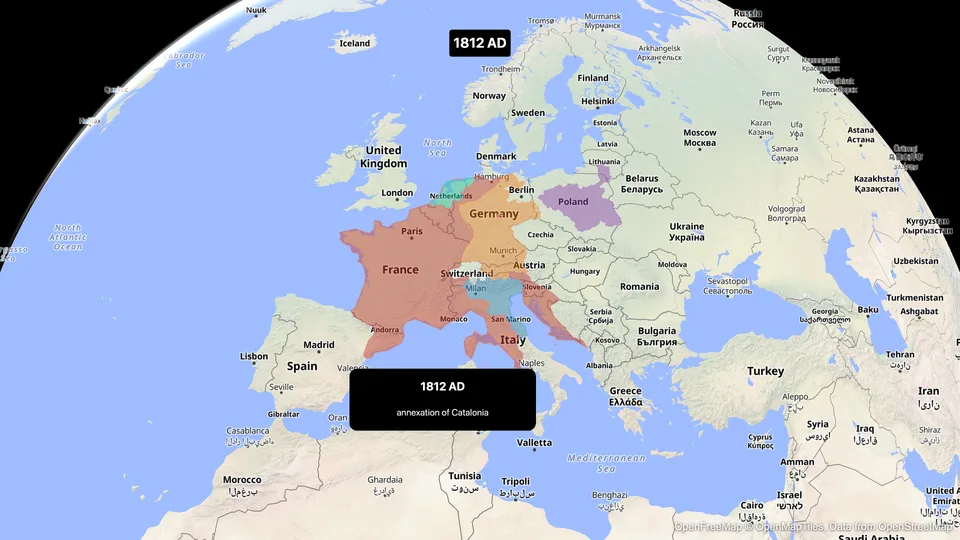
- End on a wide view of the new map, with a Text step: "Alternate history. This did not happen."
- Preview, adjust the timing, export.
Or type it as one prompt and edit the result:
The AI builds the steps from the prompt. The AI map prompts guide explains how to phrase prompts that work.
More Scenarios to Try
Dark war map of Western Europe. Show the 1815 borders. Draw blue arrows from France into Belgium, then fill Belgium and the Rhineland in blue. Add the text "1815: Waterloo goes the other way".
Map of North America. Fill the United States in blue and Canada in red, then draw a red arrow from Montreal toward Lake Champlain and fill Vermont in red. Add the date "1814" on screen.
Map of South America. Fill Peru and Bolivia in one color with the label "Peru-Bolivian Confederation", trace its border, and add the text "What if the confederation survived?".
Tips for Clear Alternate History Maps
- Show the real map first. Viewers need the real starting point to enjoy the change.
- One color per side, all episode long.
- One change per beat. Fill one region, then pause, then the next.
- Date every change. A Text step with the year after each move keeps the timeline clear.
- Use real province lines when you can. Hand-drawn borders are for what never existed.
- Say it is fiction, at the start and at the end.
Formats and Length
A typical episode runs 8 to 15 minutes, with 20 to 40 map scenes of 5 to 30 seconds each. Make each scene a separate export, then edit them under your narration in a video editor. Animaps does not add music or a voiceover.
Real Geography Only
For any scenario set on Earth, real or not, the tools above are enough.
FAQ
How do I make an alternate history map animation? Start from the real historical borders at your turning point, then recolor territories with fills, draw new borders and attack arrows, and date each change with on-screen text. Export each scene and edit them under your narration.
Can I use real historical borders? Yes. Animaps has 25,400+ historical border snapshots of empires, kingdoms and states.
Can I draw a border that never existed? Yes. The Draw step places free polygons, lines and arrows by hand, and you can fill a polygon with a color.
Can I show attack arrows? Yes. Draw them by hand with the Draw step, or use a Route between named places with an icon at its head.
For a neutral take on real conflicts, read the map animation tips for journalists. For the explainer look, see how to make Vox-style map animations.
Tags
Related reading
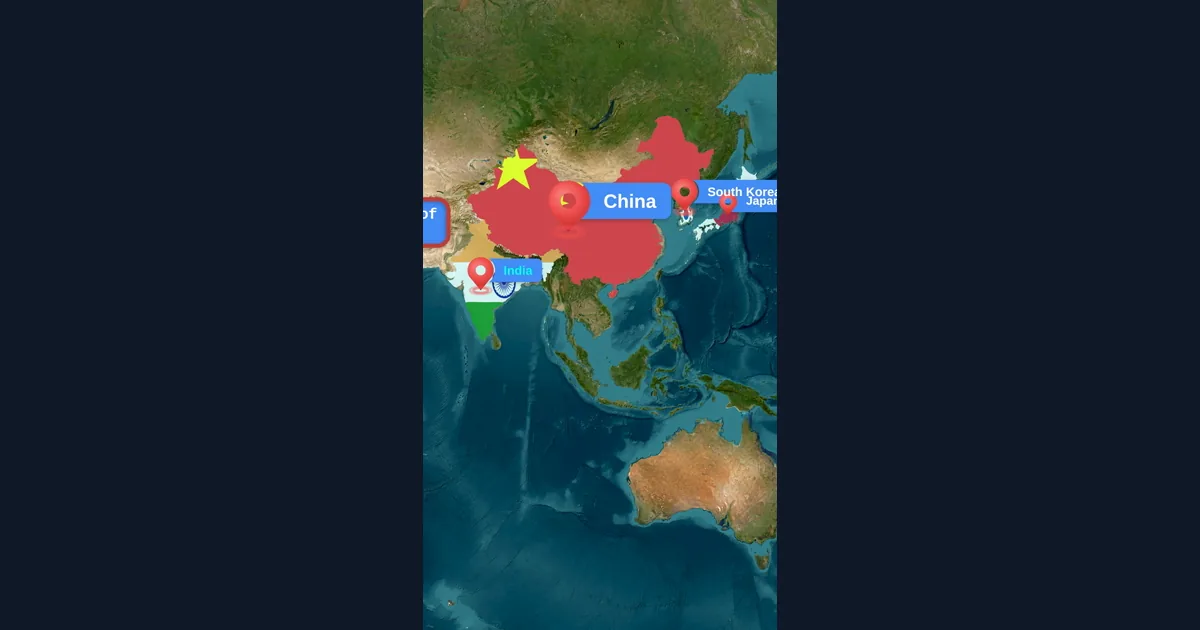
Map Animation Tips for Journalists and News Creators
In today's fast-paced news environment, visual storytelling is more important than ever. Map animations help journalists explain where events are happening, show migration patterns, track conflicts, and make global news more accessible to audiences.
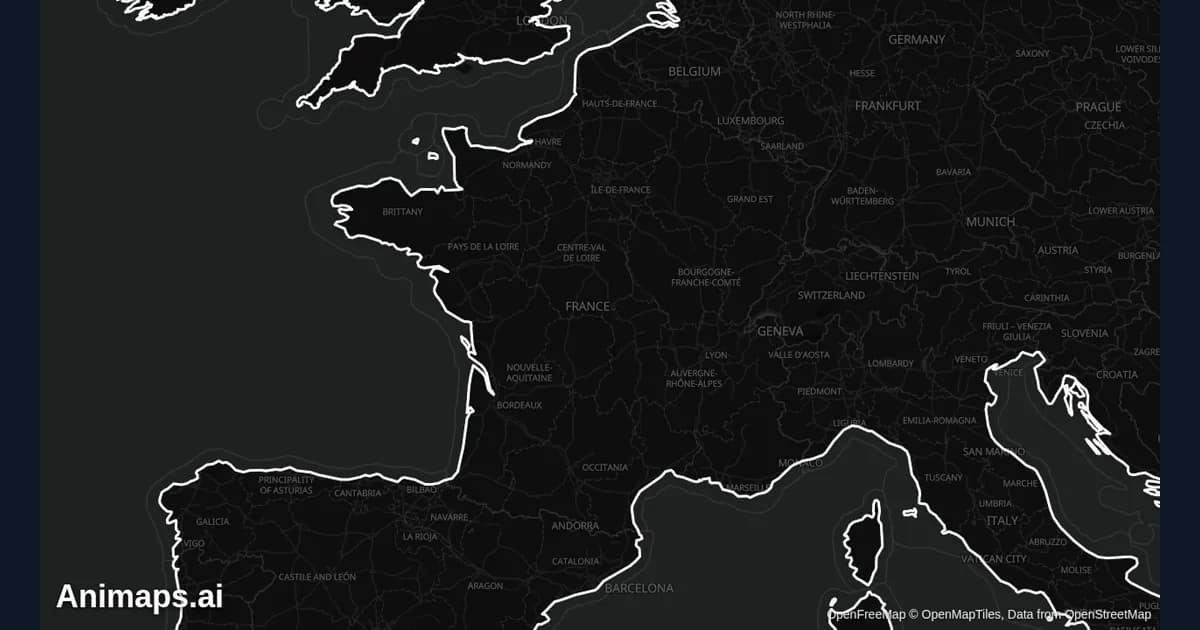
Best Practices for Educational Map Animations
Educational map animations have revolutionized how we teach geography, history, and social studies. When done right, they can transform abstract concepts into visual stories that students remember long after the lesson ends.
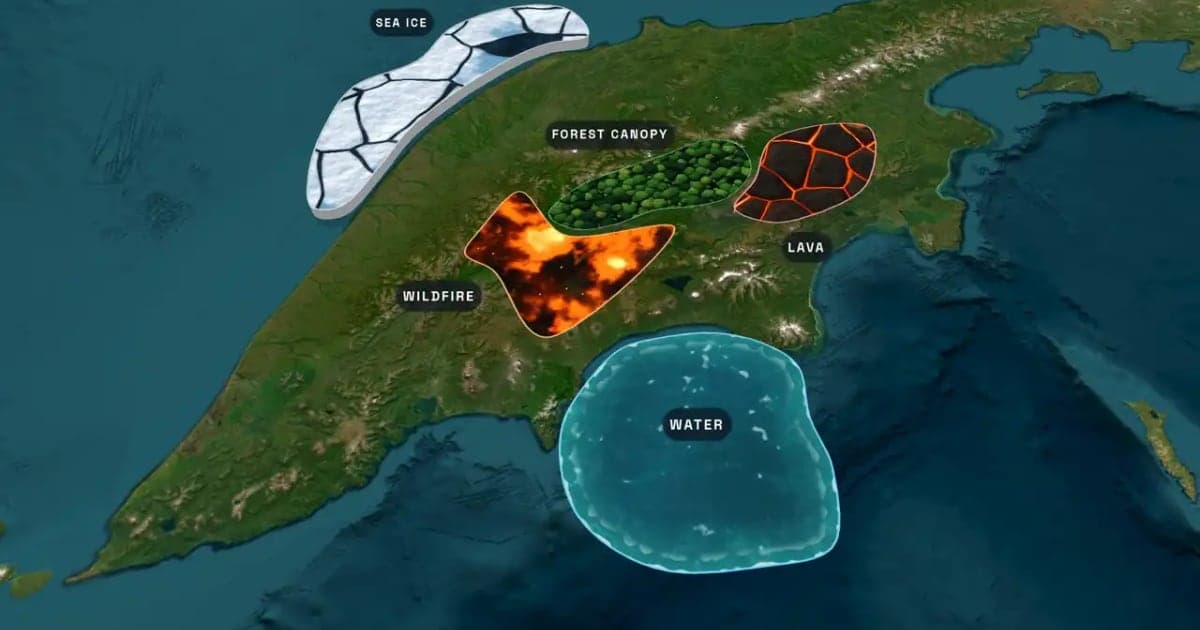
What Is an Animated Map? Types, Uses and How to Make One
An animated map is a map that changes over time in a video: the camera moves, places light up, routes draw and borders shift. Here are the six common types, who uses them, the two ways they are made, and how to make one in Animaps from a single sentence.
Spanish Empire Expansion Map: Animate 1492 to 1899
The historical border data holds the Spanish Empire from Columbus's first claims in 1492 to the sale of its Pacific islands in 1899. Here is how to turn it into a map video, with sea routes and dated labels.
Browse every article in the Animaps blog.
