How to Make a Vertical Map Animation for TikTok, Reels and Shorts
Make a 9:16 map video for TikTok, Instagram Reels and YouTube Shorts: set the vertical frame, pace a 15 to 30 second clip, and keep names clear of the app buttons.
Animaps Team
Content Creator
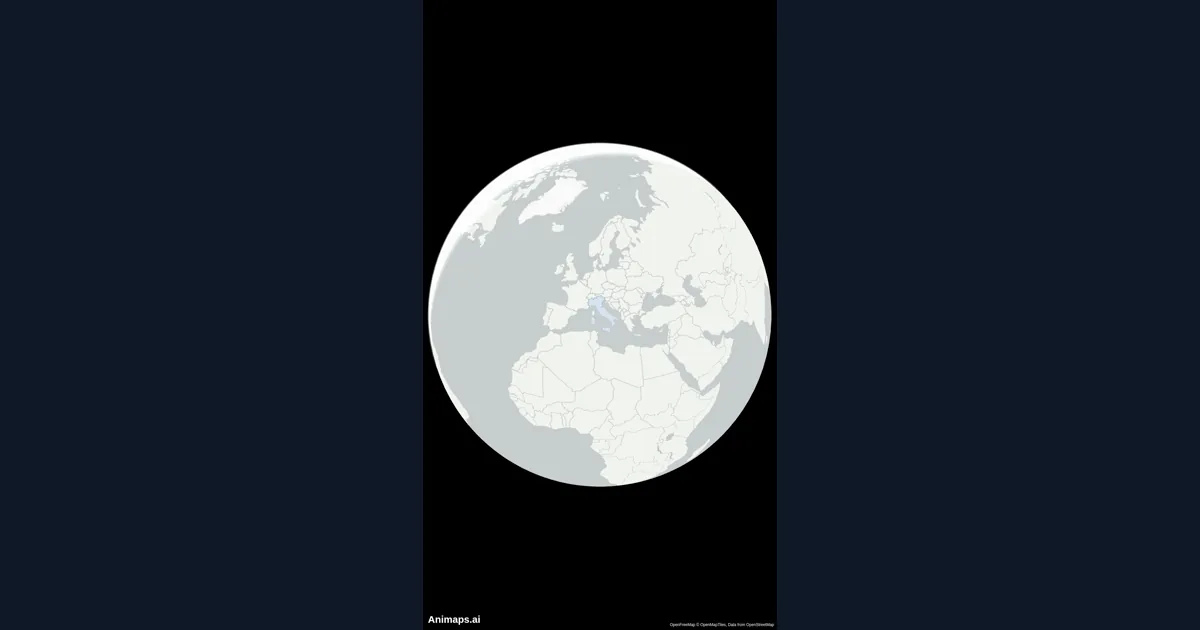
A vertical map animation is a map video shaped 9:16, the shape of TikTok, Instagram Reels and YouTube Shorts. You can make one in the map animation maker by switching the frame to Vertical before you build, then keeping each clip to one place or one route.
TL;DR
Short version: Pick Vertical (Shorts) in the aspect ratio menu next to the map, or ask for 9:16 in your prompt. Build one idea per clip: one route, one country, one reveal. Keep the clip between 15 and 30 seconds, put the first move in the first second, and keep names in the middle of the frame. Export an MP4 and upload it to TikTok, Reels or Shorts.
Quick links:
- First time? How to create a map animation
- Writing prompts: AI map prompts guide
- Routes: Travel route animation guide
- Examples: Map animation examples
This guide covers:
- Why a vertical map video needs its own plan
- How to set up a 9:16 map in Animaps
- Pacing for 15 to 30 seconds
- Where to put labels so the app buttons do not hide them
- Prompts you can paste
Why Vertical Map Videos Need Their Own Plan
A 16:9 map shows a lot of width. A 9:16 map shows a lot of height and very little width. Europe fits well. A route from Lisbon to Moscow does not, unless the camera moves along it.
Phone viewers also decide fast. If nothing moves in the first second, many of them scroll away. A vertical map video works best when it starts in motion, shows one thing, and ends before the viewer gets bored.
So the rule is simple: one clip, one idea. A road trip with ten stops becomes three clips. A history story with five dates becomes a series.
How to Set Up a 9:16 Map in Animaps
- Open the studio and start a new animation.
- Open the aspect ratio menu next to the map. Pick Vertical (Shorts). The other two shapes are Widescreen (16:9) and Square (1:1).
- Choose flat map or globe. A globe fills a tall frame well, because a sphere has no wide edges to lose.
- Pick a map style. Dark and satellite styles read well on a small phone screen. Light styles can look washed out in bright light.
- Type your prompt, or add steps by hand. The preview shows the 9:16 frame, so you see what the phone will see.
- Play it, adjust, and export an MP4.
Pacing for 15 to 30 Seconds
A short map clip has three parts.
- The hook, 0 to 2 seconds. Something moves right away: the globe turns, a route starts drawing, a country fills with color. Do not open on a still map.
- The body, 2 to 25 seconds. One camera move per idea. Give each move 2 to 4 seconds. A route across a country can take 6 to 9 seconds if the camera follows it.
- The end, the last 2 to 3 seconds. Hold on the final place with its name on screen. Viewers need about 2 seconds to read a short label.
Keep Names Where the App Will Not Hide Them
TikTok, Reels and Shorts all draw buttons and captions on top of your video. The right side holds the like and share buttons. The bottom holds the caption and the account name. The top holds the app header.
What this means for your map:
- Keep the place you talk about near the middle of the frame. A Fly to centres it for you.
- Put titles a little above the middle, not at the very top or bottom.
- Use short names. "Kyoto" reads. "The ancient capital city of Kyoto" does not.
- Show at most three labels at once. A tall frame gets crowded fast.
- Zoom a little closer than you would in 16:9. The frame is narrow, so a country that fills a wide shot looks small in a tall one.
Which Map Moves Work Best Vertically
- Fly to: the basic move from one place to the next. It centres the place, which suits the narrow frame.
- Globe Spin: the planet turns, then lands on your place. A strong hook for the first second.
- Route with the camera following it: the line draws, a vehicle rides its tip, and the camera stays on it. The narrow width stops being a problem because the camera moves with the story. See how to move a 3D plane, car or ship along a route.
- Land fill and border pulse: a country lights up. Fast to read on a phone.
- Tilt: a tilted camera shows more ground toward the top of the frame, which suits the tall shape.
Prompts You Can Paste
A travel clip:
A geography fact:
Vertical 9:16 video. Start on South America, fill Chile in red, pulse its border, then add a text on screen: "4,300 km long, 177 km wide on average".
A history clip:
Vertical 9:16 video on a vintage style map. Show the Roman Empire growing over time, from the Republic to its peak in 117 AD, then zoom out to show the whole Mediterranean.
A news clip:
9:16 vertical. Fly to the Strait of Hormuz with a 45 degree tilt, circle it in red and add a label "Strait of Hormuz".
Every prompt becomes a list of steps you can change one by one. The AI map prompts guide shows more patterns.
Turn One Long Story Into a Series
Vertical platforms reward series. One long map story can become five short clips, each with its own hook.
- A road trip: one clip per day or per region.
- A war: one clip per year, with the front line for that year.
- A country profile: borders, then cities, then rivers, then neighbours.
Keep the same map style, colors and label shape in every clip. Viewers then know the series at a glance. If you also post on YouTube, export the same project in 16:9 for the long version. The YouTube map guide covers that side.
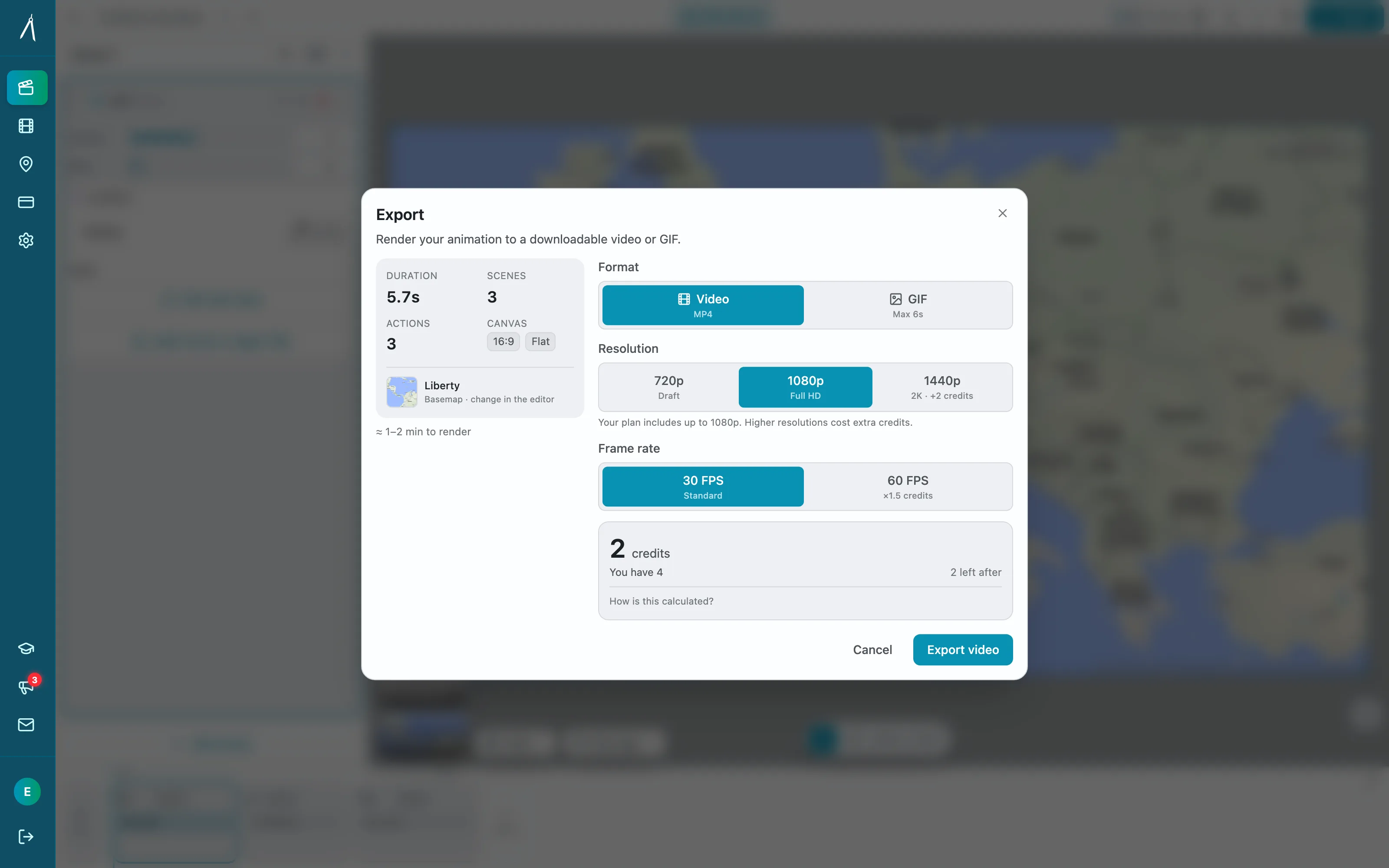
Export Settings
- Shape: Vertical (Shorts), 9:16.
- Format: MP4 for TikTok, Reels and Shorts. GIF is for short loops on the web, not for these apps.
- Resolution: 1080p is the standard for phone video.
- Length: aim for 15 to 30 seconds.
FAQ
What size is a vertical map video for TikTok, Reels and Shorts? All three use 9:16. In Animaps, pick Vertical (Shorts) in the aspect ratio menu, and the preview and the export use that shape.
Can I turn my 16:9 map animation into a vertical one? Yes. Switch the aspect ratio to Vertical (Shorts) and play it again. Then check each step: you may need to zoom closer or move a label, because the frame is narrower.
How long should a map Short be? 15 to 30 seconds works for most map clips. One route or one reveal per clip.
Can the camera follow a route in a vertical video? Yes. On a Route step, click Follow this route with the camera. The camera rides the line, so a long route still fits a narrow frame.
Can I add text on screen? Yes. The Text step writes a block of text on the map or on the screen. Keep it short so it reads on a phone.
Related Articles:
Keywords: vertical map animation, map animation tiktok, map animation instagram reels, map animation youtube shorts, 9:16 map video, vertical map video maker
Tags
Related reading
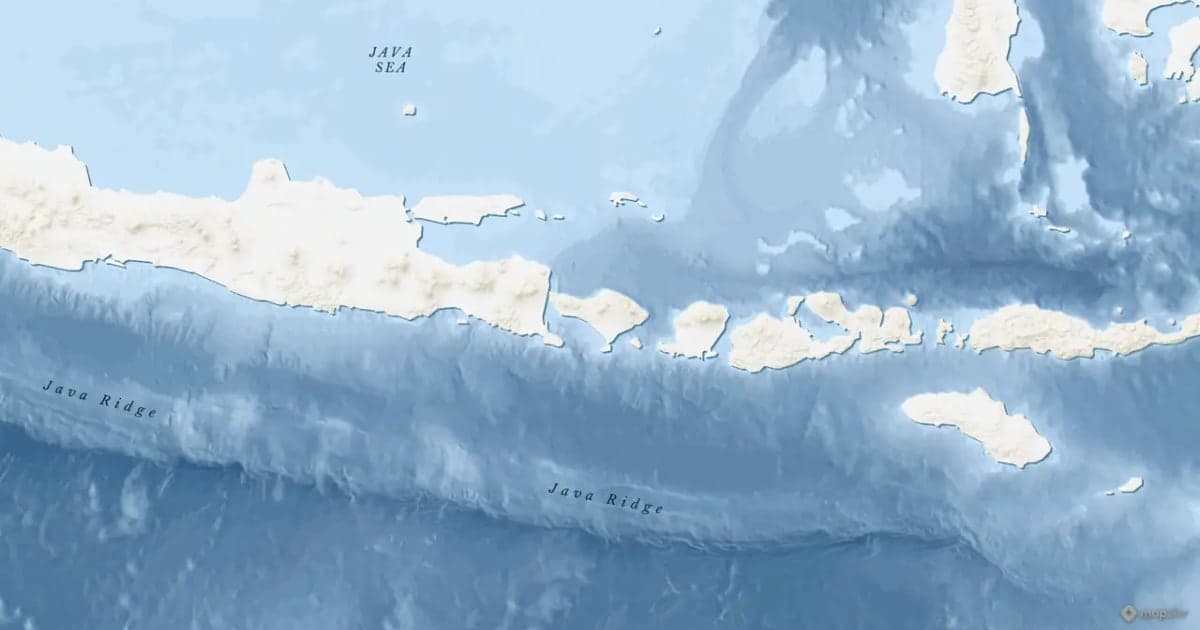
Map Zoom Animation: How to Zoom In on Any Place
A map zoom animation takes the viewer from a wide view down to one place. Here is how to make one in Animaps with Fly to, Zoom in / out, Pan to and Globe Spin, which prompts to type, and how to keep the zoom clear for viewers.
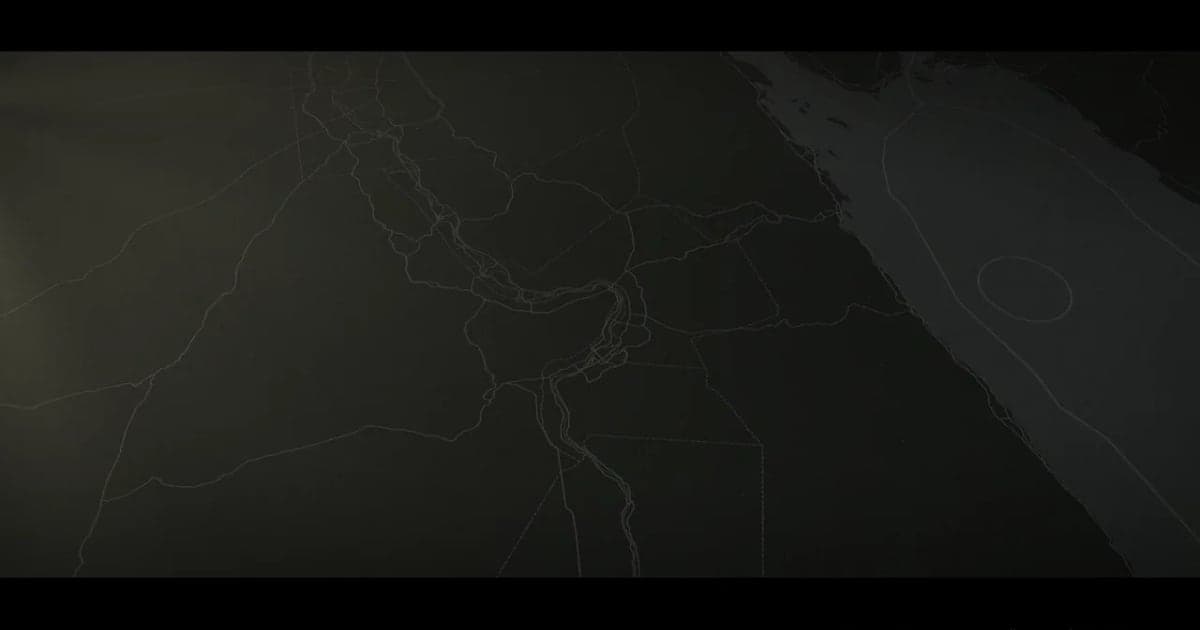
Map Video Maker: How to Make a Map Video Online
A map video maker turns a map into a video file you can post or edit. Here is how to make one in Animaps from a single sentence, which shape and size to pick for YouTube, Shorts or a feed, how long it should run, and what each export costs.
How to Create Stunning Map Animations for YouTube Videos
Map animations are one of the most engaging visual elements you can add to your YouTube videos. Whether you're explaining geography, history, travel routes, or global trends, animated maps capture your audience's attention and make complex information easy to understand.
Browse every article in the Animaps blog.
