How to Make an Animated Map of Every Country You Have Visited
Make an animated map of the countries you have visited: each one fills with its flag in order, on a world map or a globe, ready for Reels and TikTok.
Animaps Team
Content Creator
A map of every country you have visited is a simple idea that people love to watch: countries light up one by one, often with their flags, until the map is full of your travels. You can make one in a browser with the map animation maker and export it as a video.
TL;DR
Short version: List your countries in the order you visited them. In Animaps, type the list as one sentence ("fill each country with its flag, one after another") or add one Land step per country, with the flag as the fill. Start on the globe or a world view, give each country 1 to 2 seconds, show the year or a counter if you like, and end on the full map. Export an MP4 in 9:16 for Reels, TikTok and Shorts, or 16:9 for YouTube.
Quick links:
- Filling countries: Land tutorial
- Country by country tours: Country highlight animation guide
- Flags in videos: Complete guide to country flags
What the Video Looks Like
The classic version opens on the whole world, empty. Then your first country fills with its flag, then the second, then the third, in the order you went. A small text in the corner counts up: "1 country", "2 countries", "23 countries". At the end the camera holds on the full map, with every visited country in its flag.
Other versions:
- One color instead of flags, for a cleaner look.
- One continent per video, such as "every country I visited in Europe".
- Year by year: the map fills with the countries of 2019, then 2020, and so on.
- Globe version: the camera travels around the Earth as each new country lights up.
Step 1: Write Your List
Write your countries in the order you visited them. Add the year next to each one if you want to show it.
Example:
- France (2014)
- Spain (2015)
- Morocco (2016)
- Thailand (2018)
- Vietnam (2018)
- Japan (2019)
- Peru (2022)
- Mexico (2023)
Step 2: Make the Map in One Prompt
Type the list as a sentence. The AI builds one step per country.
A globe version:
Globe view. Fly to each country in turn and fill it with its flag: France, Spain, Morocco, Thailand, Vietnam, Japan, Peru, Mexico. End on a wide view of the globe.
A one color version, year by year:
Dark world map. Fill in teal the countries I visited in 2018: Thailand, Vietnam. Then 2019: Japan. Then 2022: Peru. Then 2023: Mexico. Show the year on screen for each group.
Step 3: Or Build It by Hand
- Pick the map. Flat for a world map, globe for a turning Earth.
- Pick a map style. Light or Dark keeps the flags readable. Satellite looks real but busier.
- Add a Fly to on a wide world view, or on the continent you start with.
- Add a Land step for the first country. Choose the flag as the fill.
- Repeat the Land step for each country. Set 1 to 2 seconds each.
- If your countries are far apart, add a Fly to between them, so the camera follows your travels.
- Add a Text step fixed to the frame for the counter or the year.
- Add a Pause at the end, 3 seconds, on the full map.
- Preview, then export.
The Land tutorial covers fills, flags and colors in detail.
Groups of Countries
If you want to show a whole group at once, such as every member of the European Union, Animaps has 107 ready-made country groups. Fill the group in one step instead of typing every country.
Pacing for Short Videos
Swipe sideways to see the whole table.
| Countries | Time per country | Camera |
|---|---|---|
| Under 10 | 1.5 to 2 seconds | Can follow you, 15 to 25 seconds in total |
| 10 to 30 | 0.7 to 1 second | Stay on a wide view |
| More than 30 | One group at a time | Fill by continent or by year |
Make It Personal
- Add a label on cities you lived in, with a pin.
- Draw a line between the places you flew to, in the order of your trips. The travel map animation page shows routes with planes, cars and boats.
- End on the country you live in today, with a pulse on its border.
- Use the text on screen for a question: "Where should I go next?". It brings comments.
Formats
- 9:16 for Instagram Reels, TikTok and YouTube Shorts. Center the world on the land you visited most, because the frame is narrow.
- 1:1 for feed posts.
- 16:9 for a YouTube video or a travel blog.
Export as MP4, or as a GIF for a blog post or a message.
Tips
- Flags read best on a light or dark plain map, not on satellite.
- Small countries (Luxembourg, Singapore) are hard to see on a world view. Zoom in for them, or add a label.
- Keep the order true. Viewers like to guess where you went next.
- One video per year is a good series for a travel account.
A short one to try, on a light map:
FAQ
How do I make an animated map of the countries I have visited? List the countries in order, then fill each one with its flag or a color, one after another. In Animaps you can type the list as a single sentence.
Can each country show its flag? Yes. The Land step fills a country with its flag instead of a color.
Can I make it on a 3D globe? Yes. Pick the globe view, and the camera flies around the Earth from one country to the next.
Can I export it for TikTok or Reels? Yes. Export in 9:16 as an MP4.
Can I import my visited countries from a travel app? No. Type or paste the list of countries.
If you also want the routes between countries, read 10 ways travel bloggers use animated maps.
Tags
Related reading
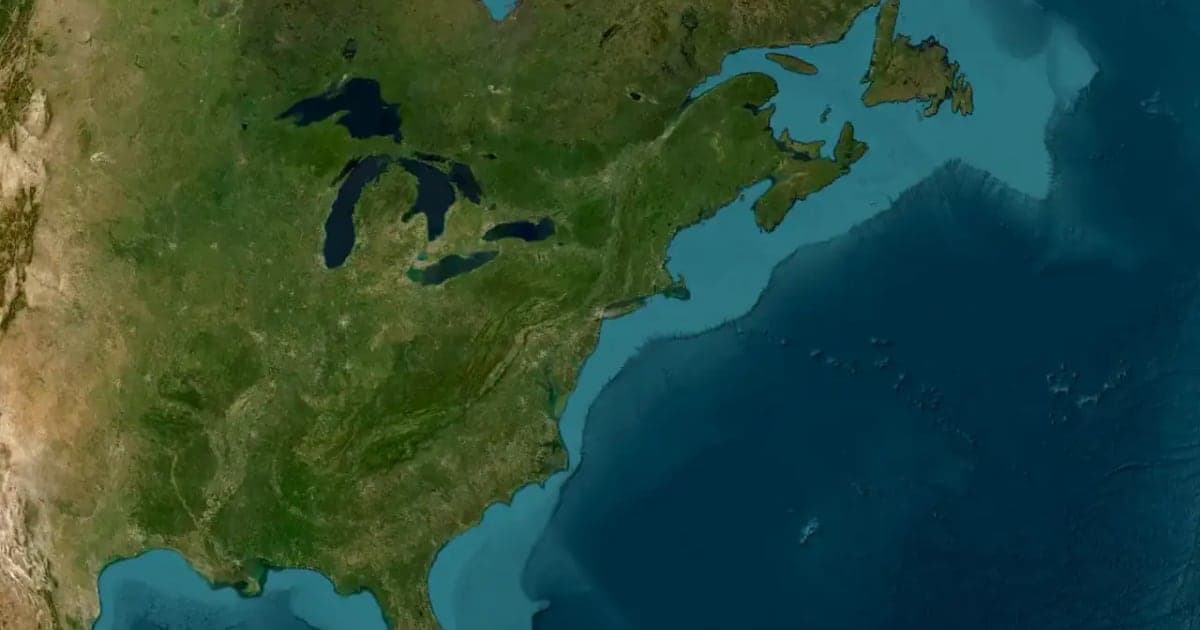
Wedding and Honeymoon Map Video: Tell Your Story on a Map
A wedding map video tells a couple's story as a journey: where they met, where they married, where they went next. Four ideas and the steps to build each, with prompts you can copy.
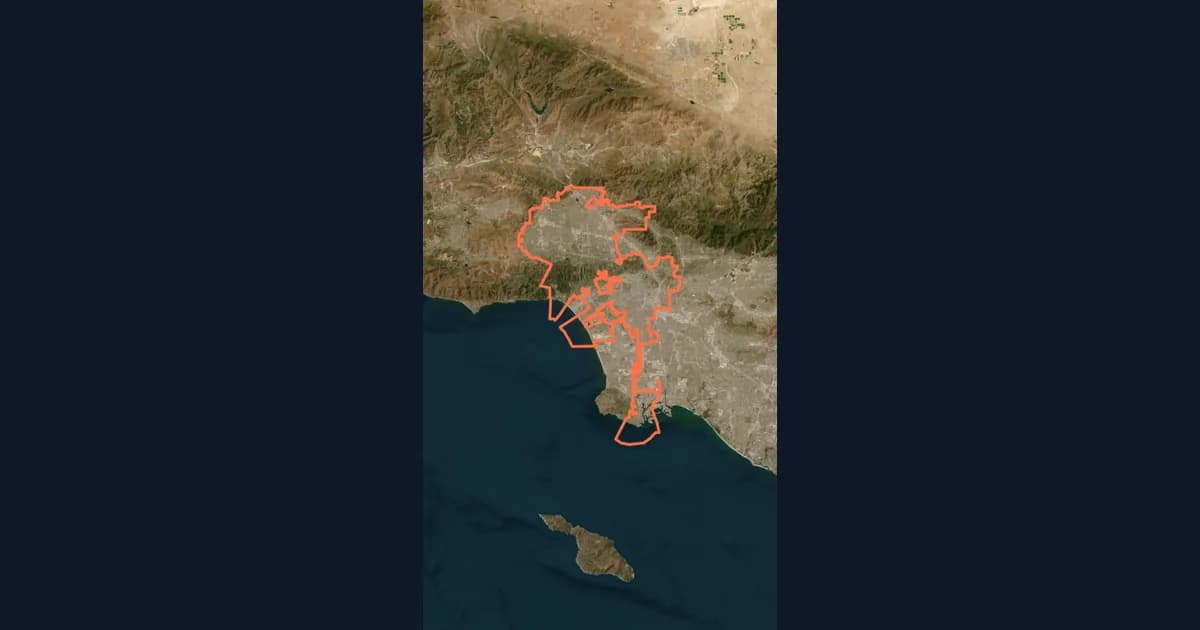
10 Ways Travel Bloggers Use Animated Maps (And How You Can Too)
Travel bloggers face a unique challenge: how do you make someone feel a journey they haven't taken? Static photos show destinations. Written stories describe experiences. But animated maps? They transport viewers into your journey, transforming passive readers into active participants following along your path. In 2026, animated maps have evolved from nice-to-have embellishments to essential storytelling tools.
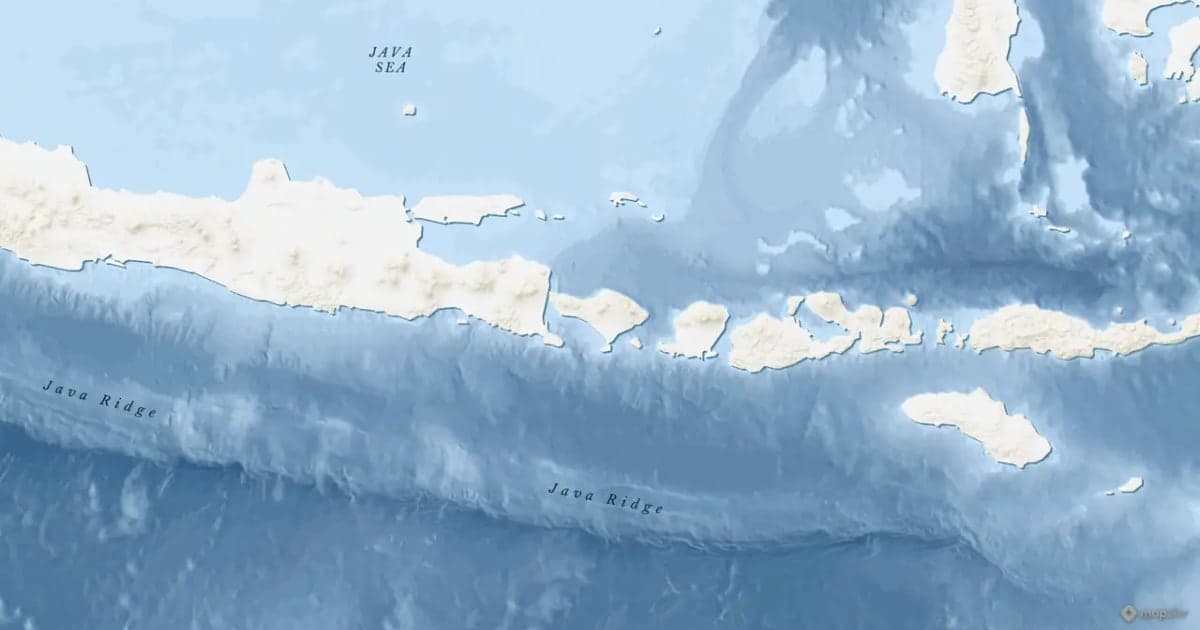
Map Zoom Animation: How to Zoom In on Any Place
A map zoom animation takes the viewer from a wide view down to one place. Here is how to make one in Animaps with Fly to, Zoom in / out, Pan to and Globe Spin, which prompts to type, and how to keep the zoom clear for viewers.
Browse every article in the Animaps blog.
