Animaps vs EasyMotion: A Map Studio or a General Motion Graphics Tool?
A comparison of Animaps and EasyMotion for AI map animations. Published pricing on both sides, what each free tier actually allows, clip length and transparent export, and whether breadth or map depth fits your work. Verified August 2026.
Preview & Editor advantage
Draft with AI prompts or templates, then refine every animation step in real time (zoom, opacity, border width, colors, bearing, tilt). Credits are used only when you render the final video.
Animaps Team
Content Creator
Animaps vs EasyMotion: A Map Studio or a General Motion Graphics Tool?
Comparison verified August 2026, based on what each site published at the time of writing. Both products change, so check their current pages before you buy.
TL;DR
Short version: EasyMotion is an AI motion graphics generator where maps are one category among charts, UI motion, VFX and social videos. Animaps only does maps. If your project needs a map animation and an animated bar chart and a fake chat scene, one tool covering all three is worth real money. If every video you make is a map, a tool that does nothing else goes deeper on the thing you actually need.
Quick links:
- Map animation maker hub: Create animated maps online
- Comparison hub: Map animation maker alternatives
- Examples: Map animation examples gallery
Key differences:
- Scope: EasyMotion: motion graphics generally, maps included | Animaps: map animation only
- Published prices: EasyMotion: $10, $20 and $60 per month | Animaps: $9.90 and $19.90 per month
- What the free tier lets you do: EasyMotion: explore templates and export a watermarked MP4, custom prompts need a paid plan | Animaps: 12 credits per month on your own prompts
- Maximum clip length: EasyMotion: 180 seconds | Animaps: 30s Free, 45s Starter, 60s Pro
- Transparent export: EasyMotion: MOV with a transparent background | Animaps: MP4 and GIF, no alpha channel
- Best fit: EasyMotion when the project is bigger than the map | Animaps when the map is the project
These two tools overlap on one square of a much larger board.
EasyMotion's headline is "Create motion graphics with AI", and it describes itself as a way to "Create professional motion graphics, map animations, and social media videos by chatting with AI." Maps are a real part of that, with dedicated landing pages for flight routes, location pins and map animation generally. But they sit next to charts from spreadsheets, animated UI, chat scenes, flowcharts and VFX.
Animaps does one category. You describe a map sequence in plain English, the AI writes steps, and you edit those steps against a live preview until the clip is what you wanted.
This comparison covers what each one is scoped to do, what each publishes about price, what their free tiers actually allow, and where the map capabilities differ. Everything below about EasyMotion comes from their own public pages in August 2026.
Quick Comparison
| Factor | Animaps | EasyMotion |
|---|---|---|
| Runs in browser | Yes | Yes |
| Scope | Map animation only | Motion graphics, charts, UI motion, VFX, maps |
| Text to animation | Yes, the prompt writes editable steps | Yes, described as chatting with AI |
| Live preview | Yes, before you spend an export | An Edit Panel is described for templates |
| Editing after the AI | Step editor with per-step timing and targets | Edit text, logos and assets, plus natural-language refinement |
| Free tier | 12 credits per month on your own prompts, 1080p | Explore templates, export a watermarked MP4; custom prompts need a plan |
| Paid prices published | Yes ($9.90 / $19.90 per month) | Yes ($10 / $20 / $60 per month) |
| Monthly volume | 50 Lite, 120 Starter, 250 Pro credits | 40, 100 and 300 credits by tier |
| Credit rollover | Plan credits reset; purchased packs never expire | On the $20 and $60 tiers |
| Maximum clip length | 30s Free, 45s Starter, 60s Pro | 180 seconds |
| Aspect ratios | 16:9, 9:16, 1:1 | 16:9, 9:16, 1:1, 4:5 |
| Export formats | MP4, GIF up to 6 seconds | MP4, MOV including transparent, GIF |
| Frame rate | 60 FPS option | 30 or 60 fps |
| Top resolution | 1440p on Pro | Not stated on the pages we read |
| Globe view | Yes, flat map or globe | "3D globe flythroughs and zooms" on their map page |
| Charts and non-map | No | Yes, including CSV and XLSX to animated charts |
What Each Tool Is For
EasyMotion is positioned against two things at once, and it says so plainly. Against After Effects: "After Effects takes months to learn and hours to animate a short sequence. Easymotion generates complex motion graphics in seconds from a chat prompt." Against Canva: "Canva mostly moves static elements on a timeline. Easymotion creates dynamic map animations, charts, and UI motion you'd usually need a motion designer for."
Its named capabilities cover turning a static design into an animation, map animations, turning spreadsheets into visuals, platform-specific formats, customisation with your own logos, images and HEX codes, and transparent export. On the map side specifically, their page lists flight routes with curved arcs, flag fills with custom images and portraits, 3D globe flythroughs and zooms, pin markers, country and state highlighting, and satellite, dark, light and voyager map styles. The workflow they describe is three steps: describe the route or pick a template, adjust colours, styles, speed, labels and camera angles "with natural language", then download an MP4.
Animaps is a map animation studio. The prompt produces steps, and the editor lists every step next to a live preview, so you change a duration, retarget a camera move or swap a colour and watch the change before exporting. It carries 21 built-in animation types across camera work, border tracing, land fills, path tracing, historical border timelapses, labels, icons and scenes that run several of them at once, on a flat map or a globe.
Their own competitive page against a map-only tool captures the trade-off better than we could, so it is worth quoting: EasyMotion writes that it is "the better fit if you want a map video from a written description, and if the same project also needs charts, chat scenes, or flowcharts", while a dedicated map tool is "the better fit if maps are the whole job and you want to control every detail by hand". That is the decision, stated by them, and we agree with it.
Pricing Side by Side
Both tools publish their prices, which makes this section unusually easy.
Animaps
| Tier | Price | What you get |
|---|---|---|
| Free | $0 | 12 credits per month, 1080p, watermarked, 30 second maximum |
| Starter | $9.90 per month, or $99/year | 120 credits, up to 1080p, no watermark, 45 second maximum, unlimited AI prompts (1 credit each) |
| Pro | $19.90 per month, or $199/year | 250 credits, up to 1440p, no watermark, 60 second maximum, unlimited AI prompts (1 credit each), priority support |
EasyMotion
| Tier | Price | What they state |
|---|---|---|
| Basic | $10 per month | 40 credits per month, "Generate up to 40 videos", commercial licence |
| Plus | $20 per month ($16 1st month) | 100 credits per month, unused credits roll over, priority support |
| Pro | $60 per month | 300 credits per month, rollover, priority feature requests |
Their site offers "2 months free" on an annual subscription, and their FAQ states that if a generation or export fails after credits are held or deducted, "those credits are refunded automatically". That last point is a small thing that matters in practice, and it is good that it is written down.
Do not read the credit columns as directly comparable. A credit is whatever each product says it is, and 120 credits in one tool is not 40 credits in another with the numbers tripled. Compare on the videos you actually need per month and on what the free tier lets you test.
The free tiers are the real difference here. EasyMotion's is a showroom: their FAQ says you can "explore templates, edit them in the Edit Panel, and export a watermarked MP4 with no credit card", and that writing your own custom prompts requires a paid plan. Animaps' free tier gives you 12 credits a month against your own prompts, at 1080p with a watermark and a 30 second cap.
Which of those is better depends on what you want from a trial. EasyMotion's approach shows you finished quality immediately with zero friction. Animaps' approach lets you test the thing you actually care about, which is whether it can make your video, before paying anything.
Export and Length
EasyMotion wins on both, clearly. It exports MP4, MOV and GIF at 30 or 60 fps, in 16:9, 9:16, 1:1 and 4:5, with MOV supporting a transparent background, and it states a maximum video length of 180 seconds. Transparent MOV is a genuine capability for anyone compositing a map over footage in a separate editor, and Animaps has no equivalent, because it exports MP4 and GIF without an alpha channel.
Animaps exports MP4 up to 1080p on Free and Starter and up to 1440p on Pro, plus GIF capped at 6 seconds, in 16:9, 9:16 and 1:1, with a 60 FPS option. Clip length is capped by tier at 30, 45 and 60 seconds.
Three minutes against one minute is not a close call. If you need a single continuous three-minute map sequence, Animaps cannot give you that today and EasyMotion says it can. The pages we read do not state a pixel resolution for EasyMotion's exports, so we are not putting a figure in their column.
How You Change What the AI Produced
This is the sharper of the two differences, and it is not a scoring exercise.
EasyMotion's answer is conversation plus an Edit Panel. Their map page describes adjusting "colors, map styles, animation speed, labels and camera angles with natural language", and their site describes editing text, logos and assets directly, with support for uploading logos and images or supplying HEX codes and brand guidelines. For most changes that is a comfortable way to work: you say what you want in words and it happens.
Animaps' answer is a step list. The AI writes discrete steps and each one has its own duration, target and settings. If the zoom lands one level too far out, you change that step. If the pan needs to finish 0.4 seconds earlier so it lands on a word in your voiceover, you type the number.
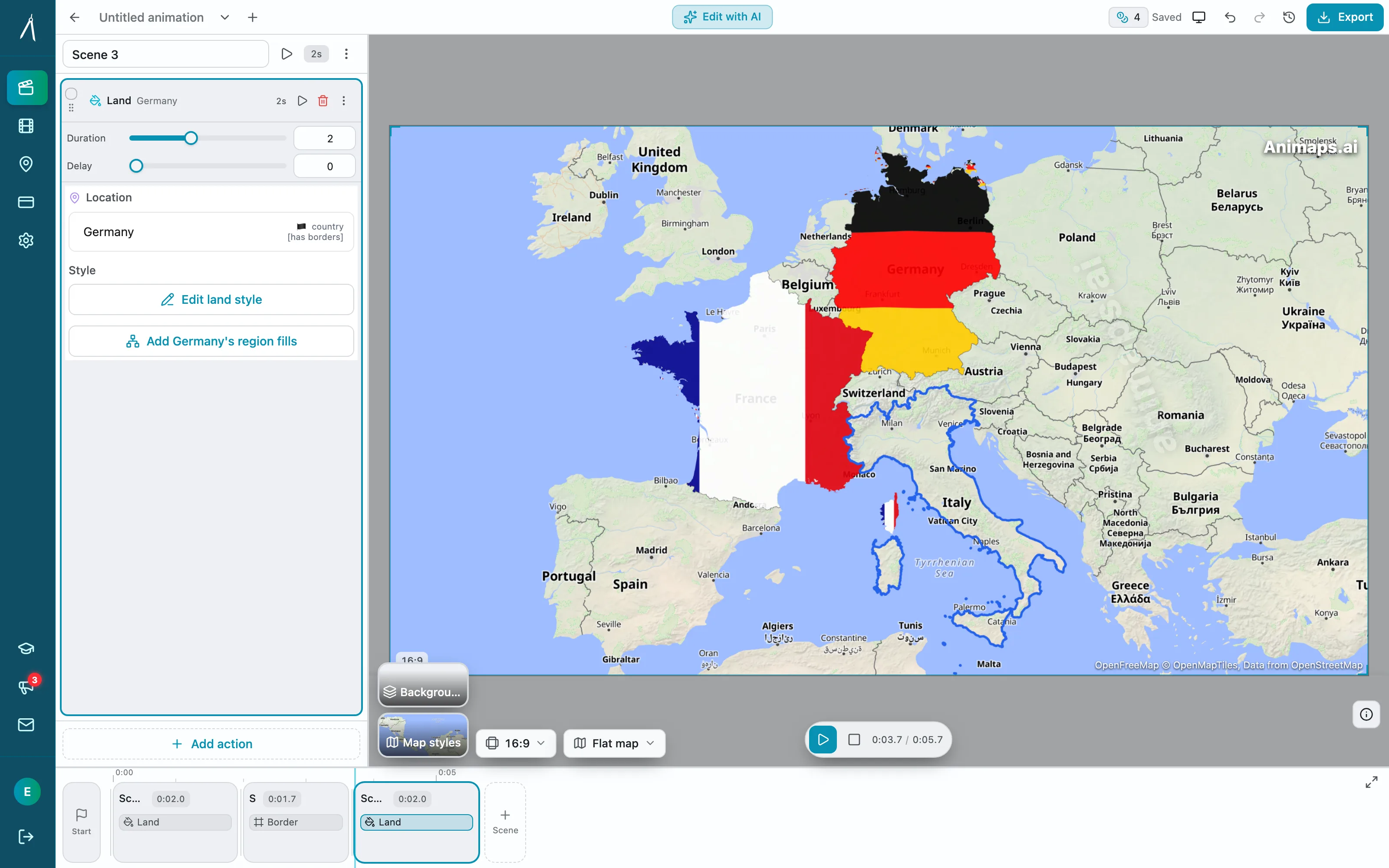
The trade-off is precision against convenience. Natural-language refinement is faster to express and it does not make you learn anything. A step editor is the only one of the two that answers "make this exactly 0.4 seconds shorter" deterministically the first time. Which matters depends entirely on whether your video is cut to narration.
Where Each One Is Stronger
EasyMotion is stronger on
Everything that is not a map. Charts from CSV and XLSX files, animated UI, chat scenes, flowcharts, VFX, and static designs turned into animations. If a project needs a map and three other things, this is one subscription instead of several.
Transparent export. MOV with an alpha channel for compositing into a larger edit.
Long clips. 180 seconds against a 60 second ceiling.
Format coverage. 4:5 as well as 16:9, 9:16 and 1:1, plus MP4, MOV and GIF.
Brand inputs. Uploading logos and images, and giving HEX codes and brand guidelines up front.
Credit refunds on failure. Stated plainly in their FAQ.
Animaps is stronger on
Map animation depth. 21 animation types including border tracing, land fills, path tracing, historical border timelapses, and scenes that run several camera moves at once.
Exact timing. Per-step durations and a hard tier cap you can plan a voiceover around.
A free tier you can actually test with. 12 credits a month on your own prompts, not just templates.
Flat map and globe from one project. Both views are first-class.
Doing one thing. Everything in the interface is about maps, which is either the point or irrelevant depending on your work.
Who Should Choose Which
Pick EasyMotion if
Your videos are not only maps. You need an animated chart from a spreadsheet in the same project. You need a transparent MOV to composite over footage. You need a clip longer than a minute. You want to describe changes in words rather than open a step list. You would rather hold one subscription than three.
Pick Animaps if
Every video you make is a map video. You need borders, land fills, historical change, path tracing or a globe. You are cutting to narration and the timing has to be exact rather than approximately right. You want to test the tool on your own idea before paying. You want per-step control over what the AI produced.
FAQ
Is EasyMotion a map animation tool? Partly. It is an AI motion graphics generator that includes map animation as one category, alongside charts, UI motion, chat scenes, flowcharts and VFX. It has dedicated pages for map animation, flight routes and location pins.
Can I try EasyMotion without paying? You can explore templates, edit them in the Edit Panel, and export a watermarked MP4 with no credit card. Their FAQ states that writing your own custom prompts requires a paid plan. Animaps' free tier gives 12 credits a month against your own prompts.
Which one is cheaper? They start within pennies of each other. EasyMotion is $10, $20 and $60 per month for 40, 100 and 300 credits. Animaps is $4.90, $9.90 and $19.90 per month for 50, 120 and 250 credits, with a free tier of 12 credits per month. Credits are not equivalent units between products, so compare on the number of videos you need.
Which one makes longer videos? EasyMotion, by a wide margin. It states a 180 second maximum. Animaps caps at 30 seconds on Free, 45 on Starter and 60 on Pro.
Can either export with a transparent background? EasyMotion, yes: it lists MOV export with a transparent background. Animaps exports MP4 and GIF without an alpha channel.
Which has more map animation types? Animaps carries 21 animation types across camera moves, borders, fills, paths, labels, icons and scenes that run several of them at once. EasyMotion's map page names flight routes with curved arcs, flag fills, 3D globe flythroughs, pin markers, country and state highlighting, and four map styles.
Do both do a 3D globe? Both describe one. Animaps renders a flat map or a globe from the same project. EasyMotion lists "3D globe flythroughs and zooms" on its map animation page.
Can I use the videos commercially? EasyMotion lists a commercial licence from its $10 Basic tier. Animaps removes the watermark on Starter and above. Check the current terms on each site before client delivery.
Can I edit the result after generation? In both, in different ways. EasyMotion describes natural-language refinement plus an Edit Panel for text, logos and assets. Animaps gives you a step list where each step has its own duration, target and settings.
The Bottom Line
EasyMotion is the broader tool and it does not pretend otherwise. Maps are one strong category inside an AI motion graphics generator that also turns spreadsheets into charts, animates UI, and exports a transparent MOV up to three minutes long. If your work is varied, that breadth is the whole argument, and their own comparison pages are refreshingly honest about when a dedicated map tool would serve you better.
Animaps is the narrower tool on purpose. 30 map animation types, a step editor with a live preview, flat map or globe, per-step timing you can match to narration, and a free tier that lets you test your own idea rather than someone else's template.
The question is not which is better. It is whether your next ten videos are all maps. If they are, depth wins. If they are not, breadth does.
Related Articles:
Keywords: easymotion alternative, animaps vs easymotion, easymotion review, ai motion graphics generator, ai map animation, map animation tool comparison, text to map video
Tags
Related reading
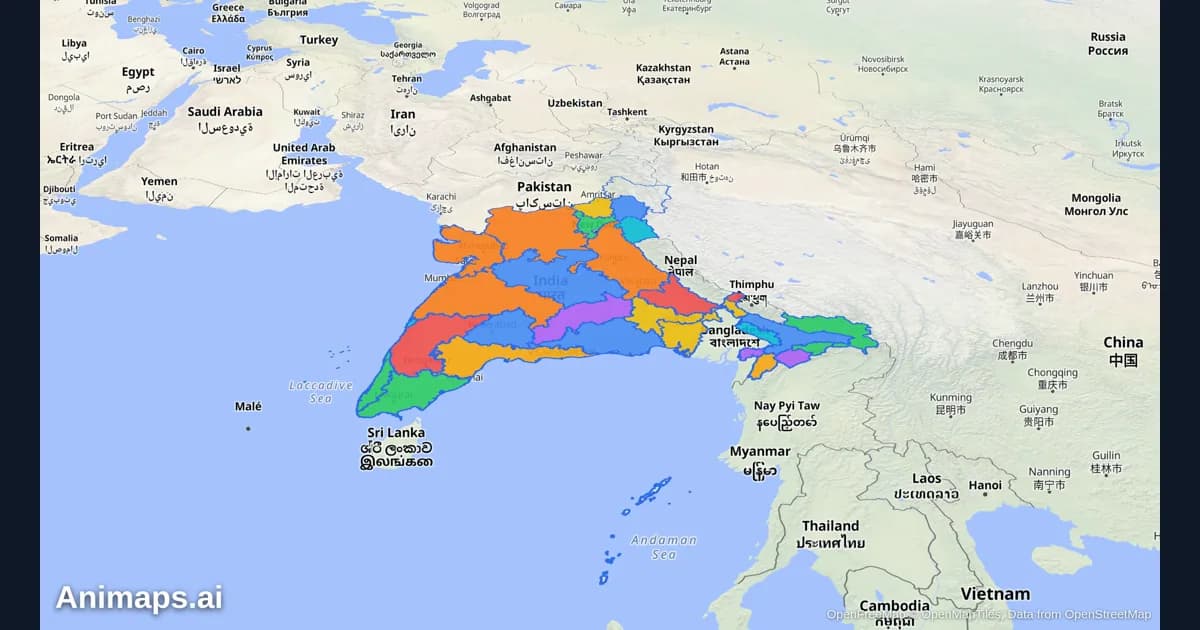
AI-Powered Map Animations vs Traditional Methods: A Complete Comparison
Creating map animations used to require expensive software, hours of manual work, and specialized skills. But AI-powered tools are changing the game. Let's compare the old way with the new way.
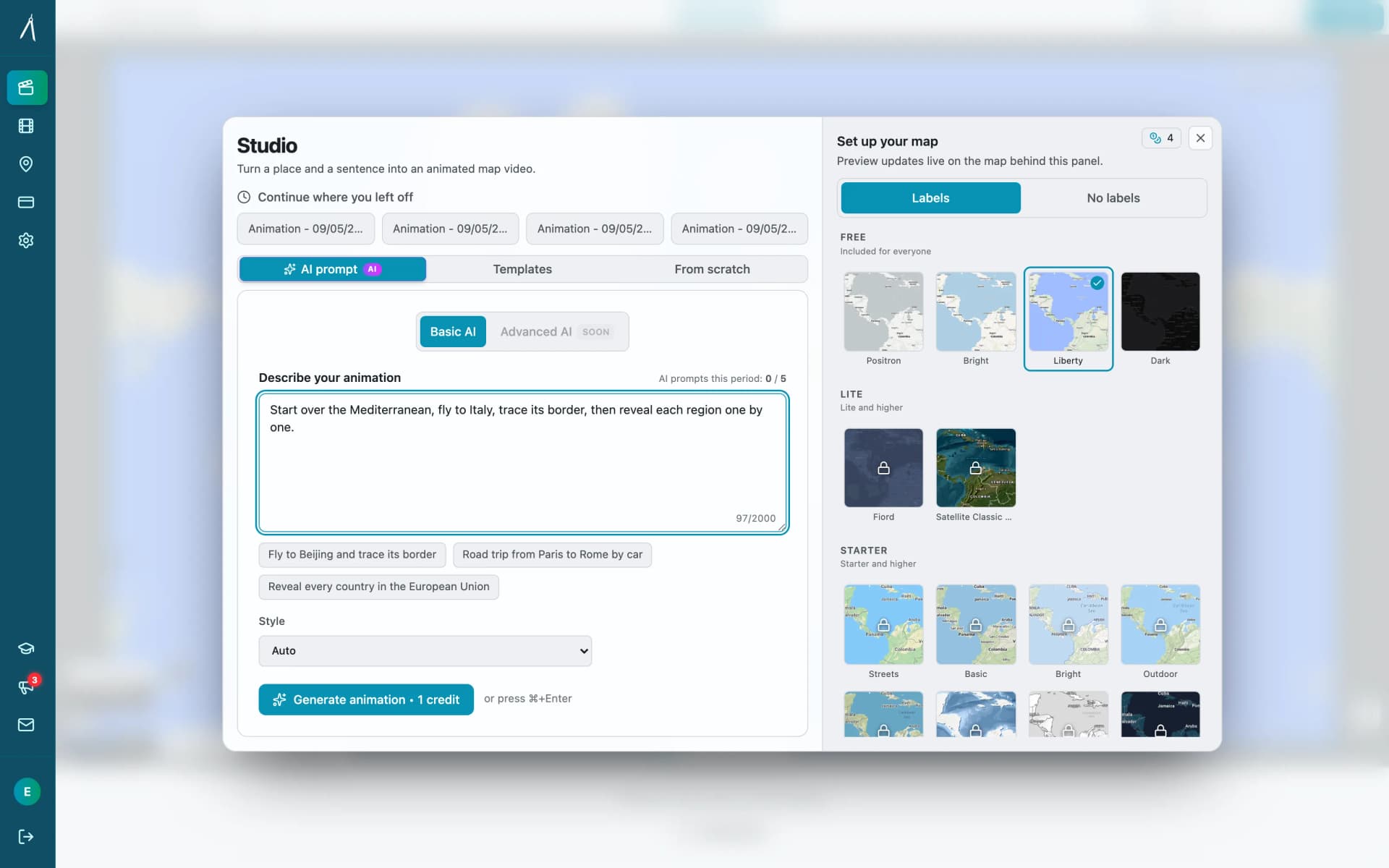
Animaps vs MapAnimation.io: Prompt-Only or Prompt-Then-Edit?
Both tools turn a written sentence into a map video and neither needs After Effects. MapAnimation.io is built end to end around the prompt: describe, generate, download, with image, video and sprite uploads and cinematic elements in the prompt box. Animaps uses the prompt as a starting point and hands you a step editor with a live preview. Animaps publishes $9.90 and $19.90 per month; MapAnimation.io's pricing page showed no plan table when we checked.
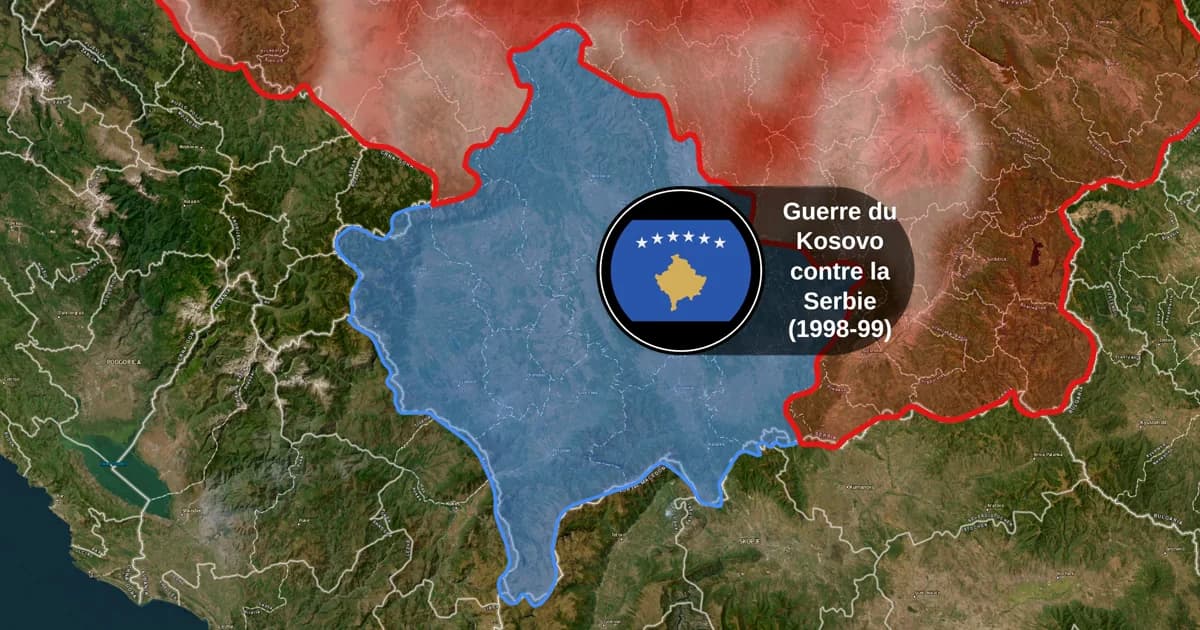
Map Animation Tools: How to Create Animated Maps in 2026
A map animation tool turns a place and a sentence into a moving map video - camera flights, country borders, flag fills, routes, labels - without After Effects, plugins or keyframes. Here is what to look for, and what Animaps does.
Browse every article in the Animaps blog.
