Map Animation Tutorials & Guides
Learn how to draft with AI prompts, refine with Preview & Editor, and publish with a render-first credit model that keeps creative control in your hands.
Featured Articles
Animaps vs GEOlayers: Specialized Tool or After Effects Plugin?
You're comparing Animaps and GEOlayers for creating map animations. Both are purpose-built for geographic content, but take fundamentally different approaches. GEOlayers brings maps into After Effects, requiring AE proficiency plus 20+ hours of plugin learning. Animaps is a standalone browser platform with zero prerequisites and a 30-minute learning curve. This comparison examines workflows, requirements, costs, and use cases.
Animaps vs After Effects: Which Tool Should You Choose for Map Animations?
You're choosing between Animaps and After Effects for map animations. Both create professional results, but they're designed for completely different users. Animaps takes 60 seconds to 10 minutes per animation with zero learning curve. After Effects takes 45-90 minutes per animation after a 150-hour learning investment. This comparison examines time, costs, features, and use cases to help you decide.
Best AI Map Animation Tools Compared (2026)
Most AI map tools work the same way: type a prompt, render, hope it's good. Animaps is the only tool with a full interactive preview and step editor — so you see and edit every frame before spending credits. This guide compares the 5 leading map animation tools to help you choose.
Comparison Articles
Animaps vs EasyMotion: A Map Studio or a General Motion Graphics Tool?
EasyMotion is an AI motion graphics generator where maps sit alongside charts, UI motion, chat scenes and VFX, with transparent MOV export and a 180 second maximum. Animaps only does maps: 21 animation types, a step editor with per-step timing, and flat map or globe. Both publish prices, EasyMotion at $10, $20 and $60 per month and Animaps at $9.90 and $19.90, but only one free tier lets you write your own prompt.
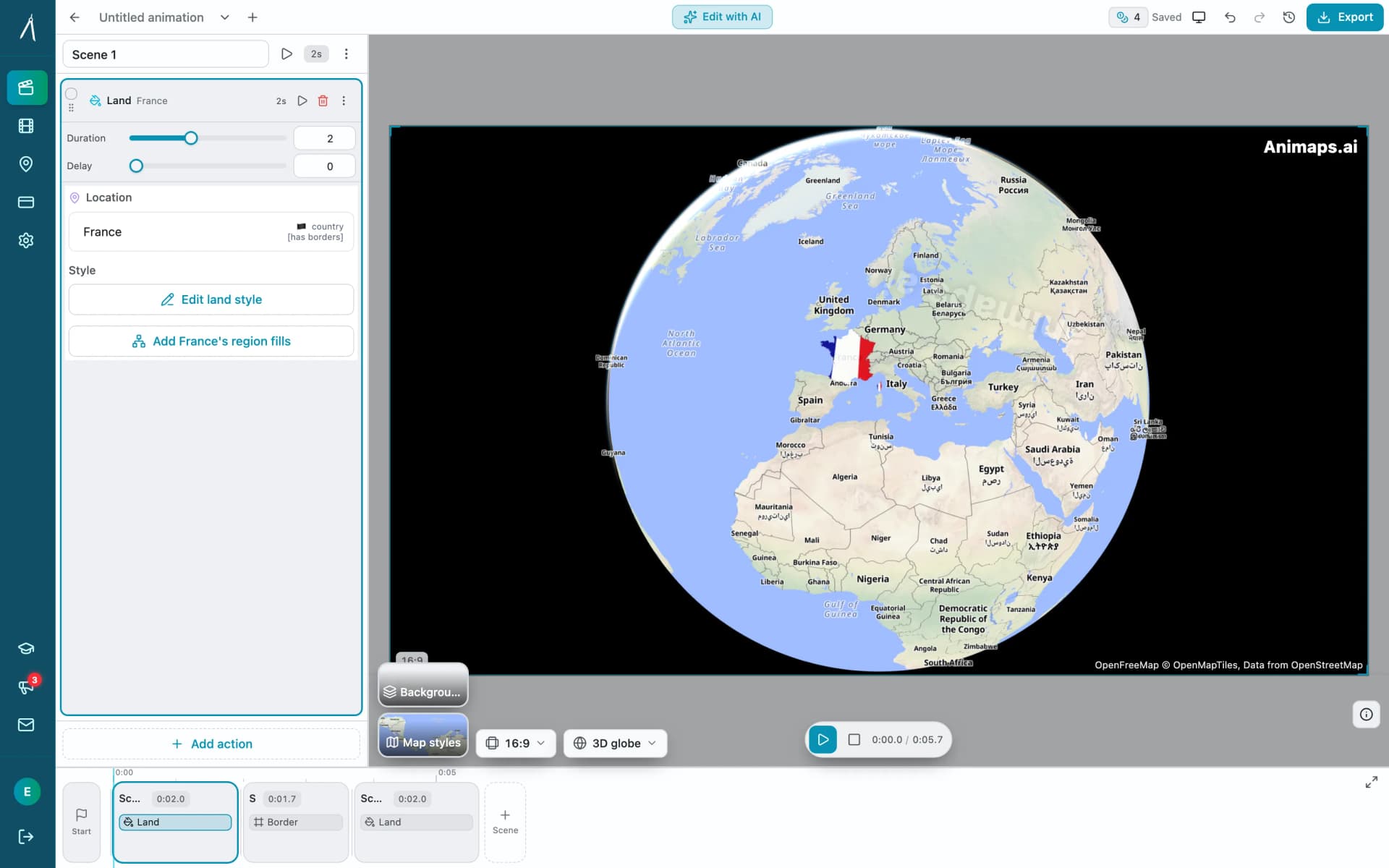
Animaps vs Mult.dev: A Trip Recap or a Map Animation Studio?
Mult.dev animates a journey: you add stops, pick the transport for each leg, drop your photos on the map, and export a travel recap, on your phone if you want, paid for once rather than by subscription. It imports GPX, KML and GeoJSON from Strava, Gaia and Komoot. Animaps animates a map: routes are one of 21 animation types alongside borders, fills, historical timelapses, labels and a globe view, with a step editor and published monthly pricing at $9.90 and $19.90.
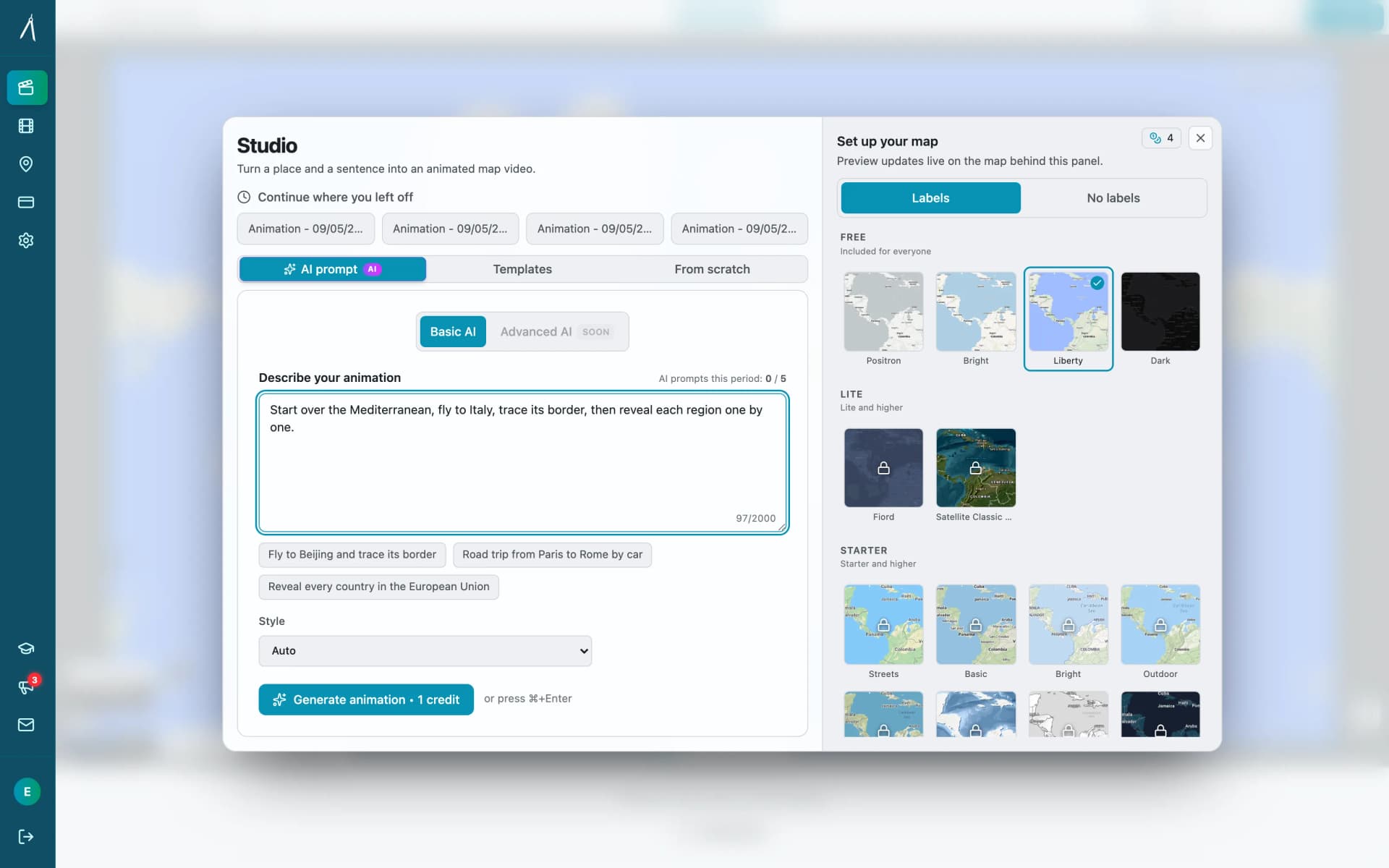
Animaps vs MapAnimation.io: Prompt-Only or Prompt-Then-Edit?
Both tools turn a written sentence into a map video and neither needs After Effects. MapAnimation.io is built end to end around the prompt: describe, generate, download, with image, video and sprite uploads and cinematic elements in the prompt box. Animaps uses the prompt as a starting point and hands you a step editor with a live preview. Animaps publishes $9.90 and $19.90 per month; MapAnimation.io's pricing page showed no plan table when we checked.
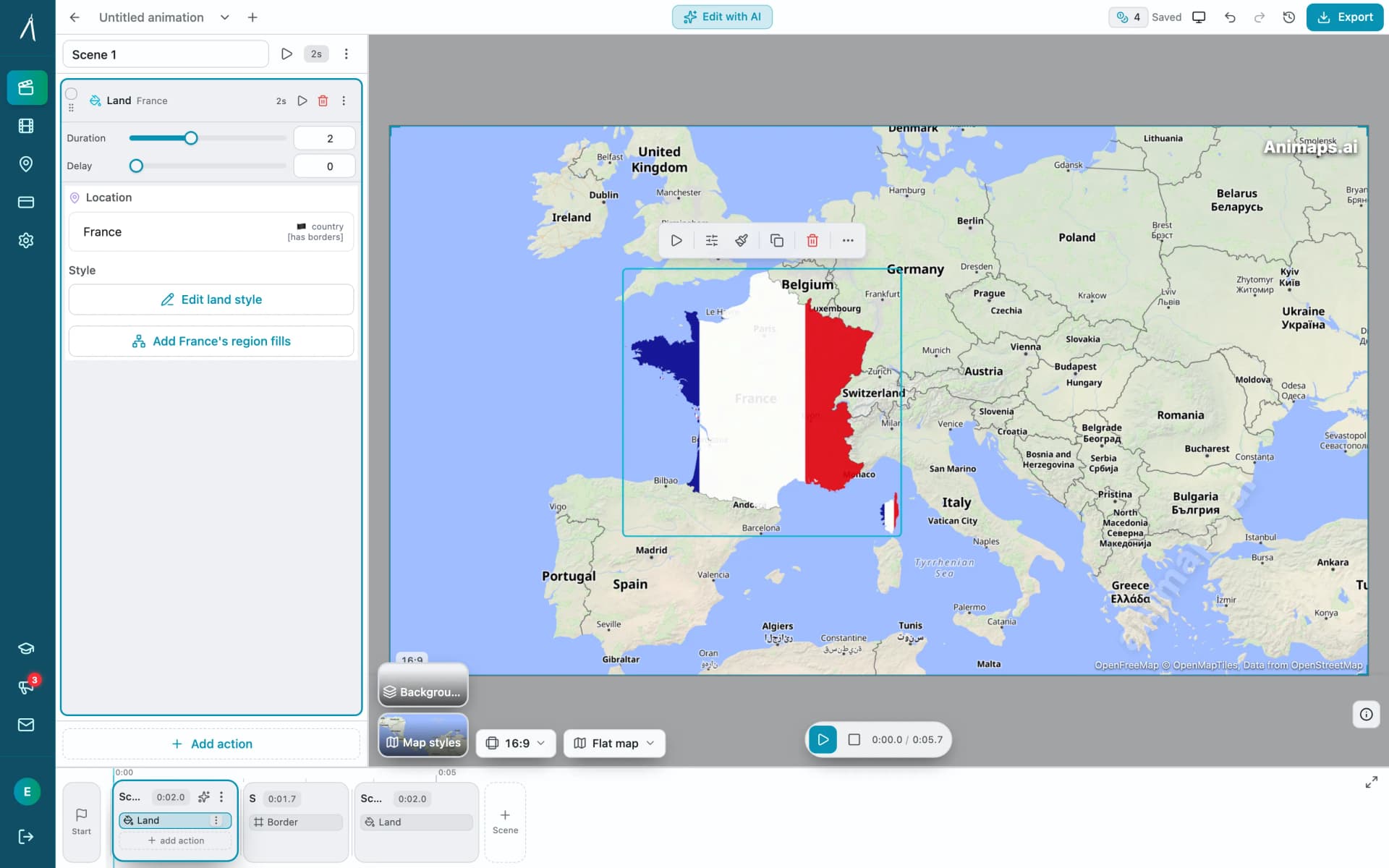
Animaps vs anim8map: Travel Route Videos or a Full Map Studio?
These two tools are not built for the same job. anim8map makes animated 3D travel routes with stops, travel modes and your own photos, and sells per video or as a six-month pass. Animaps is a general map animation studio covering camera work, borders, labels and highlights on a monthly subscription. For a single trip recap, paying once beats subscribing. For ongoing map content, the subscription is the cheaper shape.
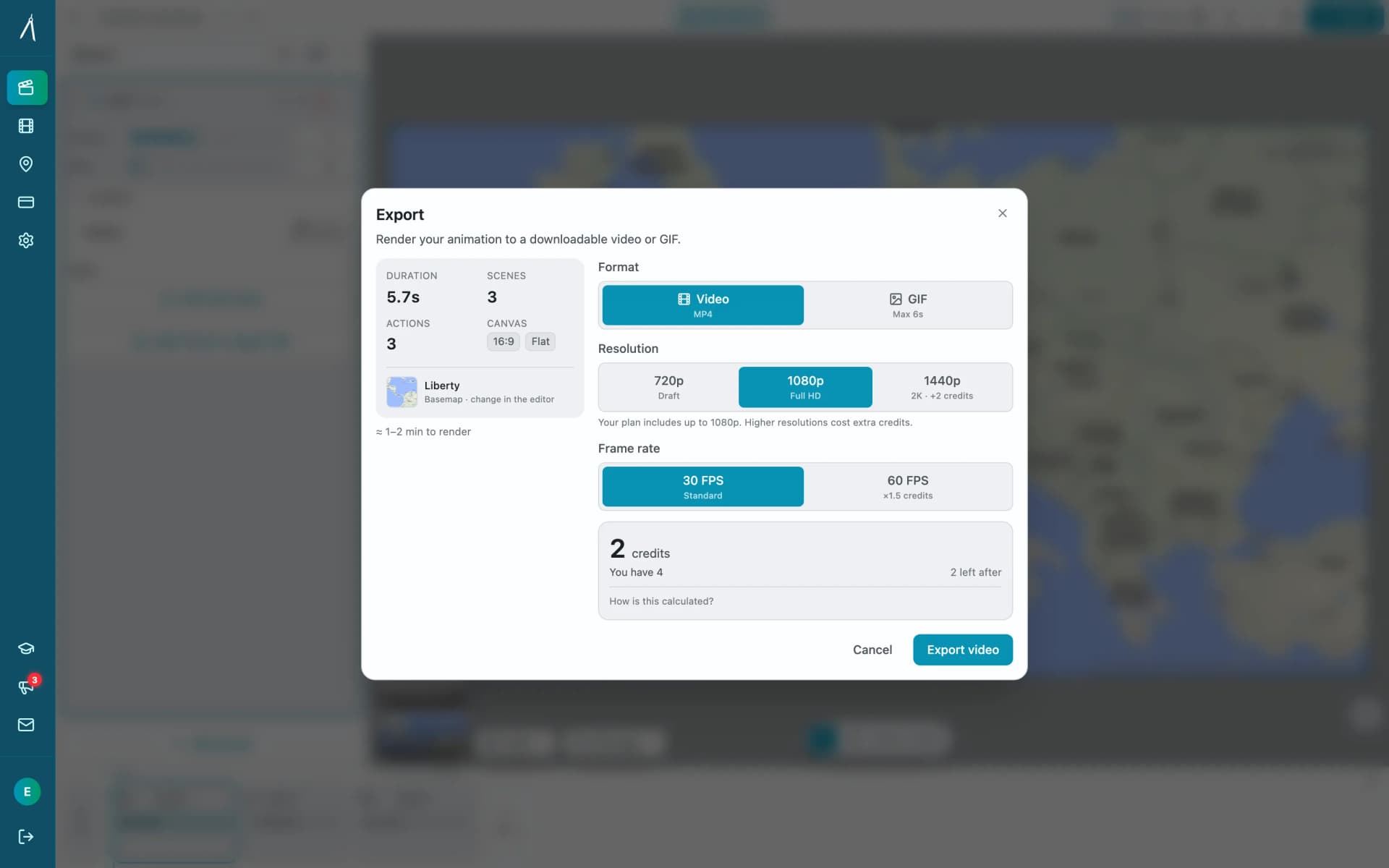
Animaps vs Mapimator: Two AI Map Tools Compared
Animaps and Mapimator both run in a browser and both advertise AI, which makes them look more alike than they are. Mapimator's AI Map Director automates camera work inside a project you build; Animaps generates a whole animation from a written description. Mapimator Pro is $12 per month and exports up to 4K, where Animaps Pro is $19.90 and caps at 1440p. Animaps covers more animation categories and has a far more usable free tier.
Animaps vs AnimateMyMap: Which Map Video Tool Fits Your Work?
Both Animaps and AnimateMyMap make map videos in a browser, and neither needs After Effects. The difference is where you start: Animaps turns a written description into an editable animation, while AnimateMyMap is built around camera modes and layers you place yourself. AnimateMyMap Pro exports 4K where Animaps caps at 1440p, and it does not publish dollar amounts for its paid tiers.
Animaps vs GEOlayers: Specialized Tool or After Effects Plugin?
You're comparing Animaps and GEOlayers for creating map animations. Both are purpose-built for geographic content, but take fundamentally different approaches. GEOlayers brings maps into After Effects, requiring AE proficiency plus 20+ hours of plugin learning. Animaps is a standalone browser platform with zero prerequisites and a 30-minute learning curve. This comparison examines workflows, requirements, costs, and use cases.
Animaps vs After Effects: Which Tool Should You Choose for Map Animations?
You're choosing between Animaps and After Effects for map animations. Both create professional results, but they're designed for completely different users. Animaps takes 60 seconds to 10 minutes per animation with zero learning curve. After Effects takes 45-90 minutes per animation after a 150-hour learning investment. This comparison examines time, costs, features, and use cases to help you decide.
Best AI Map Animation Tools Compared (2026)
Most AI map tools work the same way: type a prompt, render, hope it's good. Animaps is the only tool with a full interactive preview and step editor — so you see and edit every frame before spending credits. This guide compares the 5 leading map animation tools to help you choose.
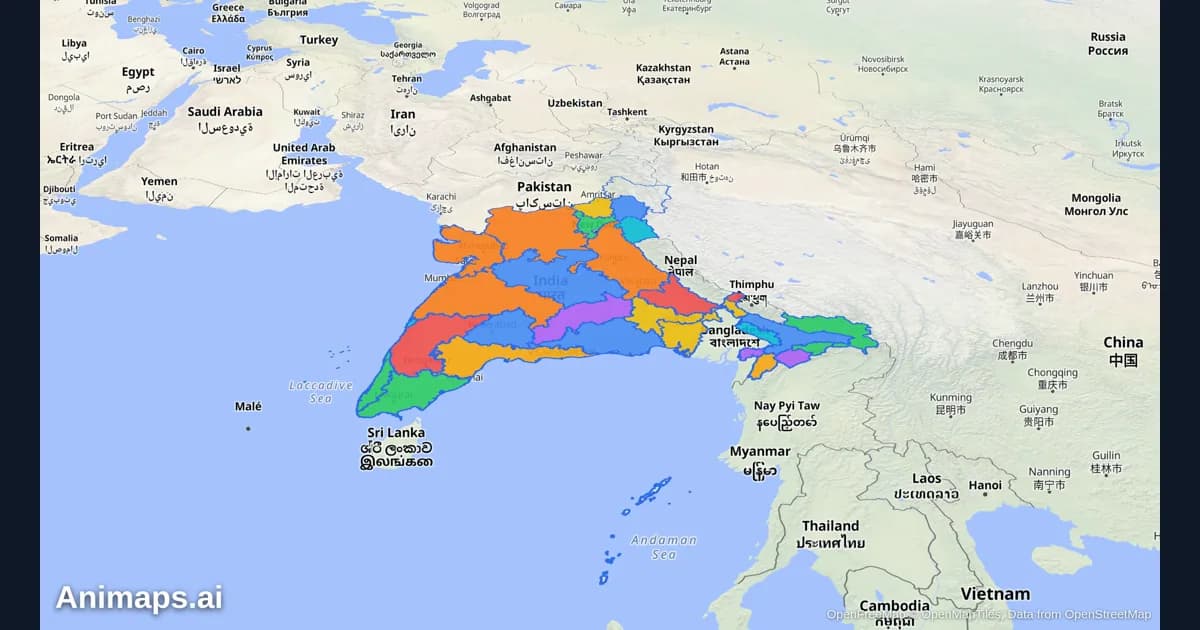
AI-Powered Map Animations vs Traditional Methods: A Complete Comparison
Creating map animations used to require expensive software, hours of manual work, and specialized skills. But AI-powered tools are changing the game. Let's compare the old way with the new way.
Ready to Create Your First Animation?
Draft with AI or templates, refine each step in the editor, and spend credits only when you render.
Start Free →